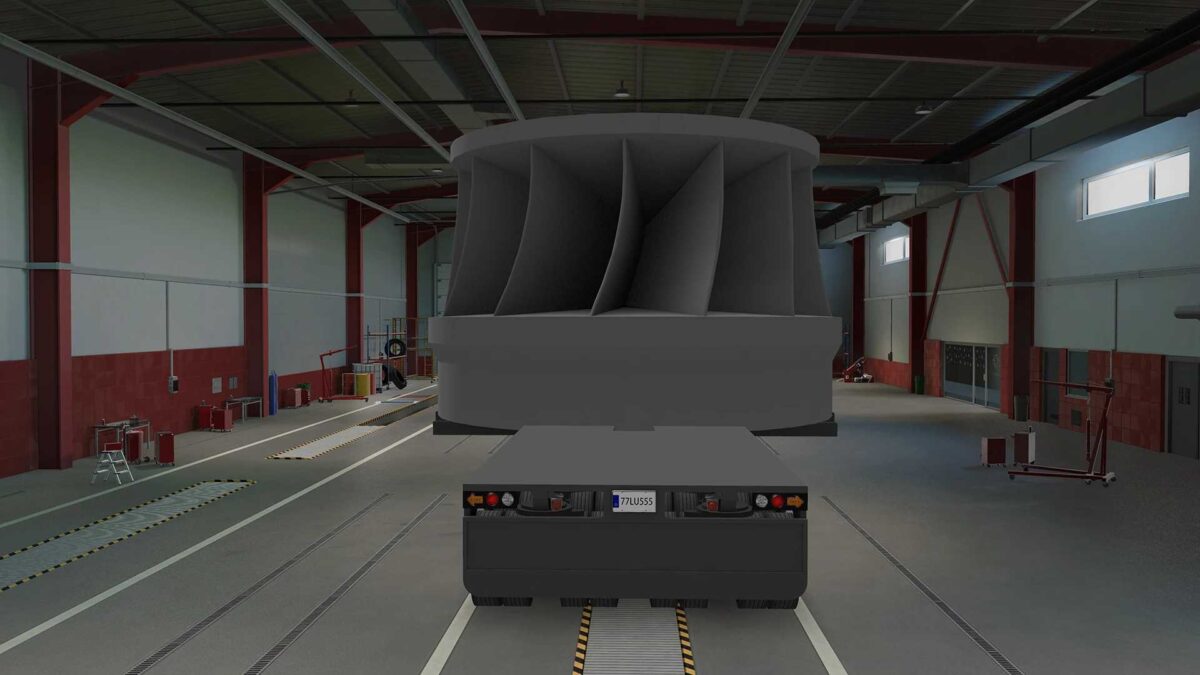
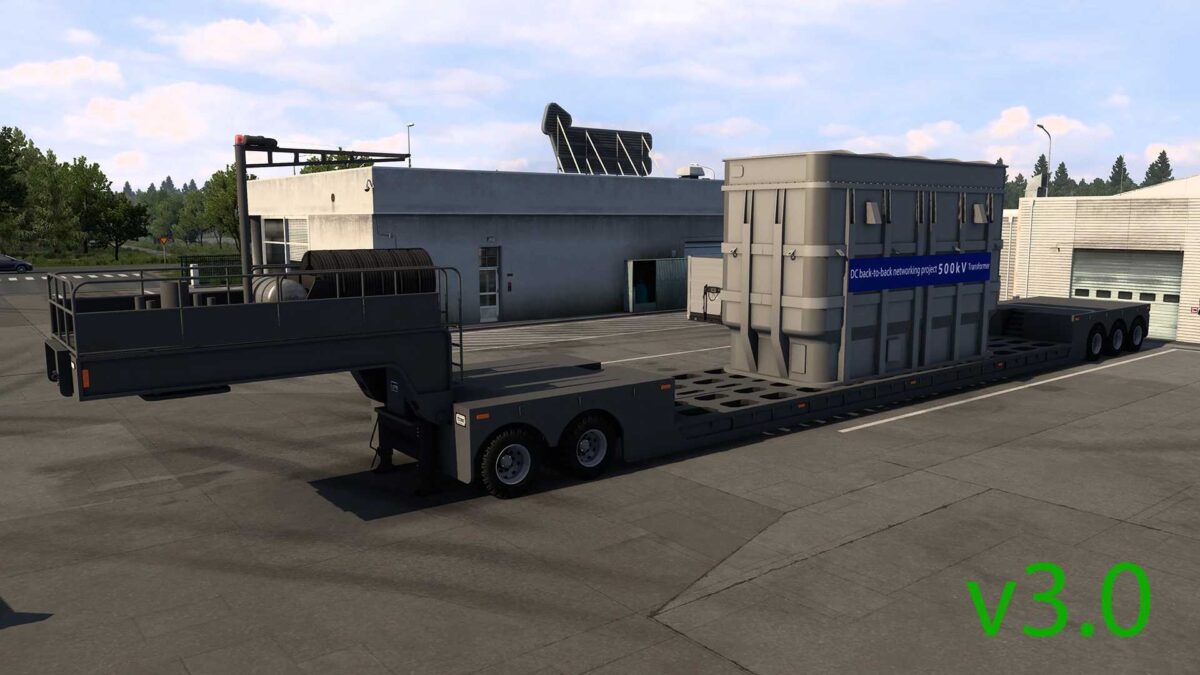
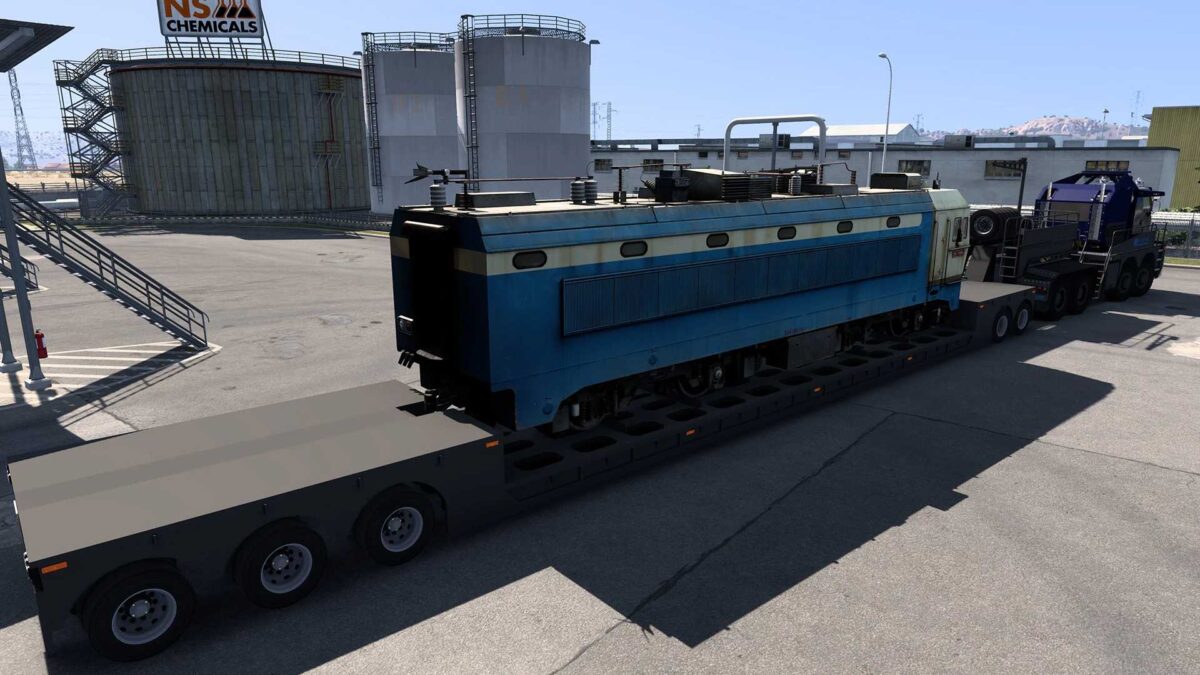
MULTI AXLE FLATBED TRAILER 10 AXLES v3.0 1.55 ETS2
NOTICE: RENAULT KERAX TRACTOMAS 8X8 v3.0 IS SUGGESTED FOR USE WITH THIS TRAILER!
v3.0 CHANGELOG:
Updated for version 1.55 (new SCS cargo system).
Adjusted UI shadow intensity.
Corrected some definition files.
Modified cargo weights.
v2.1 CHANGELOG:
Resolved crash issue at trailer dealer for version 1.51.x.
v2.0 CHANGELOG:
Fixed collision issues.
Corrected lighting.
Adjusted wheel particles.
Altered height settings.
Removed impossible cargo items.
Deleted unnecessary files.
Added to trailer browser.
Adjusted UI shadow settings.
Clean game log!
Credits: RussianGuy, Nicolas, ZCLLL
How to install ETS2 mods or ATS Mods
Installing mods in Euro Truck Simulator 2 is straightforward. Simply download the mod from the provided link and copy/unzip the files into: “My Documents\Euro Truck Simulator 2\mod” folder. For American Truck Simulator, place the mods in: “My Documents\American Truck Simulator\mod” folder. You can use WinRAR or 7zip to unzip files. After that, ensure to activate the mods you want to use.