Custom Smoked Headlamps for SCS Scania NG R & S v1.0 ETS2
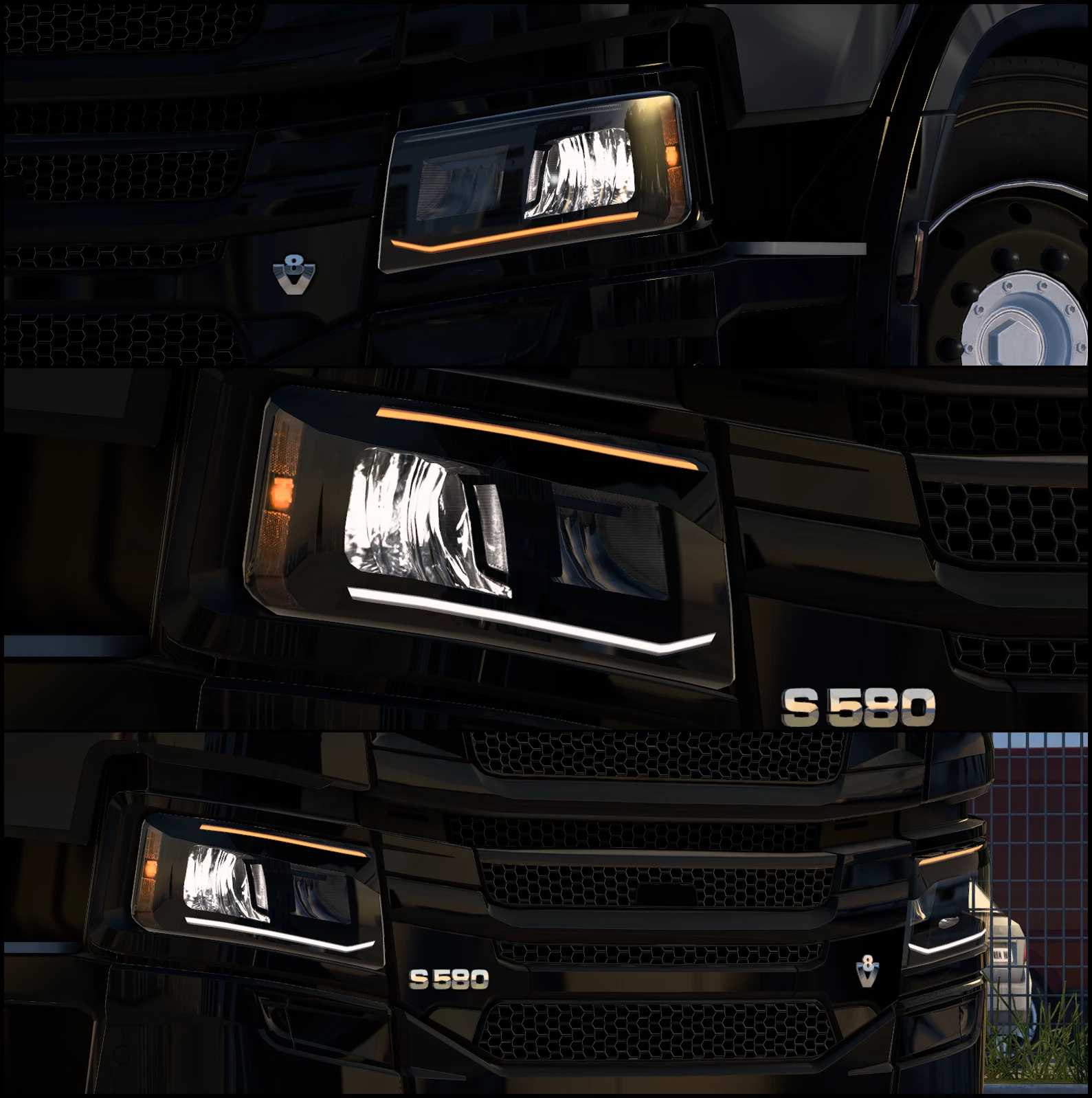
– This modification introduces smoked headlamps with dark accents for the default Scania NG trucks.
– Four variations of the lights are available: Smoked with white DRL, Smoked with Amber DRL, Smoked with White DRL + Eyelids, and Smoked with Amber DRL + Eyelids.
– The headlight assembly is built upon the stock SCS model but has undergone significant modifications.
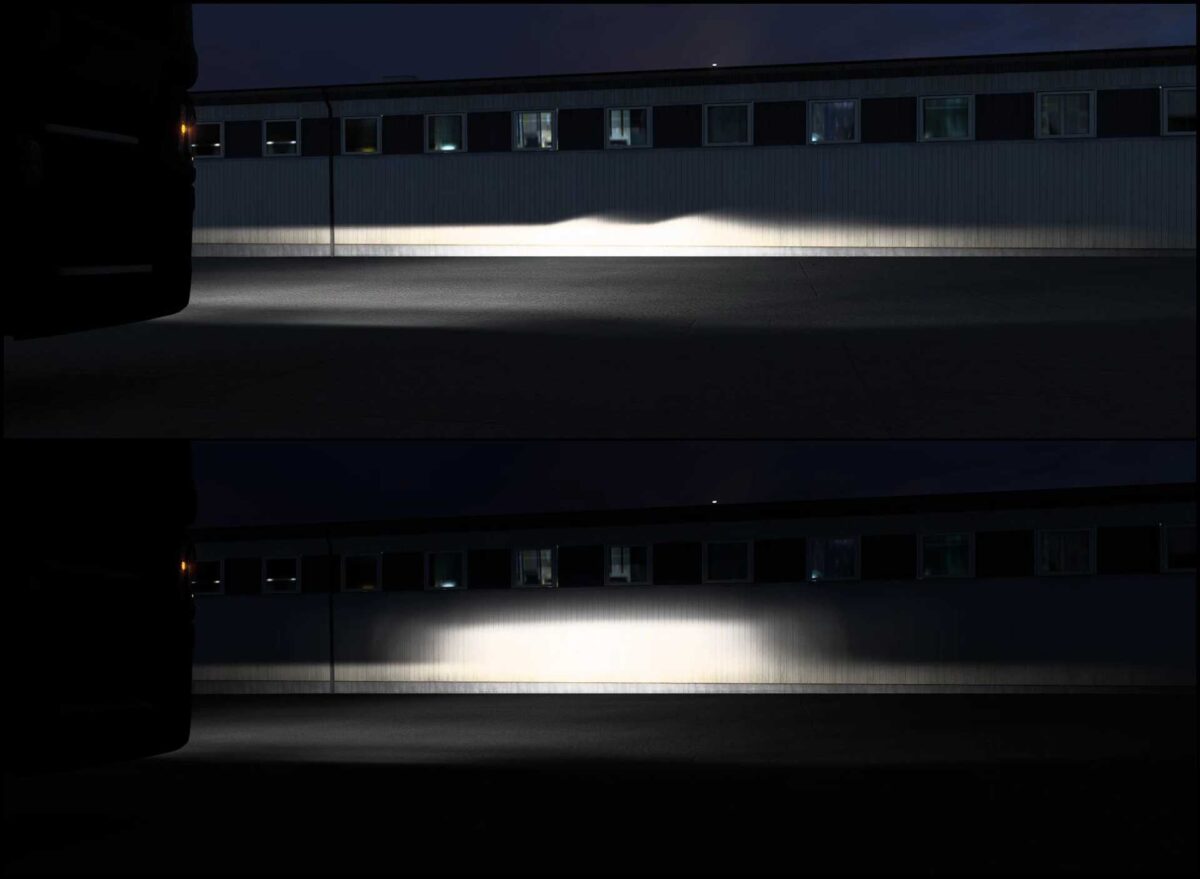
– The LED reflector headlight beam (light mask) was created from scratch.
– The utilized flares are from the stock set.
Compatibility tested for version 1.54
The headlamp assembly can be customized with a single color; the skinning names are:
acc_list[]: “f_light_chs.shapedark”
acc_list[]: “f_light_chs.1shapedark”
acc_list[]: “f_light_chs.shapedark2”
acc_list[]: “f_light_chs.1shapedark2”
Credits: jake_azazel83
How to Install ETS2 or ATS Mods
Installing mods in Euro Truck Simulator 2 is straightforward. Simply download the mod from here, and copy/unzip the files into the “My Documents\Euro Truck Simulator 2\mod” folder. For ATS, place the mods in the “My Documents\American Truck Simulator\mod” folder. You can use WinRAR or 7zip for unzipping the files. Afterward, activate the mods you wish to use.