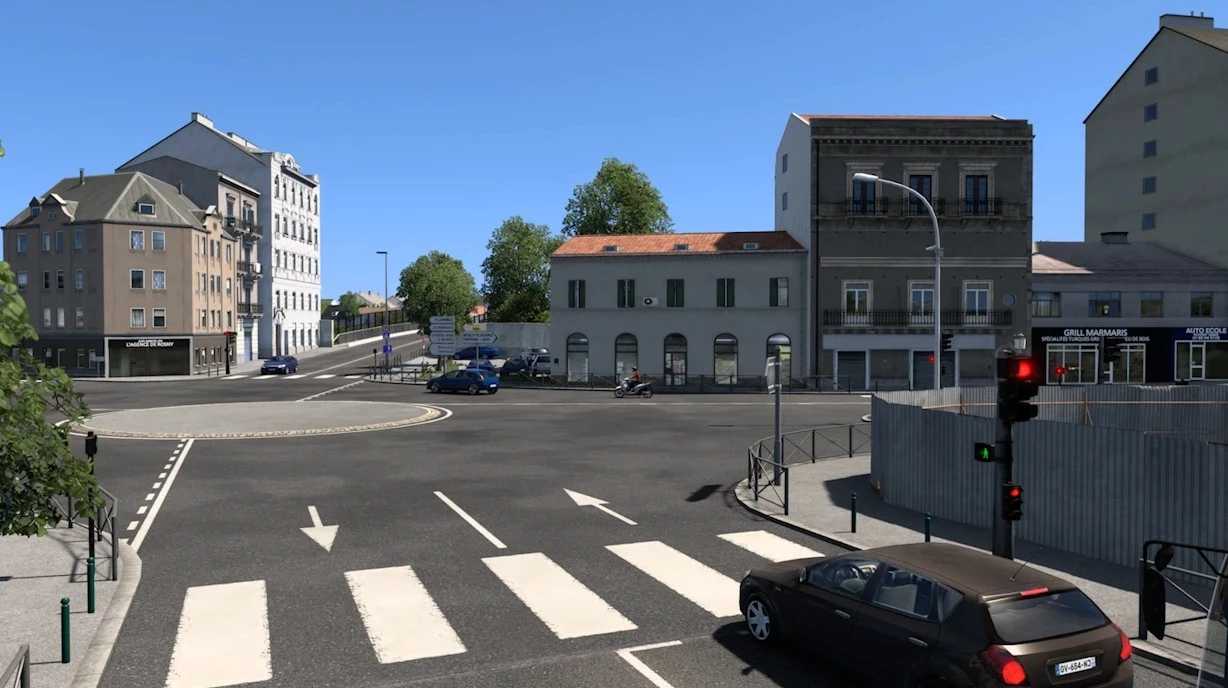
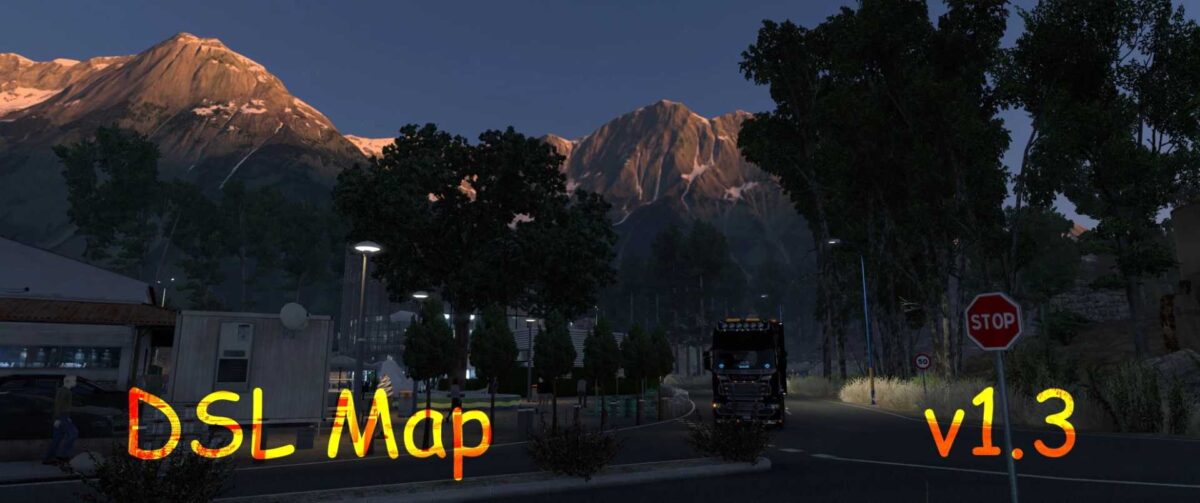
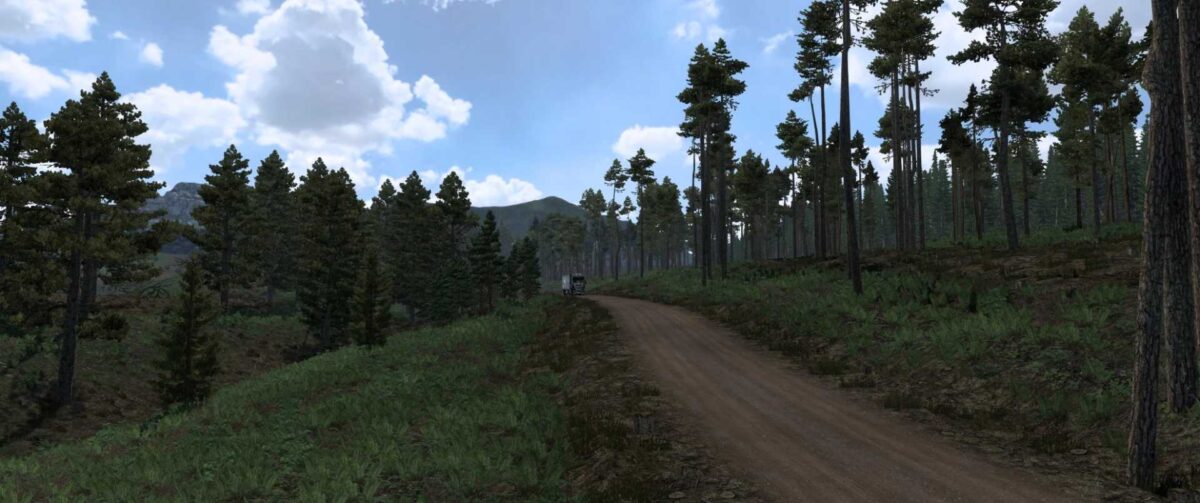
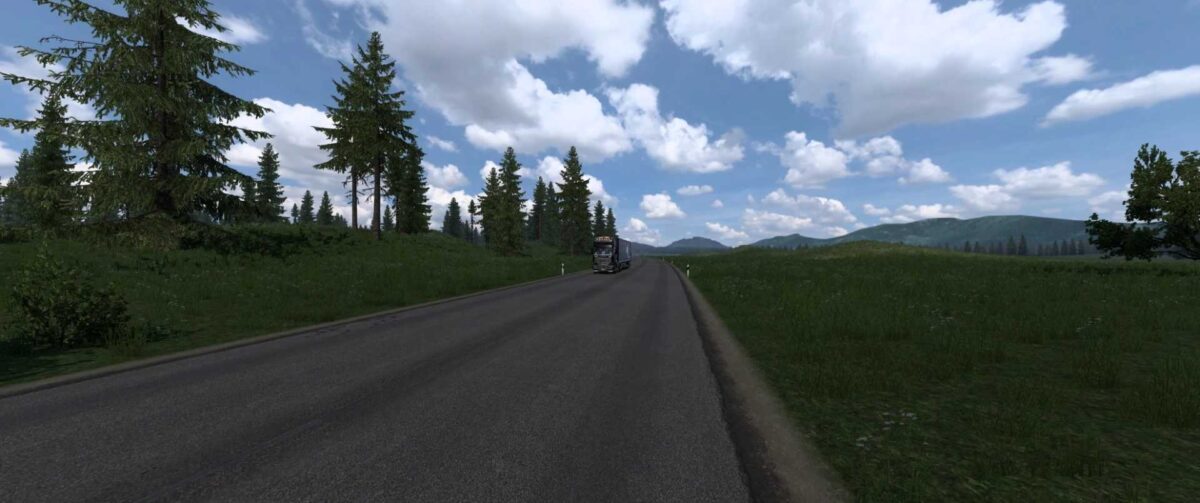
DSL Map v1.3 for ETS2
This version 1.3 is primarily a crash fix for version 1.55. No significant new features or content have been added, but further updates are planned for the future.
INSTALLATION:
1. Extract the DSL Map v1.3.rar file using WinRAR.
2. Transfer the 3 SCS files into your mod directory.
3. Launch the game and create a new profile.
4. Navigate to the mod manager and enable the 3 files
(DSL Map.scs, Model 1.scs, and Model 2.scs).
5. Begin playing with the new profile.
If you have previously played with the DSL Map, make sure to remove the old 3 files and substitute them with the updated files in your mod directory.
(You can still use your previous DSL Map mod profile.)
IMPORTANT!
– This map has been constructed on a completely new framework, and it won’t work with any other map mods (such as Pro Mods…).
– Ensure you have all SCS map DLCs, excluding the Greece DLC.
This version is compatible with 1.55.
New Features:
– Crash fix implemented.
– Updated for version 1.55.
Credits: Black Dragon
Instructions for Installing ETS2 or ATS Mods
Installing mods in Euro Truck Simulator 2 is straightforward. Simply download the mod from here and copy/unzip the files into: “My Documents\Euro Truck Simulator 2\mod” folder. In case you play ATS, install the mods to: “My Documents\American Truck Simulator\mod” folder. For unzipping files, you can make use of WinRAR or 7zip. After that, activate the mods you wish to use.