BXP Russia FIX 156.3 for ETS2
This is the BXP Russia FIX compatibility patch.
CONTAINS: fixes for RusMap, M12 Vostok, and NN map.
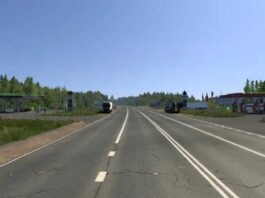
FEATURES: addresses missing speed limits in Russia.
COMPLETED: eliminated road connection from Shatsk to RusMap.
INCOMPLETE: none reported.
DEPENDENCY: Requires RusMap and M12 Vostok.
SPECIAL THANKS: SCS, aldimator, Sergey Zubarev, bruh_moment, and Twirk.
Credits: BXP
Installation Guide for ETS2 or ATS Mods
Installing mods in Euro Truck Simulator 2 is straightforward. Simply download the mod from this site, then copy or unzip the files into: “My Documents\Euro Truck Simulator 2\mod” folder. For American Truck Simulator, place mods in: “My Documents\American Truck Simulator\mod” folder. You can use tools like WinRAR or 7zip to unzip the files. After that, ensure you activate the mods you wish to use.