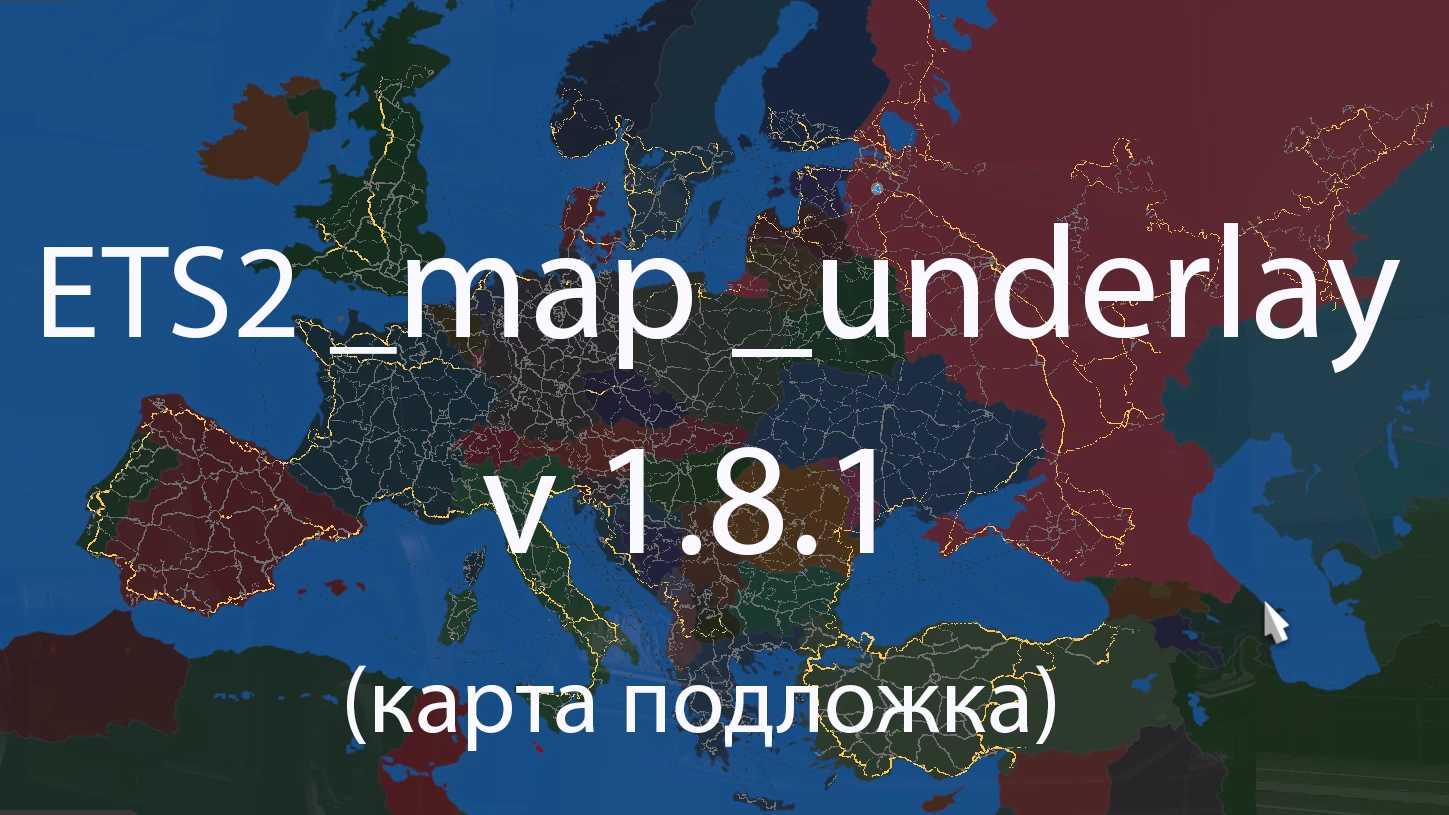
Map Underlay Version 1.8.1 for ETS2
This modification introduces a background map to the Euro Truck Simulator 2 game world.
Key Features:
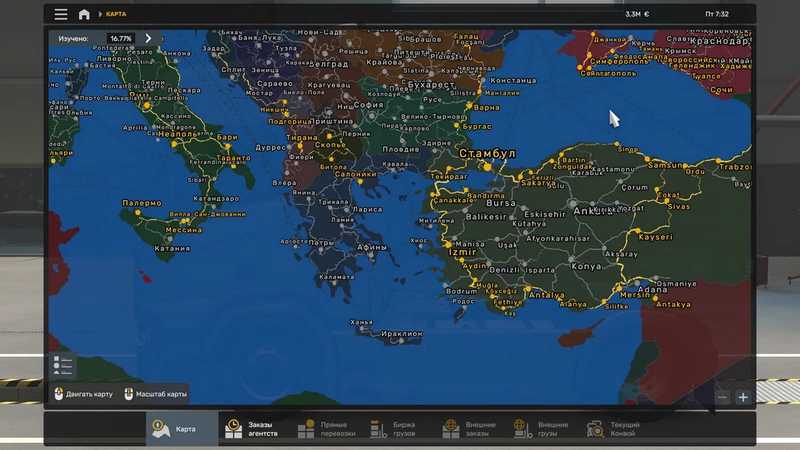
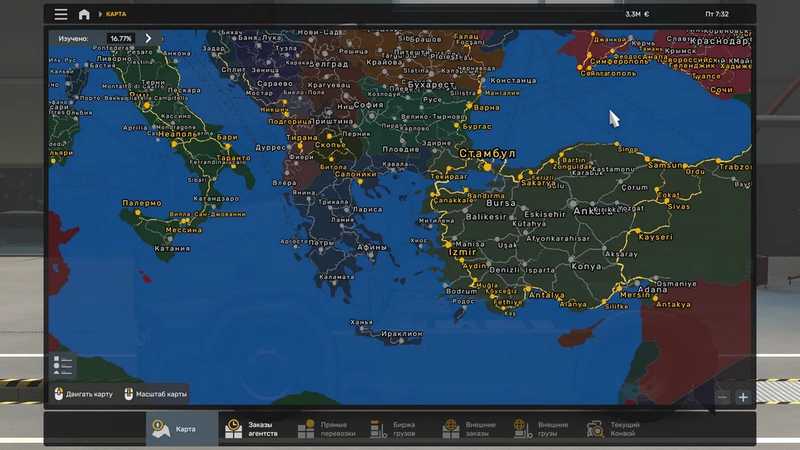
– Countries are represented in vibrant colors, showcasing regions: Europe, Russia, Asia, and Africa.
Updates:
– Enhancements for regions including Greece, Africa, and Asia, along with several fixes and improvements.
Installation Steps:
– Simply copy the downloaded file into your mod folder and enable it via the mod manager.
This mod has been verified to work with game version: 1.53
Credits: Surga
Guide to Installing ETS2 or ATS Mods
Installing mods in Euro Truck Simulator 2 is straightforward. Download the mod from this site and copy/unzip the files into: “My Documents\Euro Truck Simulator 2\mod” folder. If you are using ATS, place the mods in: “My Documents\American Truck Simulator\mod” folder. To unzip files, use WinRAR or 7zip. After unzipping, activate the mods you wish to use in the game.
Report any issues in the comments to assist modders in enhancing this mod. Always check the comments section for potential solutions.