Enhanced Flares v4.5.2 for ETS2 1.53
Updates:
– Improved flare texture quality
– Enlarged emergency beacon light size
– Added light effects to roadwork barrier lights
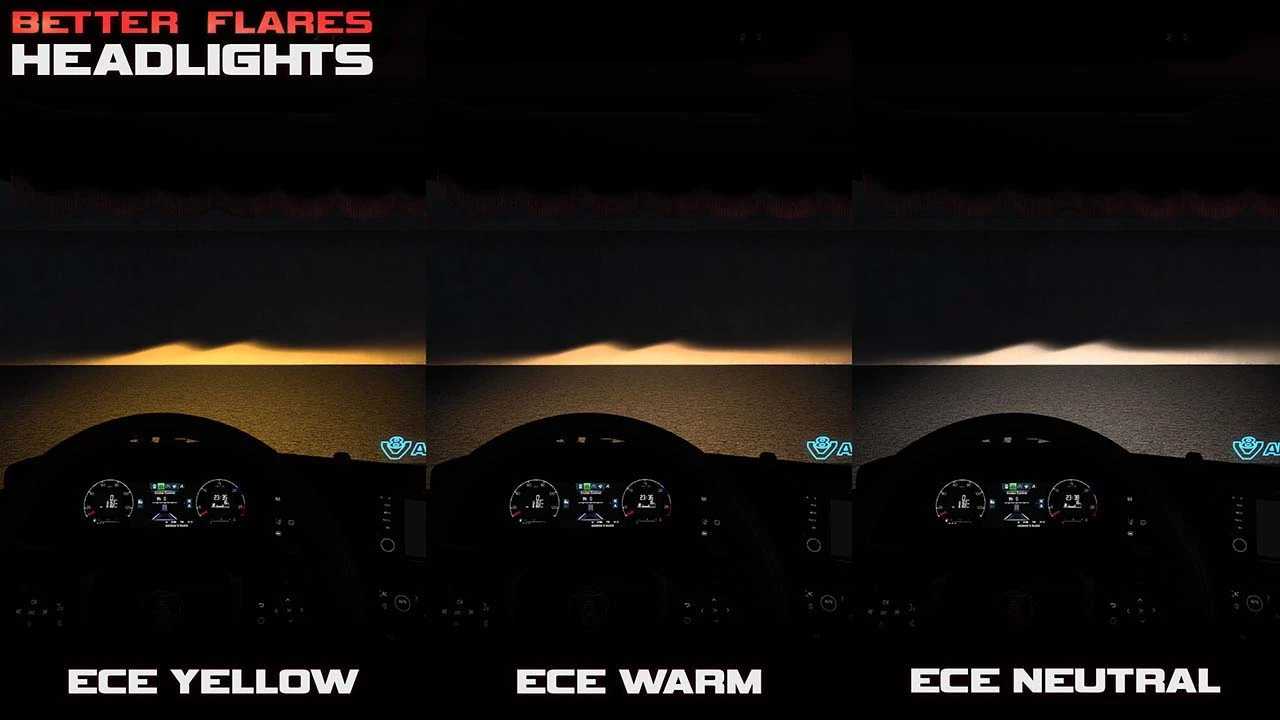
In Headlights Addon:
– Major enhancements to truck light patterns and colors
– Compatibility with 28 customized trucks
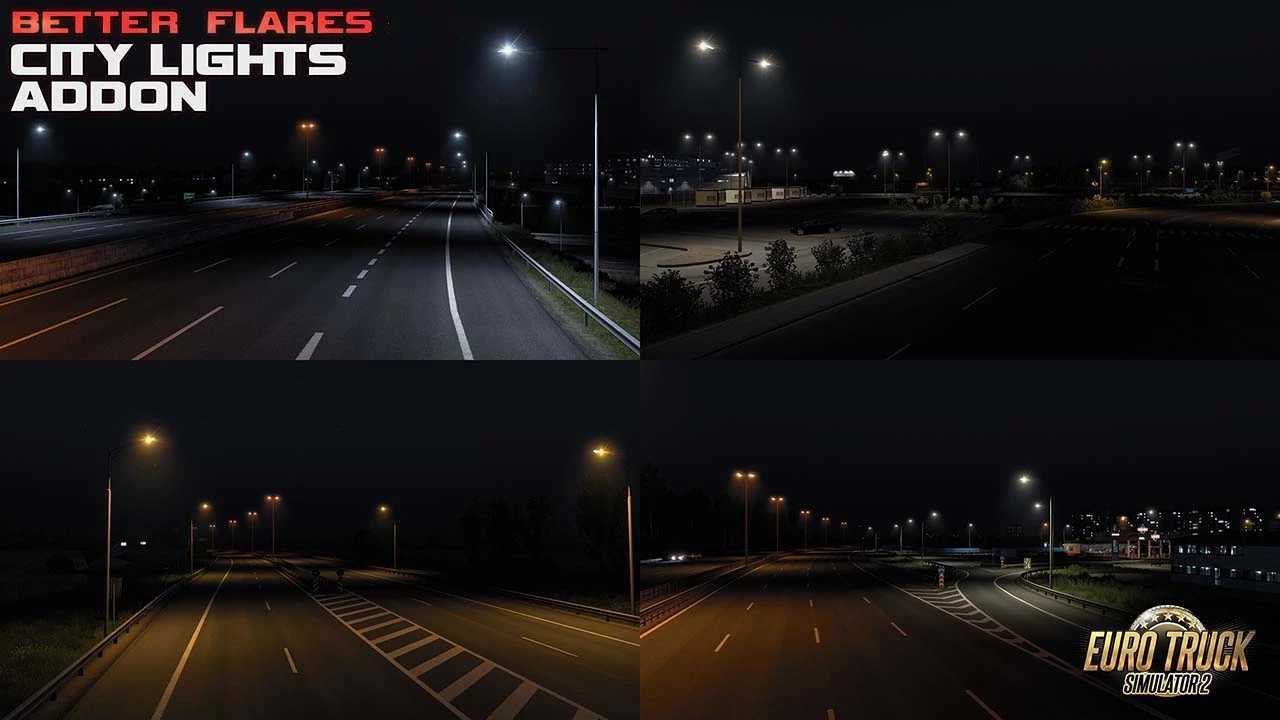
In City Lights Addon:
– Minor adjustments and enhancements for street lamp flares
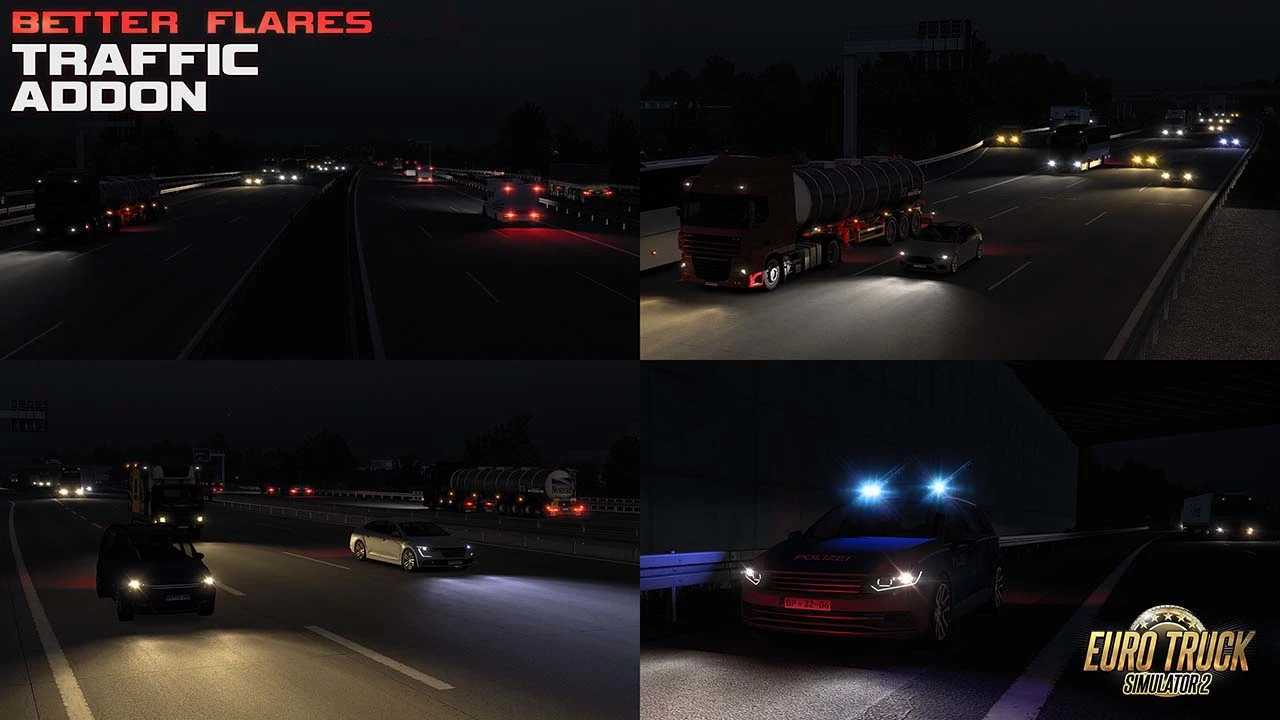
In Traffic Addon:
– Resolved reflection issues for Renault T and Stepron Premium trucks
– Integrated the latest updates from the Sound Fixes Pack
Highlighted Features:
– Completely redesigned flares
– Realistic headlight patterns available in 6 colors (supports up to 50 modified trucks)
– Altered SCS AI traffic with 9 headlight color options and 2 red/brake signal variants in Traffic Addon
– Dimmed street lamps included in City Lights Addon
Credits: Avelium
Installation Instructions for ETS2 or ATS Mods
Installing mods in Euro Truck Simulator 2 is straightforward. Simply download the mod, then copy or unzip the files into the “My Documents\Euro Truck Simulator 2\mod” directory. For American Truck Simulator, place the mods in: “My Documents\American Truck Simulator\mod”. You can use WinRAR or 7zip for unzipping files. After that, activate the mods you wish to use.