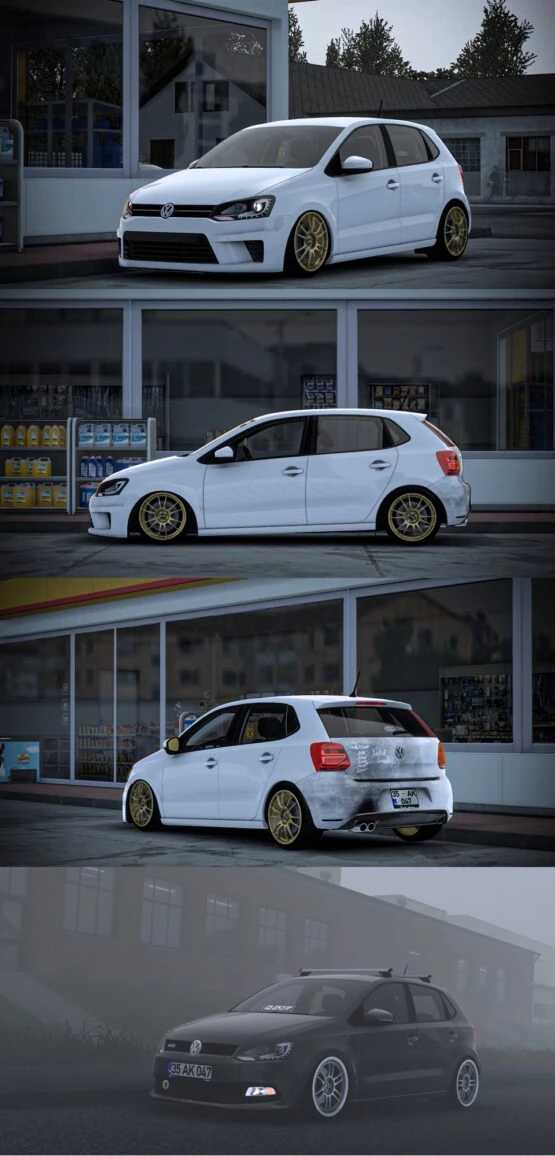
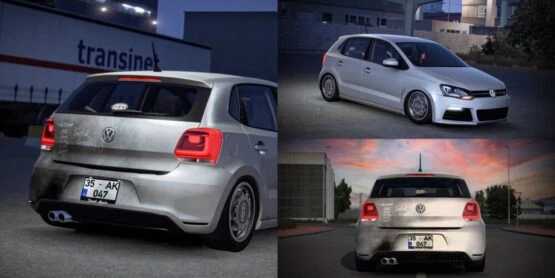
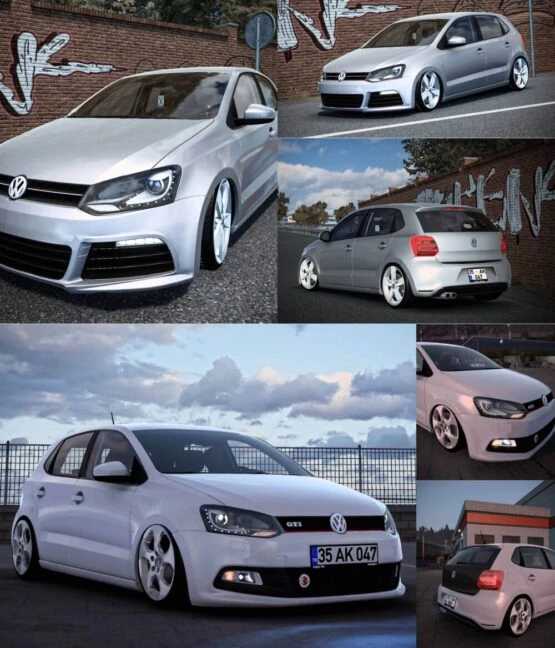
Volkswagen Polo 1.6 TDI Fix 1.53 ETS2
– 4 Unique Bumper Options
– 3 Distinct Headlight Designs
– 3 Different Tail Light Styles
– Over 10 Wheel Variants
– Underbody Illumination
– 2 Types of Steering Wheels
– Scent and Similar Slot Additions
Credits: Faruk Aygun
Instructions for Installing ETS2 or ATS Mods
Installing mods in Euro Truck Simulator 2 is straightforward. Simply download the mod from this page and copy/unzip the files into the: “My Documents\Euro Truck Simulator 2\mod” directory, or for American Truck Simulator, use: “My Documents\American Truck Simulator\mod” folder. You can unzip files using tools like WinRAR or 7zip. After that, activate the mods you wish to use in the game.
If you encounter any issues, please report bugs in the comments to assist modders in refining this mod. Always check the comments for possible solutions.