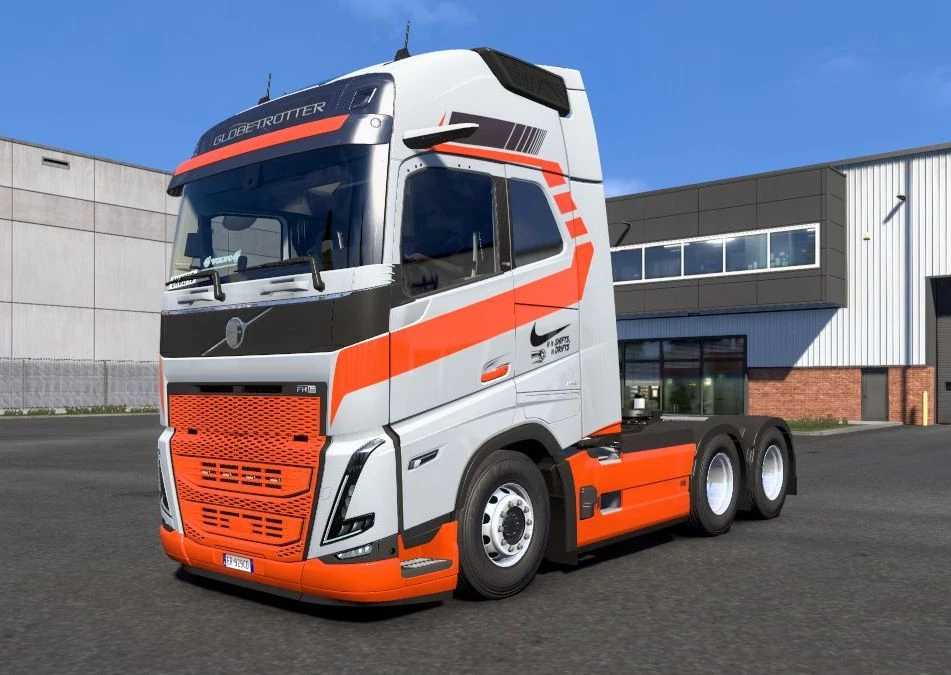
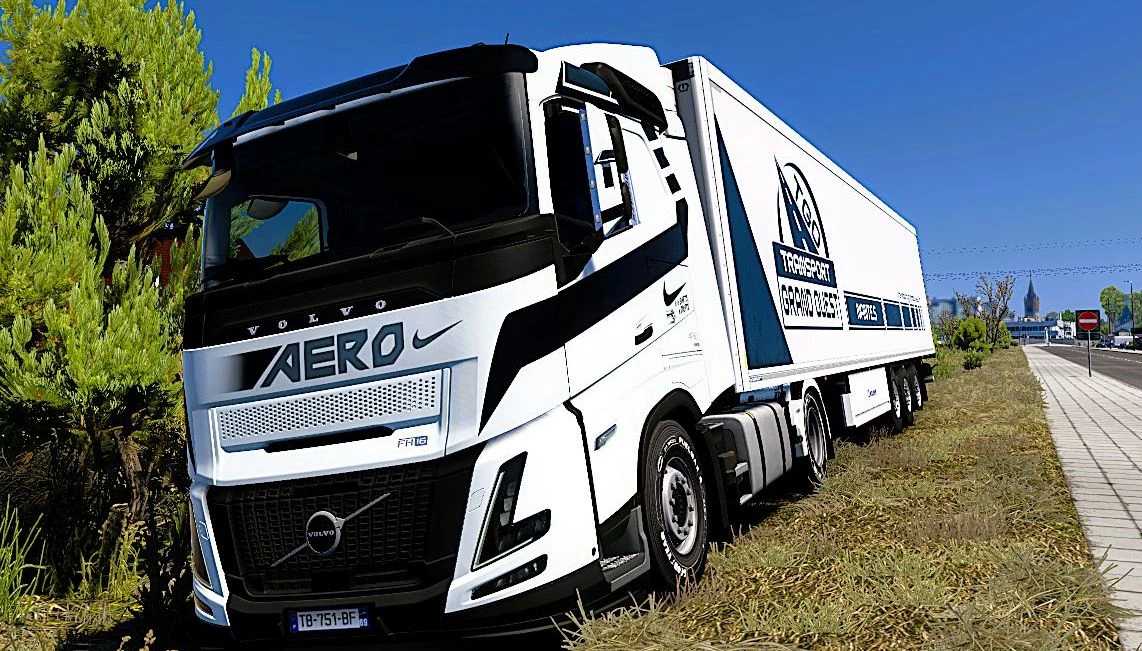
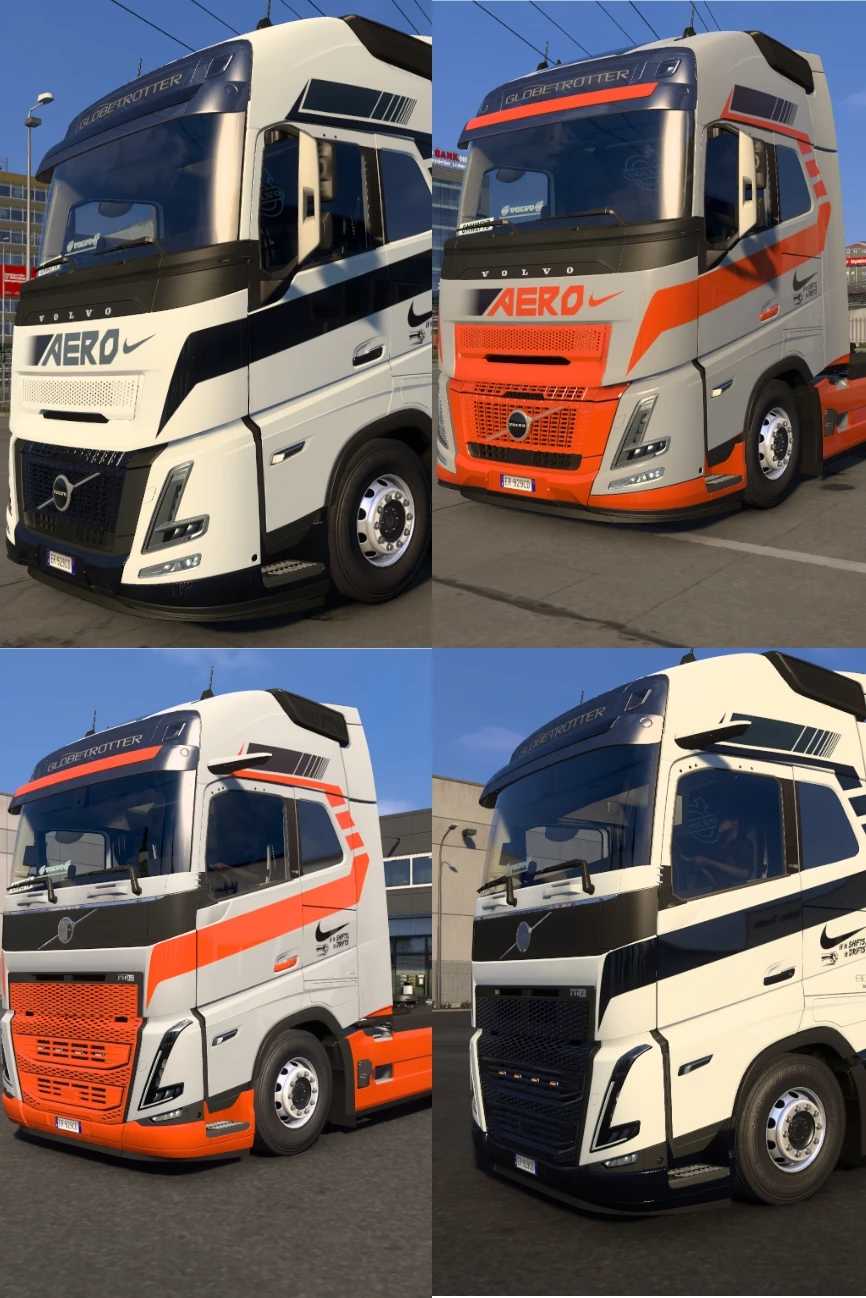
Volvo Globetrotter and Aero Antisocial Skin v1.0 for ETS2
This is the Volvo Globetrotter and Aero antisocial skin
To install, extract the files and place them in
Location: Documents/Euro Truck Simulator 2/mod/
It is compatible with any version featuring the Volvo FH16 Globetrotter and Aero.
Credits: K-nash
How to Install ETS2 or ATS Mods
Installing mods in Euro Truck Simulator 2 is straightforward. Simply download the mod from this page, and copy/unzip the files into the “My Documents\Euro Truck Simulator 2\mod” folder. If you’re playing ATS, place the mods in the “My Documents\American Truck Simulator\mod” folder. You can use tools like WinRAR or 7zip to unzip files. Once done, activate the mods you wish to use.
If you encounter any bugs, please report them in the comments to assist modders in improving this mod. Always check the comments section for potential solutions.