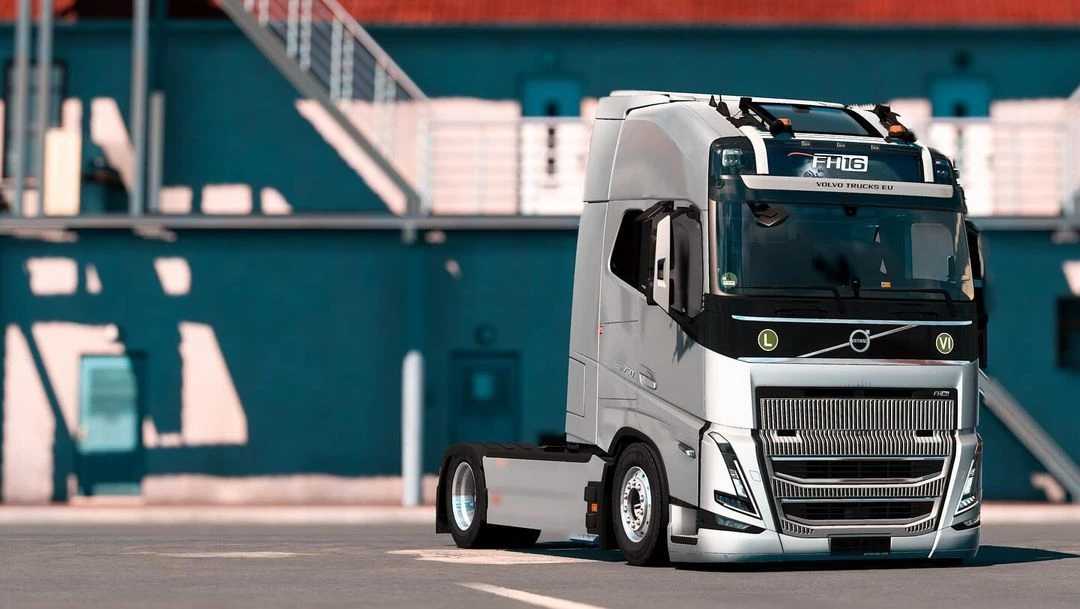
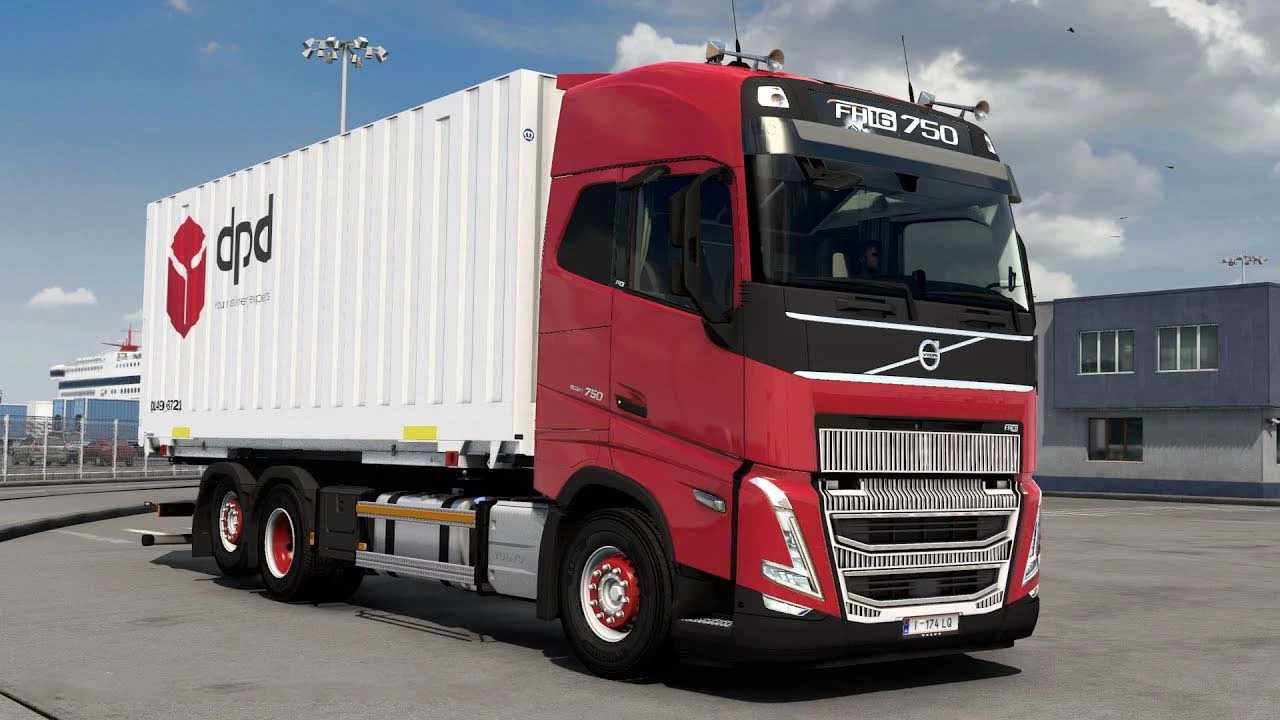
Volvo FH5 2022 Megamod v1.8.2p 1.52 ETS2
Changelog for v1.8.2p
– Updated for version 1.52
Changelog for v1.8.1p
– Resolved crashes for BDF/rigid vehicles with RHD interiors
– Updated vehicle data
– Included interior shadows
– Compatibility with version 1.51
– Added new addons for Swapbody and Kast Rigid, among others.
Key Features
– 3 Cab configurations (with and without side windows)
– 22 chassis options including Rigid/BDF
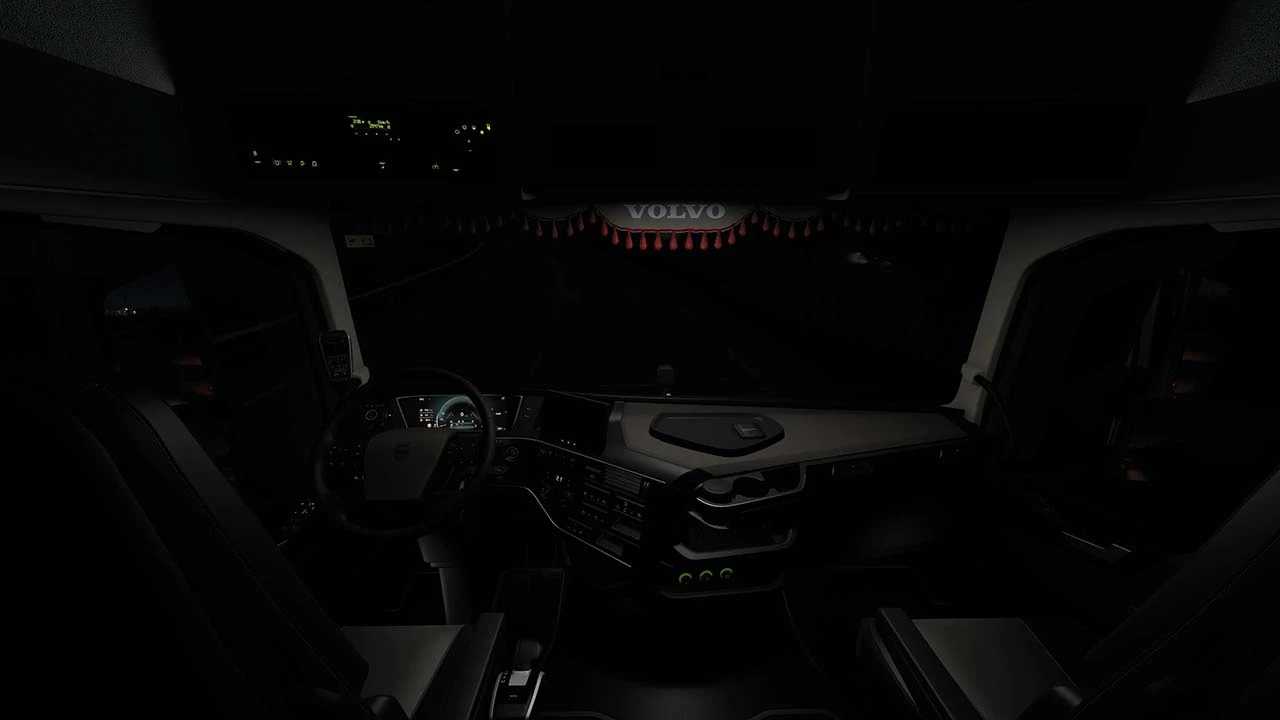
– 5 interior designs featuring a UK variant
– 14 types of seating
– Authentic sound effects
– Extensive accessory choices
– Fully digital dashboard with fading digits and ambient lighting
– Realistic primary display with multiple screens
– Additional corner blind spot camera
– Active blind spot sensors
– High-quality wheel designs
– Compatible with Swapbody and Kast Rigid options
Credits: Various
Instructions for Installing ETS2 or ATS Mods
Installing mods in Euro Truck Simulator 2 is straightforward. Just download the mod from this site, then copy or unzip the files into either: “My Documents\Euro Truck Simulator 2\mod” folder for ETS2, or “My Documents\American Truck Simulator\mod” folder if you play ATS. You can use WinRAR or 7zip to unzip files. After that, you need to activate the mods you wish to use.