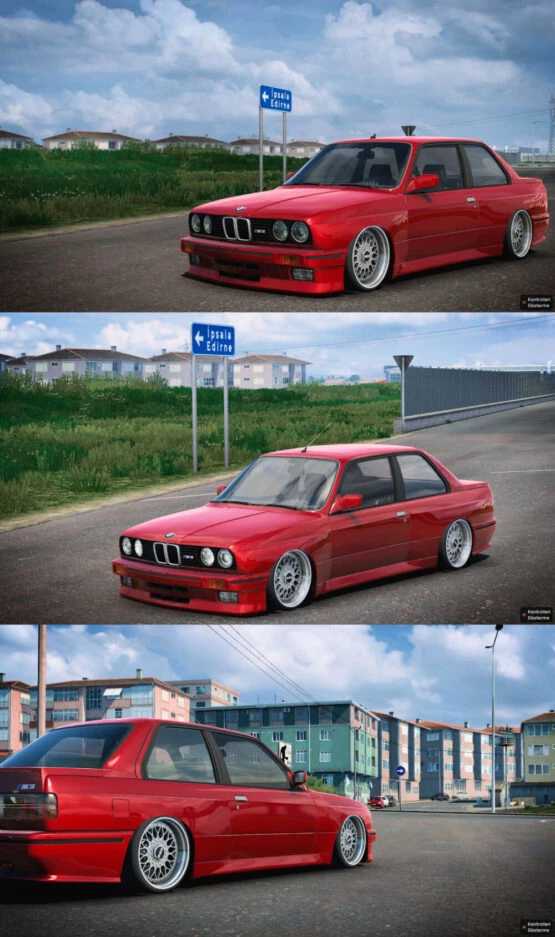
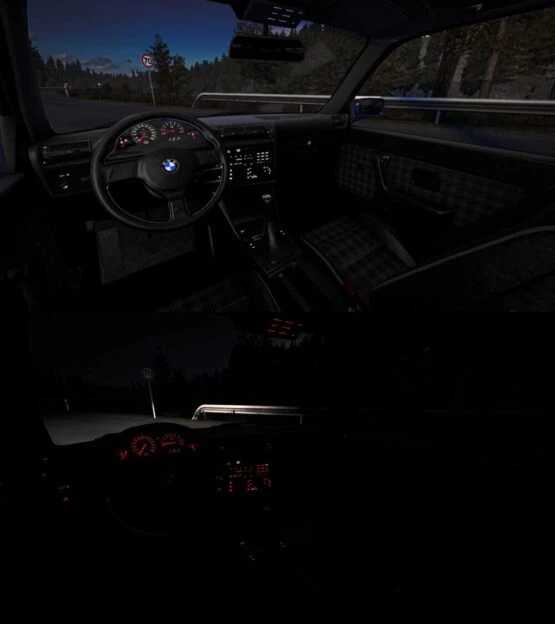
BMW M3 E30 1.51x ETS2
CHANGELOG:
Updated for game version 1.51
Fixed glass issues
High-Quality Model
Ambient Occlusion (Ao)
– Includes Sound
– Comes with 2 Different Wheel Options
Credits: Mert İrşi Sound: Nimit-Slav Jerry
How to install ETS2 or ATS Mods
Installing mods in Euro Truck Simulator 2 is straightforward. Simply download the mod from this site, then copy or unzip the files into the “My Documents\Euro Truck Simulator 2\mod” folder. If you’re playing ATS, place the mods in the “My Documents\American Truck Simulator\mod” folder. Use tools like WinRAR or 7zip to unzip files. After that, activate the mods you wish to use.
Please report bugs in the comments to assist modders in improving this mod. Always check the comments for potential solutions.
[rule_3]