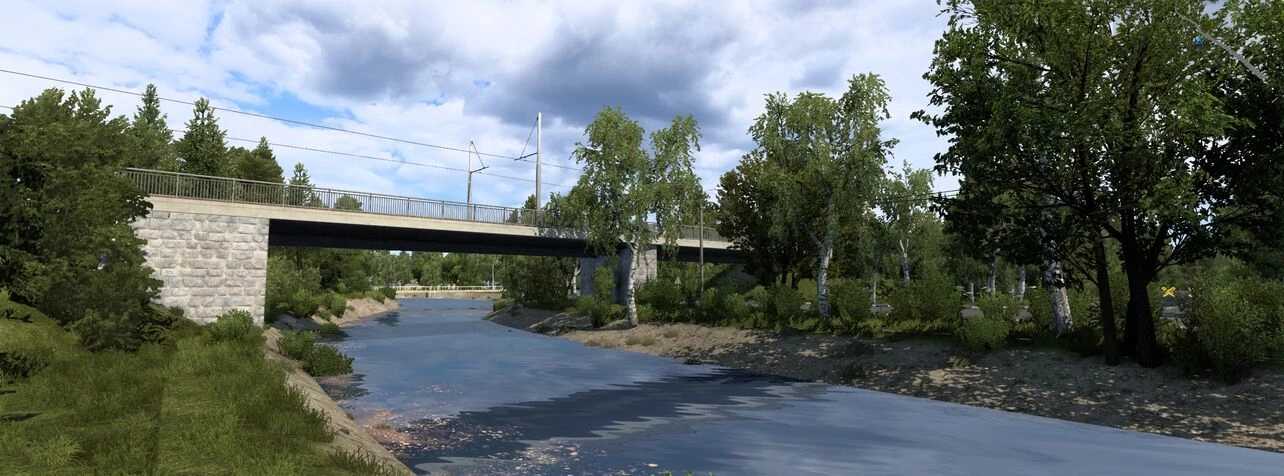
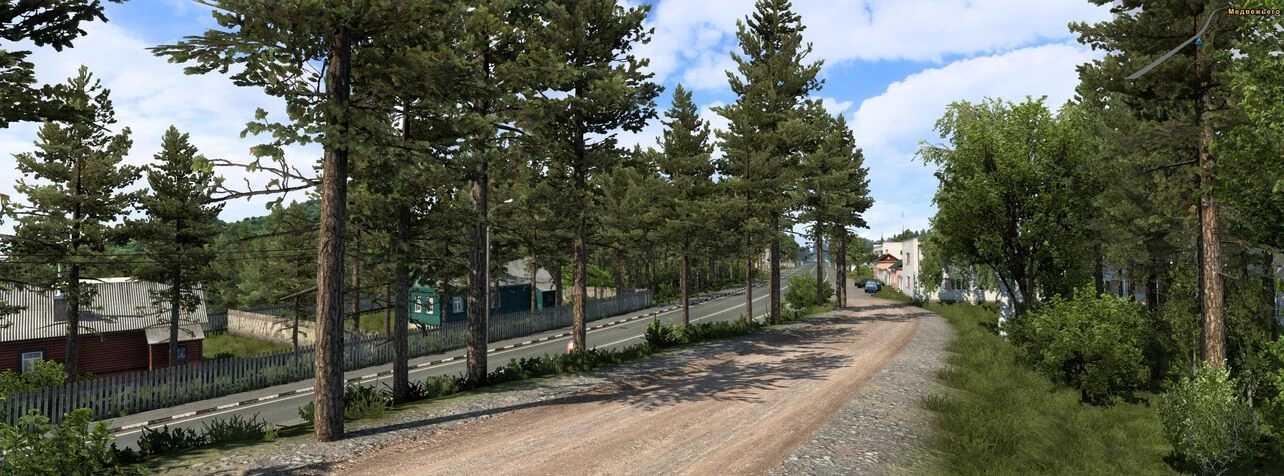
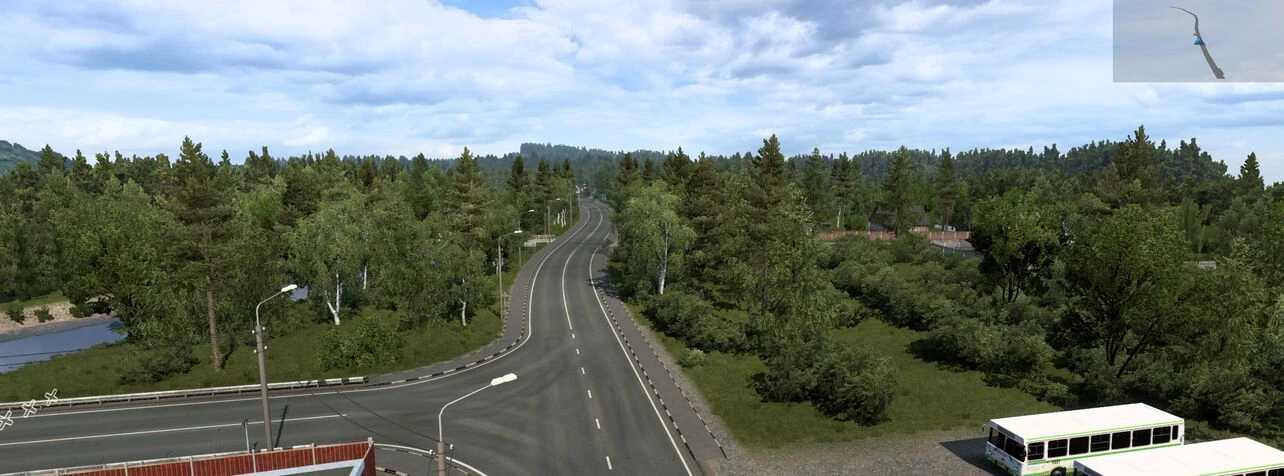
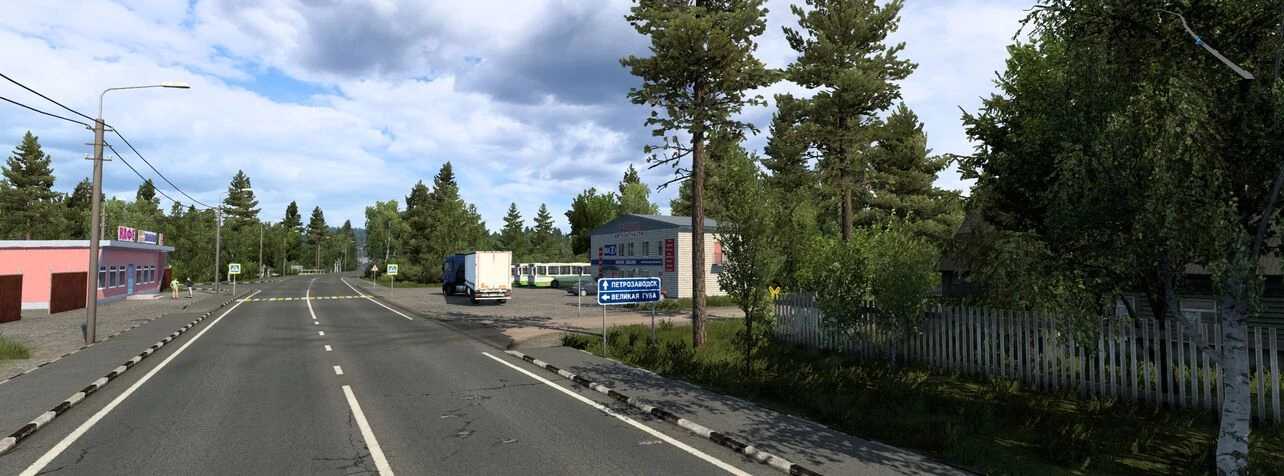
RusMap 2.51 1.51 ETS2
Recently added cities in Russia:
Bryansk, Valdai, Velikiye Luki, Veliky Novgorod, Velizh, Volokolamsk, Vyshny Volochek, Vyazma, Kaluga, Klin, Moscow, Nevel, Obninsk, Ostashkov, Porkhov, Rzhev, Roslavl, Smolensk, Tver, Kholm, Yukhnov, Tula, Kursk, Orel, Voronezh, Kolomna, Tambov, Borisoglebsk, Volgograd, Volzhsky, Krasnoslobodsk, Saratov, Engels, Lodeynoye Pole, Peterozavodsk, Medvezhyegorsk, Kem, Zelenoborsky, Sortavala, Priozersk, Suoyarvi, Tosno, Razmetelevo, Murmansk, Monchegorsk, Kandalaksha, Segezha, Alakurtti, Kolpino, Kola.
Recently added cities in the Republic of Belarus:
The cities include Baranovichi, Bobruisk, Brest, Vitebsk, Gomel, Minsk, Mogilev, Mozyr, Mstislavl, Orsha, Pinsk, Slutsk, Lida, Grodno, Slonim, Volkovysk, Polatsk, and Glubokoe.
Recently added roads in Russia:
The roads include 86K-3, A101, A108, A111, A116, A119, A120, A123, A141, A144, A240, E20, M3, M5, M9, M10, M20, P21, P39, P47, P48, P50, P51, P57, P87, P89, P108, R115, P132, P228, R-236, and R-298.
Recently added roads in the Republic of Belarus:
The new roads include M2, M4, M5, M8, M10, P4, P15, P17, P21, P23, P26, P43, P96, and P112.
Requirement: All DLCs
Compatibility: 1.51
Credits: aldim@tor (Dmitry), Sergey061, Schura774, dimon_26, geohotin
Instructions for installing ETS2 or ATS Mods
Installing mods in Euro Truck Simulator 2 is simple. Just download the mod from this link, then copy/unzip the files into the “My Documents\Euro Truck Simulator 2\mod” folder. If you’re playing ATS, place the mods in “My Documents\American Truck Simulator\mod” folder. You can use WinRAR or 7zip for unzipping files. After that, you must activate the mods you wish to use.