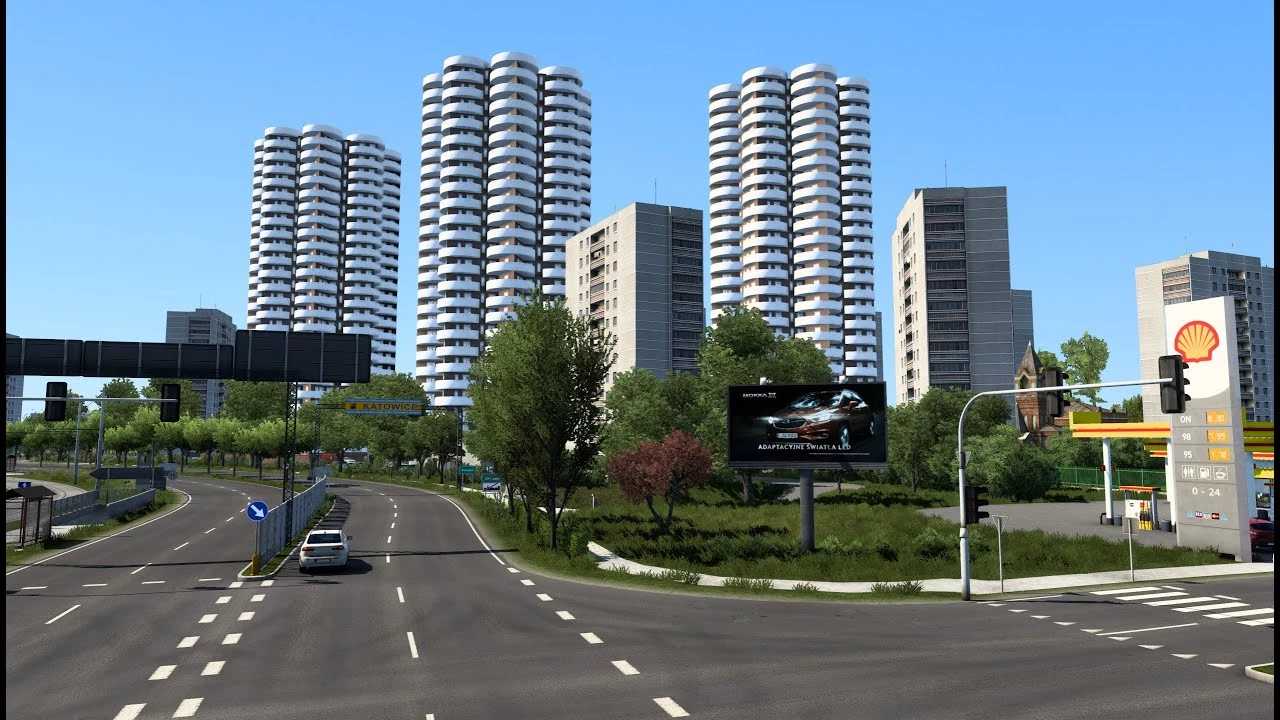
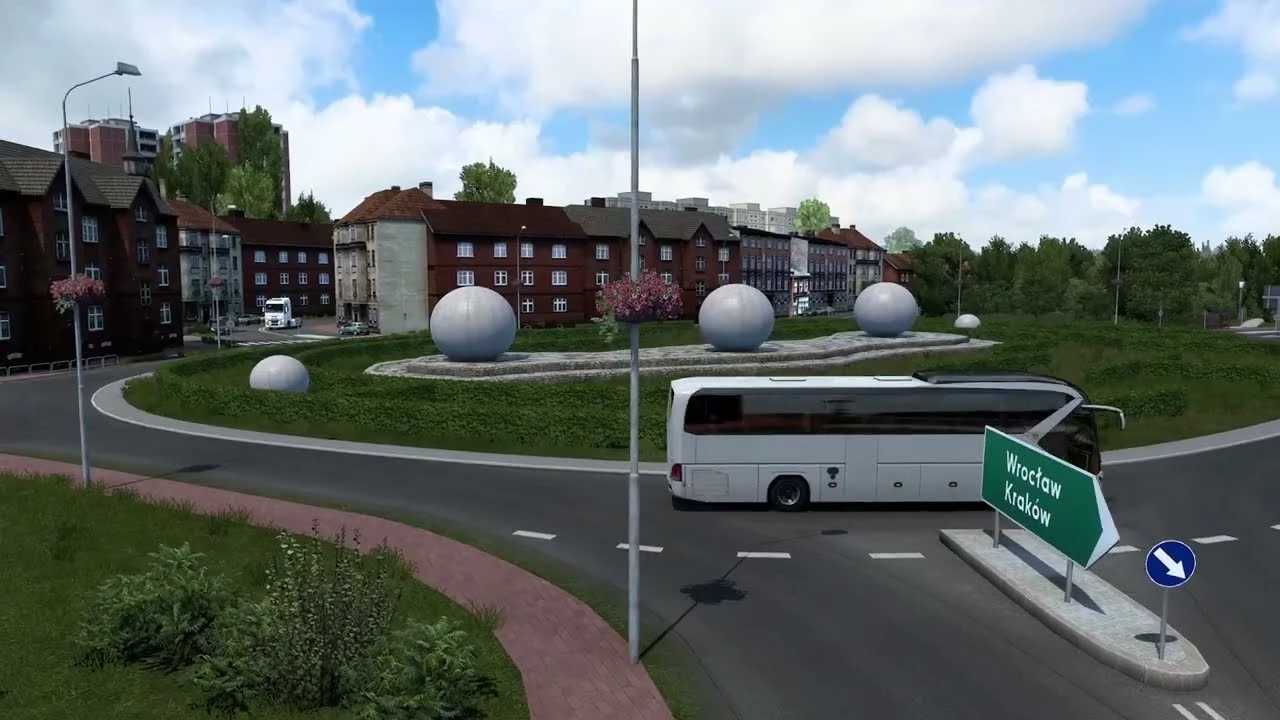
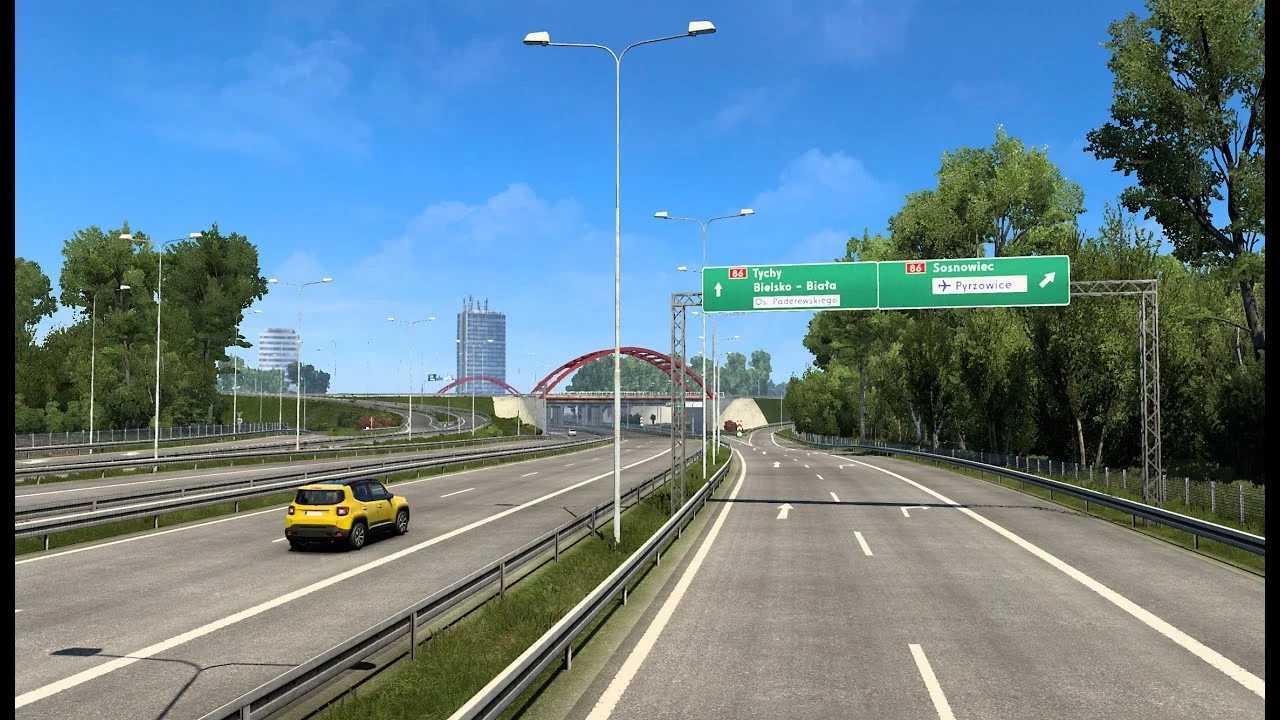
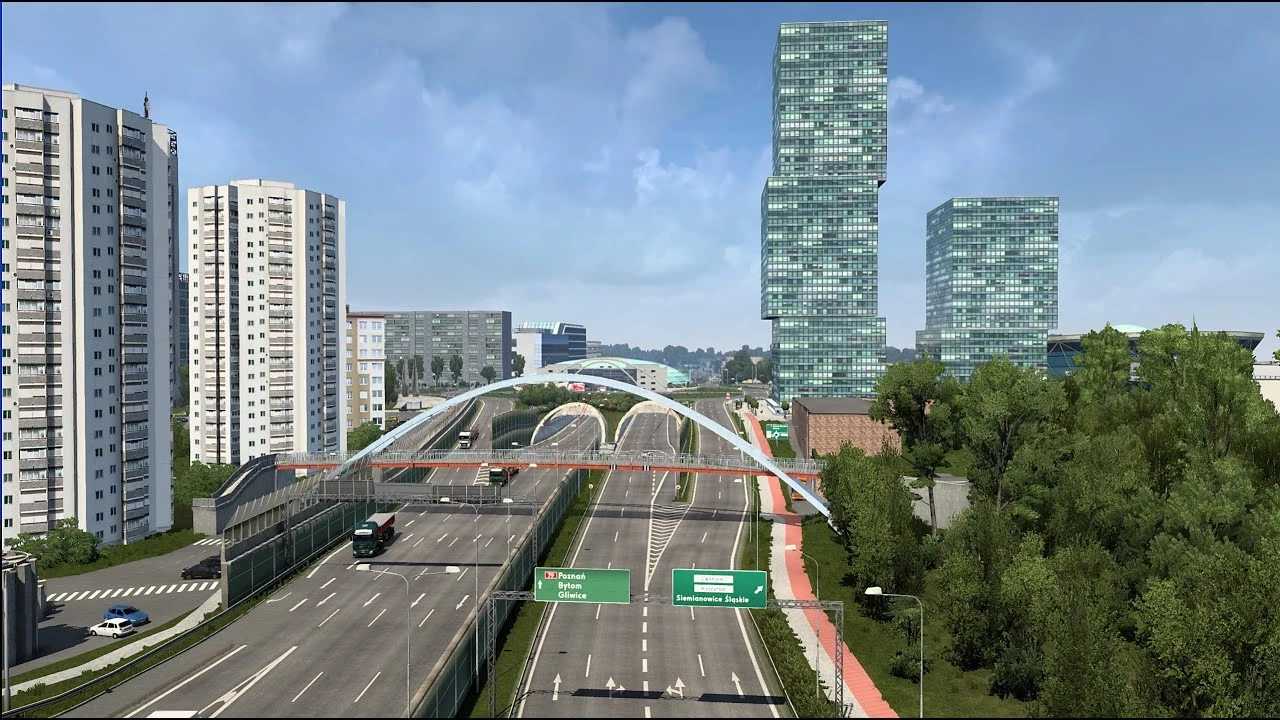
Silesia Rebuild in Poland v1.6.0 1.50 ETS2
Here’s what’s new in version 1.6.0:
v.1.6.0
– Updated mini map with city names, new bus and airport icons, and yellow stars marking notable locations.
– Added a bus station in Katowice.
– Introduced a new hidden company in Lubecko.
– Created the city of Tarnowskie Gory with its bus station.
– New terrains and roads in Piekary Slaskie.
– New villages include Swierklaniec, Celiny, Wymysłów, Dobieszowice, Bobrowniki, Wojkowice, Lubecko, Lipie Sl, Lisowice, Kochanowice, Herby, Wyrazów, and Blachowania.
– Extended roads DK11, DK78, 911, and DK46.
– Fixed visibility issues for certain models and objects.
– Adjusted models such as spodek, kopula, and the TV tower in Bytkow.
– Corrected some intersections in Czestochowa.
– Resolved a crash issue in Krakow from update 1.5, and removed the gas station near Krakow.
– Updated gas stations.
– Revamped the A4 – Katowice – Krakow highway.
– Fixed numerous red console errors, and updated signs and prefabs.
– Increased AI traffic.
– Updated goods for various companies.
Credits: sobieski86
How to install ETS2 mods or ATS Mods
Installing mods in Euro Truck Simulator 2 is quite simple. Just download the mod from here and copy/unzip the files into the “My Documents\Euro Truck Simulator 2\mod” folder. For American Truck Simulator, place the mods in the “My Documents\American Truck Simulator\mod” folder. You can use WinRAR or 7zip to unzip the files. After that, activate the mods you wish to use.