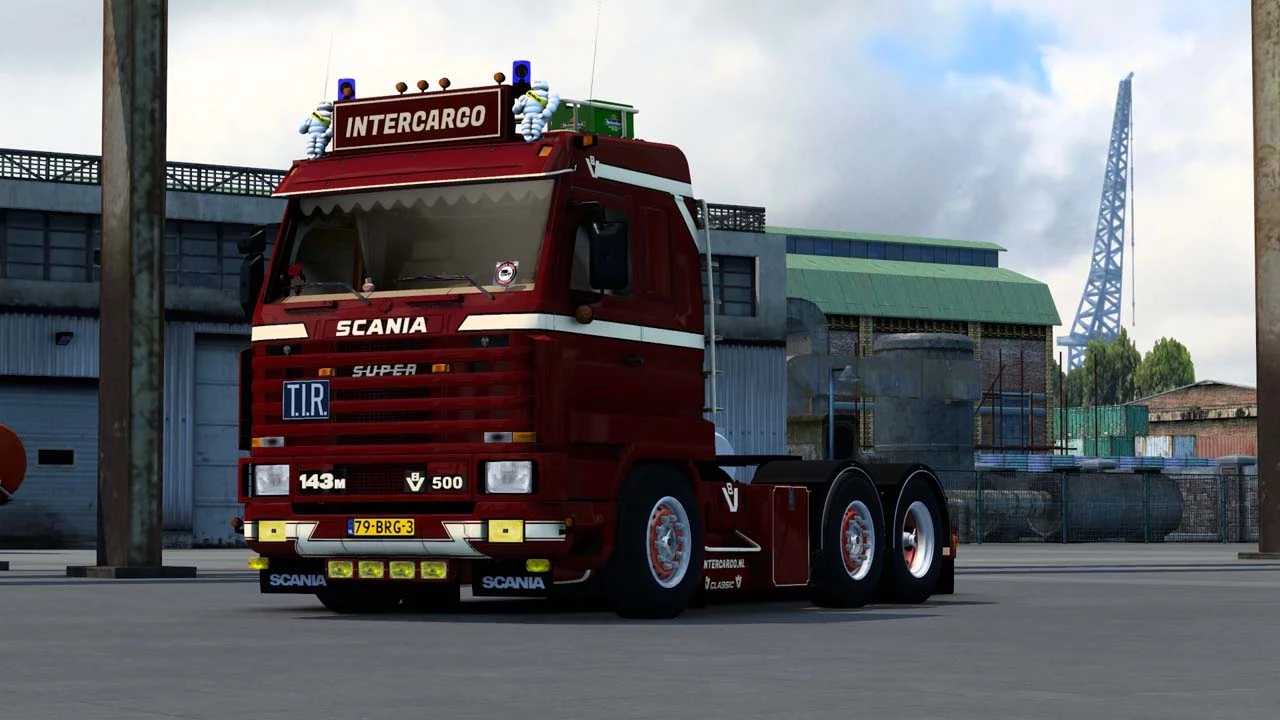
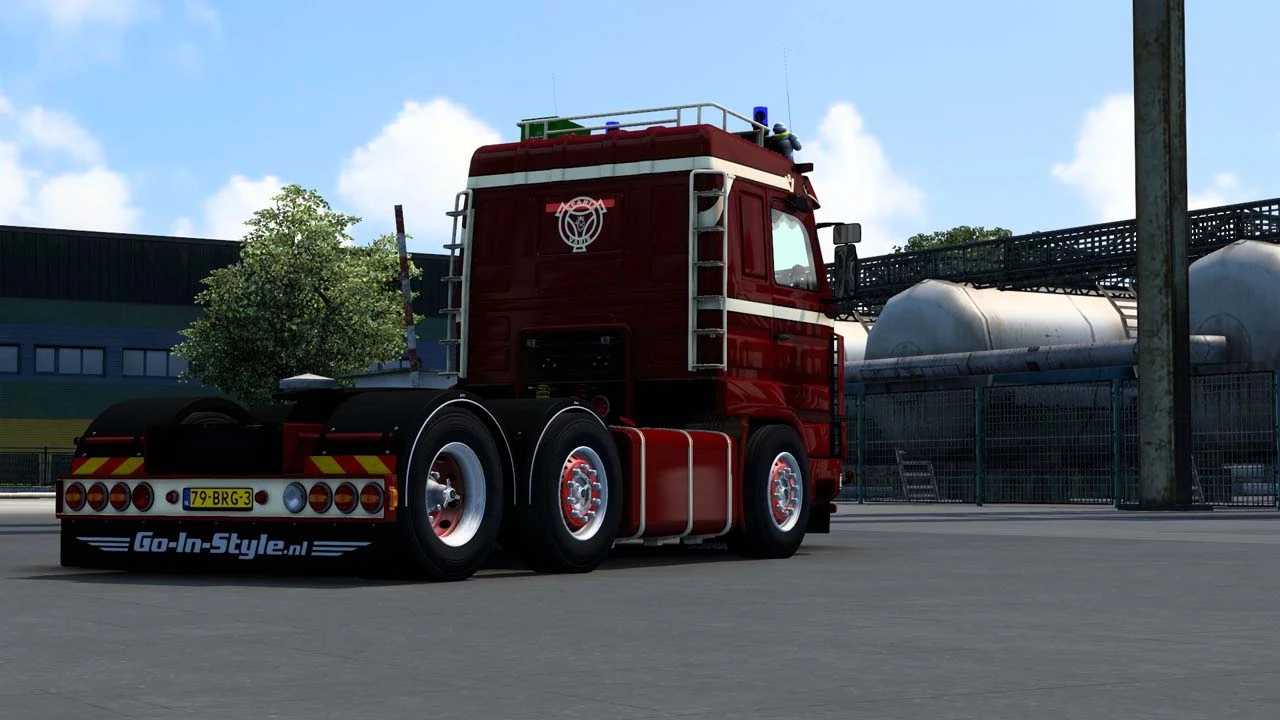
Scania 143M 500 V8 Intercargo v1.4 ETS2
Version 1.4 Changes
– Resolved dealer crash issue
– Updated wheel definitions
– Dashboard display enhancements
– Bug fixes included
– New UI icon added
– Removed outdated files
– Compatibility with version 1.50 added
INTERCARGO Scania 143M 500 V8 Features
– Collector’s Item!
– Fully Standalone
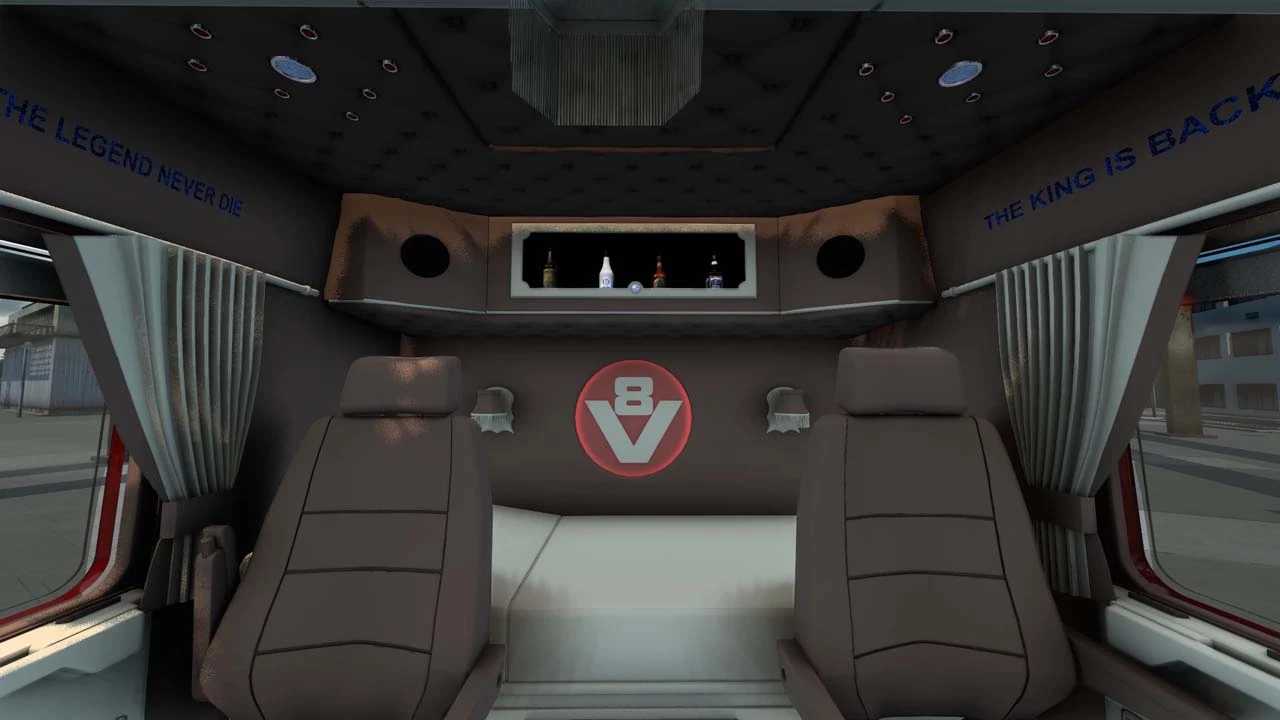
– Unique Interior Design
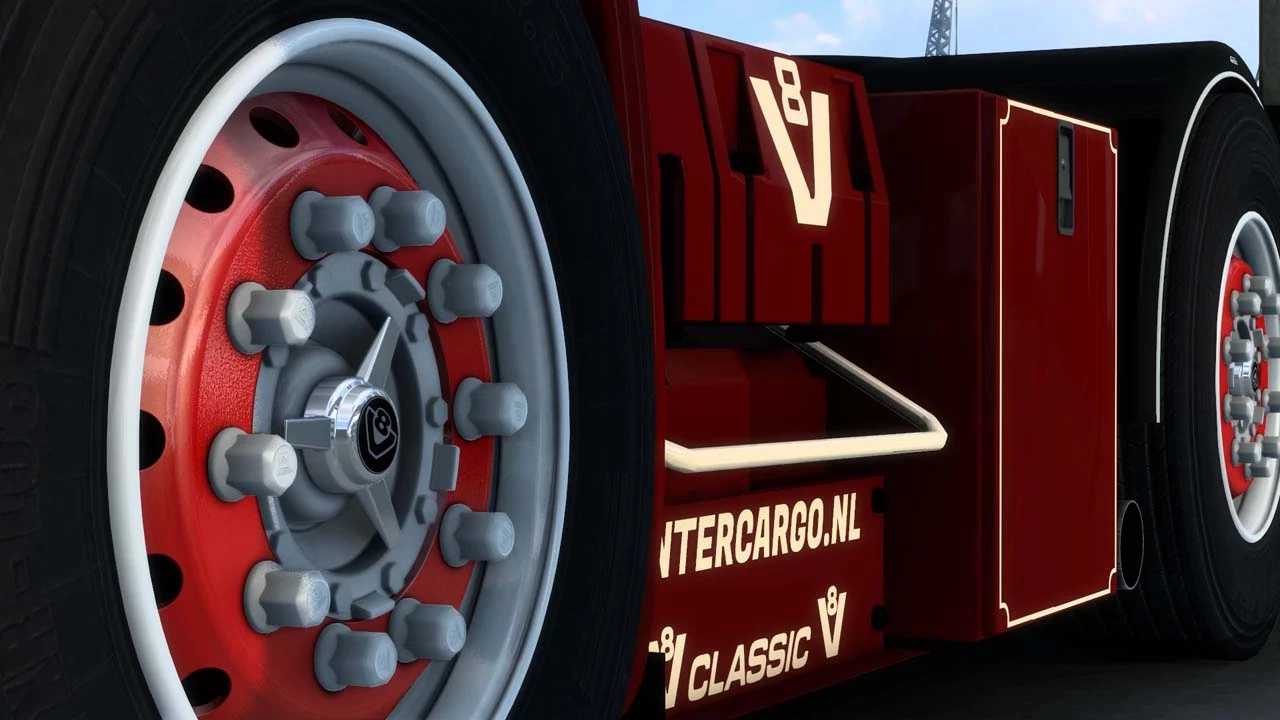
– Custom Wheels
– Includes lights, beacons, superlogo, Michelin tires, mudflaps, etc.
– Custom Openpipe Sounds
– Interior Lighting Features
– 4k Ambient Occlusion
Credits: ElsassTruckStyling
Installation Guide for ETS2 or ATS Mods
Installing mods in Euro Truck Simulator 2 is straightforward. Download the mod file from this site, then copy or extract the files into the “My Documents\Euro Truck Simulator 2\mod” directory. If you are using American Truck Simulator, place the mods in: “My Documents\American Truck Simulator\mod” folder. To unzip files, you can utilize WinRAR or 7zip. Afterward, activate the mods you wish to use.