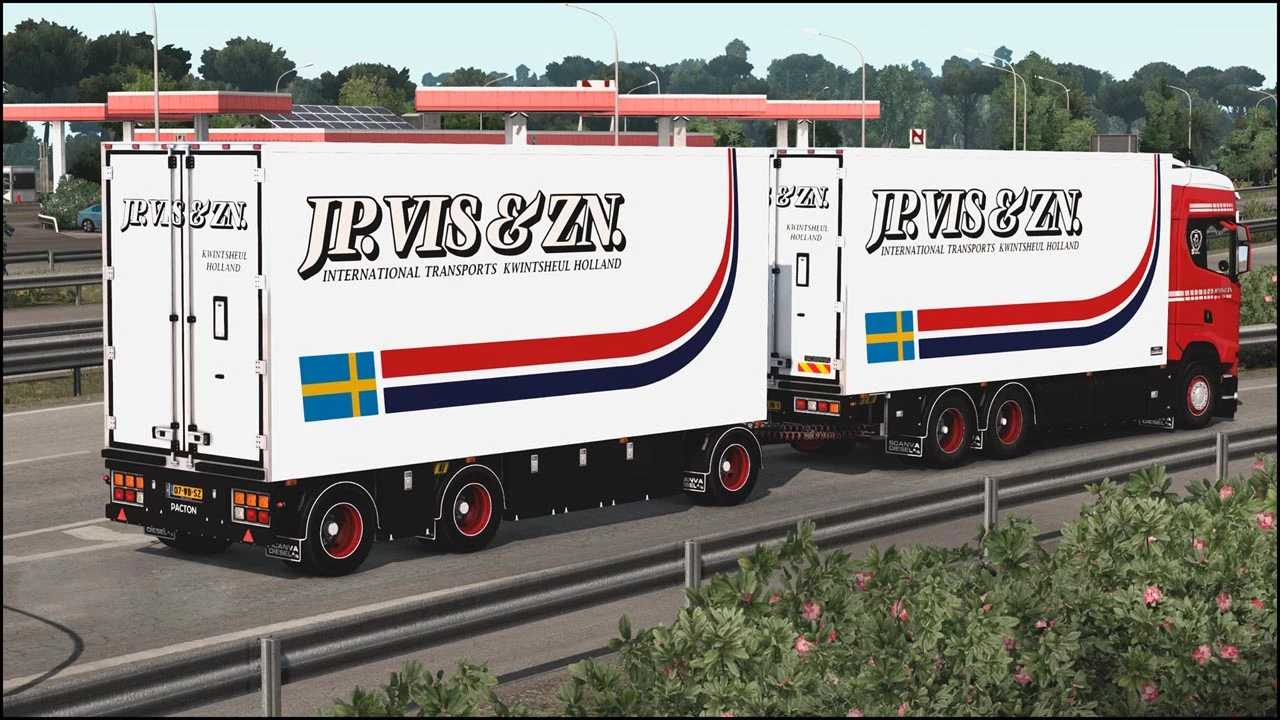
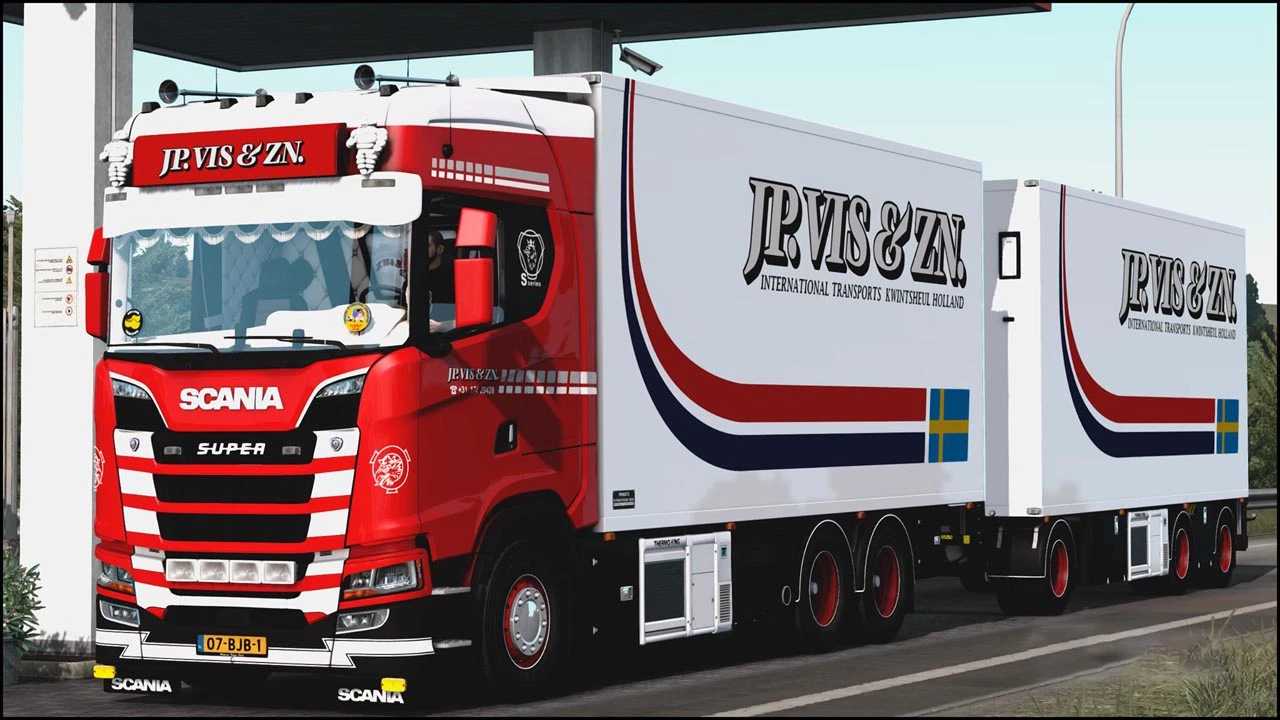
Scania S520 JP.Vis&ZN ITKH + Trailer v14.0 for ETS2
Changelog
– Introduced interior shadows
– Updated mod files and models
– Removed old, unnecessary files
– Addressed warnings and errors in the game log
– Adapted truck for version 1.53
Features:
Topline cab
6×2 taglift
Custom interior
DC16 Openpipe Sounds
Fully standalone
Complete lightmask
Comprehensive animation
RED interior light as an accessory
Compatible with SiSL’s Mega Pack
Personalized wheels
Interior tuning available
Credits: PDT
Installation Instructions for ETS2 or ATS Mods
Installing mods in Euro Truck Simulator 2 is straightforward. Simply download the mod, then copy/unzip the files into: “My Documents\Euro Truck Simulator 2\mod” folder, or for American Truck Simulator, place the mods in: “My Documents\American Truck Simulator\mod” folder. You can use WinRAR or 7zip to unzip the files. After that, activate the mods you wish to use in the game.