Altai Map v1.6.2 ETS2
UPDATES 1.6.2
A minor revision of Biysk
Corrections for the earlier version
Full compatibility with game version 1.53
Introduction of a garage in Belokurikha
Minimap overlays added
Description of the map:
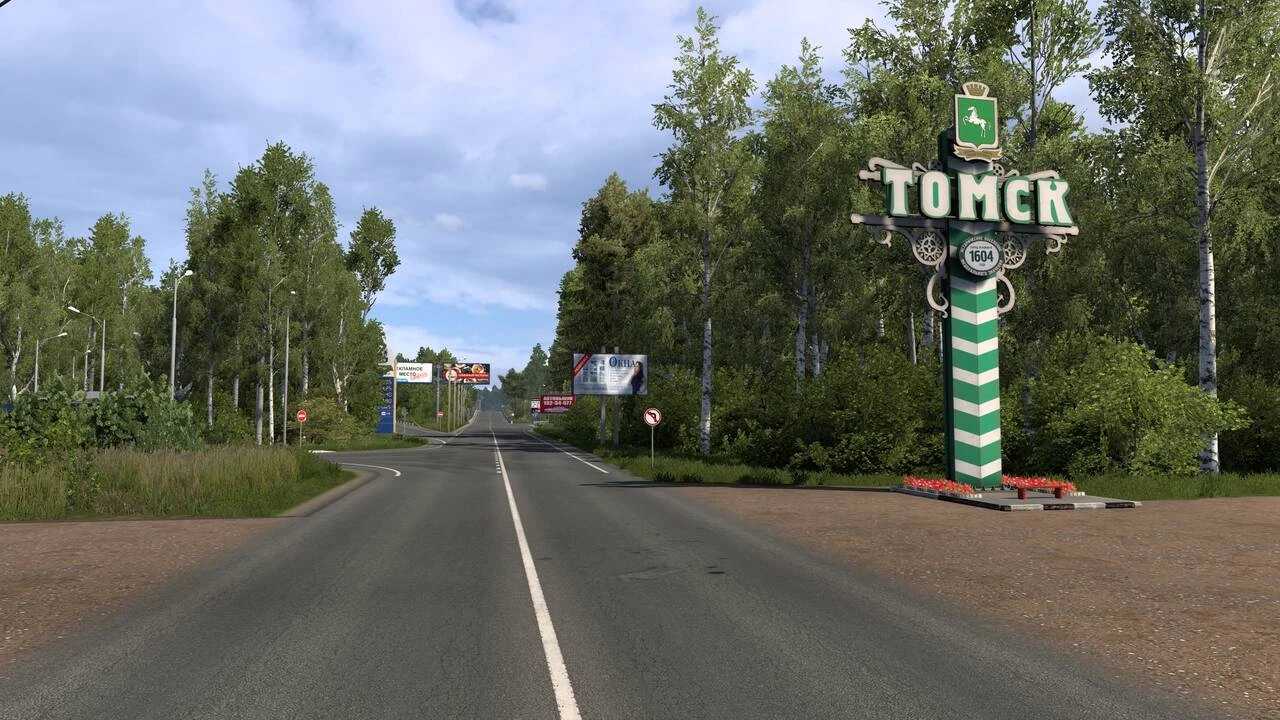
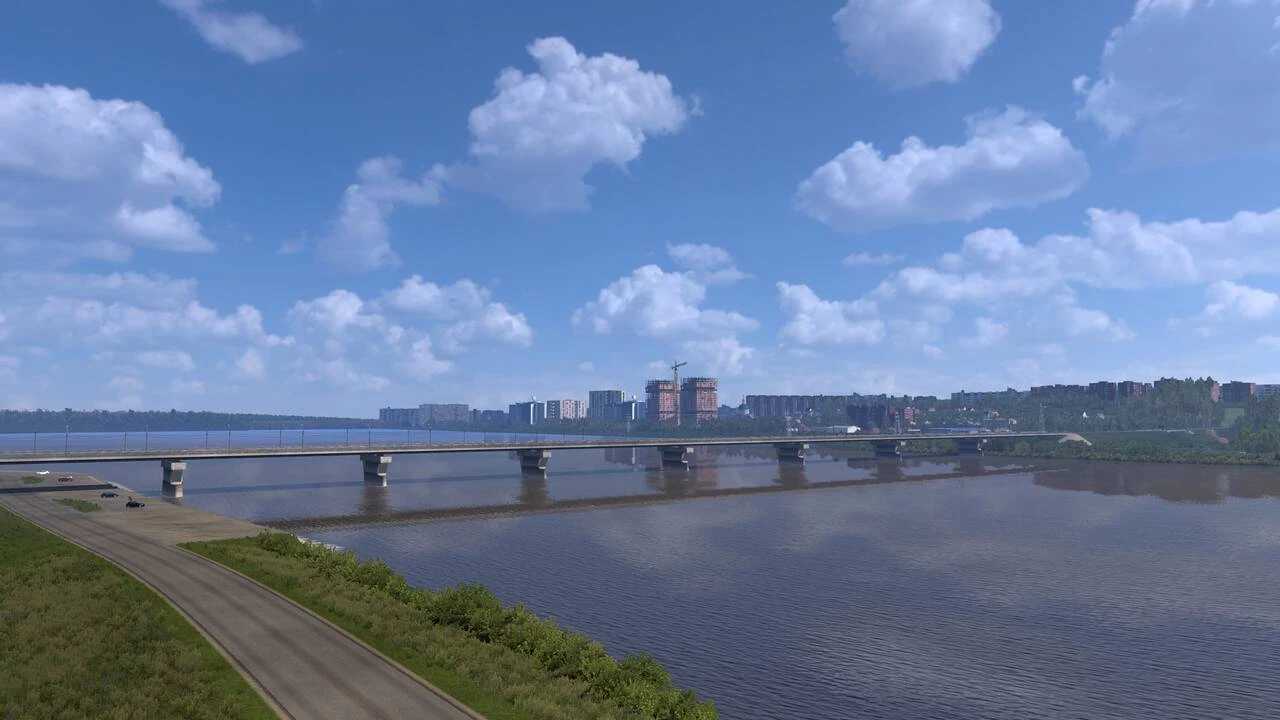
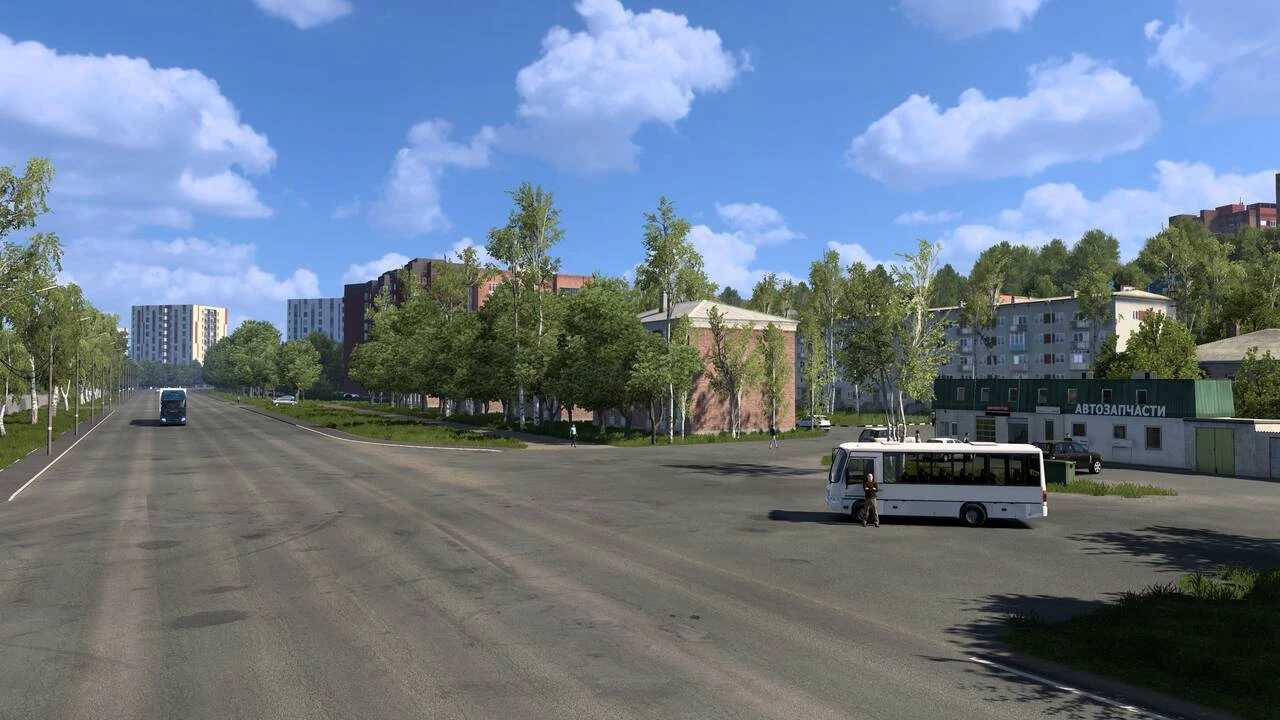
Experience the intricately designed cities of the Altai Territory and the Altai Republic, and appreciate the stunning landscapes and natural beauty! The map is continuously evolving and enhancing.
Credits: Igromania
How to install ETS2 or ATS Mods
Installing mods in Euro Truck Simulator 2 is straightforward. Simply download the mod from the link, then copy/unzip the files into the “My Documents\Euro Truck Simulator 2\mod” directory. If you are using ATS, place the mods in “My Documents\American Truck Simulator\mod.” To extract the files, you can use programs like WinRAR or 7zip. After extraction, make sure to activate the mods you wish to utilize.