Volvo FH 25 Year Edition Paint Job v1.0 ETS2
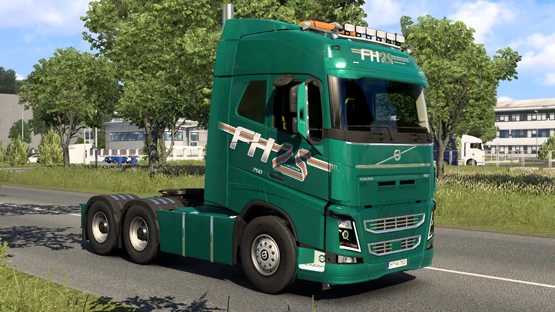
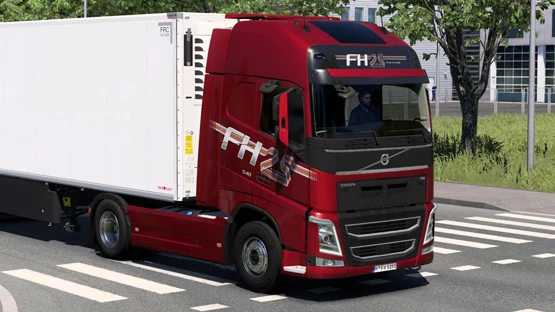
Discover the Volvo FH 25 Year Edition Paint Job!
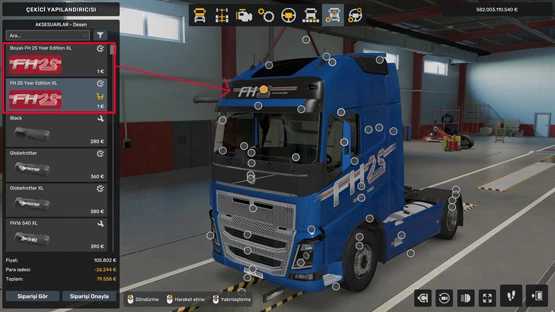
Features customizable color options for both metallic and opaque finishes.
Compatible with all cab and chassis models, including the lightbox logo.
Credits: Vitaphone
Installation Guide for ETS2 and ATS Mods
Installing mods in Euro Truck Simulator 2 is straightforward. Simply download the mod from this site and extract the files into the “My Documents\Euro Truck Simulator 2\mod” folder. If you are playing American Truck Simulator (ATS), place the mods in the “My Documents\American Truck Simulator\mod” folder. To extract files, you can use software like WinRAR or 7zip. Lastly, ensure that you activate the mods you’d like to use.