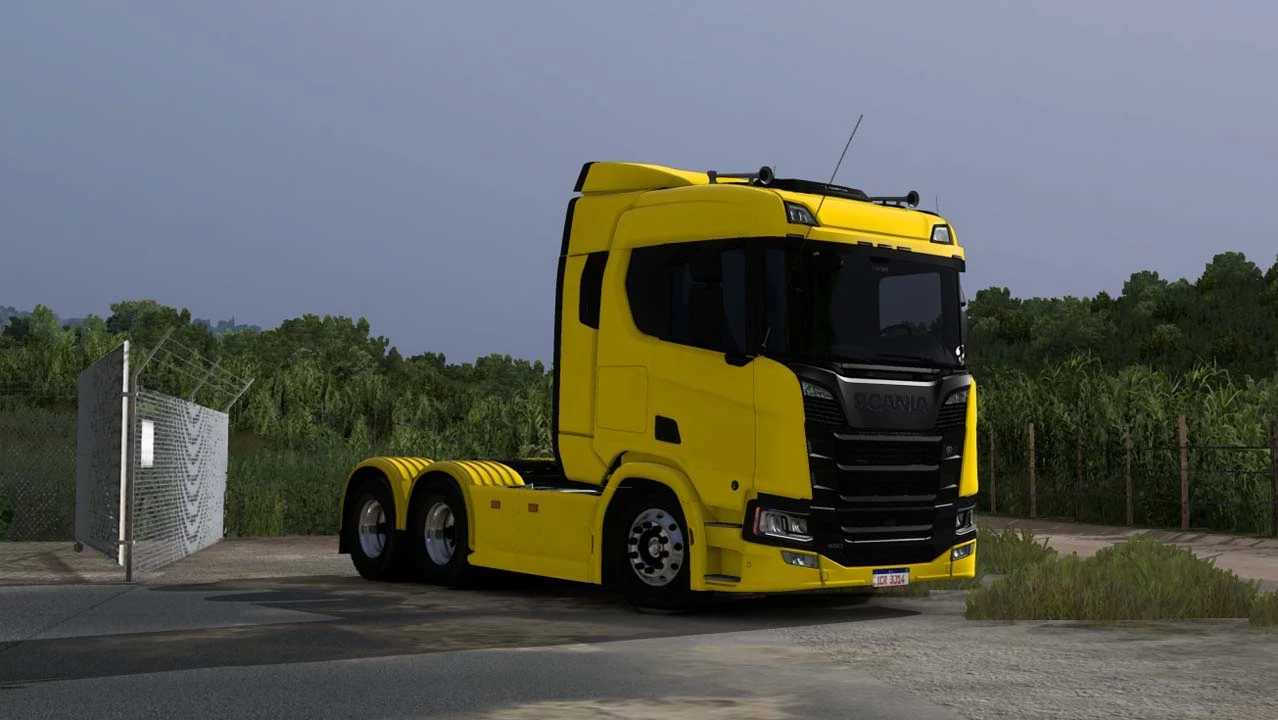
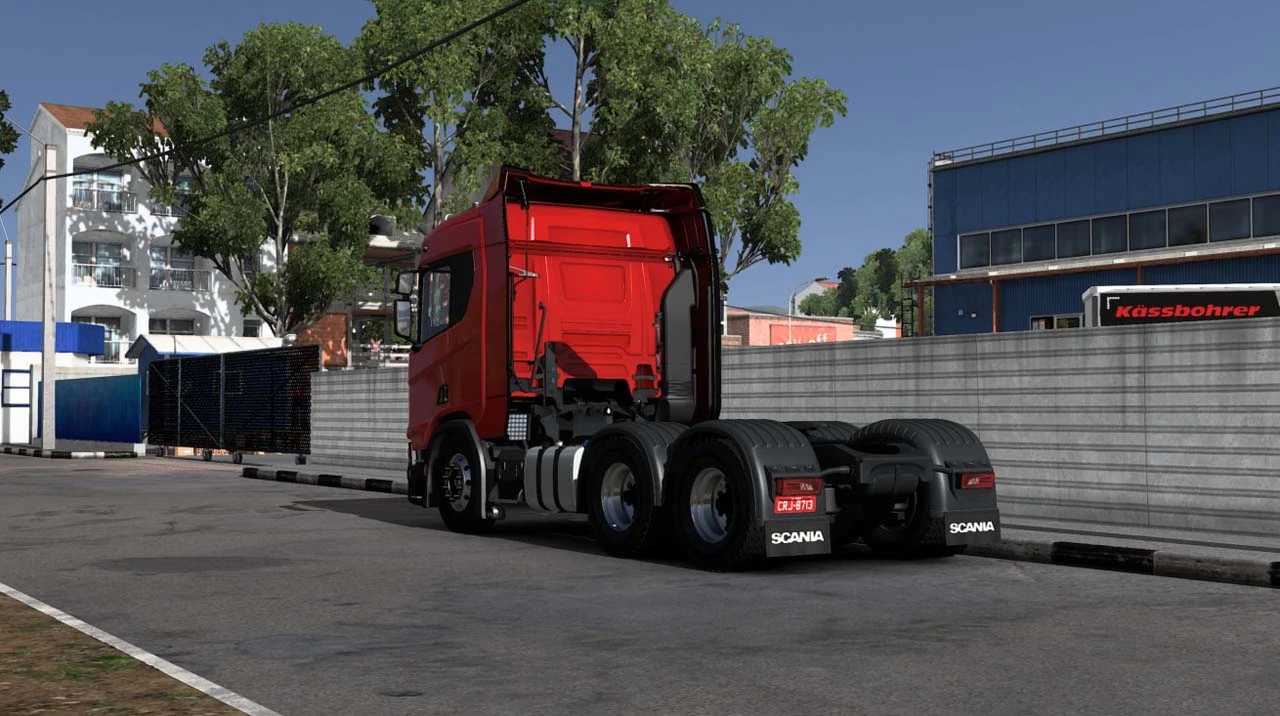
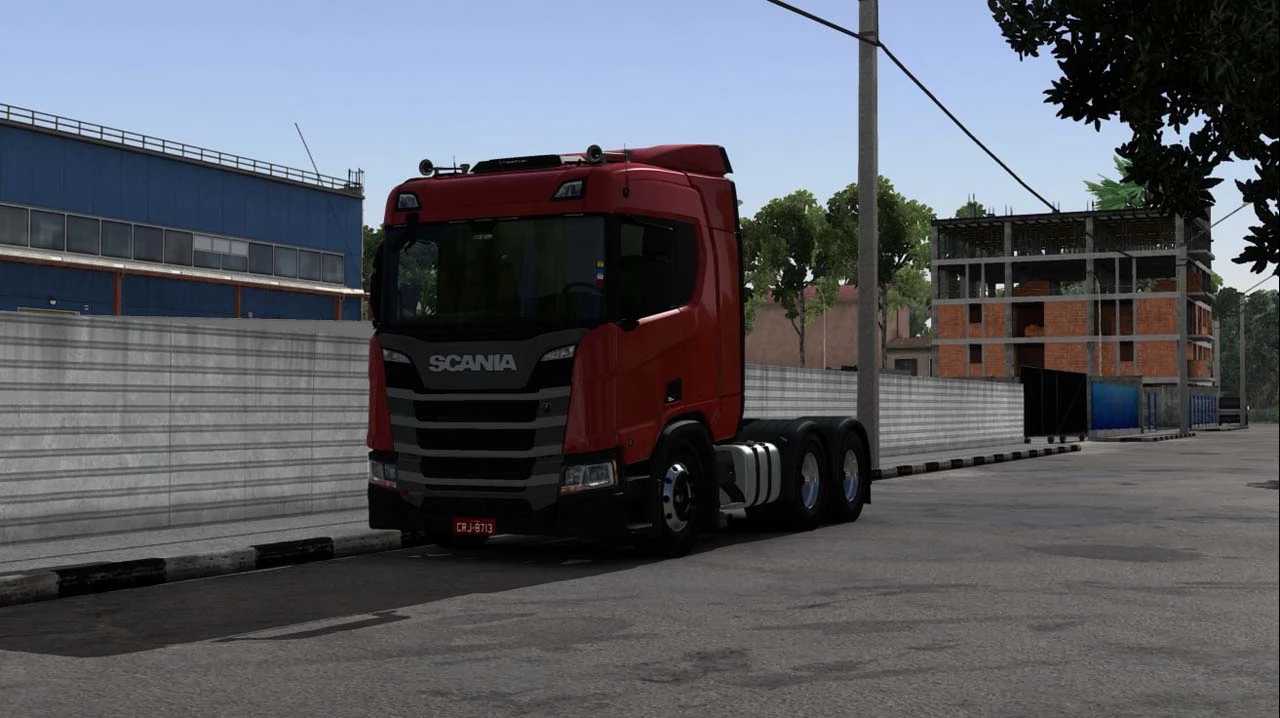
Scania Next Generation 2019 v1.0 for ETS2
Where to purchase?
Available at: Mods Dealership – Scania
Compatible with: version 1.53x
Credits: Cadu Mods
Instructions for installing ETS2 or ATS mods
Installing mods in Euro Truck Simulator 2 is straightforward. Simply download the mod from the provided link, then copy or unzip the files into the “My Documents\Euro Truck Simulator 2\mod” folder. If you’re playing American Truck Simulator (ATS), place the mods in the “My Documents\American Truck Simulator\mod” folder. You can use software like WinRAR or 7zip to extract the files. After installation, make sure to activate the mods you want to use.