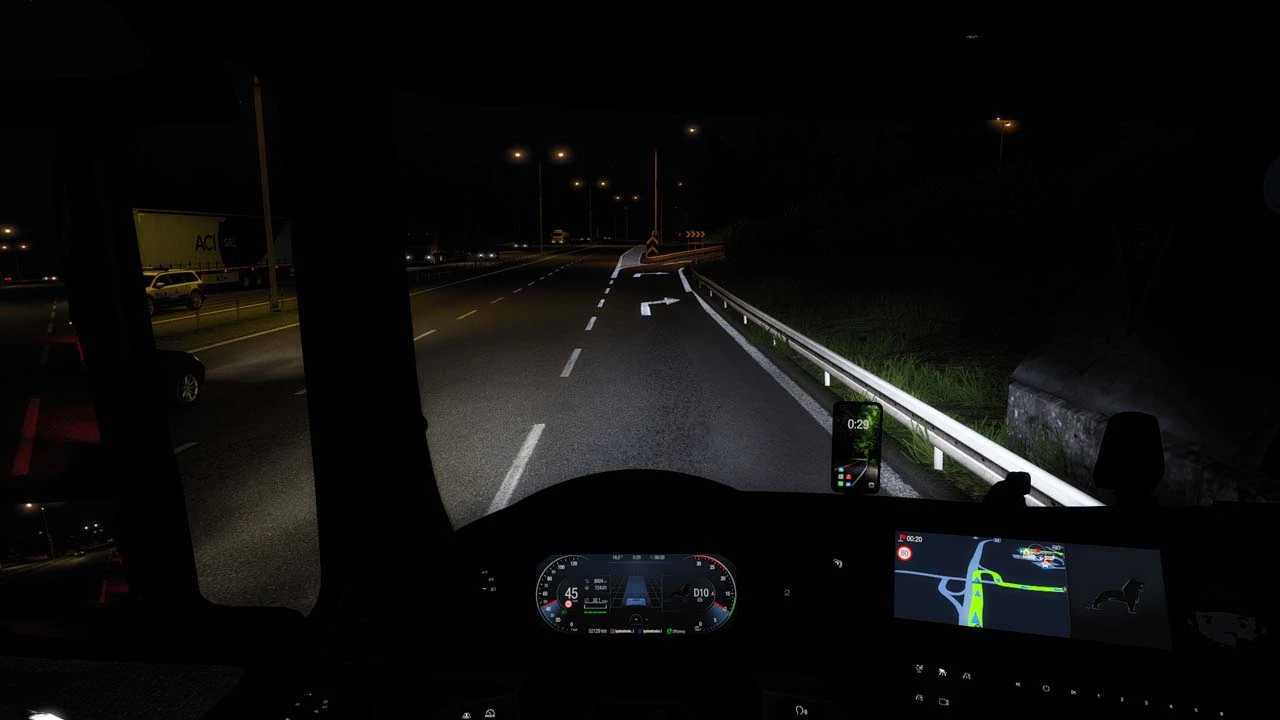
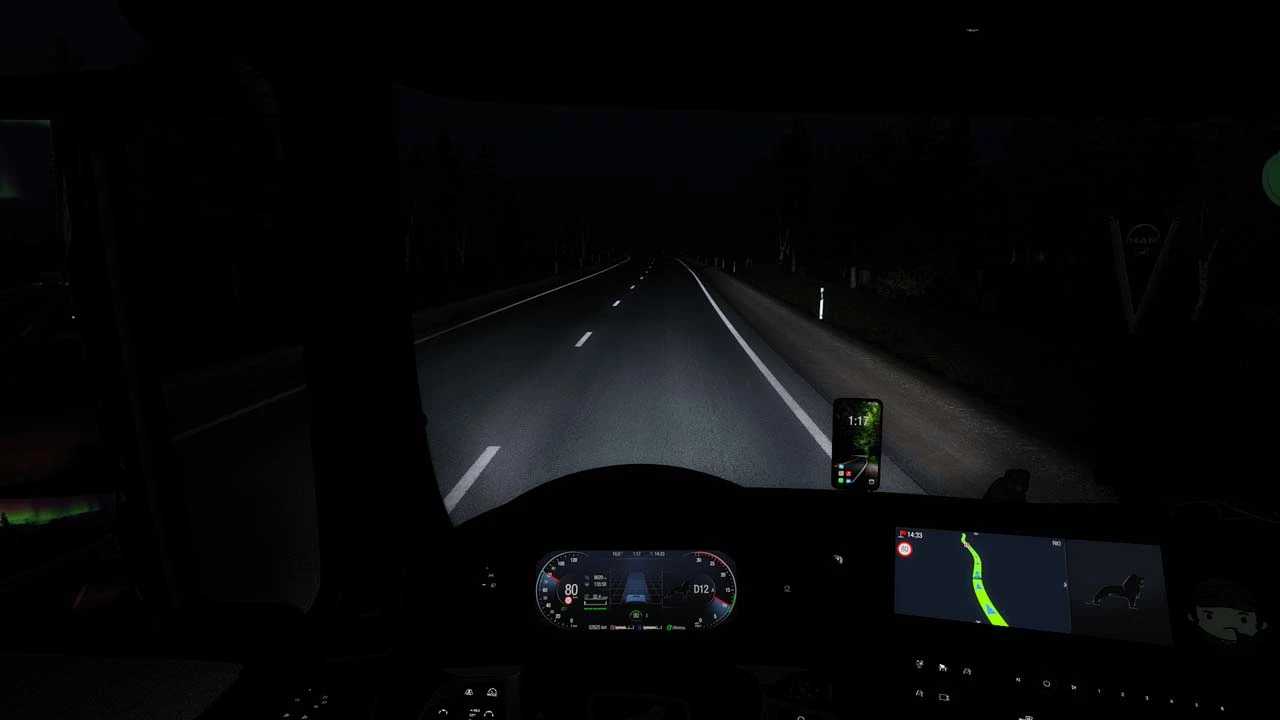
Reflective Road Markings v2.0 ETS2
This compact mod enhances road markings by making them reflective.
Tested on ETS2 versions 1.49 to 1.53.
Installation: Simply place the file into your mod folder and activate it in the mod manager.
Credits: knox_xss
How to install ETS2 mods or ATS Mods
In Euro Truck Simulator 2, installing mods is straightforward. Download the mod from here, then copy/unzip the files into the “My Documents\Euro Truck Simulator 2\mod” folder. For American Truck Simulator, place the mods in the “My Documents\American Truck Simulator\mod” folder. Use WinRAR or 7zip for unzipping files. Afterward, you need to enable the mods you wish to use.