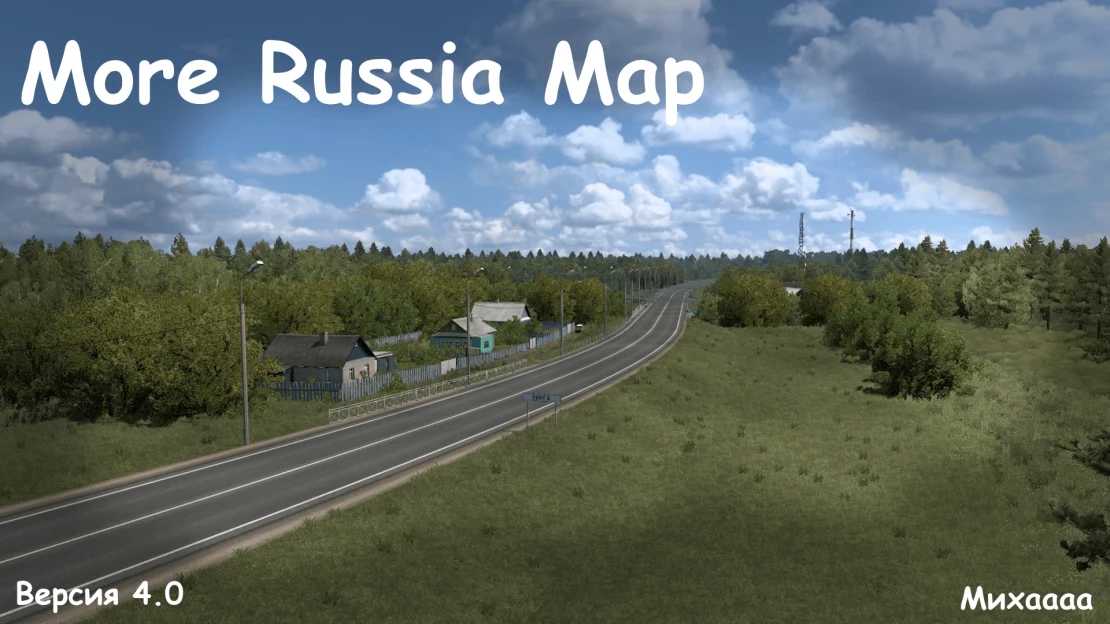
More Russia Map v4.0 1.53 ETS2
Updates in v4.0
– Removed the town of Shatsk (moved to the M-12 Vostok route)
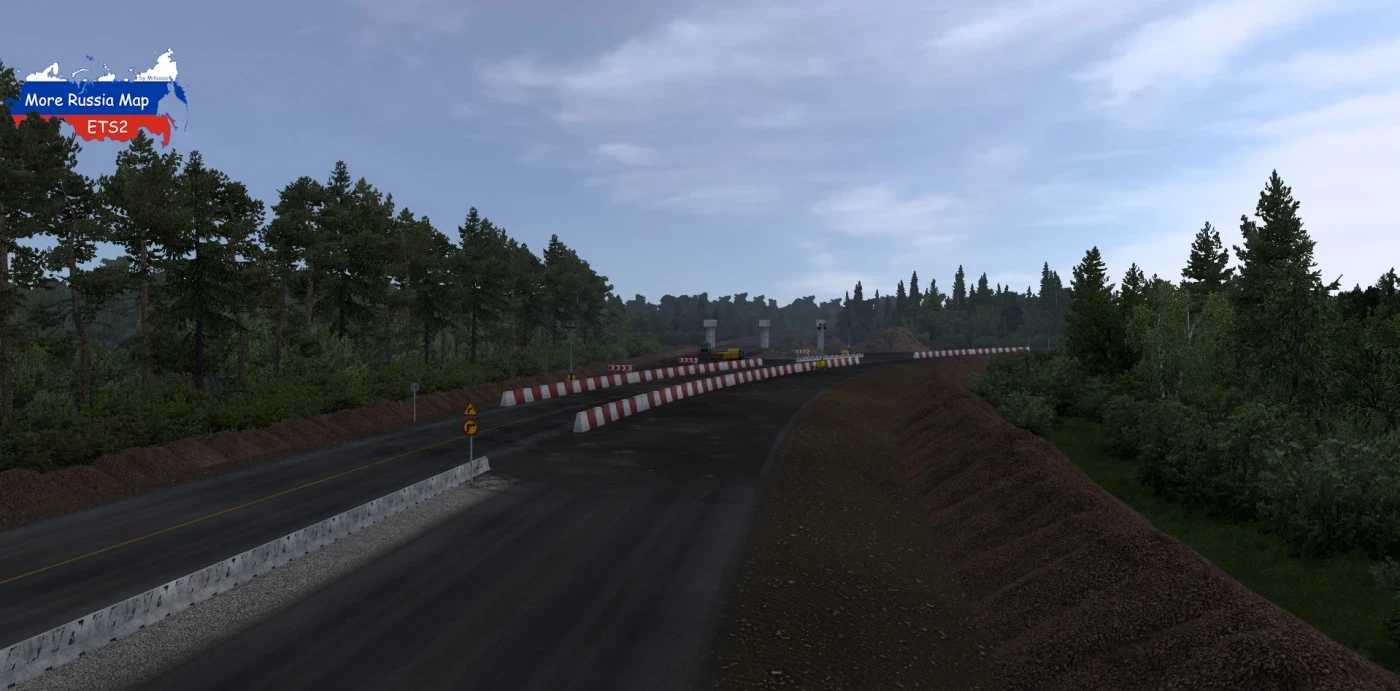
– Adjusted the turn at the construction site near Umet
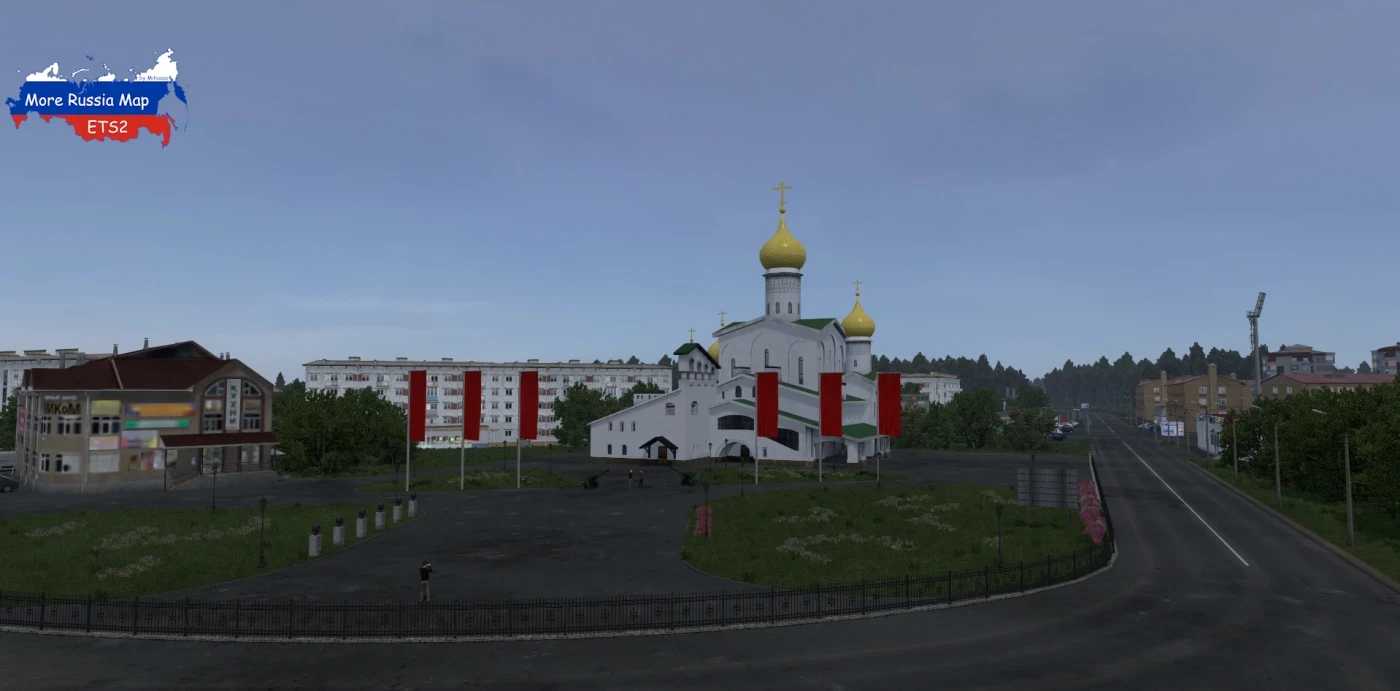
– Completely reconstructed the towns of Krasnoslobodsk and Nizhny Lomov
– Introduced new settlements: Pervomaiskoe, Virga, and Selishchi
Added territories from the Russian Federation to the game:
– Republic of Mordovia (Umet, Zubova Polyana, Krasnoslobodsk, Torbeevo, Selishchi, Nikolskoye)
– Penza Region (Spassk, Nizhny Lomov, Virga)
– Nizhny Novgorod Region (Pervomaisk)
Included the following federal highways:
– M-5 “Ural” (border with Ryazan region – Penza)
– M-5 “Ural” Access to Saransk (towards Krasnoslobodsk)
Compatibility: 1.53
Credits: Miha
Instructions for Installing ETS2 Mods or ATS Mods
Installing mods in Euro Truck Simulator 2 is straightforward. Simply download the mod from the provided link and copy/unzip the files into the “My Documents\Euro Truck Simulator 2\mod” directory. If you are using ATS, place the mods in the “My Documents\American Truck Simulator\mod” folder. For extracting files, tools like WinRAR or 7zip will work. After unzipping, don’t forget to activate the mods you wish to utilize.