Project Russia (adaptation) v5.6.2a for ETS2
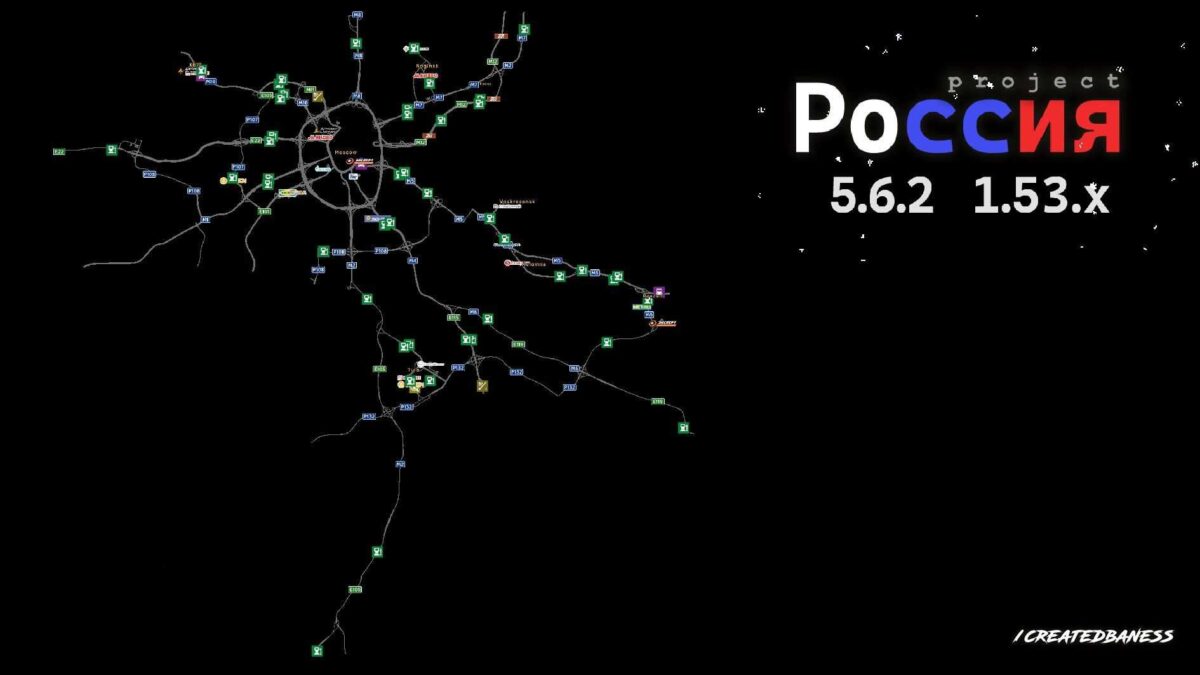
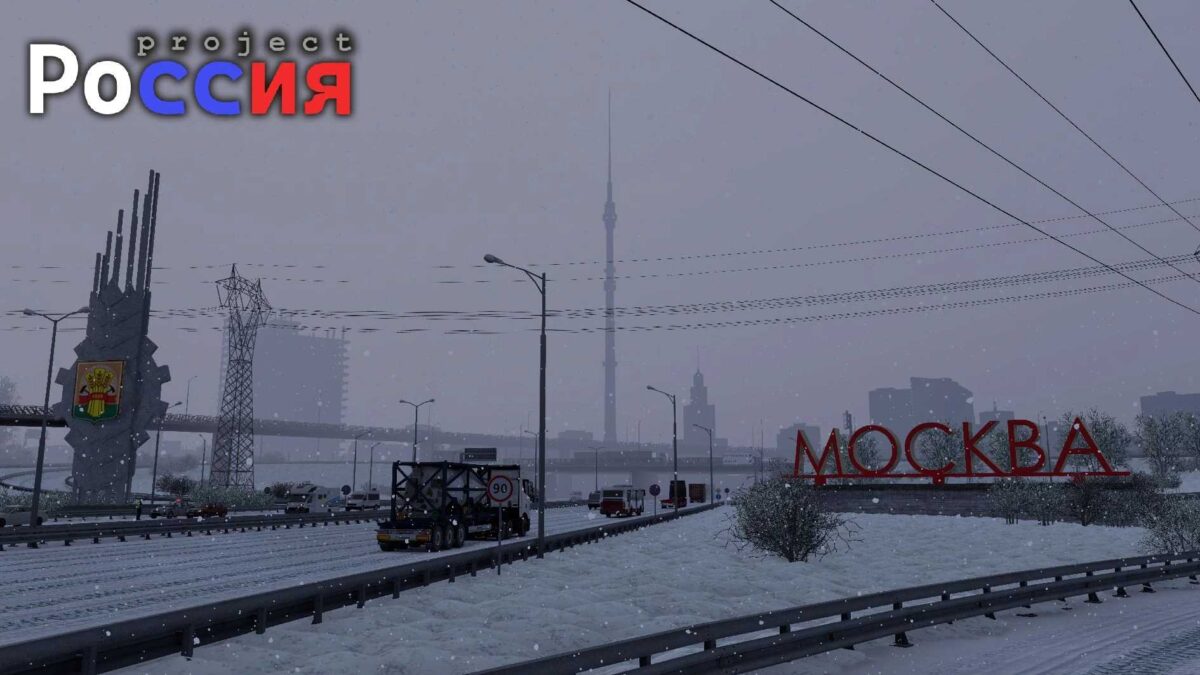
Featuring 8 cities: Moscow, Noginsk, Voskresensk, Kolomna, Ryazan, Klin, Tula, and Pokrov.
Updates in version 5.6.2a include:
Numerous corrections of pink textures
Fixes for prefab issues
Resolved crashes in specific areas of RusMap
Error corrections
Minor adjustments to the map
Compatible with versions 1.53 and 1.54
Credits: createdbaness, Palych
Instructions for installing ETS2 or ATS Mods
Installing mods in Euro Truck Simulator 2 is straightforward. Simply download the mod from here and copy/unzip the files to: “My Documents\Euro Truck Simulator 2\mod” folder. If you’re playing ATS, place the mods in: “My Documents\American Truck Simulator\mod” folder. To unzip files, you can use tools like WinRAR or 7zip. Afterward, remember to activate the mods you wish to use.