Painted Trucks from Finland v3.3 ETS2
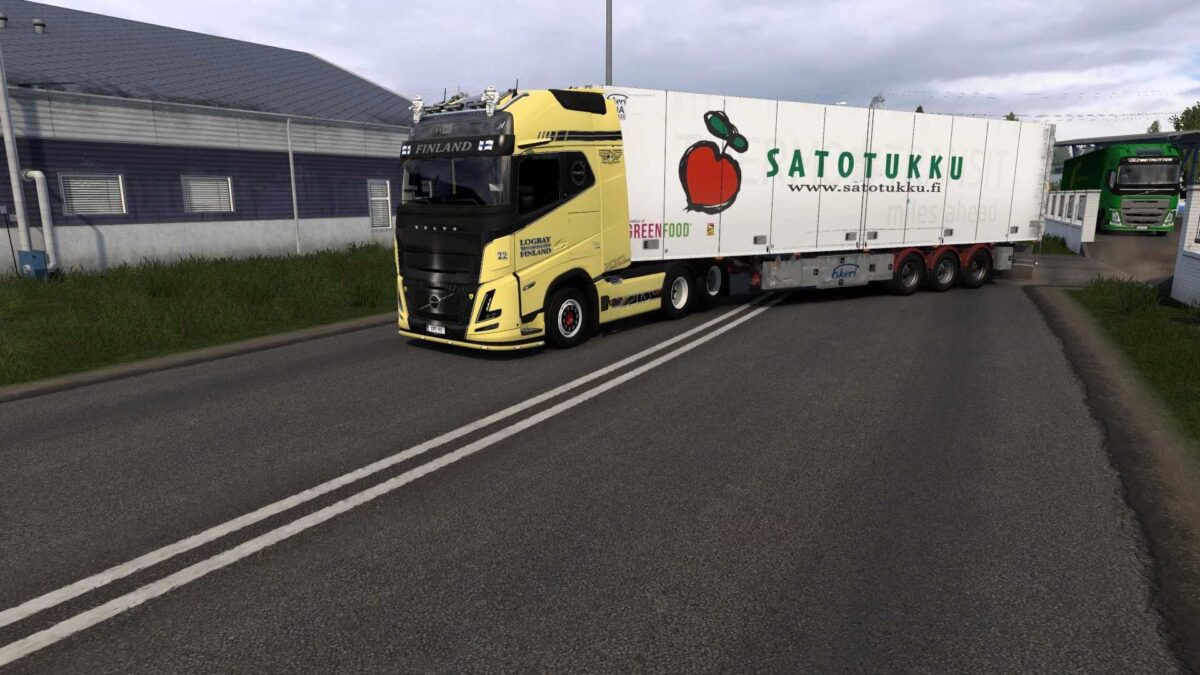
Volvo FH6 + Lightbox (SCS)
Scania NG R (SCS/Eugene)
DAF XG+ (Jasper)
Krone Profiliner
Ekeri (Revised by Kast)
Schmitz (JuseeTV S.KO Cool 2020)
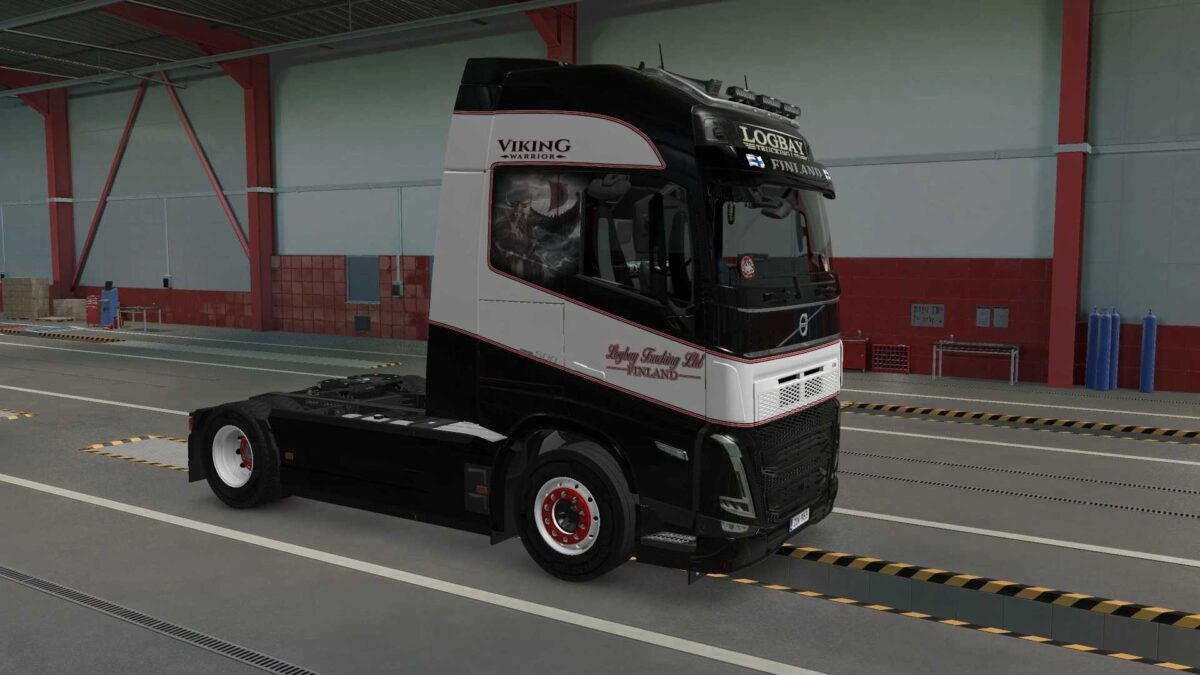
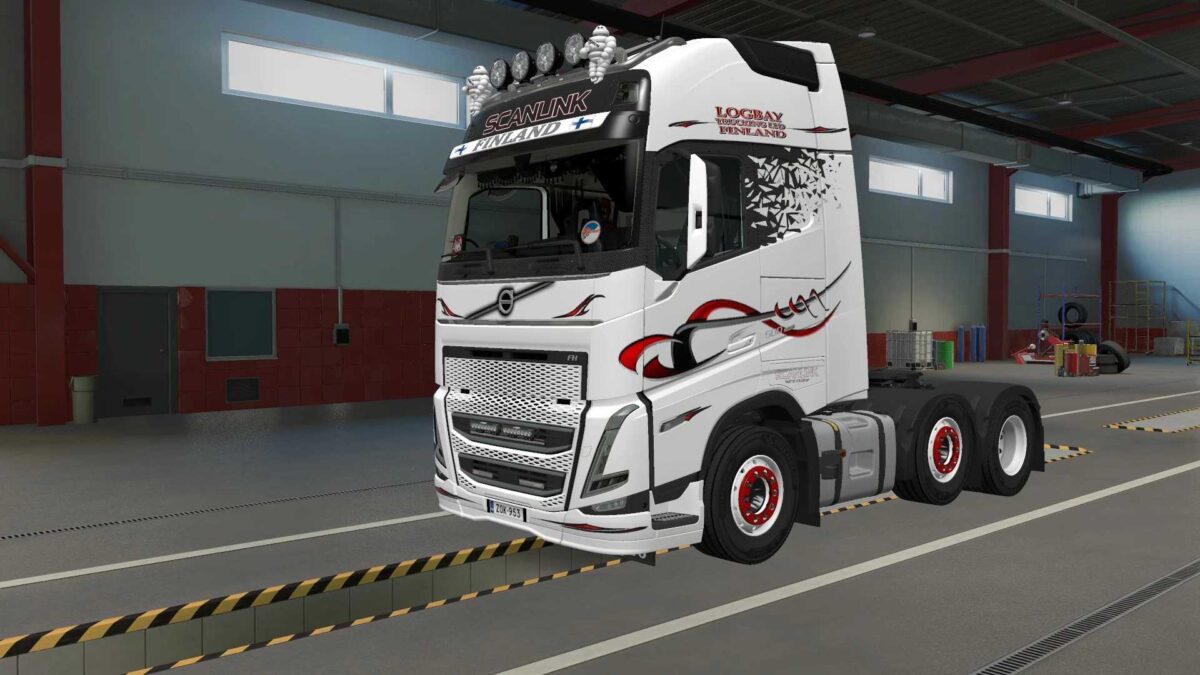
Logbay Trucking
Volvo FH6 Aero Yellow
Volvo FH6 Aero/Standard Imperial
Volvo FH6 Aero/Standard Flowertrucks
Volvo FH5 Scanlink
Volvo FH5 Black
+Lightboxes
Credits: Pirtom
How to install ETS2 mods or ATS Mods
Installing mods in Euro Truck Simulator 2 is straightforward. Simply download the mod from here, and copy/unzip the files into the “My Documents\Euro Truck Simulator 2\mod” folder. For American Truck Simulator, install the mods into the “My Documents\American Truck Simulator\mod” folder. You can use WinRAR or 7zip to unzip files. After that, activate the mods you wish to use.