Vietnam Map v9.0 1.53 for ETS2
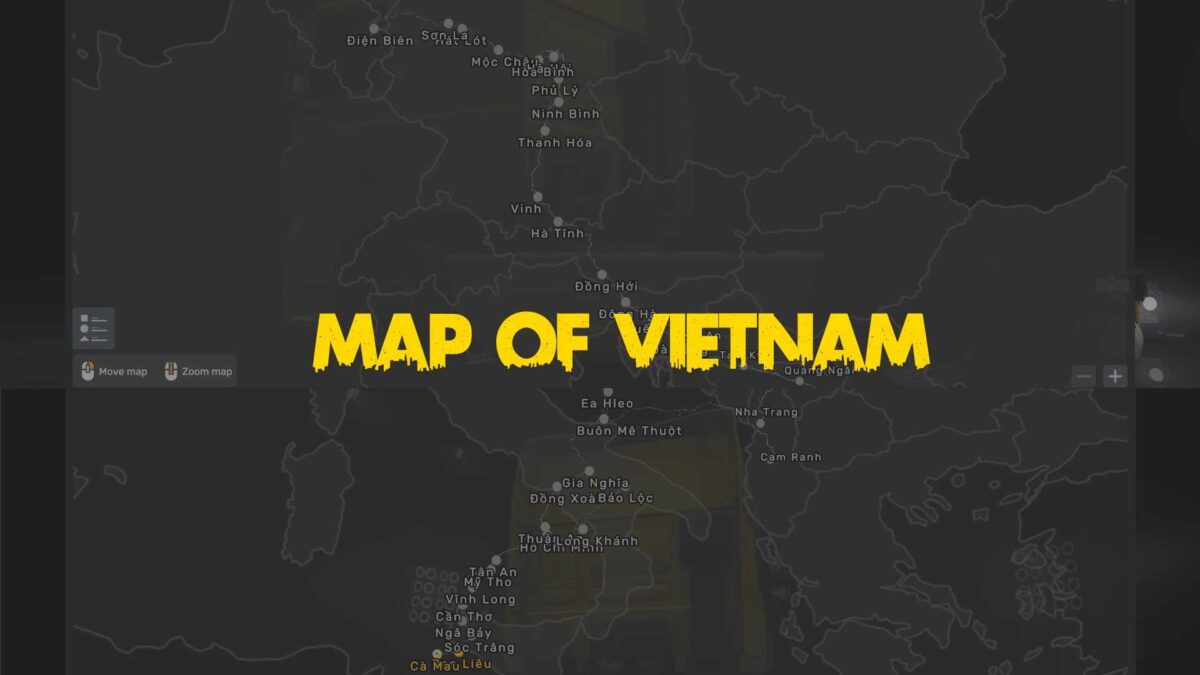
Vietnam Map (1) – North: The northern roads lead to the picturesque Central Highlands, featuring treacherous routes from Dien Bien to Hanoi. The journey continues from Hanoi to Da Nang, showcasing breathtaking scenery. On this route, you’ll travel from Da Nang along Highway 14B to Buon Me Thuot, surrounded by stunning highland landscapes.
Vietnam Map (2) – Southeast Vietnam: Continuing on the Central Highlands path from Buon Me Thuot to Saigon, a major city rich in immersive experiences for players. The map diverges from Ho Chi Minh City into two branches: one heads west while the other connects to Da Lat, linking to VN 4 (South Central Coast).
Vietnam Map (3) – West: This map is the westernmost section, initiated from Ho Chi Minh City via Trung Luong Expressway along National Highway 1A through provinces like Long An, My Tho, Tien Giang, and finally reaching Can Tho City via My Thuan Bridge, with future updates planned to extend to Ca Mau.
Vietnam Map (4) – South Central Coast: This area encompasses the central provinces. Known for its scenic coastal roads connected from VN 1 (North), it starts from Da Nang, progressing southward to Da Lat, and links back to VN 2 (Southeast). Expect stunning routes alongside Vietnam’s coastline along National Highway 1A, passing through provinces like Quang Nam, Quang Tri, Phu Yen, Nha Trang, and Cam Ranh.
Credits: Vietnams TeamGhost X CV
Instructions for Installing ETS2 or ATS Mods
Installing mods in Euro Truck Simulator 2 is straightforward. Download the mod from here and copy/unzip the files into the “My Documents\Euro Truck Simulator 2\mod” folder. For American Truck Simulator (ATS), place the mods in the “My Documents\American Truck Simulator\mod” folder. You can use WinRAR or 7zip to unzip files. Afterward, activate the mods you wish to use.