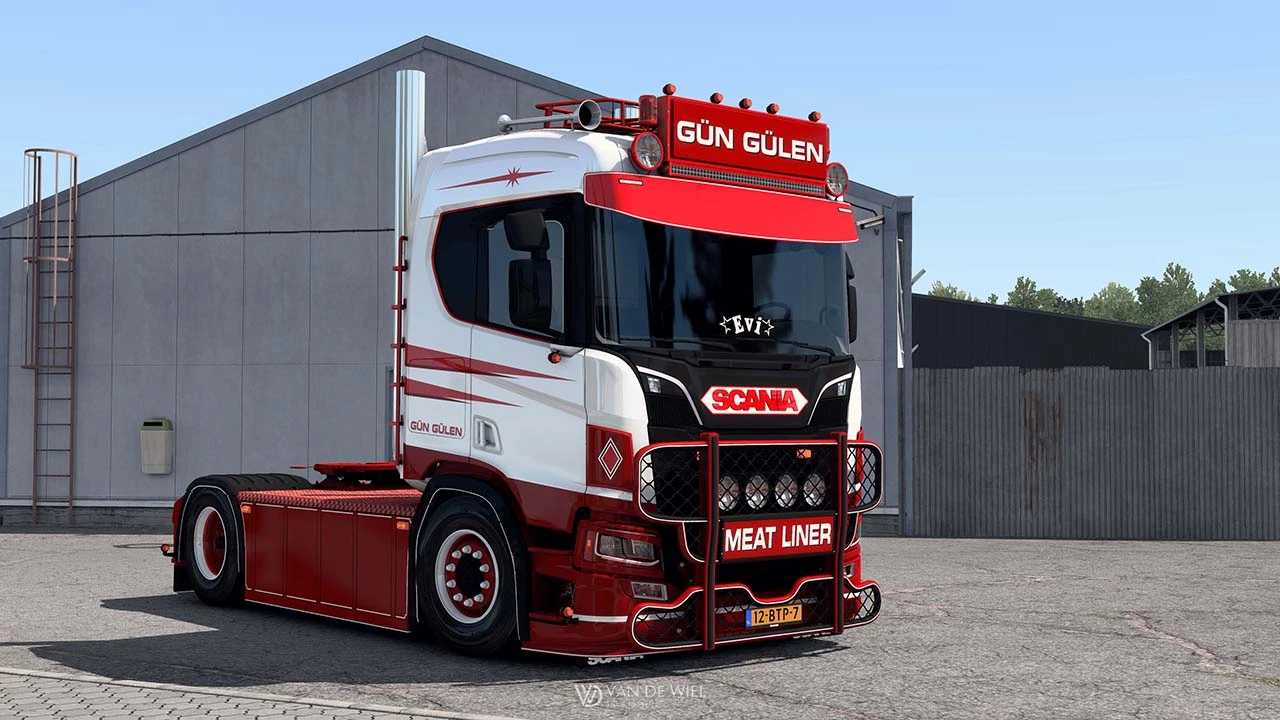
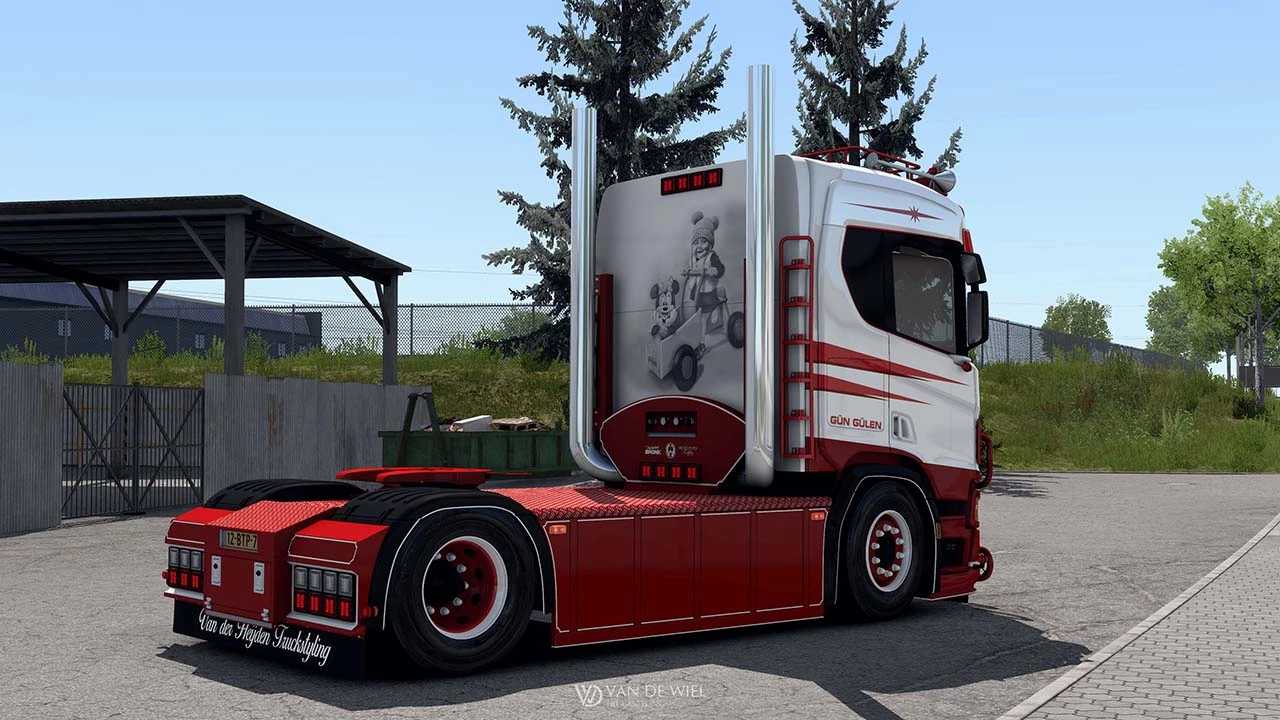
Scania 460R Gün Gülen v7.0 1.53 ETS2
Changelog v7
– Added support for interior shadows
– Corrected errors and metadata files
– Resolved issue with truck not showing in dealership
– Updated for version 1.51-1.53
What does it offer?
– Standard cab
– 4×2 chassis
– Custom engine sound
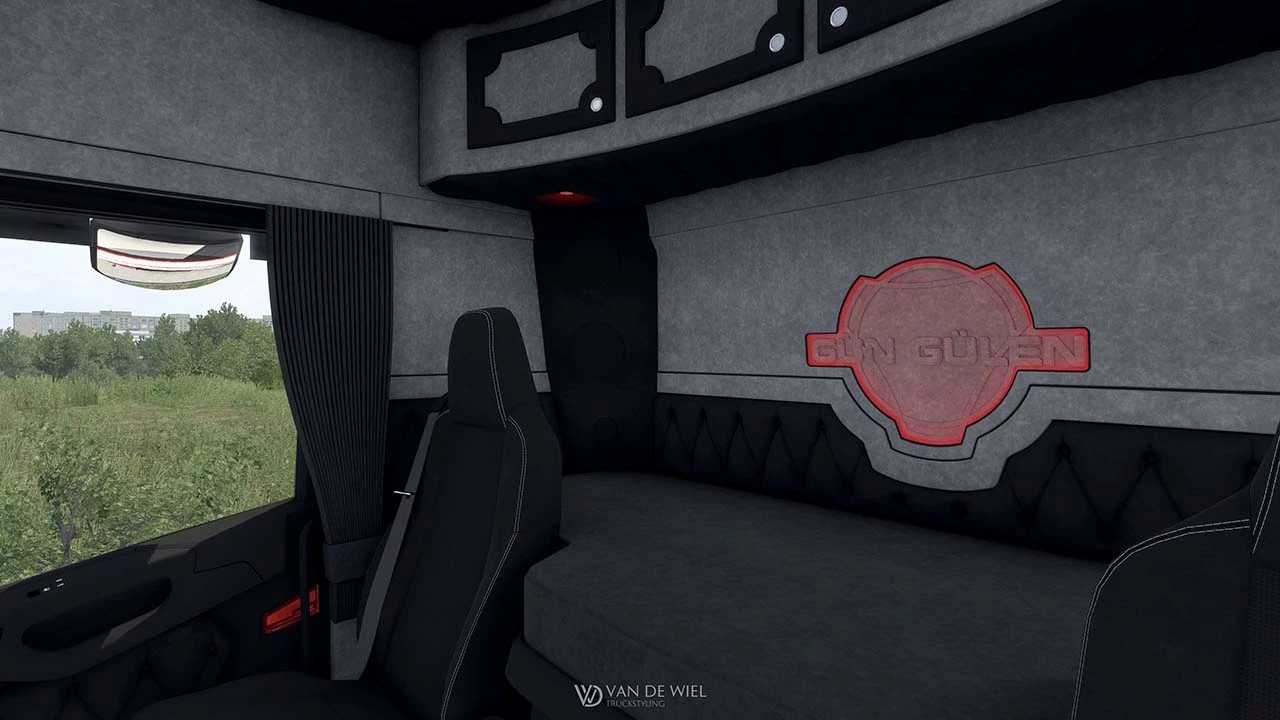
– Unique interior and salon
– 12-speed retarder
– Fully standalone
– Custom models
– Tailored interior
– Custom wheels
– Custom lightmask
– Red ambient interior lighting
– Interior customization options
– Two tire selections (With or without “tire shine”)
Credits: Van de Wiel Truckstyling
Installation Instructions for ETS2 or ATS Mods
Installing mods in Euro Truck Simulator 2 is straightforward. Simply download the mod from the provided link, then copy or unzip the files into the following directory: “My Documents\Euro Truck Simulator 2\mod”. For American Truck Simulator, place mods in: “My Documents\American Truck Simulator\mod”. You can use tools like WinRAR or 7zip to unzip the files. Make sure to activate any mods you wish to use afterward.