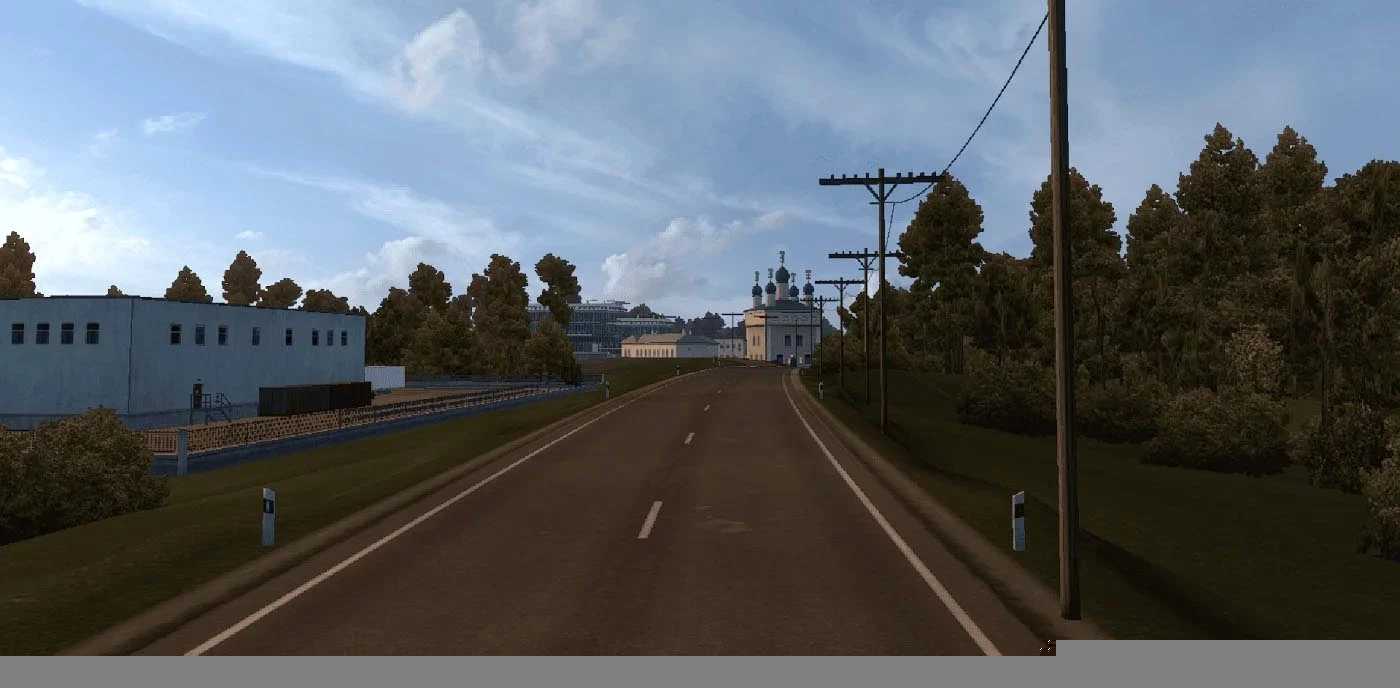
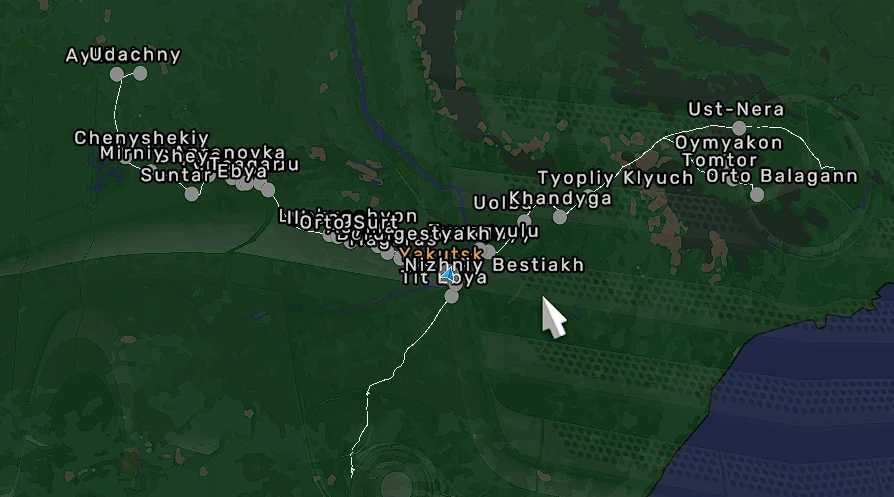
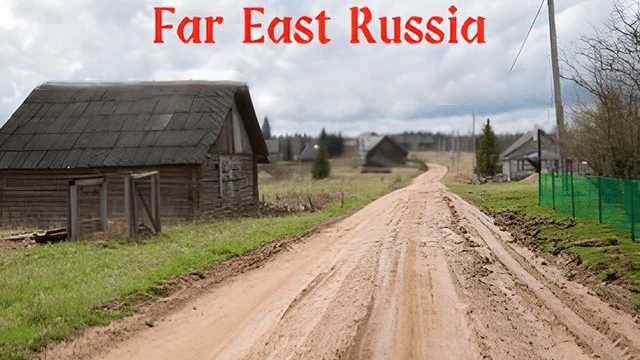
Far East Russia Fix v22 1.54 for ETS2
Changelog Alpha 22 Update 1 Quick Fix 1
Resolved compatibility issues with Transsiberia Truckway v1.7
Description:
This mod features a map of the Sakha Republic (Yakutia), which is compatible with Off the Grid and Trans-Siberian Truckway.
LOAD ORDER
Ensure this mod is placed above Off the Grid and Trans-Siberian Truckway
Compatibility: Version 1.54
Credits: jirkanedela
How to install ETS2 or ATS Mods
Installing mods in Euro Truck Simulator 2 is quite straightforward. Simply download the mod from this site, then copy or unzip the files into the “My Documents\Euro Truck Simulator 2\mod” folder. For American Truck Simulator, place the mods in the “My Documents\American Truck Simulator\mod” folder. You can use tools like WinRAR or 7zip to unzip files. After installation, make sure to activate the mods you wish to use.