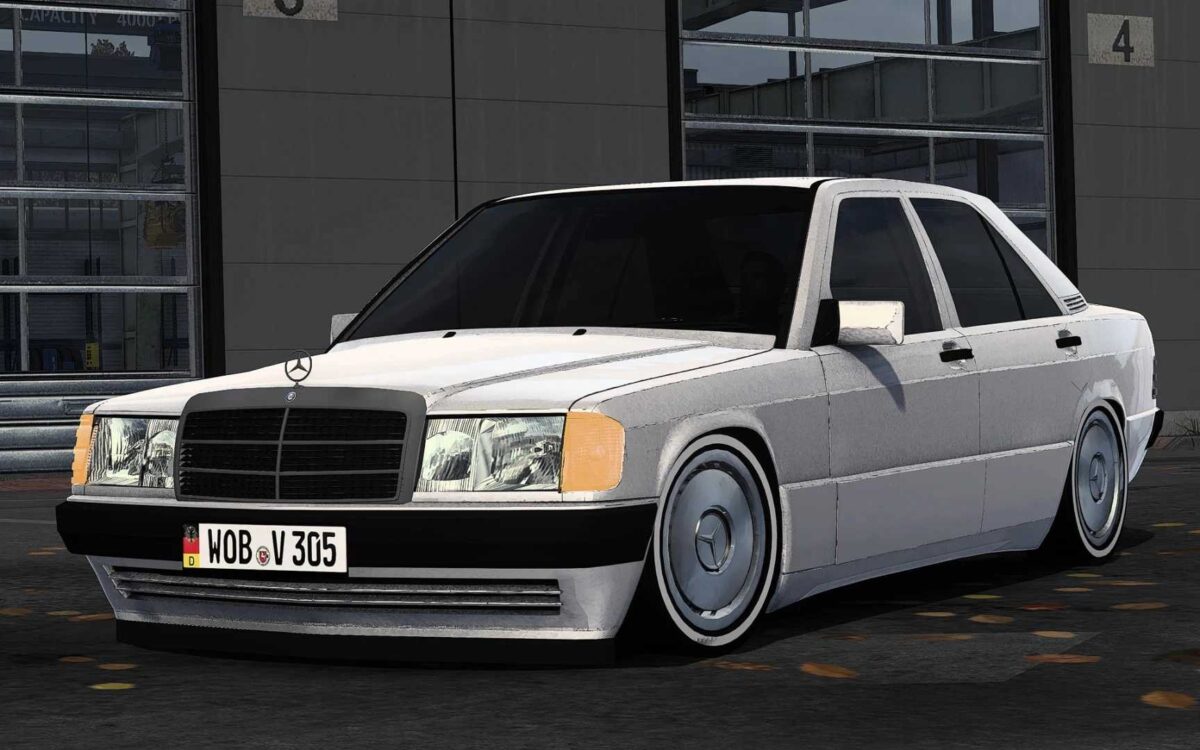
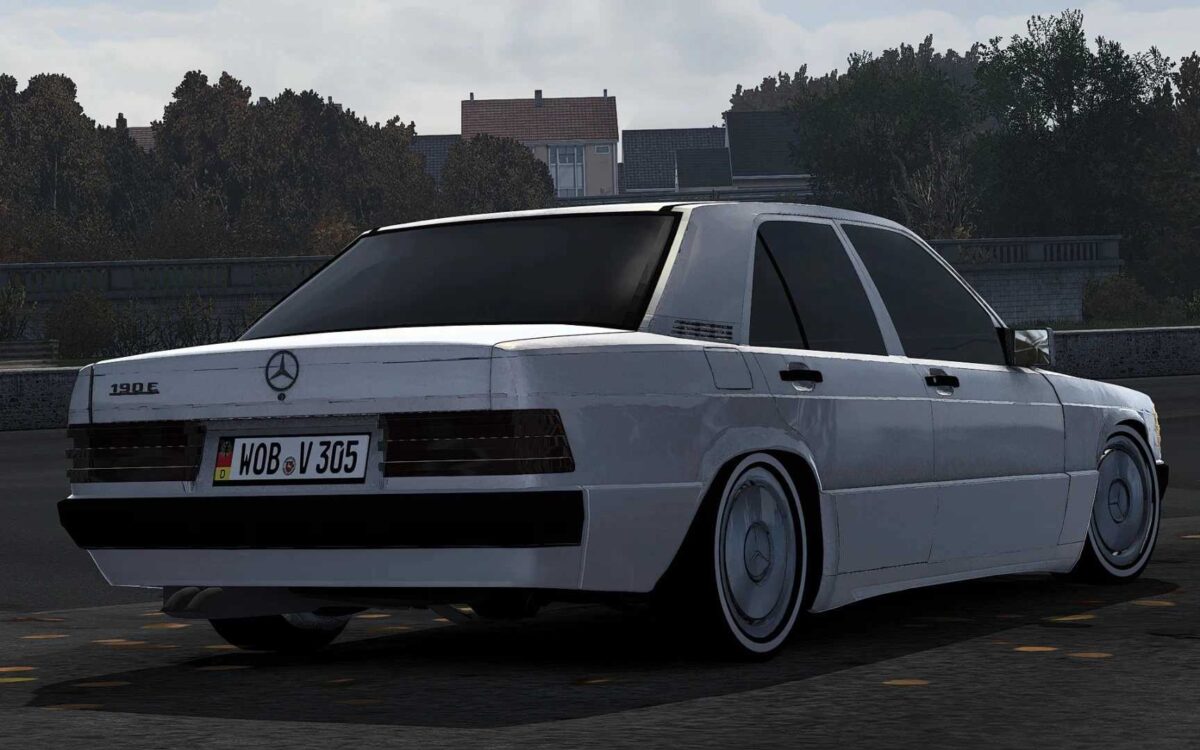
Mercedes-Benz W201 190E V3.7 1.54 ETS2
CHANGELOG:
– Updated to game version 1.54
Credits: Huseyin Karadana, Nimit, İsmail Kaan
How to install ETS2 mods or ATS Mods
Installing mods in Euro Truck Simulator 2 is straightforward. Simply download the mod from here and copy/unzip the files into the following directory: “My Documents\Euro Truck Simulator 2\mod”. If you are playing ATS, install the mods in: “My Documents\American Truck Simulator\mod”. You can use tools like WinRAR or 7zip to unzip the files. Afterwards, activate the mods you wish to use.