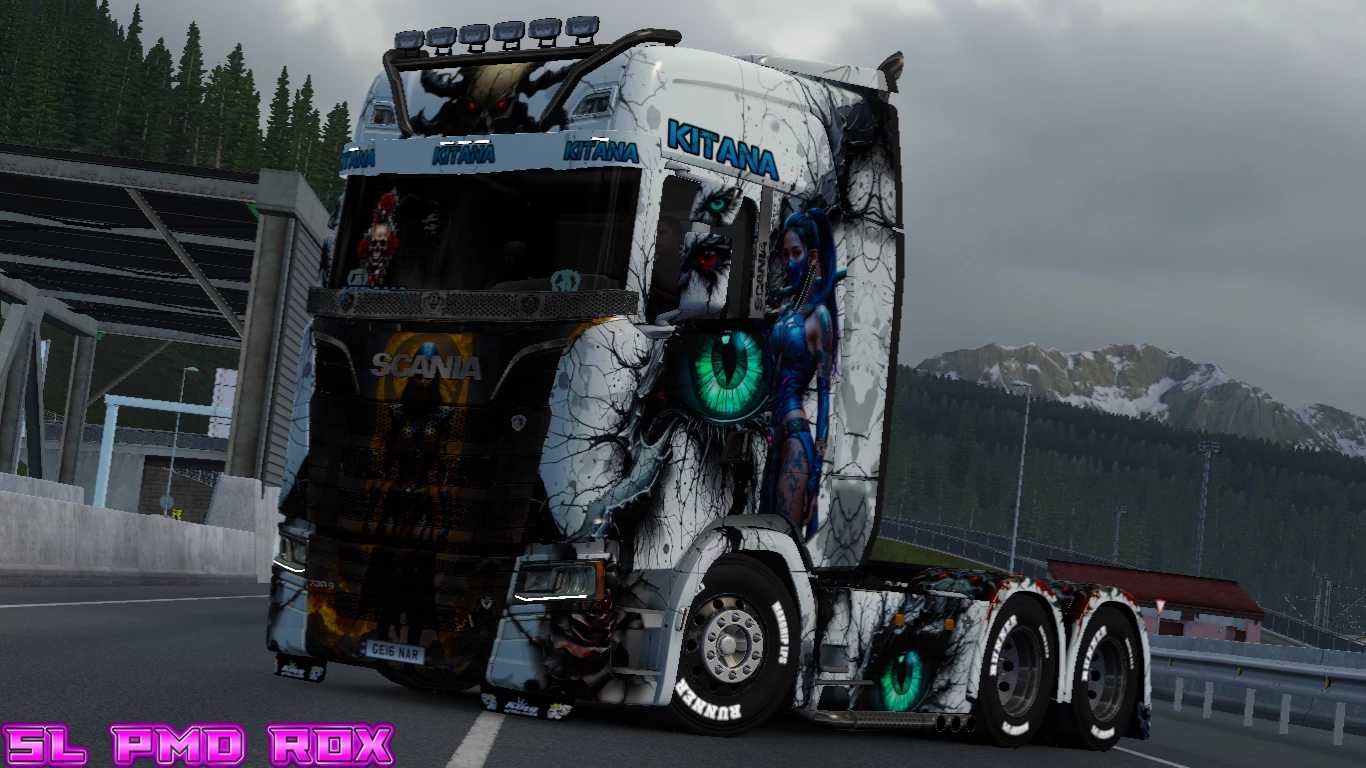
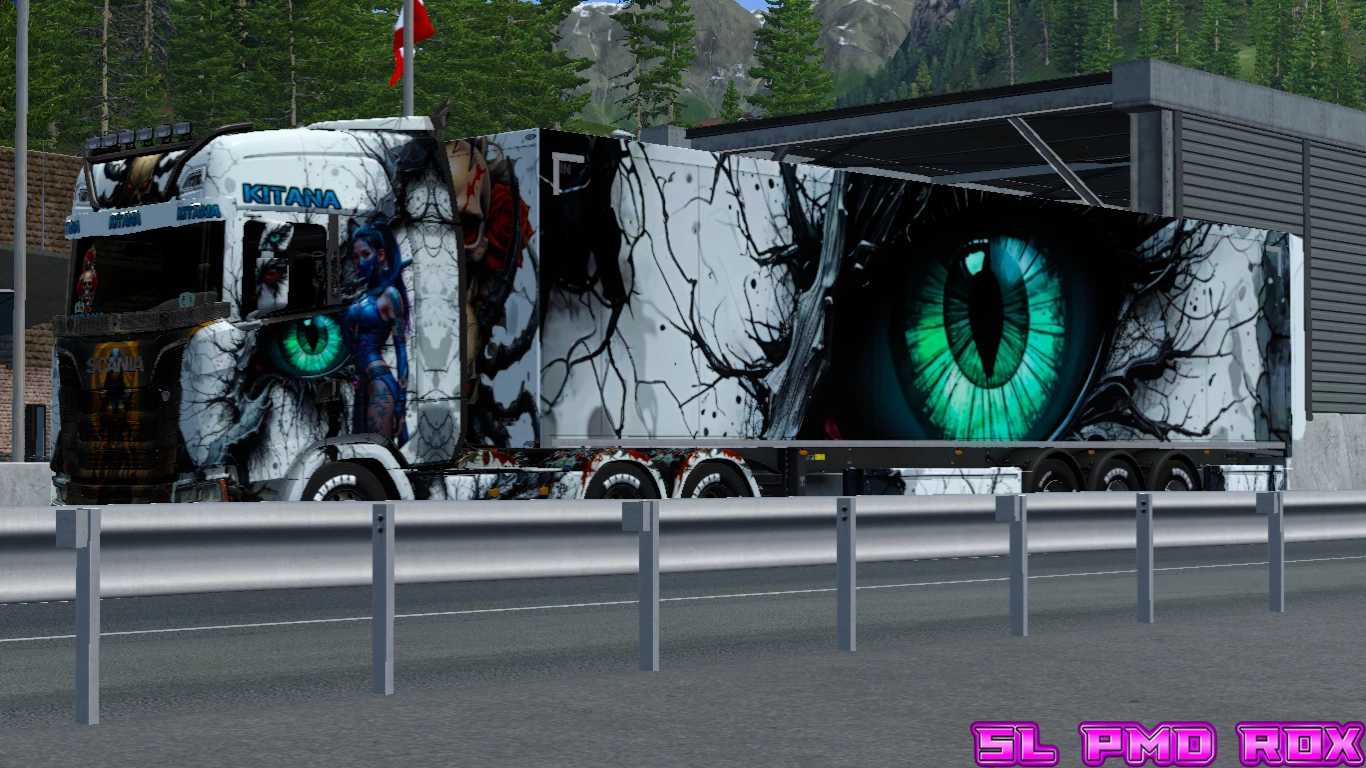
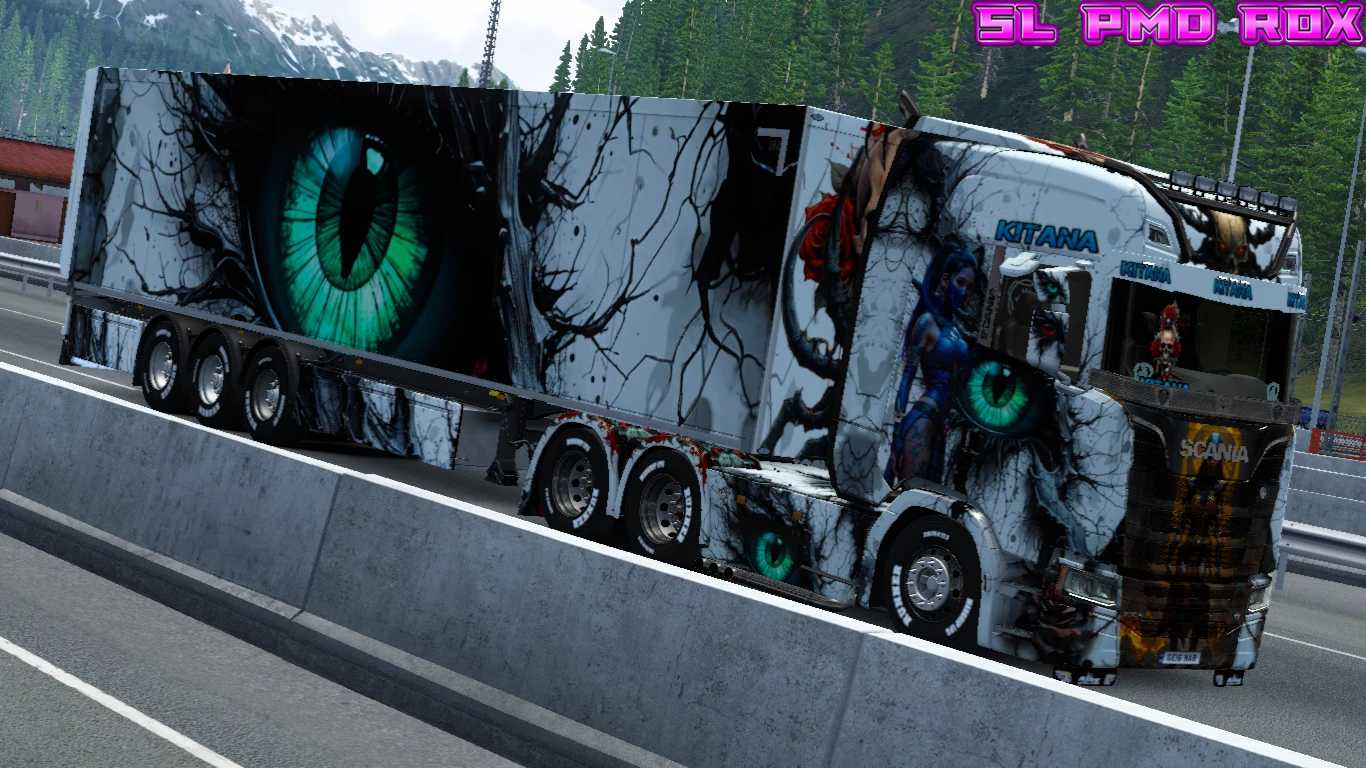
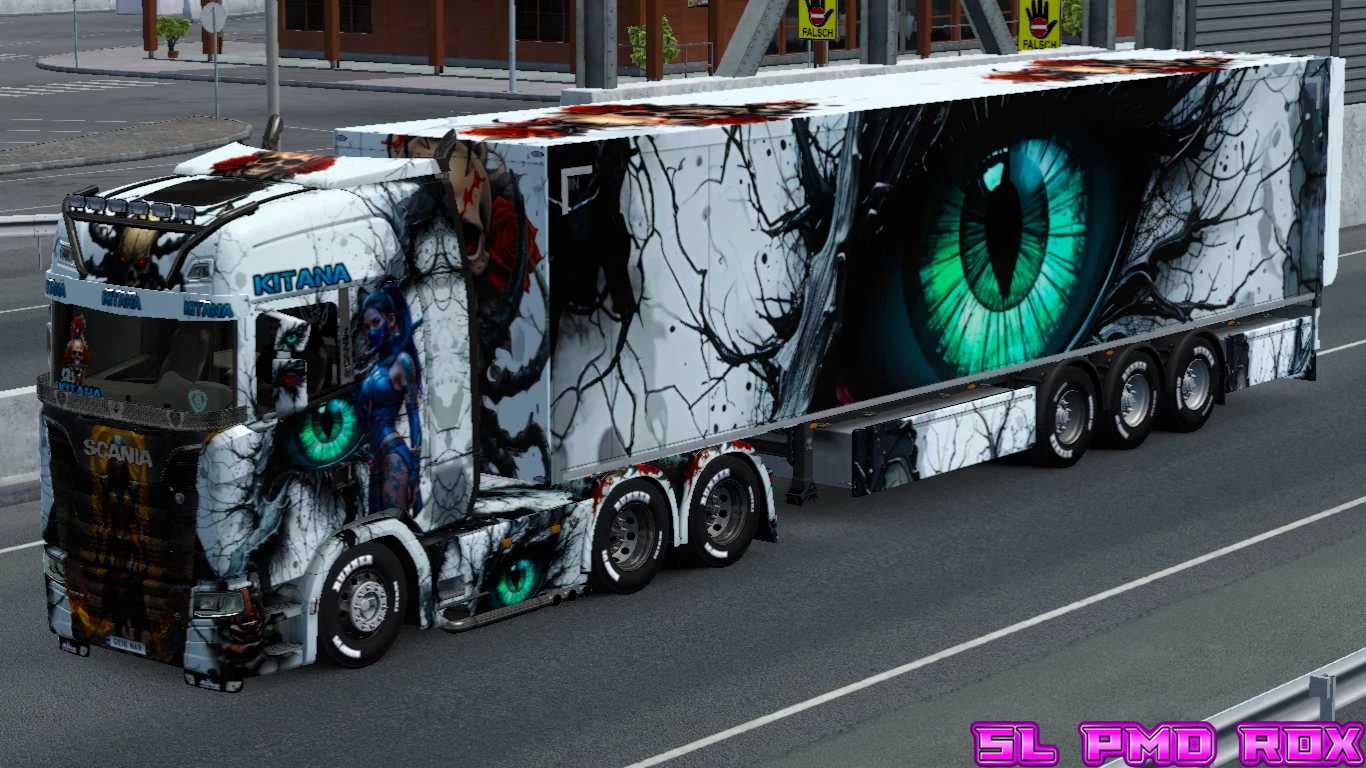
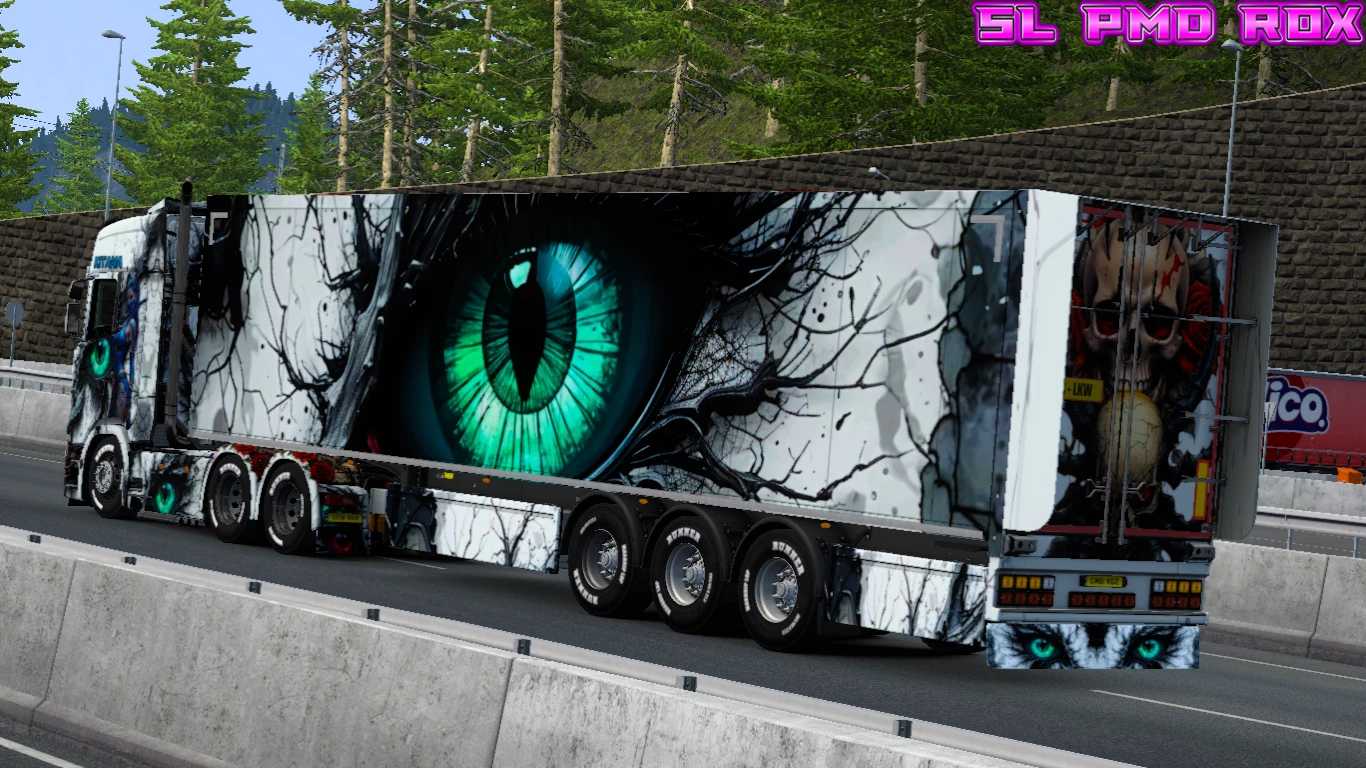
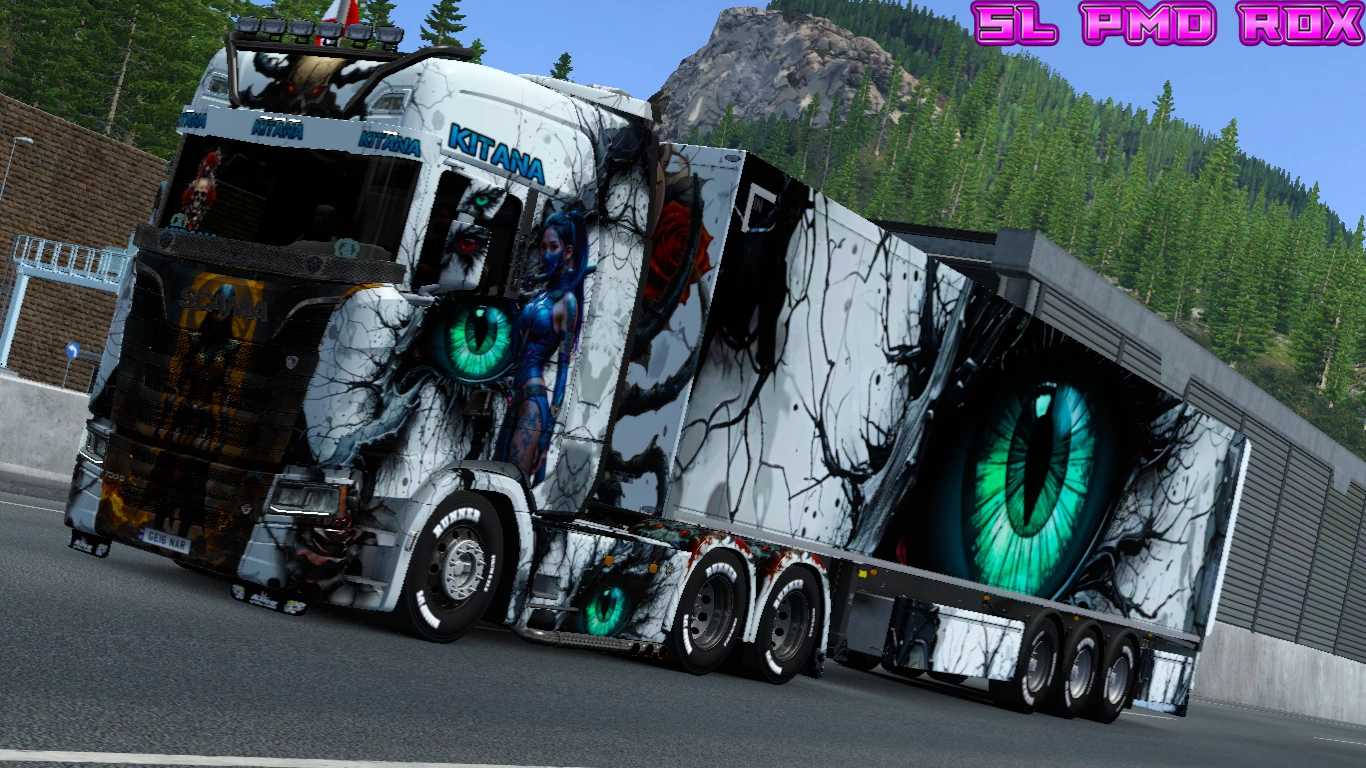
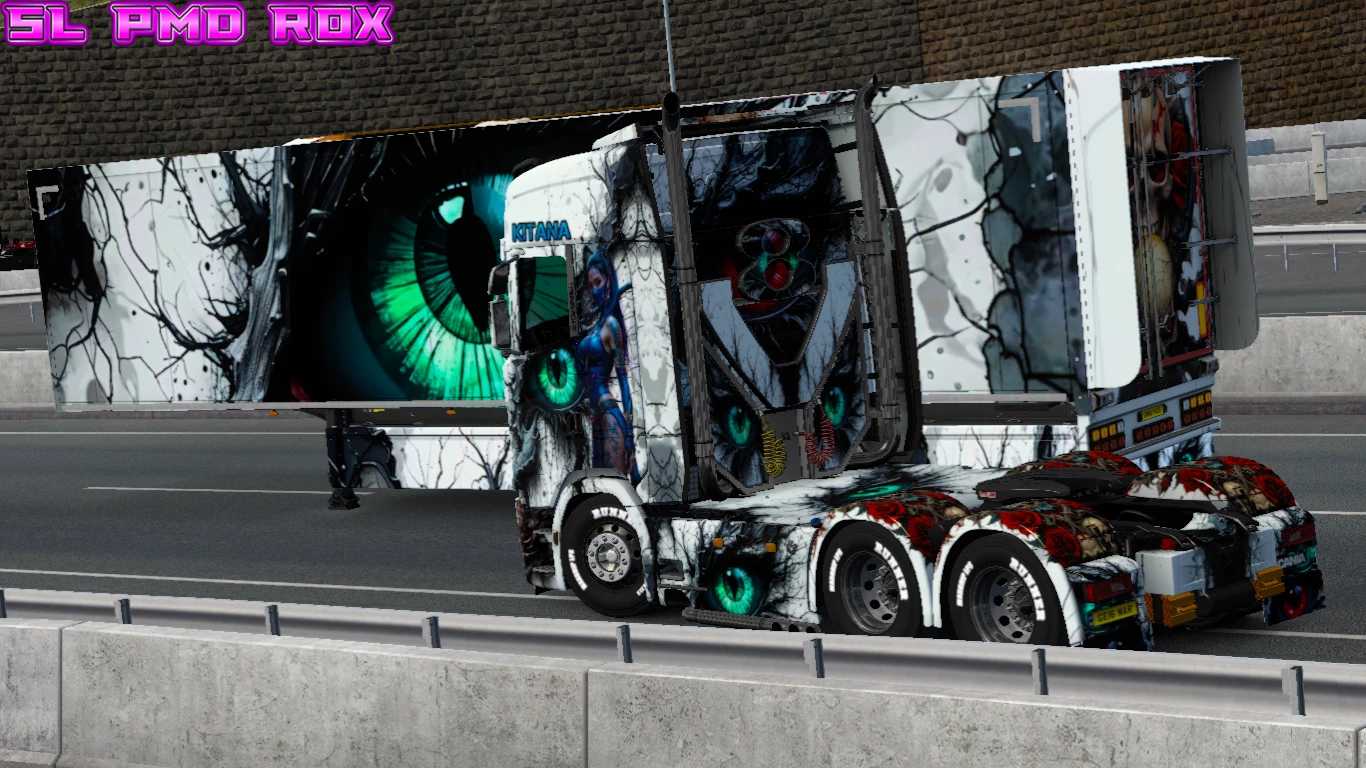
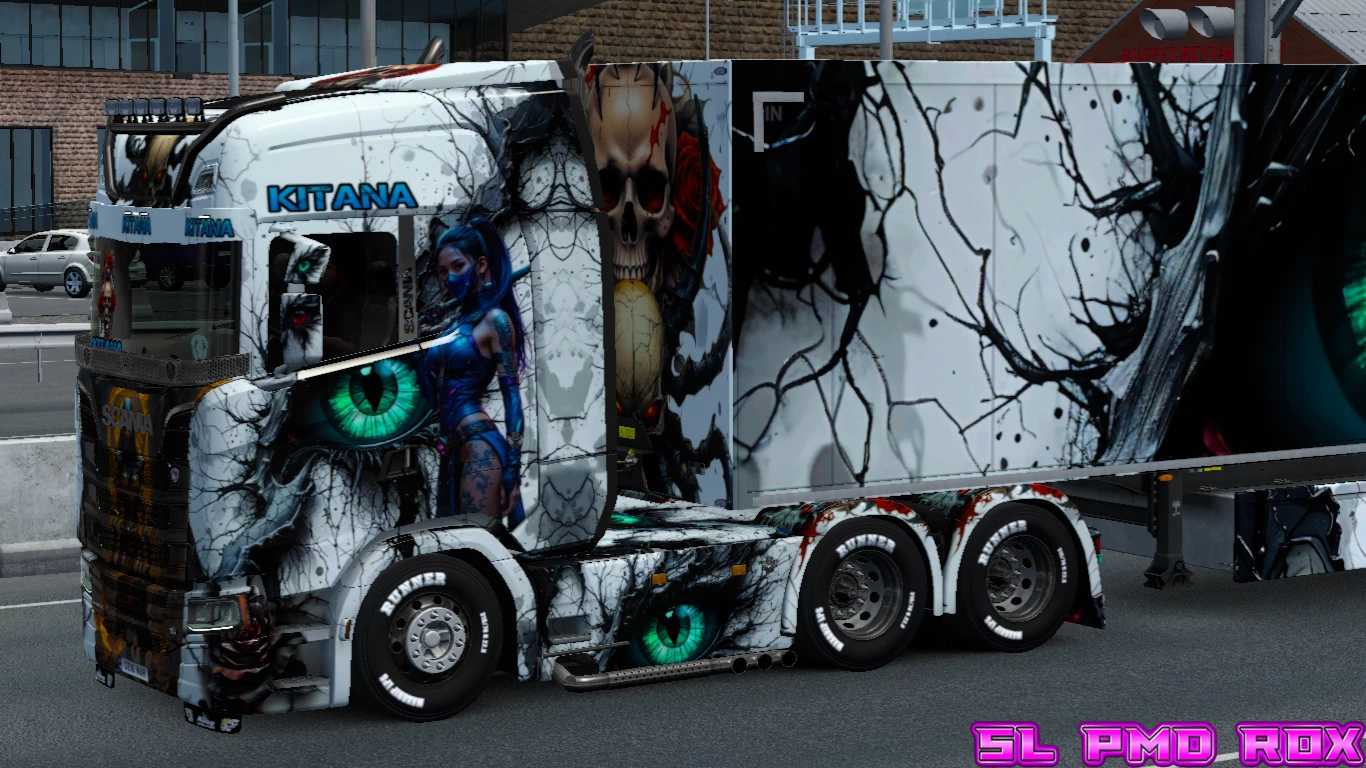
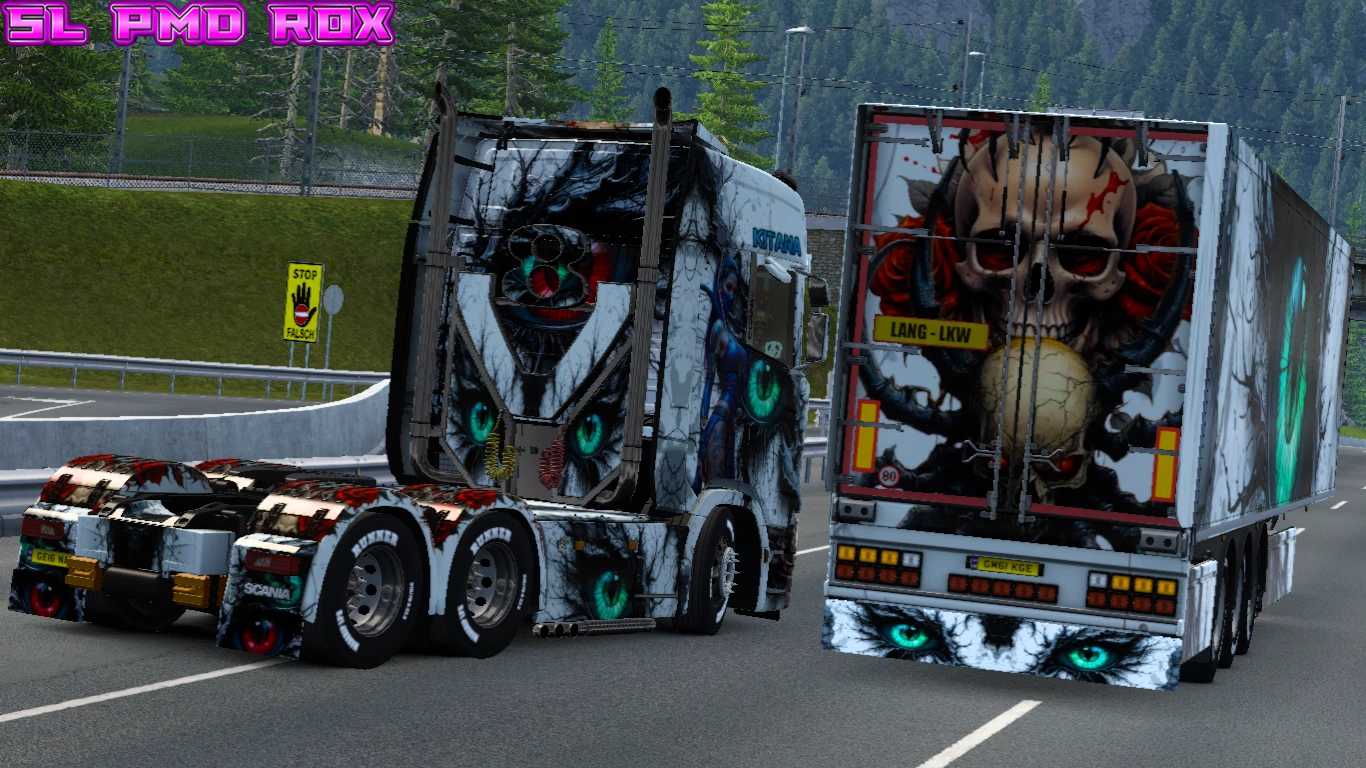
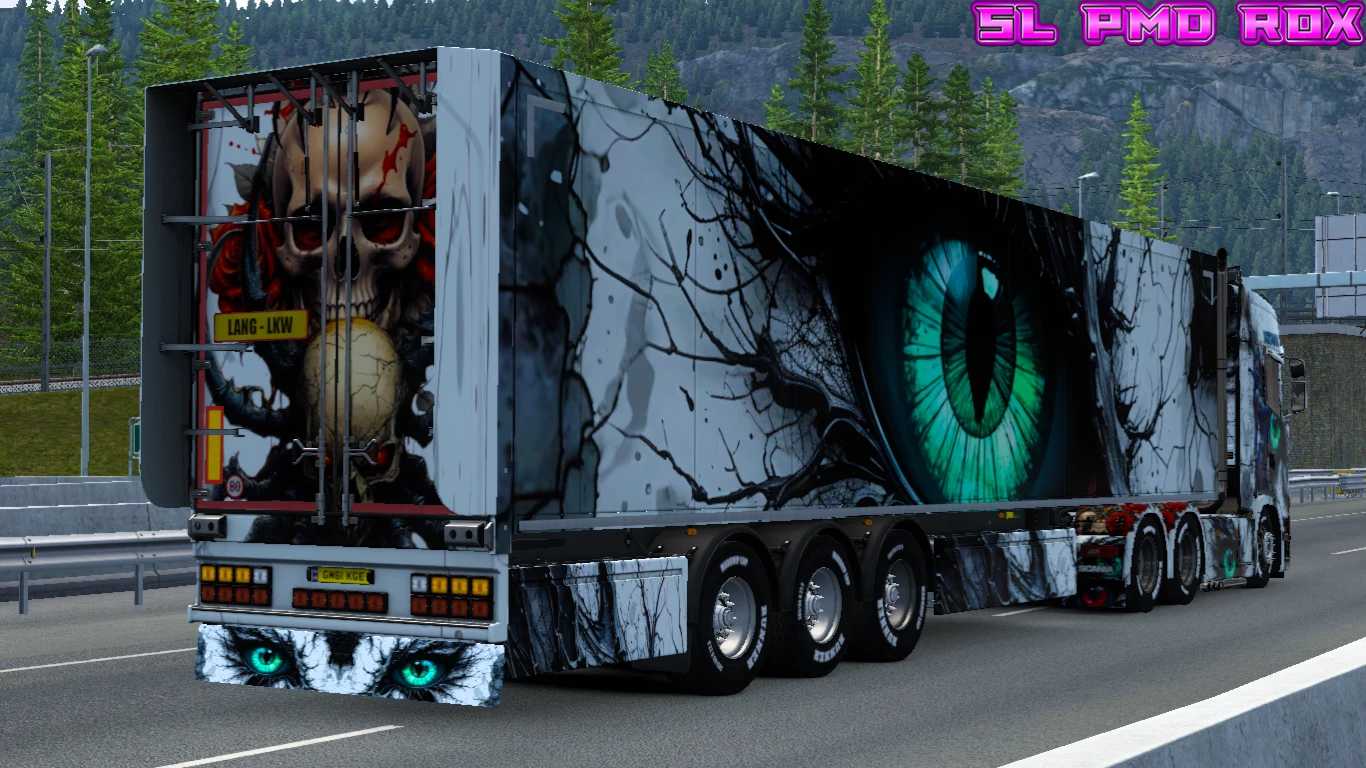
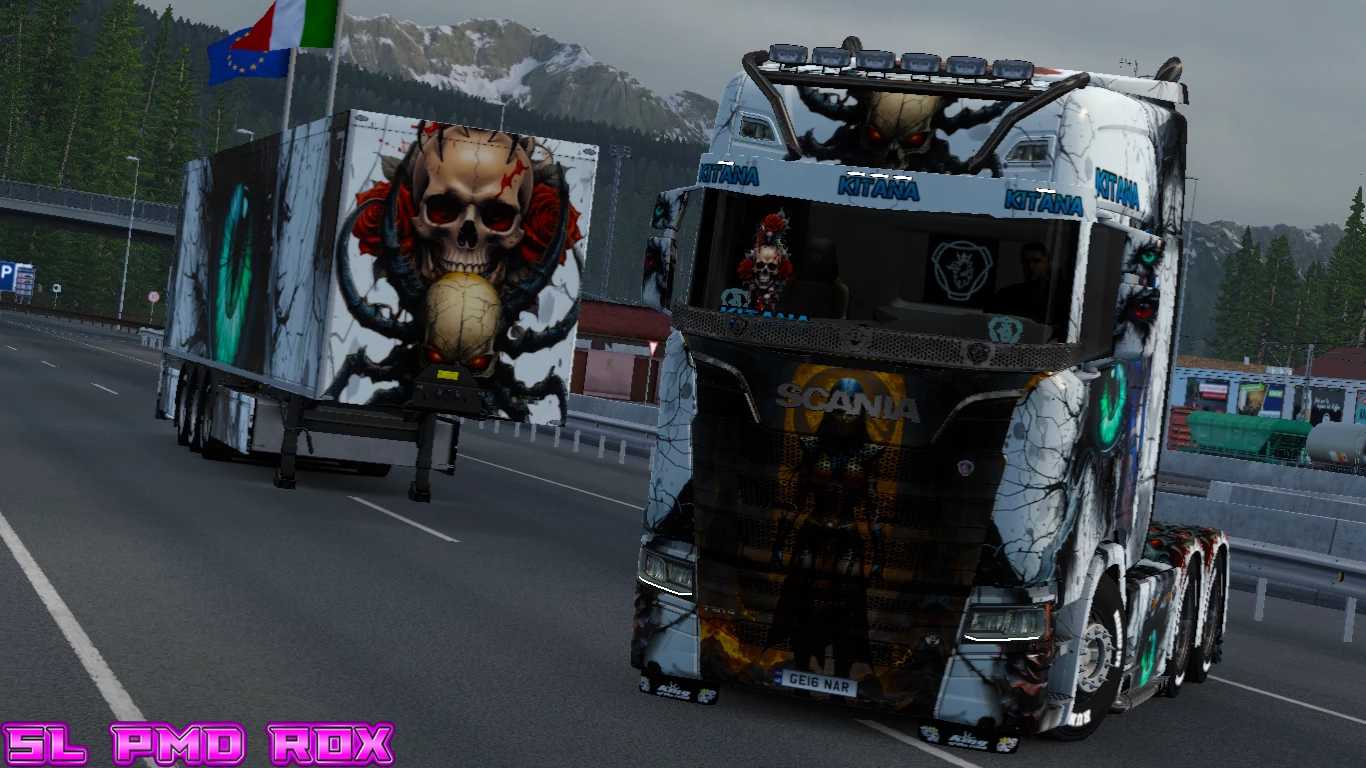
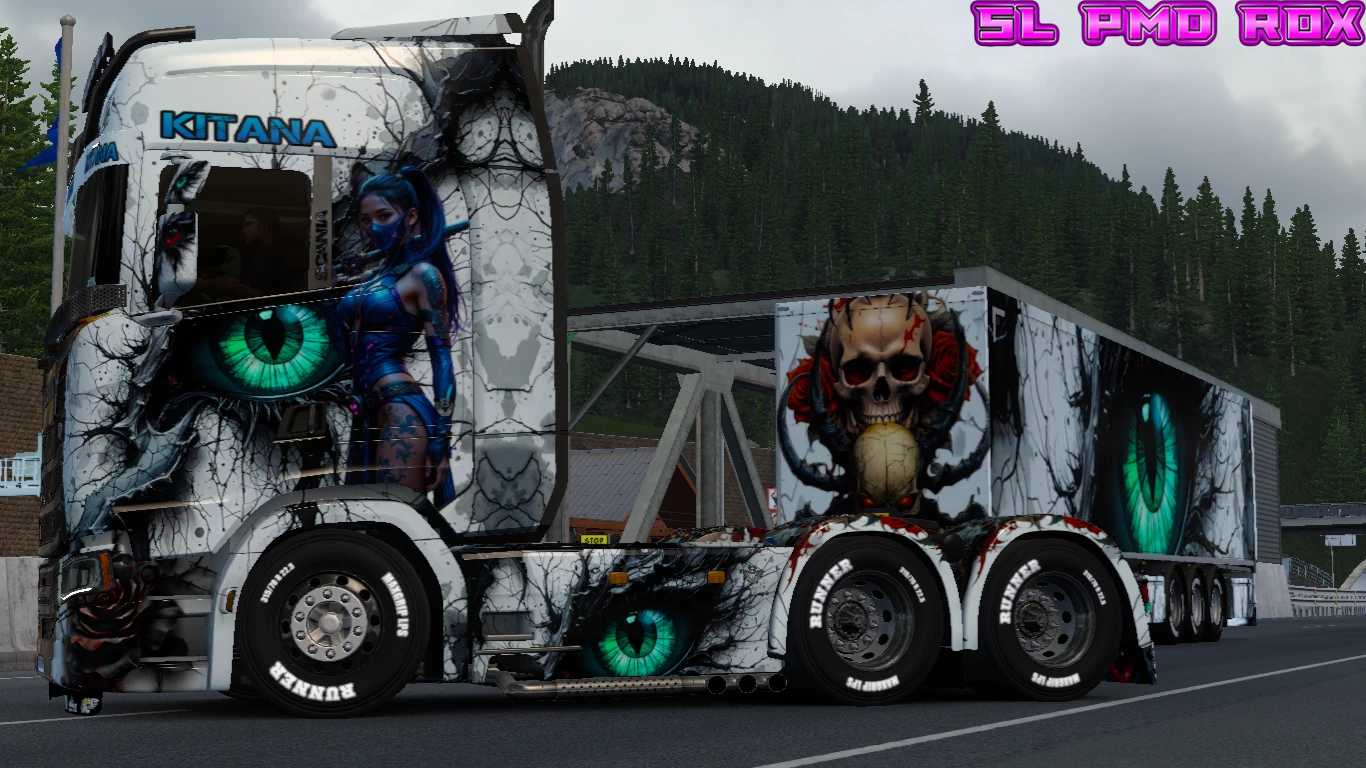
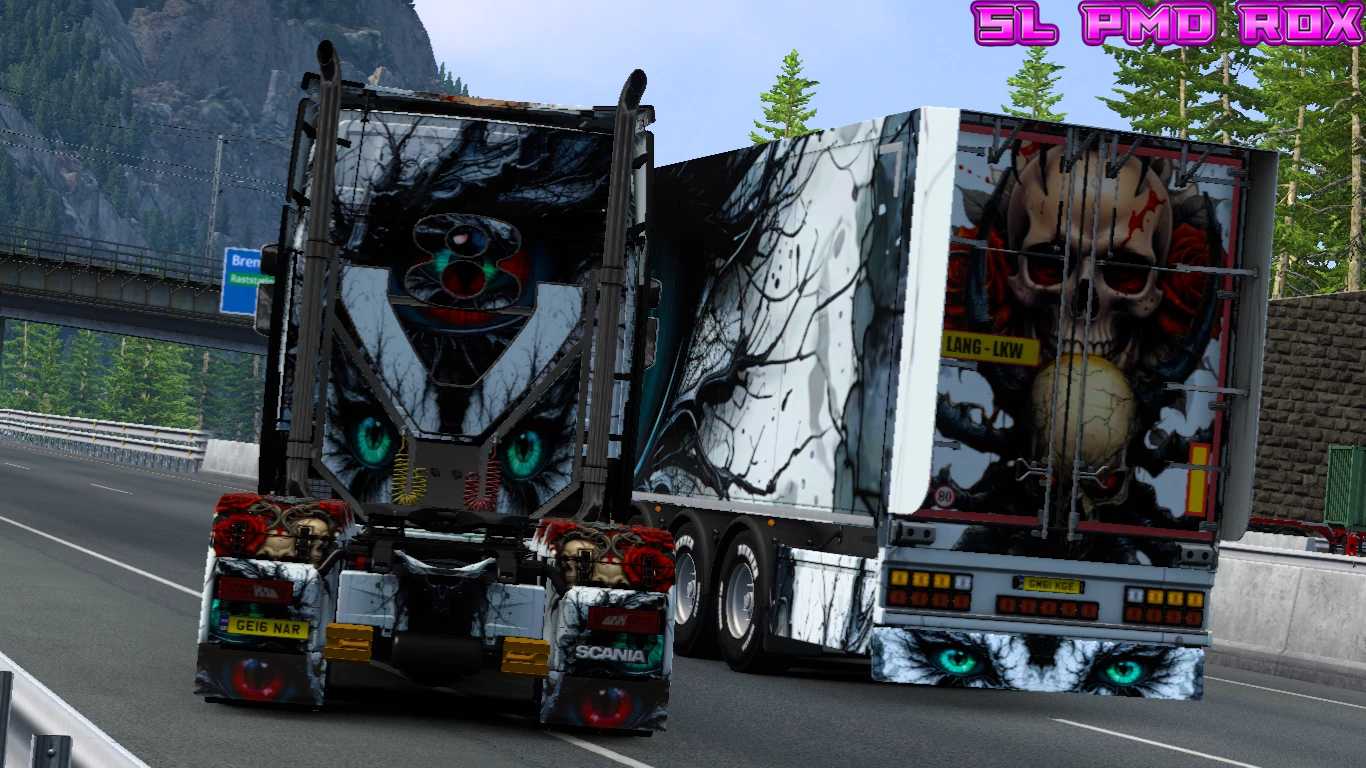
SCANIA S KITANA EYE SKIN v1.0 FOR ETS2
THIS SKIN MOD IS COMPATIBLE WITH THE SCANIA S HIGH ROOF TRUCK
AND ALSO SUPPORTS BOX TRAILERS.
INSTALLATION INSTRUCTIONS FOR SKIN MOD:
1) COPY THE SCS FILE
2) PASTE IT INTO YOUR ETS2 MOD FOLDER
3) LAUNCH ETS2 AND ENABLE THE MOD IN THE GAME
Credits: SL PMD ROX
Instructions for Installing ETS2 or ATS Mods
Installing mods in Euro Truck Simulator 2 is straightforward. Download the mod from here, then copy/unzip the files into: “My Documents\Euro Truck Simulator 2\mod” folder. If you are playing ATS, install the mods into: “My Documents\American Truck Simulator\mod” folder. You can use WinRAR or 7zip to unzip files. After that, you must activate the mods you want to use.