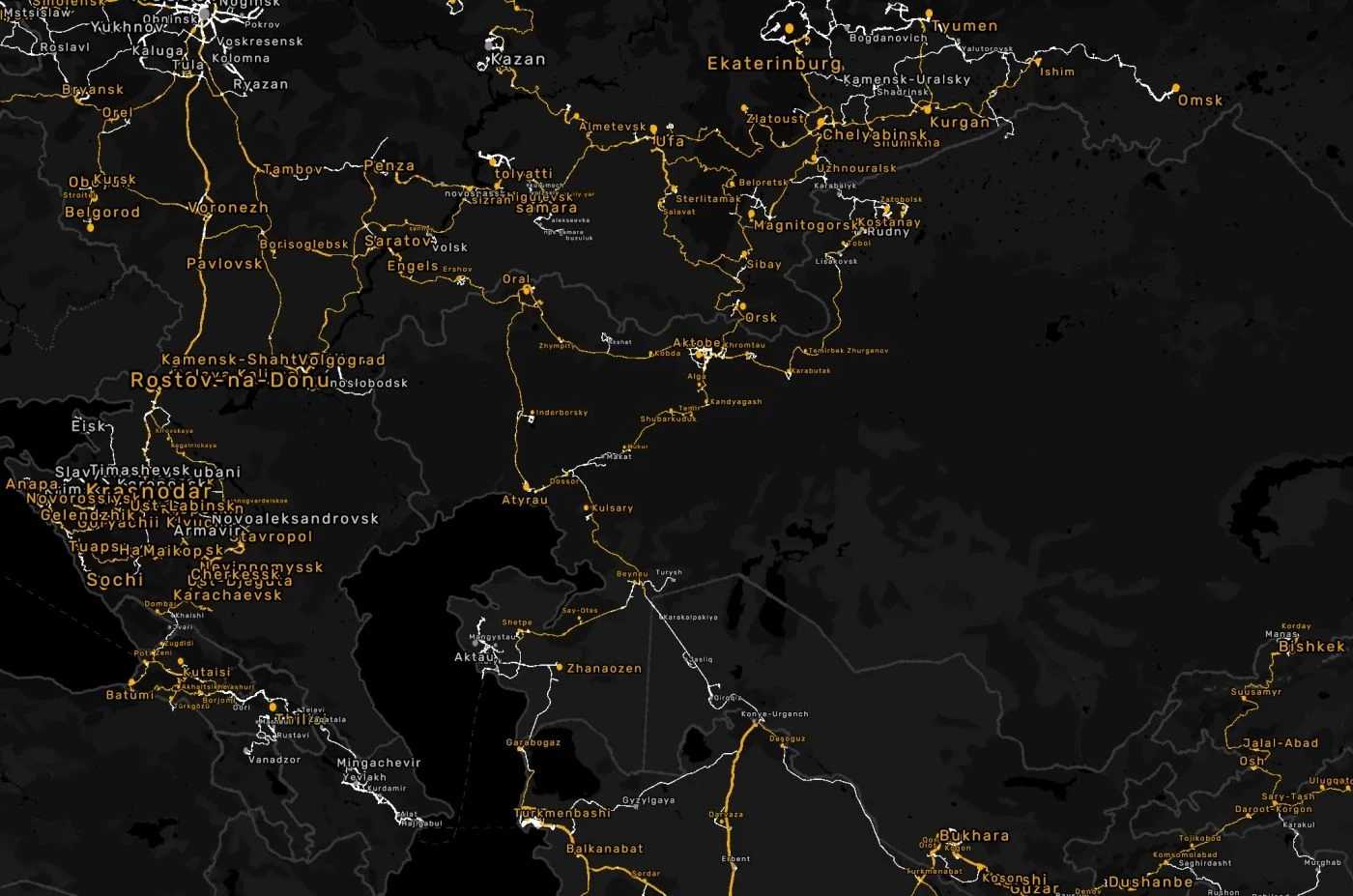
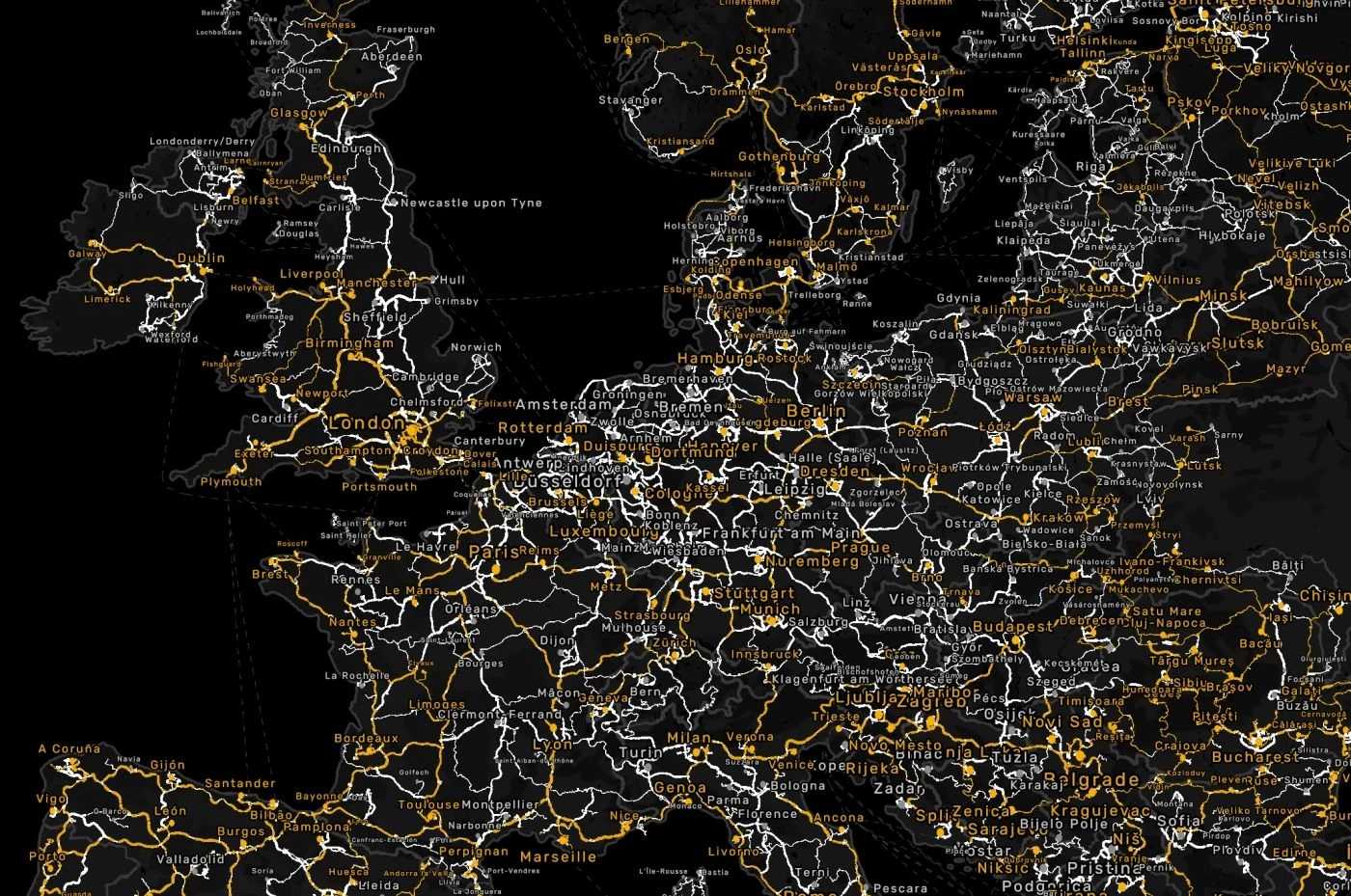
Global Background Map v1.1 ETS2
This comprehensive background map features extensive coverage across nearly all continents.
It includes all of Africa, Europe, and Asia, as well as Australia, New Zealand, and North America with a glimpse of northern South America, specifically Colombia, Venezuela, Guyana, Suriname, French Guiana, and parts of Brazil.
Credits: SaltySeeds06
Instructions for Installing ETS2 or ATS Mods
Installing mods for Euro Truck Simulator 2 is straightforward. Simply download the mod from here, then copy or unzip the files into the “My Documents\Euro Truck Simulator 2\mod” folder. If you are using ATS, place the mods in “My Documents\American Truck Simulator\mod” folder. You can use software like WinRAR or 7zip to unzip files. Subsequently, activate the mods you intend to use.