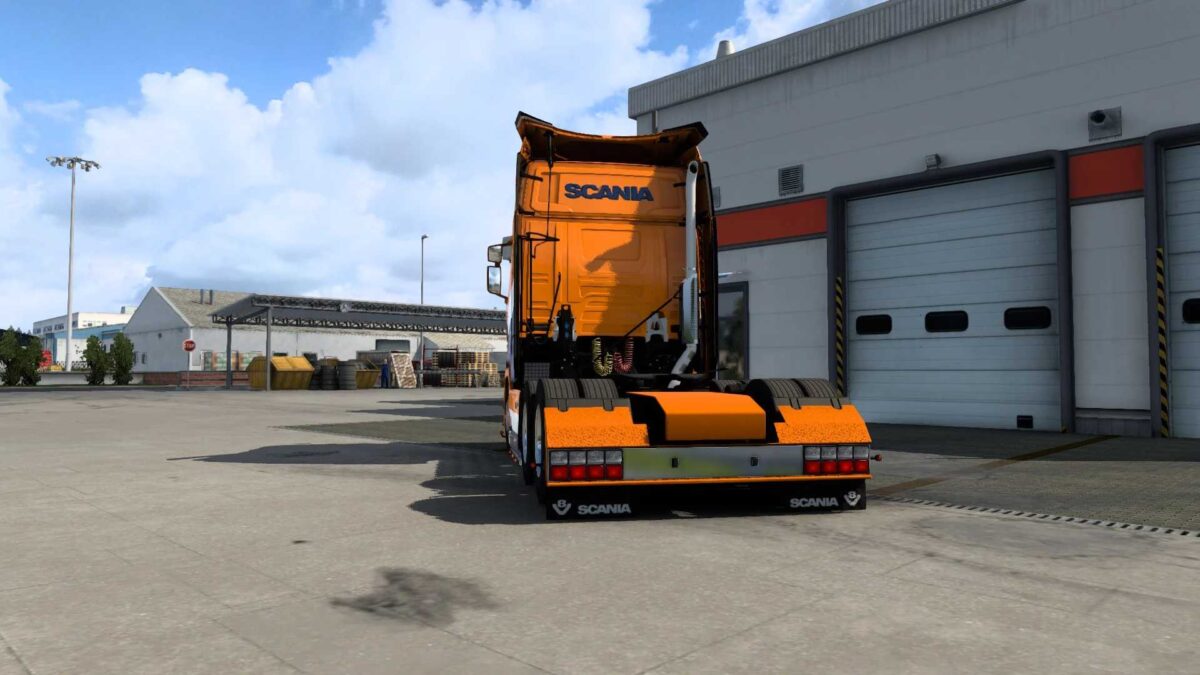
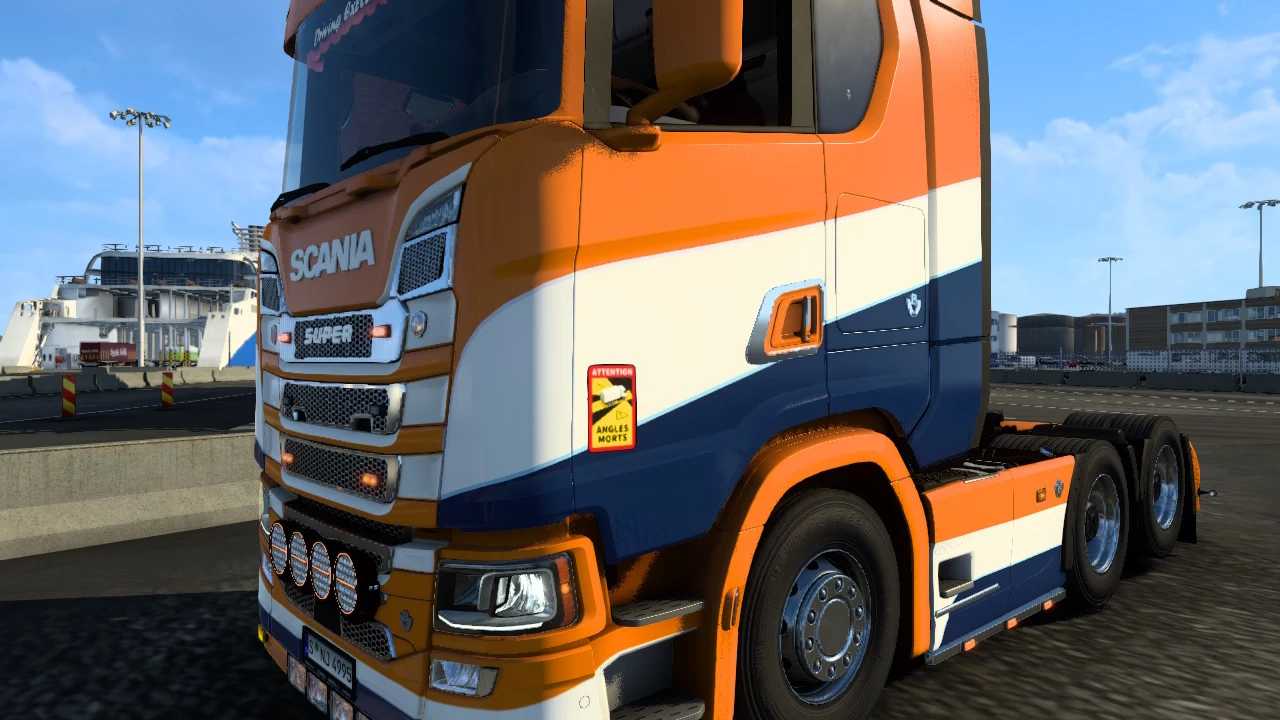
Holland Skin H2 for Scania S by Player Thurein v1.0 ETS2
Introducing the Holland Skin H2 by Player Thurein for the Scania S in Euro Truck Simulator 2. This remarkable mod captures the lively spirit and unique aesthetics of Holland, providing a captivating look that will certainly attract attention as you navigate the highways.
Highlights:
Exceptional Holland-Inspired Design: Enjoy a beautifully detailed skin that reflects the vibrant character of Holland, ideal for truckers wanting to express their style and patriotism.
Seamless Scania S Integration: Designed to work flawlessly with the Scania S model in ETS2, guaranteeing a smooth gaming experience.
Versatile Compatibility: Supports all editions of Euro Truck Simulator 2, ensuring you can use it regardless of your current game version.
Lightbox Feature Support: Enhance the visual appeal of your truck with the Virotic Lightbox Mod, which allows for lightbox functions.
Enhance your trucking adventures and display your admiration for Holland with this magnificent skin. Whether you’re delivering goods through European cities or driving across the countryside, the Holland Skin H2 will make your Scania S more striking than ever!
Download it now and take to the roads with flair!
Credits: Player Thurein
Instructions for Installing ETS2 or ATS Mods
Installing mods for Euro Truck Simulator 2 is simple: Just download the mod from this site, then copy/unzip the files into the “My Documents\Euro Truck Simulator 2\mod” folder. If you’re playing American Truck Simulator, place the files in the “My Documents\American Truck Simulator\mod” folder. Use tools like WinRAR or 7zip to unzip the files. After that, activate the mods you wish to use in the game settings.