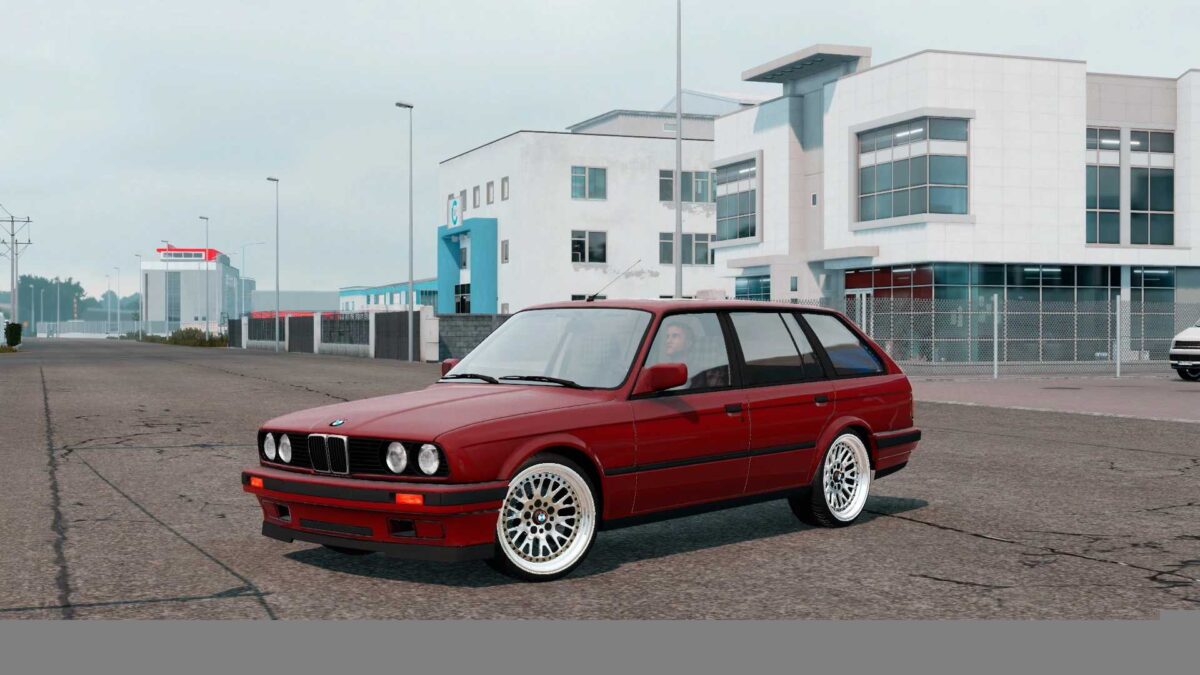
BMW 3-Series E30 Touring v2.4 1.54 ETS2
Latest Update:
– Resolved issues with certain interior materials
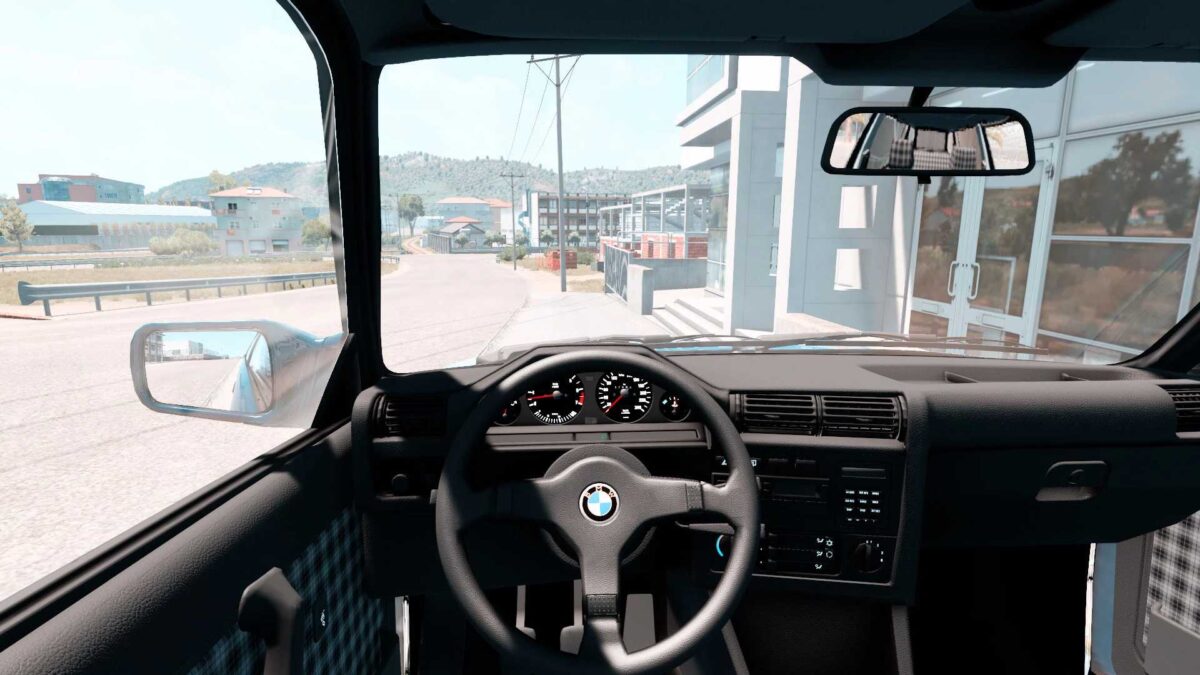
– Introduced interior lighting
– Corrected the rear light functionality
Logo Update:
upgraded to version 1.54x
Added a license plate
Enhanced physics and engine performance
Maximum Speed: 210 KmH
Credits: Gaza
Installation Guide for ETS2 or ATS Mods
Installing mods in Euro Truck Simulator 2 is straightforward. Download the mod from the link, then copy or unzip the files into the “My Documents\Euro Truck Simulator 2\mod” folder. If you’re using ATS, place mods in the “My Documents\American Truck Simulator\mod” folder. You can use WinRAR or 7zip to unzip files. After installation, activate the mods you wish to use.