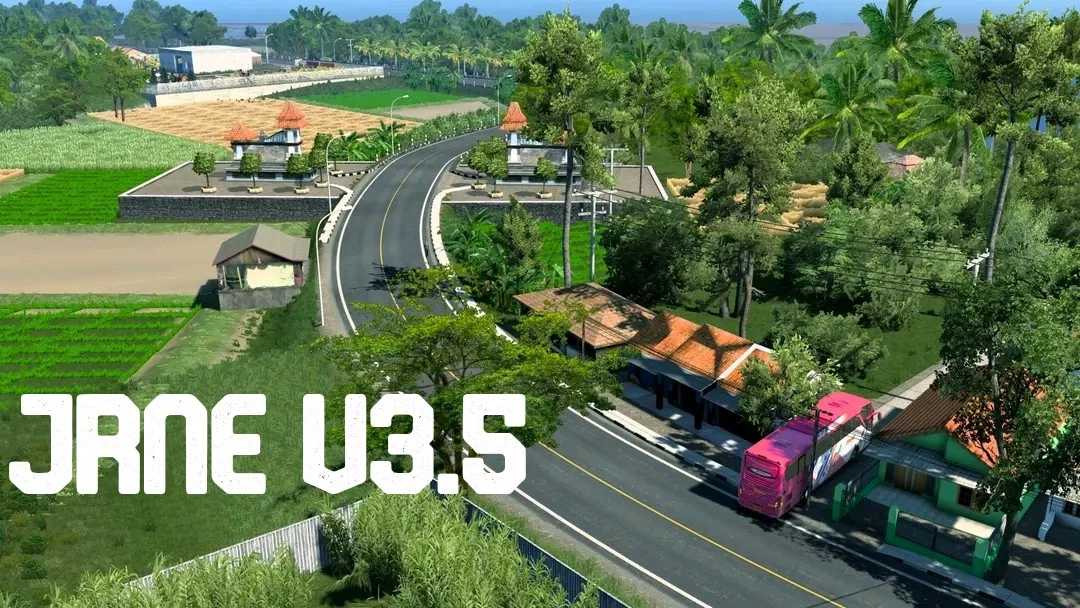
Java Road New Edition v3.5 for ETS2 Version 1.54
The Most Realistic Indonesian Map
Java Road New Edition 3.5
Download All Required Files and Create a New Profile
Ensure you have the Zoom Fix Mod
Files Needed:
JRNE_Def_Map
JRR_Assets_Models1
JRR_Assets_Models2
JRNE_Base1
JRNE_Base2
Credits: Imam_K
Instructions for Installing ETS2 or ATS Mods
For Euro Truck Simulator 2, installing mods is straightforward. Simply download the mod from this site and copy/unzip the files into: “My Documents\Euro Truck Simulator 2\mod” folder. If you are playing ATS, place the mods in: “My Documents\American Truck Simulator\mod” folder. You can use WinRAR or 7zip to unzip the files. Once that’s done, activate the mods you want to use within the game.