Volvo FH6 Enhanced Dashboard v1.5 1.54 ETS2
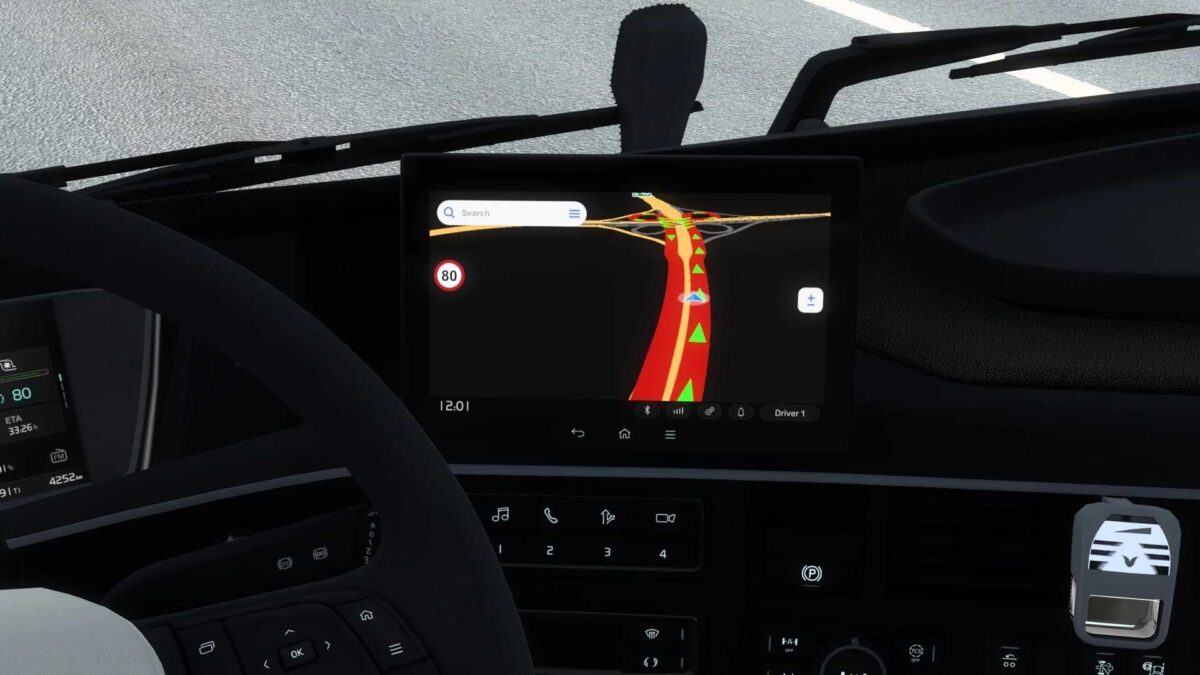
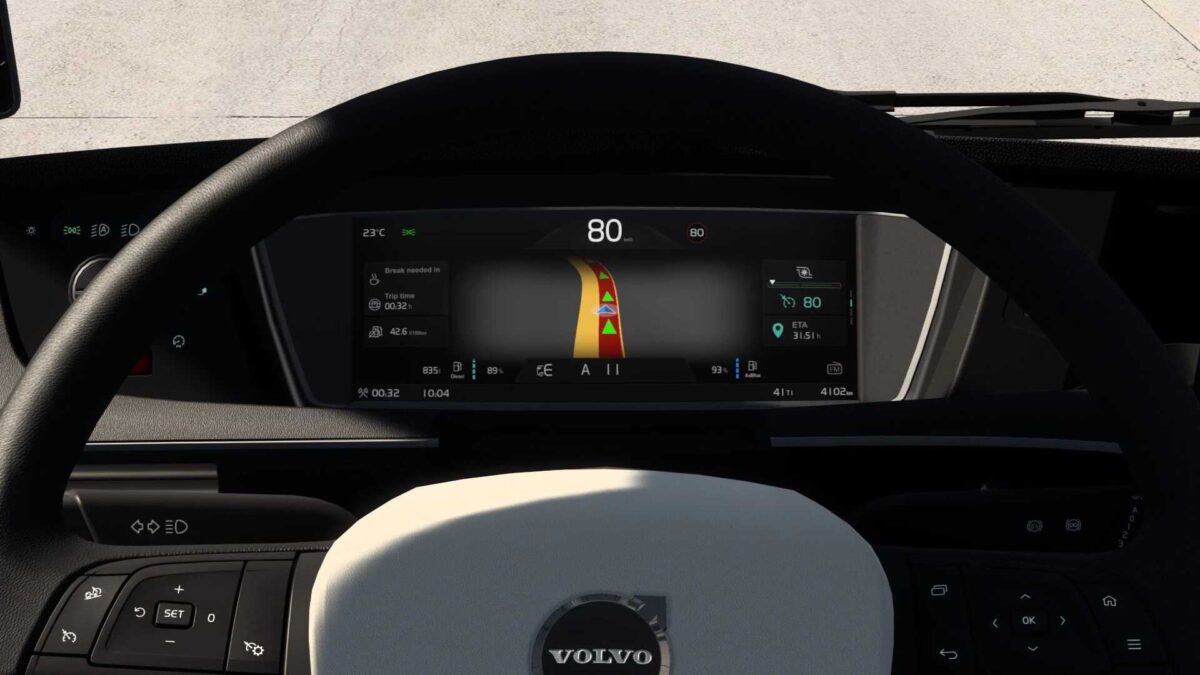
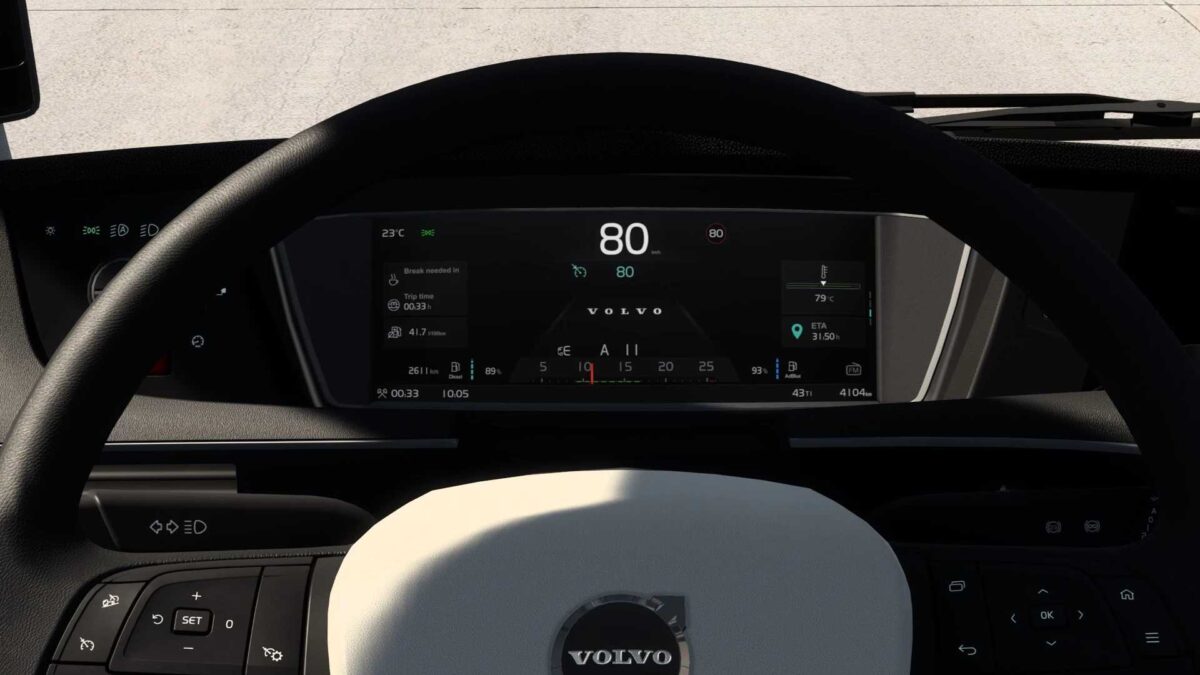
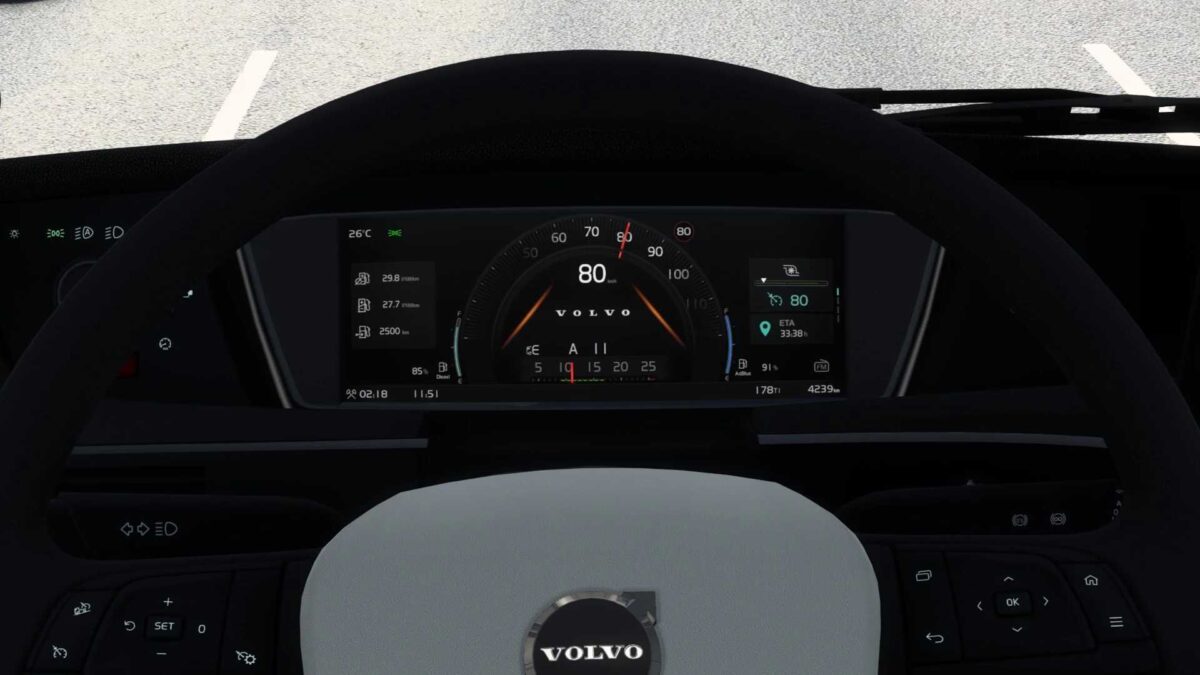
This modification enhances the SCS Volvo FH6 dashboard with several new features:
– Introduced left/right blind spot indicators;
– Included speed limit display on the GPS page;
– Added current speed indicator across all pages;
– Displayed estimated time of arrival (ETA) on all pages;
– Integrated cruise control memory icon;
– Featured a new logo;
– Added remaining fuel and AdBlue tank percentage on all pages;
– Implemented remaining fuel gauge;
– Provided “mph” versions for UK interiors;
– Included a page for the passenger MirrorCam on the GPS module;
– Added an “Always On Display” page in the infotainment module;
– Rearranged dashboard pages;
– Updated background color of the GPS page;
– Modified the cruise control gauge;
– Adjusted the speed limit gauge;
– Fixed the transmission gear indicator;
– Corrected units of measurement for non-Latin alphabets;
– Various fixes and improvements.
Changelog v1.5
– Added cruise control memory icon;
– Introduced a logo;
– Included remaining fuel and AdBlue tank percentage on all pages;
– Developed remaining fuel gauge;
– Added “Always On Display” page in the infotainment module;
– Updated cruise control gauge;
– Modified speed limit gauge;
– General fixes and improvements.
Created by KnightRider and AMYLECH.
Credits: KnightRider, AMYLECH.
Installation Instructions for ETS2 or ATS Mods
Installing mods in Euro Truck Simulator 2 is straightforward. Simply download the mod from here, and place or unzip the files into: “My Documents\Euro Truck Simulator 2\mod” folder. For American Truck Simulator, mods should be installed in: “My Documents\American Truck Simulator\mod” folder. Use programs such as WinRAR or 7zip to unzip files. Afterward, activate the mods you wish to use.