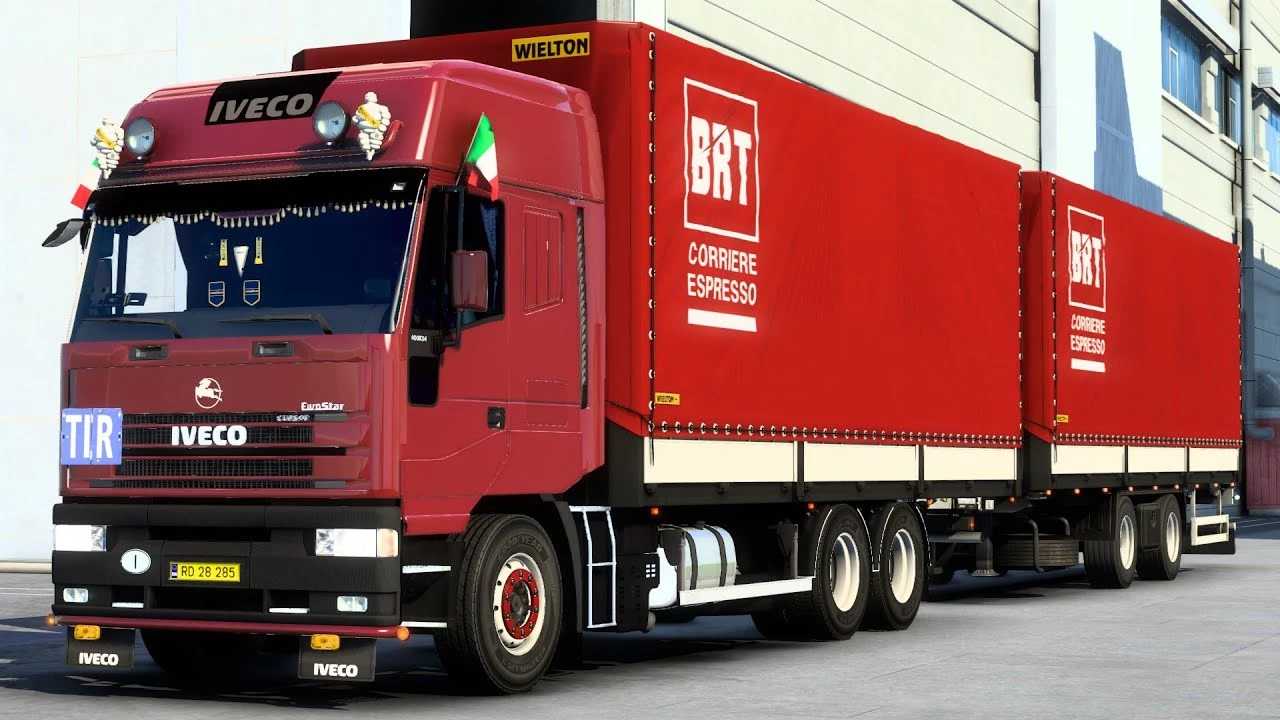
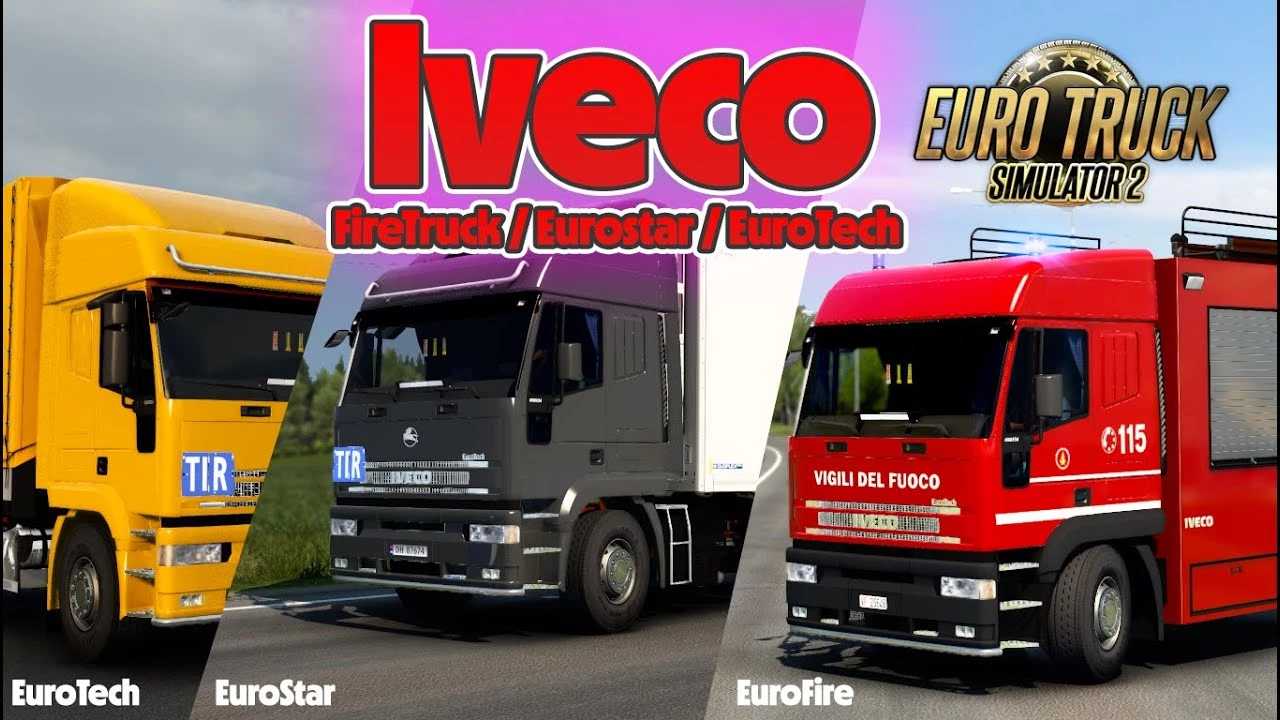
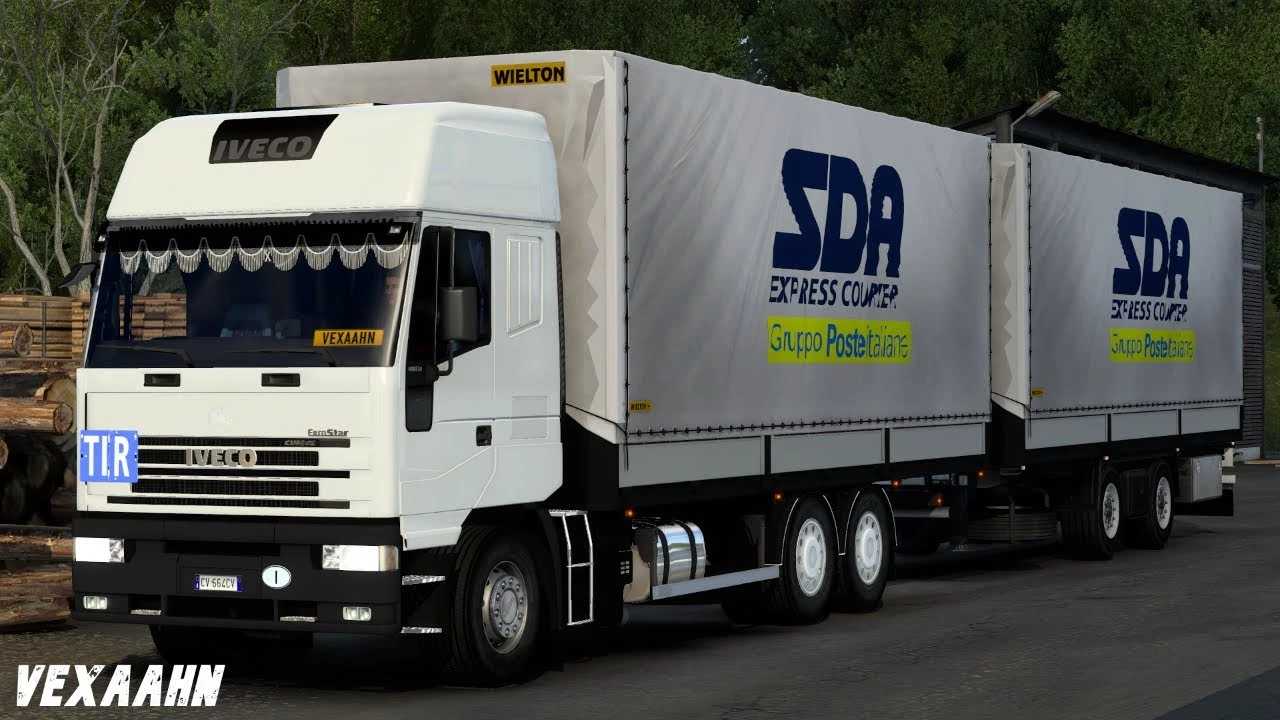
Iveco EuroStar-EuroTech v1.54 ETS2
Changelog 1.54
– Enhancements and fixes for engines, interior, and truck sounds
– Models and materials reimported
– Bug fixes implemented
– Adapted for compatibility with version 1.54
Features:
– Cabin options: EuroStar, EuroTech
– Chassis configurations: 4×2, 6×4, plus 3 BDF chassis (use 4th chassis for Eurofire/Firetruck, tune as needed)
– Tandem trailer support
– 14 engine types
– 8 transmission options
– 15 body types + skins for truck BDF+tandem combo
– Original interior design
– Customization available
– Compatibility with SiSL Accessories
– Available at Mod/Iveco Dealer
– Template provided
– Tested for version 1.54
Credits: Antonio62, Diablo, Flemming V, Baltazar
How to Install ETS2 or ATS Mods
Installing mods for Euro Truck Simulator 2 is straightforward. Simply download the mod from the provided link and copy/unzip the files into the “My Documents\Euro Truck Simulator 2\mod” directory. For American Truck Simulator, place the mods in the “My Documents\American Truck Simulator\mod” folder. You can use WinRAR or 7zip to unzip the files. Afterward, activate the desired mods within the game.