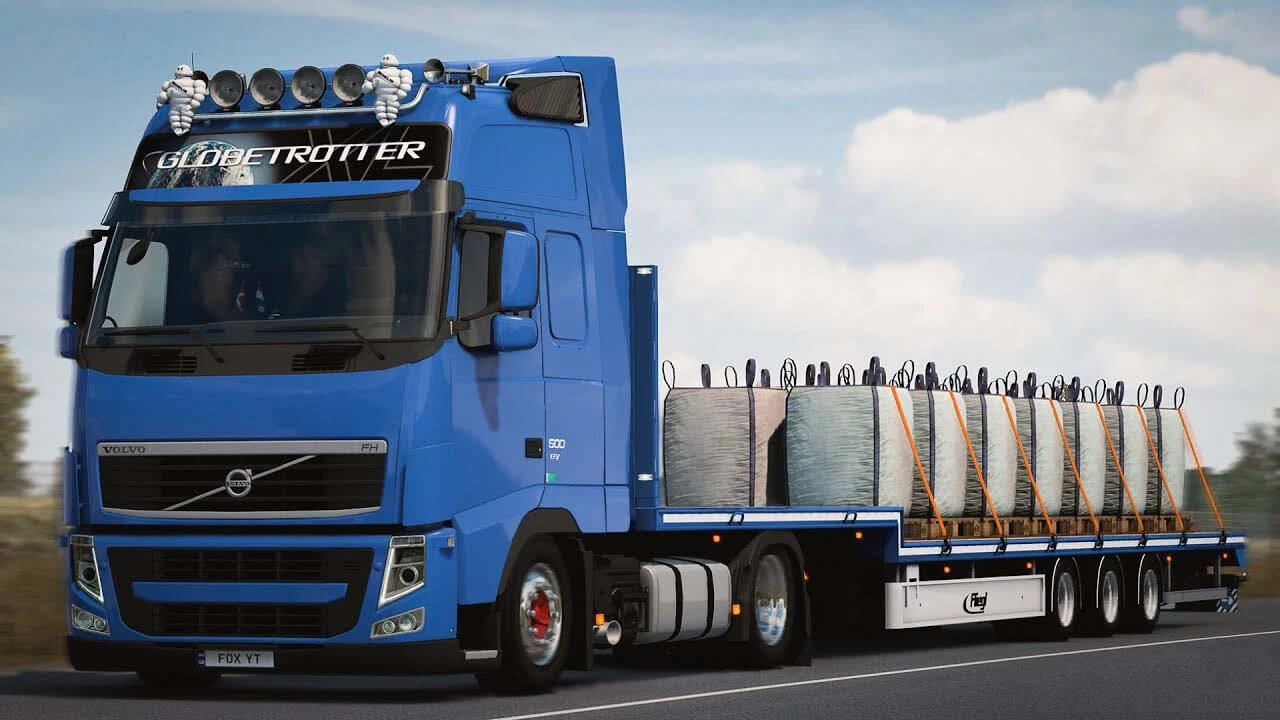
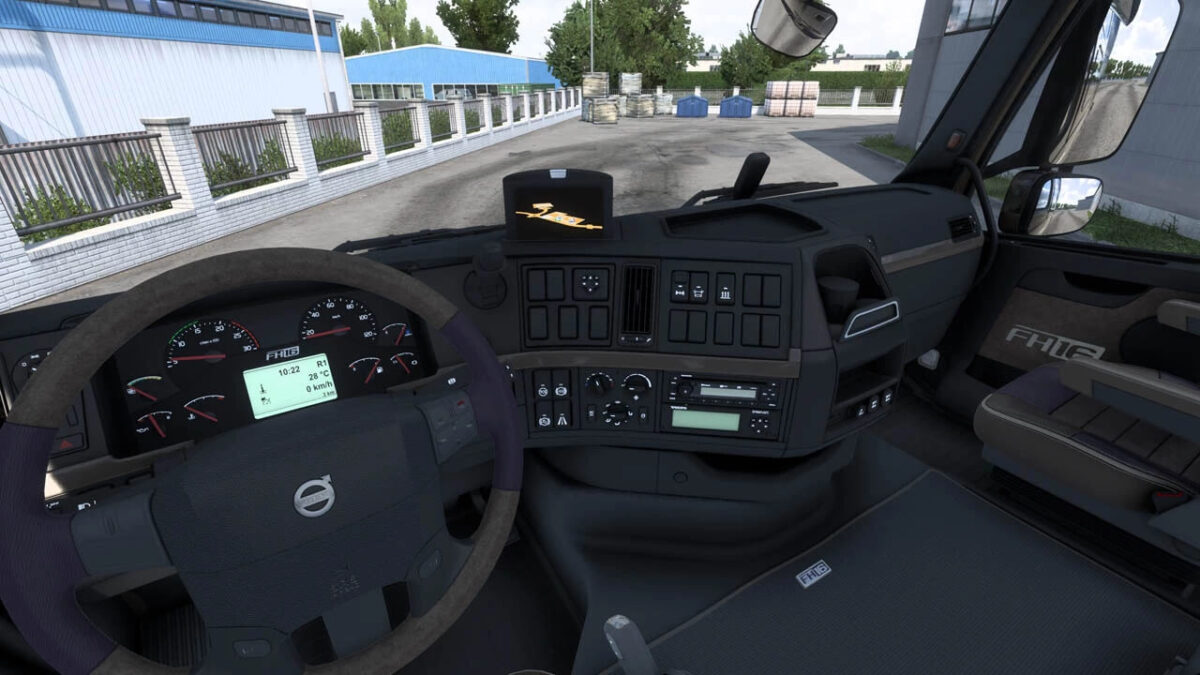
Volvo FH3 Series v1.54 ETS2
This mod enhances the Scania R 2009 and Streamline dashboard with several updates:
– based on “Scania R and Streamline Realistic Dashboard Computer” from Oscar;
– font switched to default;
– low beam icon added;
– engine brake icon added;
– current speed indicator included;
– estimated operating range indicator added;
– fuel bar integrated;
– remaining fuel percentage displayed;
– ETA (estimated time of arrival) indicator added, hidden when time is not available (e.g., no delivery, no navigation);
– time until rest needed indicator included, hidden when fatigue option is turned off;
– structural changes made for future upgrades;
– various fixes and enhancements.
The mod is compatible with both the Scania R 2009 / Streamline from SCS and the “Scania RJL” mod featuring R2 interior.
Credits: johnny244
How to install ETS2 mods or ATS Mods
Installing mods in Euro Truck Simulator 2 is straightforward. Download the mod from here and copy/unzip the files into: “My Documents\Euro Truck Simulator 2\mod” folder. For ATS, place the mods in: “My Documents\American Truck Simulator\mod” folder. You can use WinRAR or 7zip to unzip files. After that, activate the mods you wish to use.