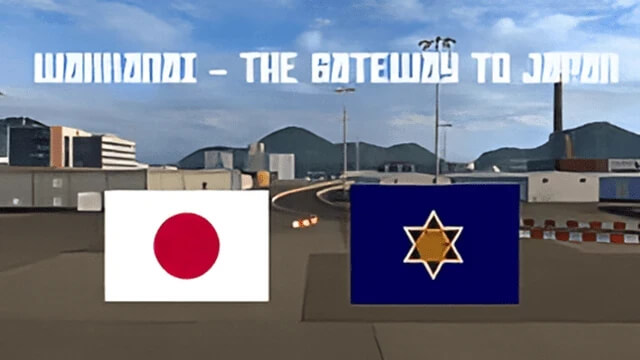
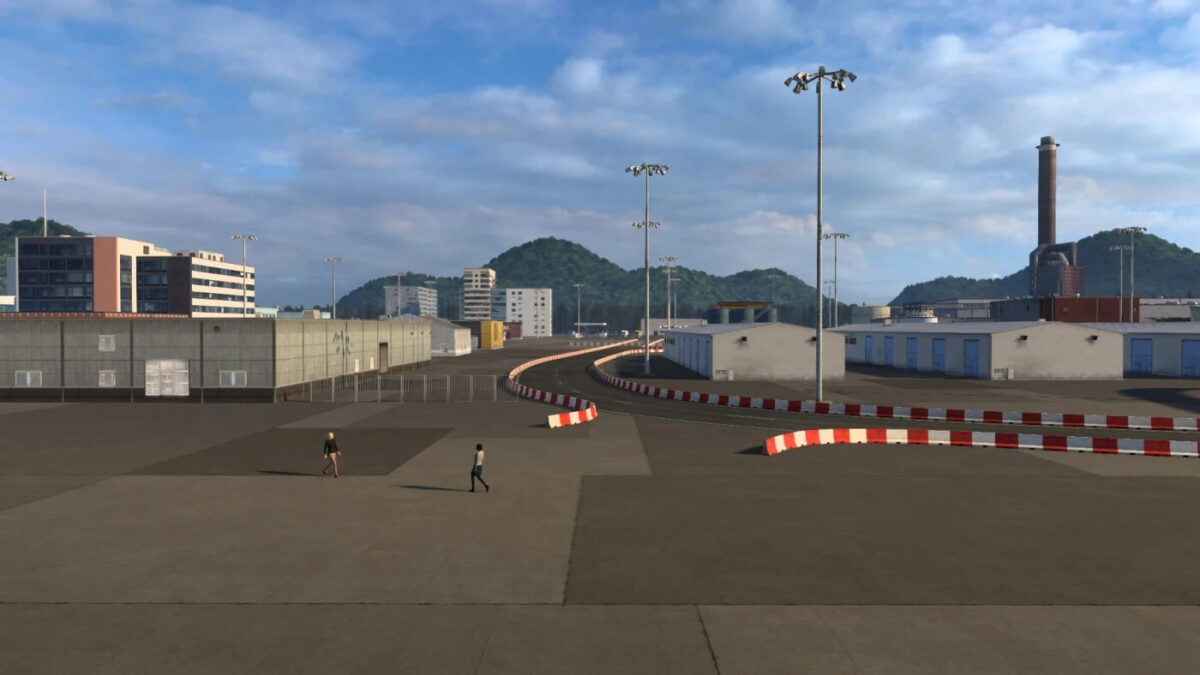
Wakkanai – The Gateway to Japan v1.0 1.54 ETS2
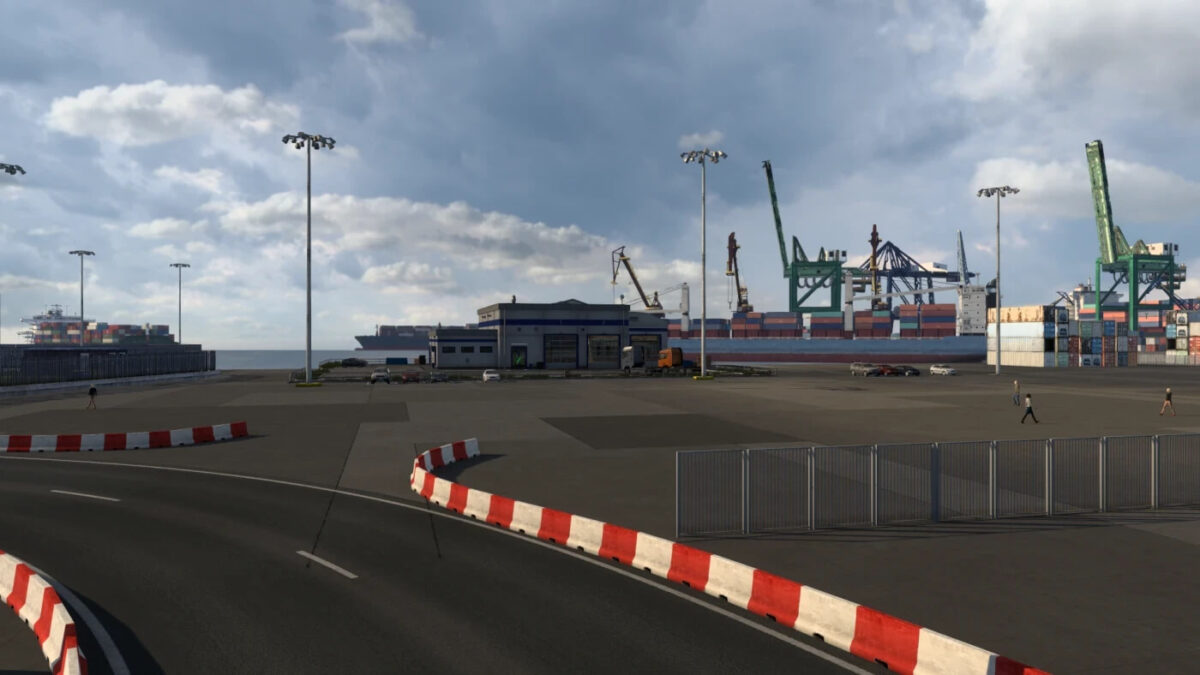
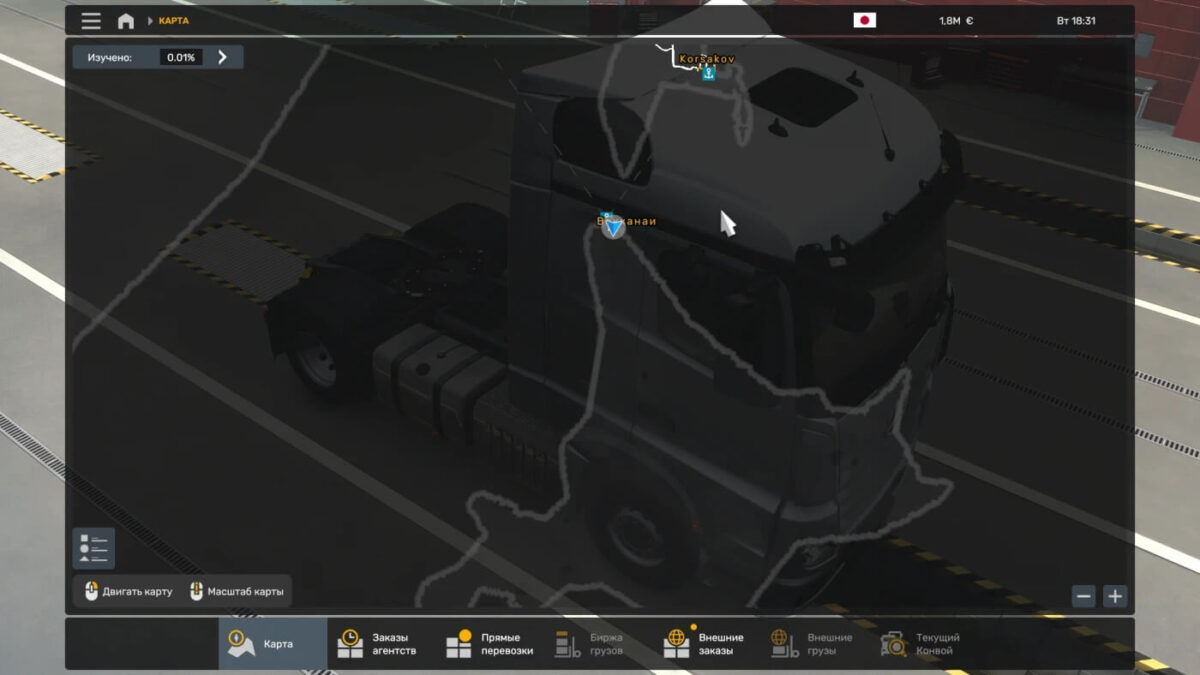
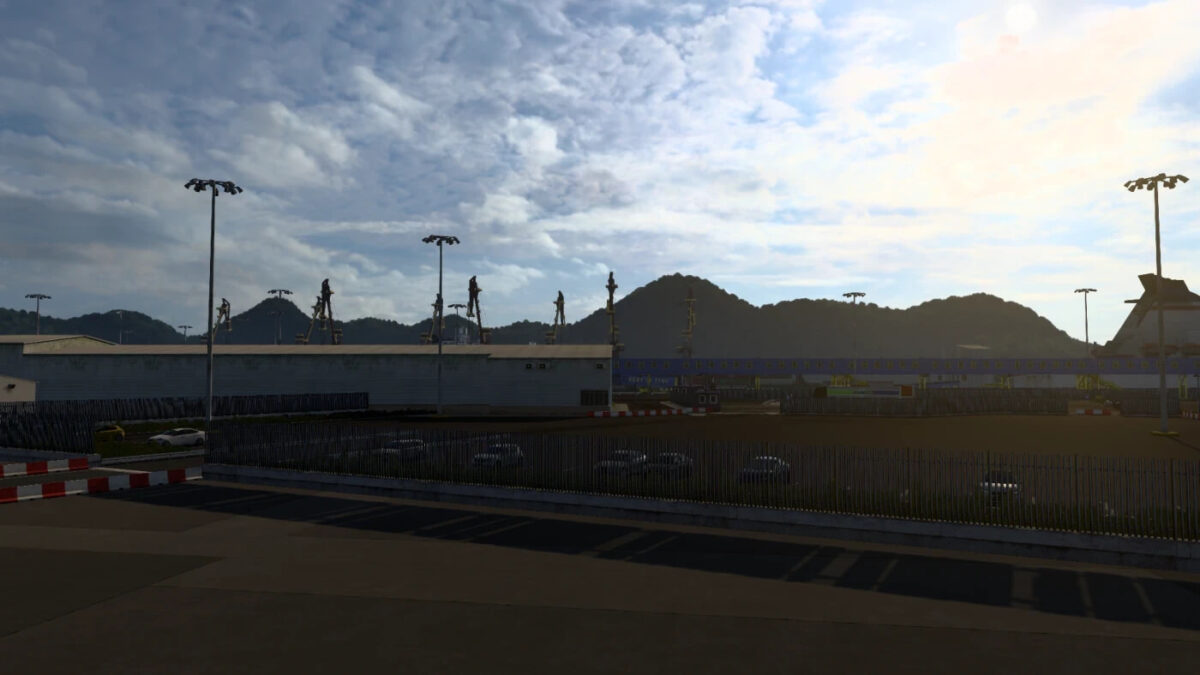
This modification introduces the port of Wakkanai located in northern Japan. It serves as a foundation for developing additional mods related to Japan. If you’re interested in creating a mod for Japan, please feel free to contact me on Telegram or Discord at manulpallascat. The areas involved have been adapted from the premium mod Eastern Express and have been tailored for the general assembly of maps.
A special thanks to hi sora for their technical support.
Compatibility: 1.54
Credits: manulpallascat
How to install ETS2 mods or ATS Mods
Installing mods in Euro Truck Simulator 2 is straightforward. Simply download the mod from this source and copy/unzip the files into the “My Documents\Euro Truck Simulator 2\mod” folder. For American Truck Simulator, place the mods in the “My Documents\American Truck Simulator\mod” folder. You can use applications like WinRAR or 7zip to unzip files. After that, remember to activate the mods you wish to use.