Slovensko+ (Silesia Version) v0.2 ETS2
Update: 0.2
– Introduced a new road connecting Plastovce to Gyor.
– Added a visibility area near Veľký Krtíš for improved mountain/model visibility.
– Updated road assets to newer versions in Bratislava.
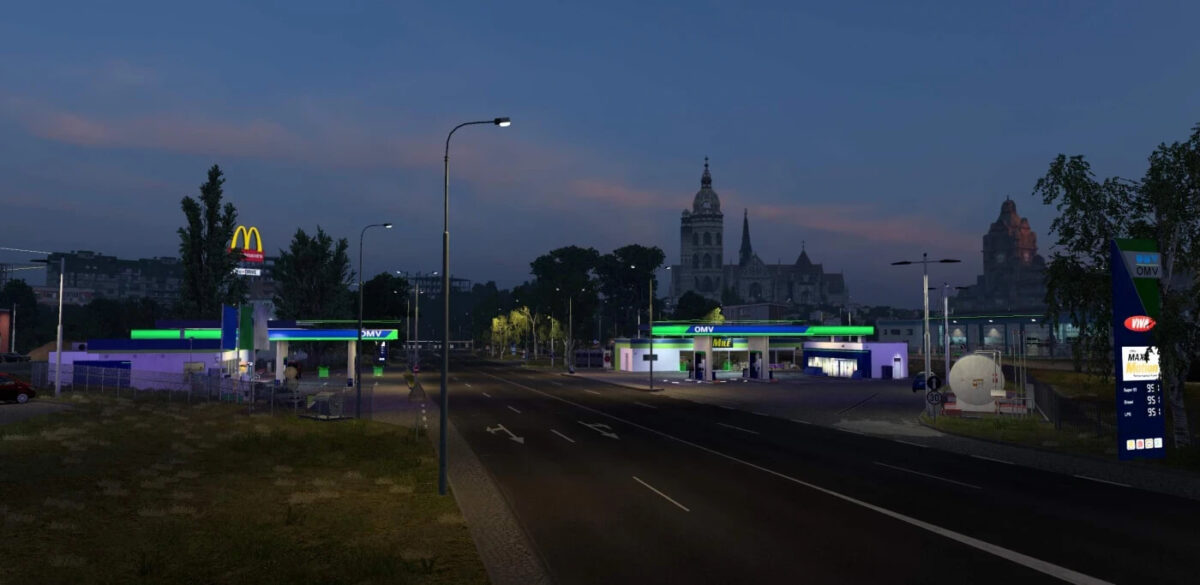
– Resolved issues with invisible buildings in Kosice.
– Corrected a missing sign in Kuty.
– Fixed improper gas station signage in Košice.
– Addressed conflicts with E60Addon map—ensure it’s placed below Slovensko+ files.
– Implemented various improvements in Bratislava.
Description:
The Kosice Rework encompasses more than just one revamped city; it includes refreshed sections of Southern Slovakia as well. It has been integrated from the main mod (Slovensko+) for users wishing to use the map in conjunction with Silesia. I aimed to include as much content as possible while avoiding conflicts with Silesia.
What does it include?
Cities:
– Lovinobana
– Hrhov
– Kosice (reworked)
– Plastovce
– Velky Krtis
– Potor
– Cary
– Kuty
– Ruzomberok
Roads:
– Refresh I-66 (E77) from Zvolen to Budapest.
– Rework I-16 (E58) from Zvolen to Kosice.
– Rework I-17 from Kosice to Debrecen.
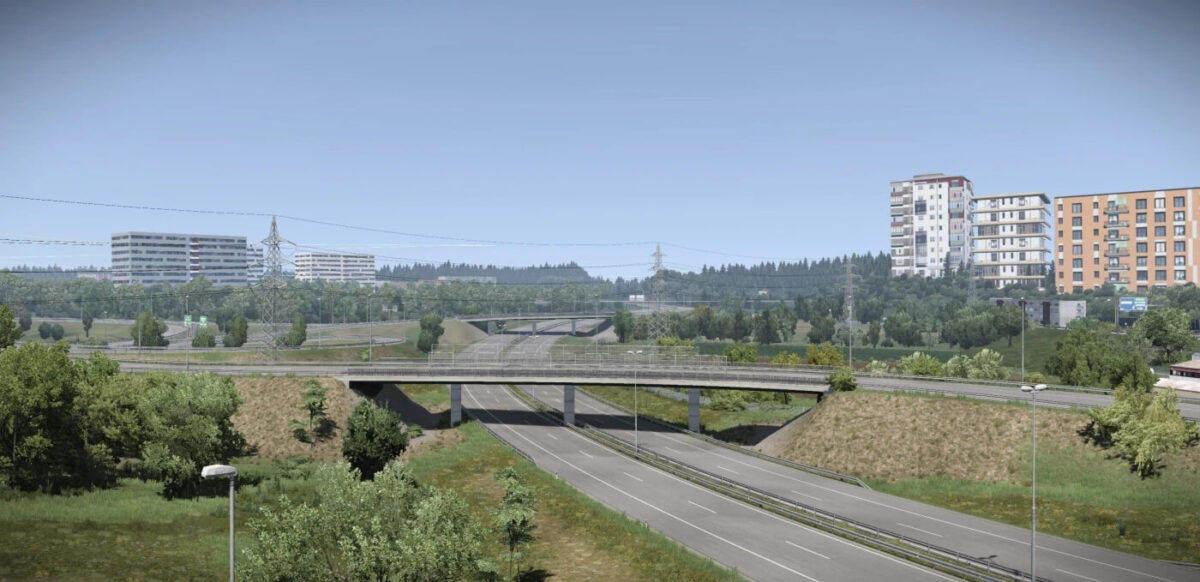
– Semi-rework of D1 in Kosice and surrounding areas.
– Introduce I-75 (Hungary to Bratislava).
– Enhance a small stretch of D4 near Bratislava.
– Revise outdated assets on D2 in Bratislava.
– Refresh I-51 (Trnava to Kuty to Czech Republic).
Credits: AndrewS_
How to install ETS2 or ATS Mods
Installing mods in Euro Truck Simulator 2 is straightforward. Just download the mod, and copy/unzip the files into: “My Documents\Euro Truck Simulator 2\mod” folder. For American Truck Simulator, use the “My Documents\American Truck Simulator\mod” folder. You can use WinRAR or 7zip to unzip files. Afterward, activate the mods you wish to use.