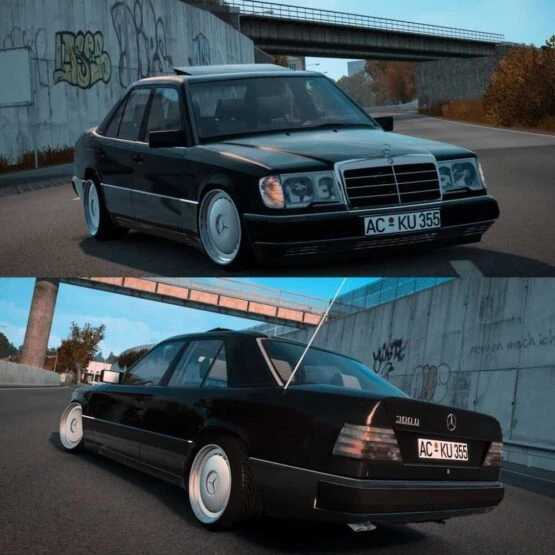
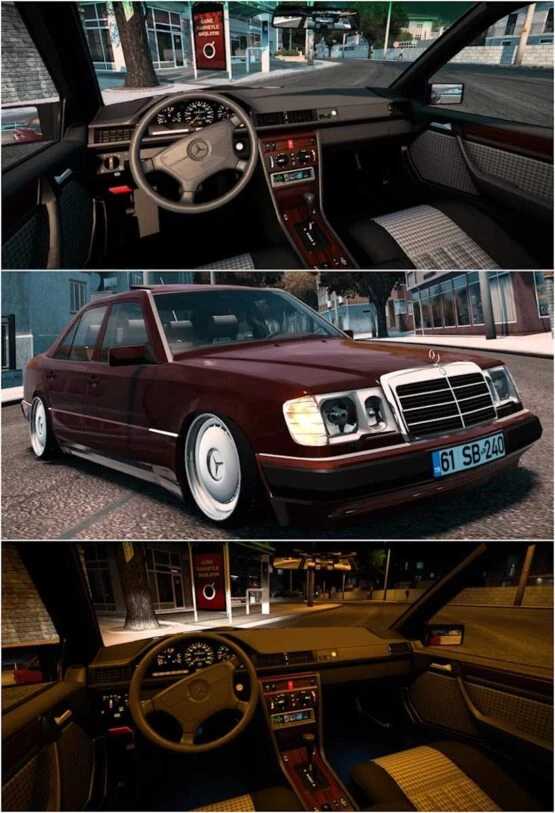
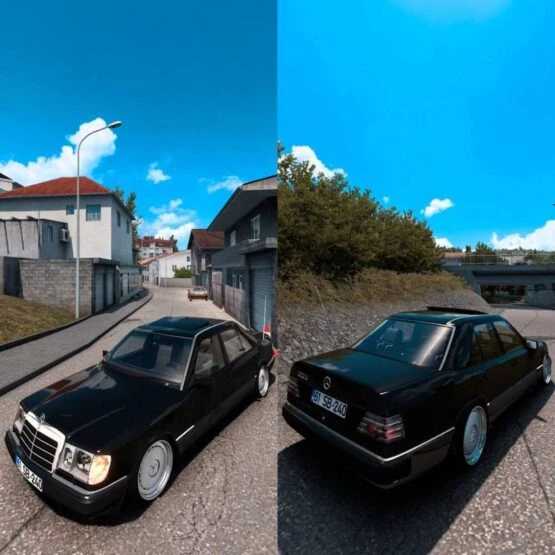
Mercedes-Benz W124 300d 1.55 ETS2
Experience the Mercedes-Benz W124 300d
This is the fixed version 1.55.
Featuring various rim options
As well as different plate options
It boasts HQ Model & HQ Textures.
Credits: Berkay Pekesen
How to install ETS2 mods or ATS Mods
Installing mods in Euro Truck Simulator 2 is straightforward. Simply download the mod from here, and copy/unzip the files into the following directory: “My Documents\Euro Truck Simulator 2\mod”. If you’re using American Truck Simulator, place the mods in: “My Documents\American Truck Simulator\mod”. You can extract files using tools like WinRAR or 7zip. After that, activate the mods you wish to use.