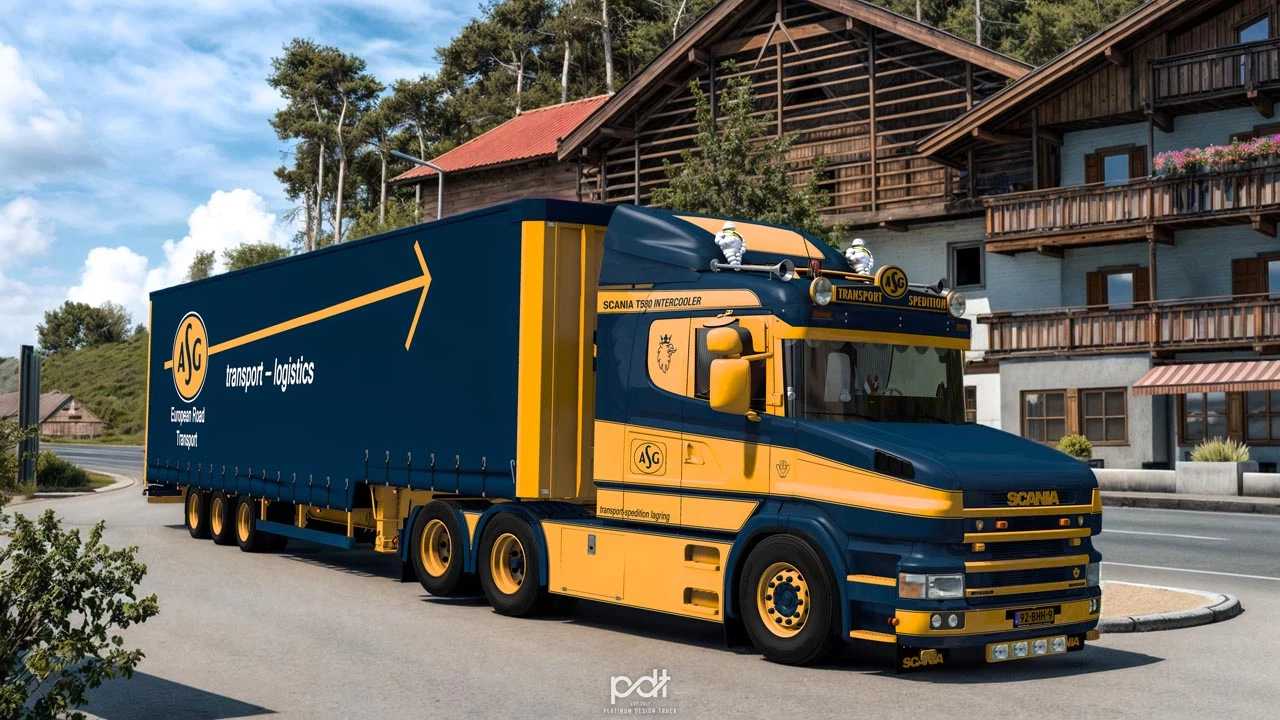
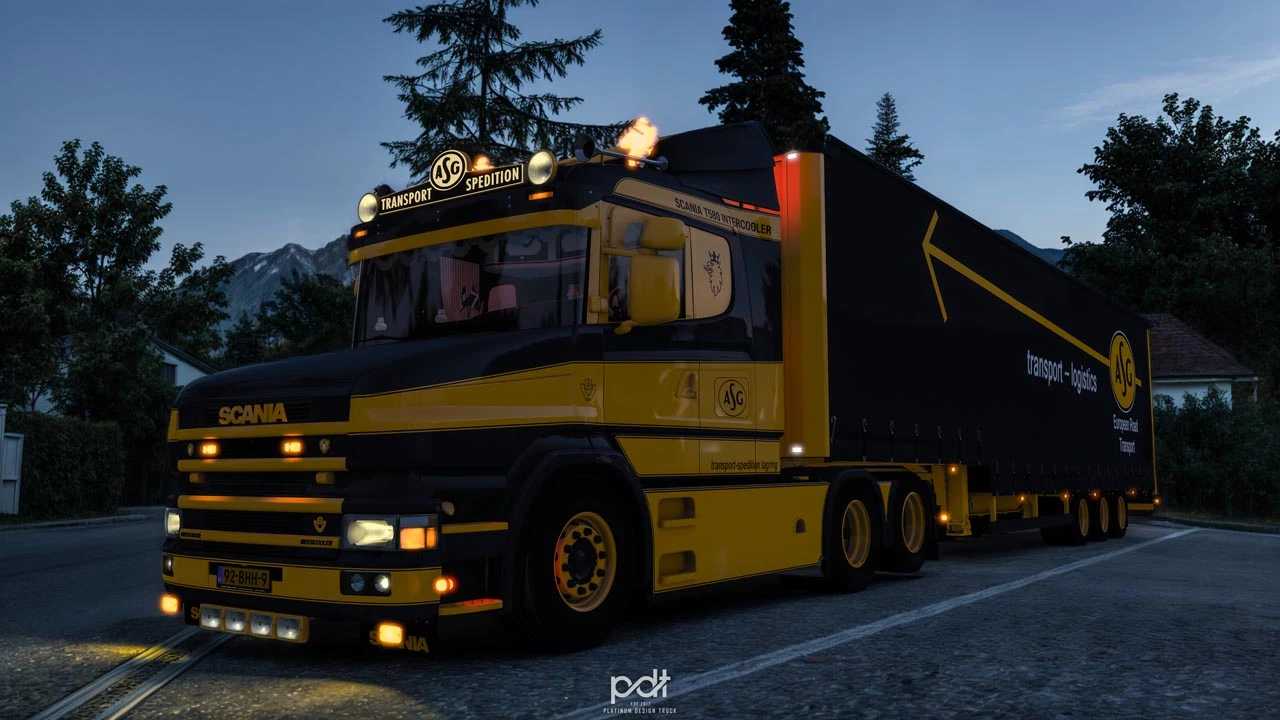
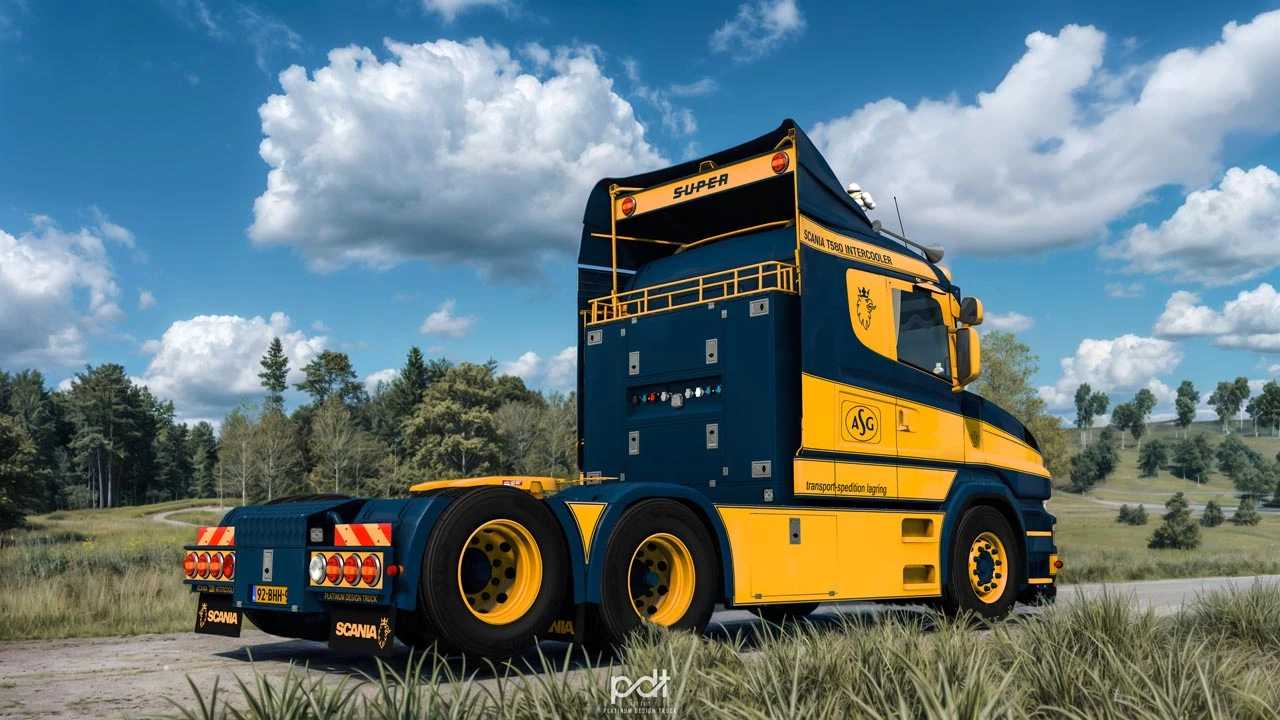
Scania T580 ASG Transport + Trailer v2.0 1.55 ETS2
What’s New in v2.0
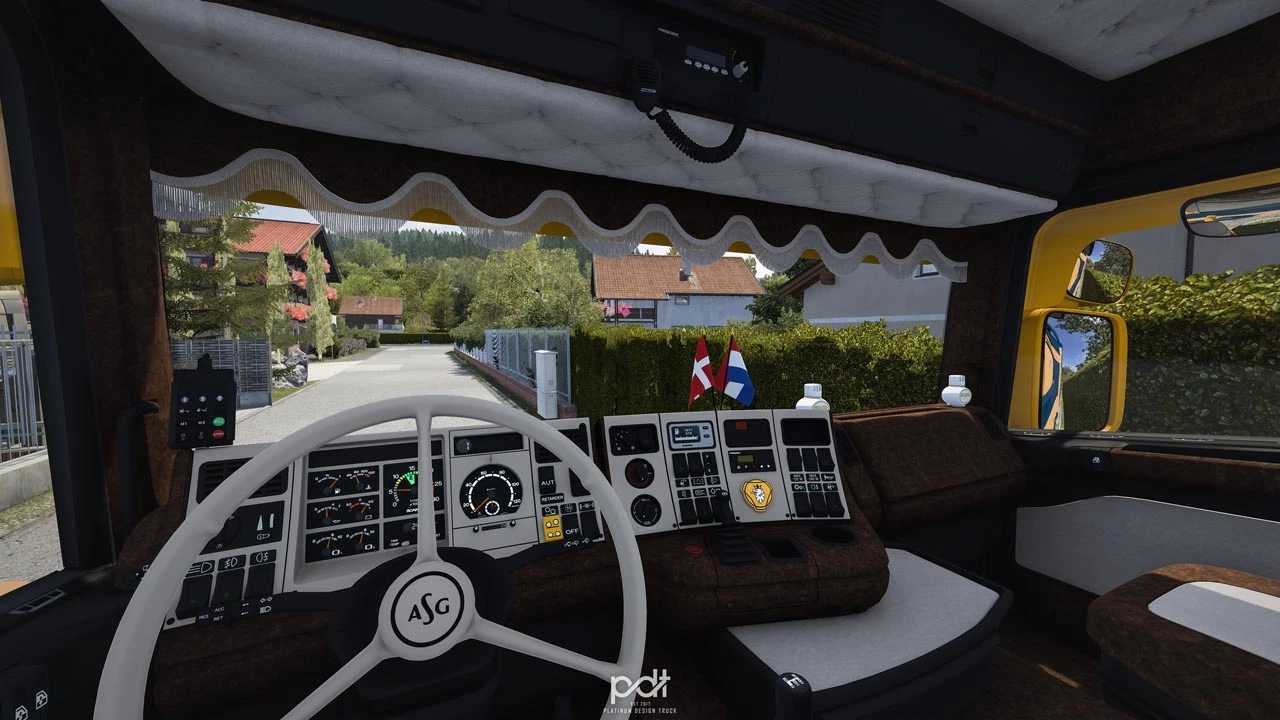
– Introduced interior shadows
– Revised data for truck dealers to avoid conflicts with other trucks
– Enhanced interior animation models, including flags and floppi
– Updated dashboard definition
– Resolved issues with depth warnings and obsolete wear lines
– Compatibility established for version 1.55
Specifications
Topline cab
6×4 Midlift
Openpipe DC16 580
Exclusive custom salon
Custom wheels
Standalone trailer
Completely standalone
Full lightmask coverage
Comprehensive animation features
RED interior light as an accessory
Compatibility with SiSL’s Mega Pack
Personalized wheels
Interior tuning available
This truck is compatible with version 1.55
Credits: PDT
Installing ETS2 or ATS Mods
Installing mods in Euro Truck Simulator 2 is straightforward. Download the mod from here, then copy/unzip the files into: “My Documents\Euro Truck Simulator 2\mod” folder. For American Truck Simulator, place the mods in: “My Documents\American Truck Simulator\mod” folder. Use software like WinRAR or 7zip for unzipping. Afterward, activate the mods you wish to use.