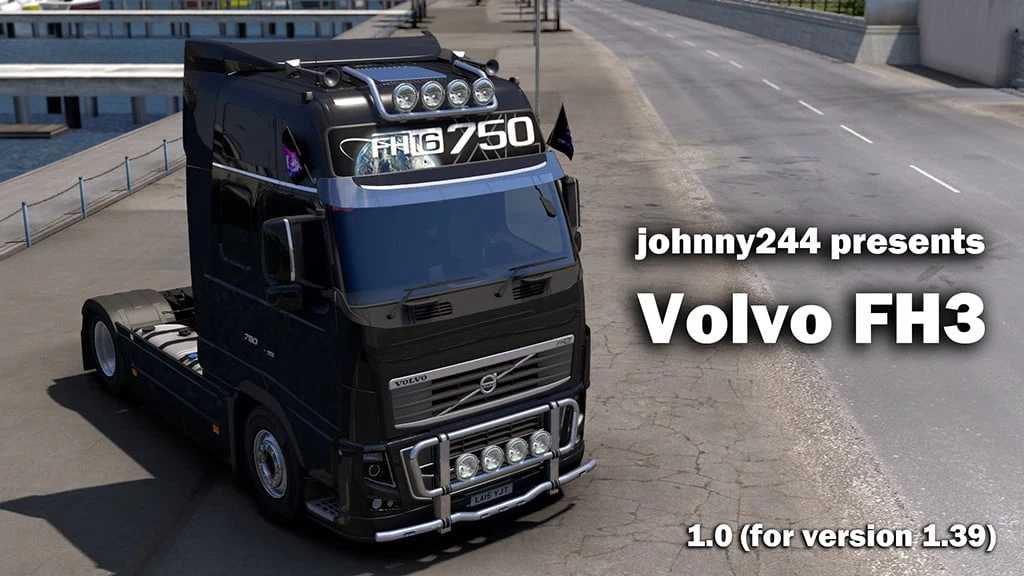
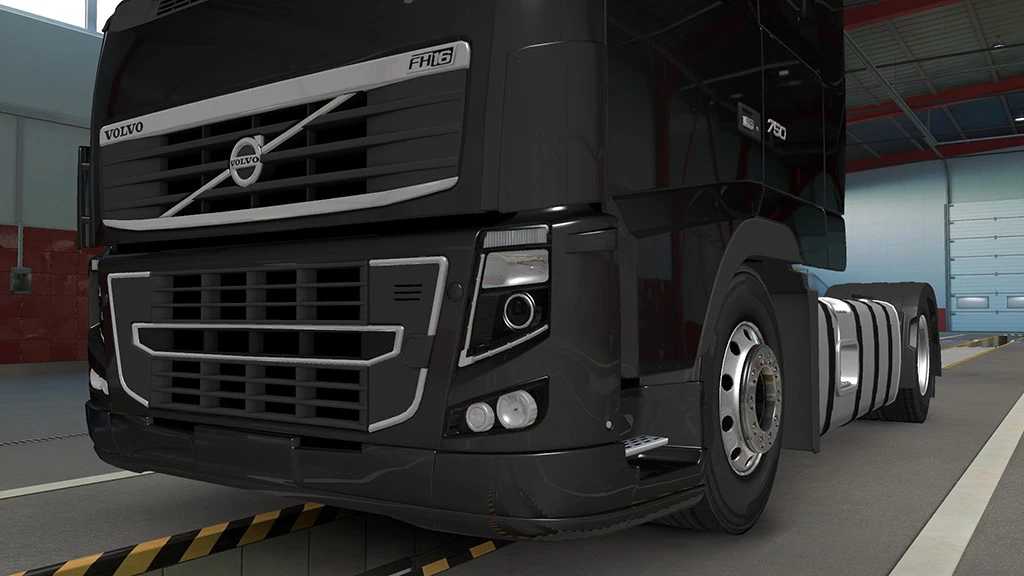
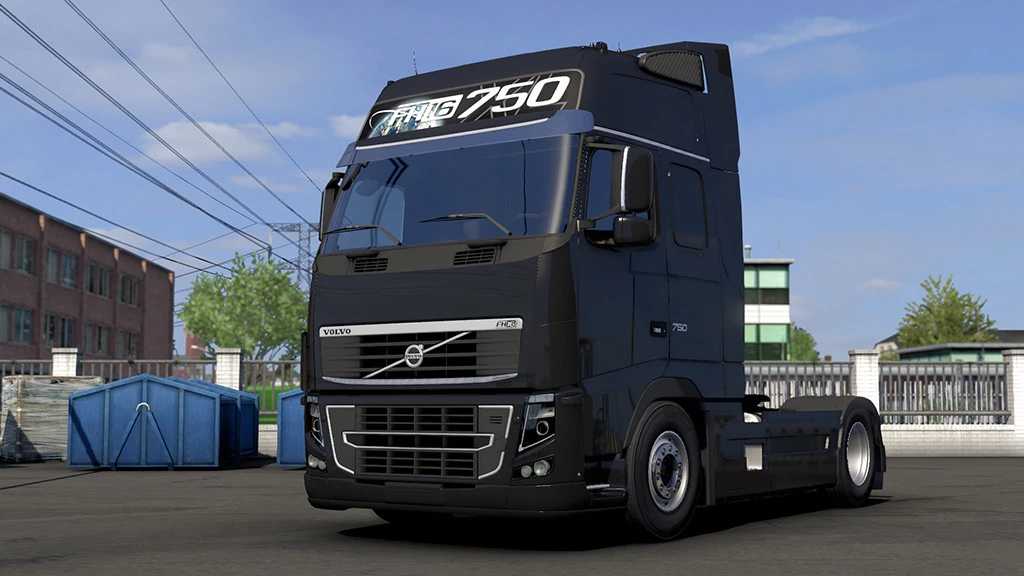
Volvo FH 3rd Generation 1.55 ETS2
Standalone
4 cabins available
24 chassis options
48 different interiors
Glass animation features
Custom sounds (by kriechbaum)
Support for DLC Cabin Accessories
Compatible with HS-Schoch Tuning Pack DLC
DLC flag support included
Variety of tuning options and accessories
Credits: johnny244: external modeling, internal modifications, ETS2 conversion. kriechbaum: engine sound. Software for SCS: interiors (low and high poly).
How to install ETS2 mods or ATS Mods
Installing mods in Euro Truck Simulator 2 is simple. Just download the mod, then copy/unzip the files into: “My Documents\Euro Truck Simulator 2\mod” folder. For American Truck Simulator, place them in: “My Documents\American Truck Simulator\mod” folder. To extract files, you can use tools like WinRAR or 7zip. Once extracted, activate the mods you want to use.