Volvo FH6 Enhanced Dashboard v1.55 for ETS2
New features include:
– Blind spot indicators on both sides;
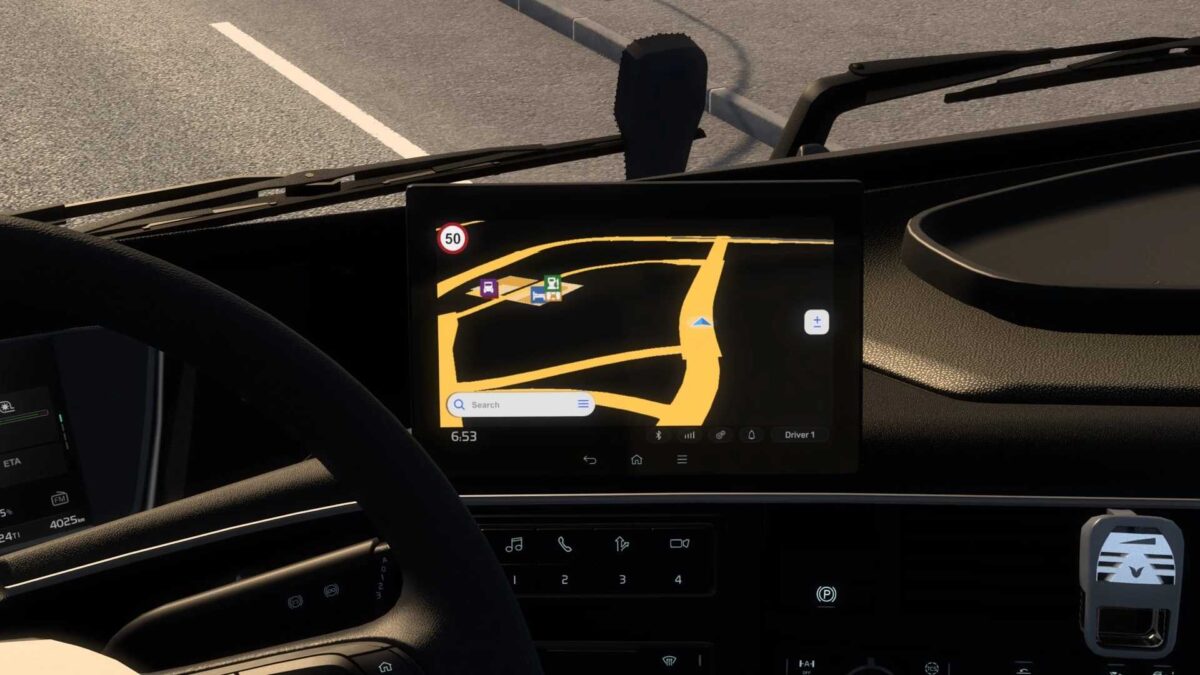
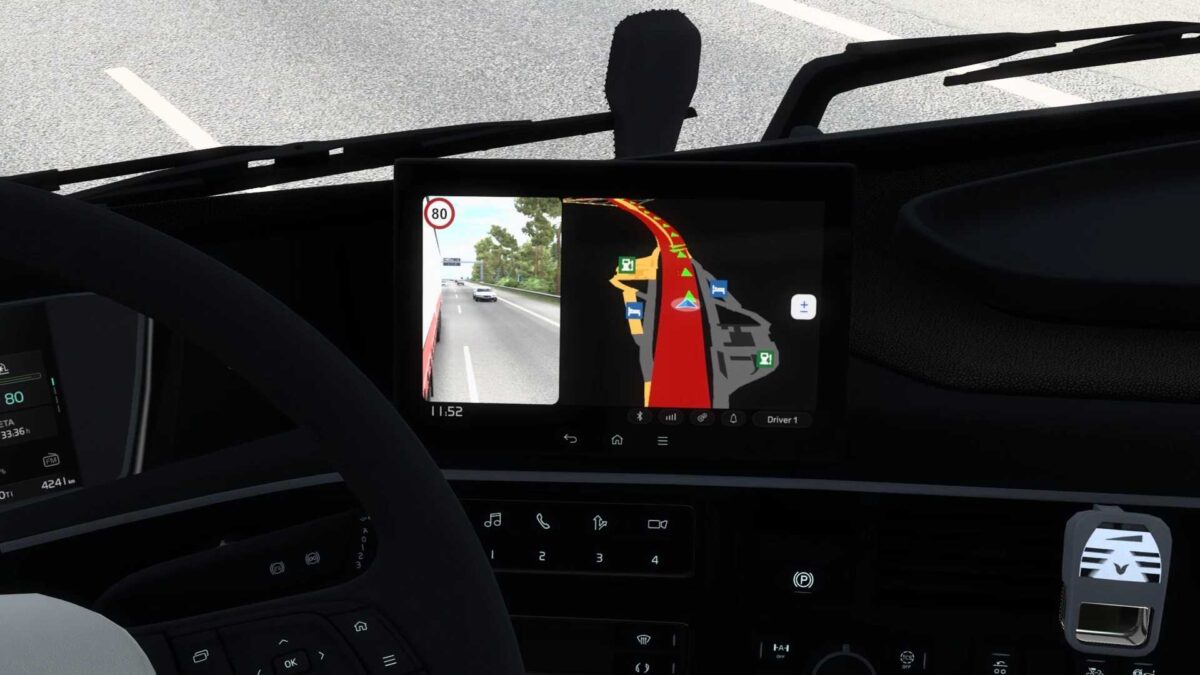
– Speed limit displayed on the GPS page;
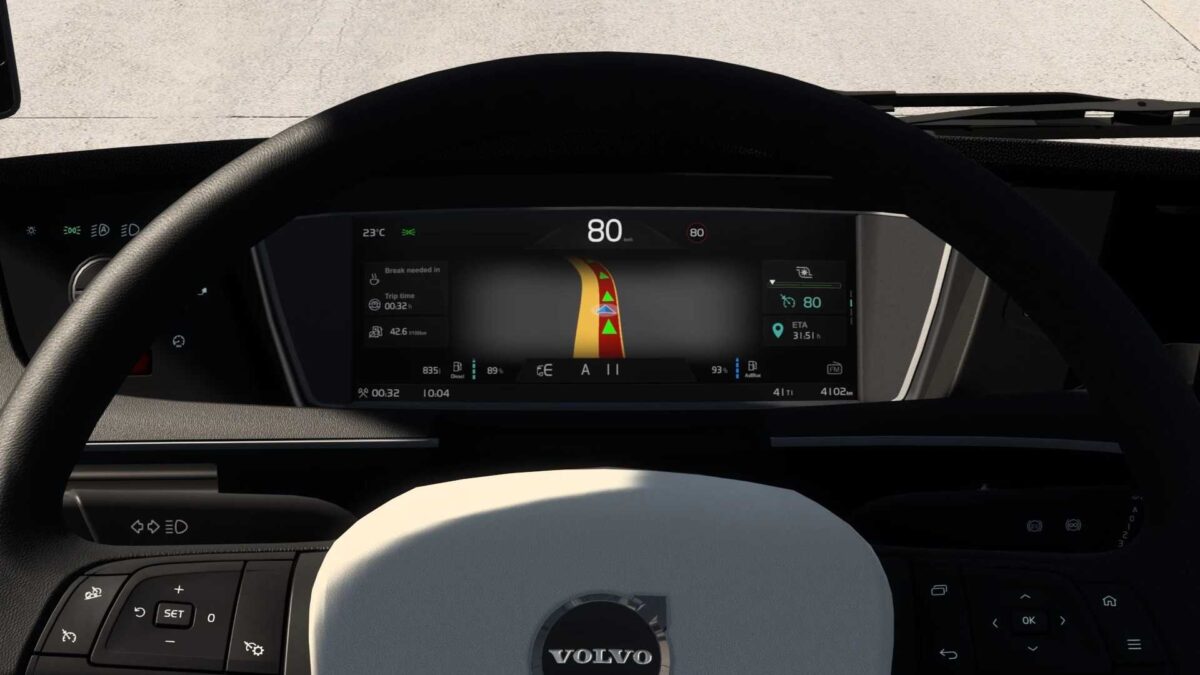
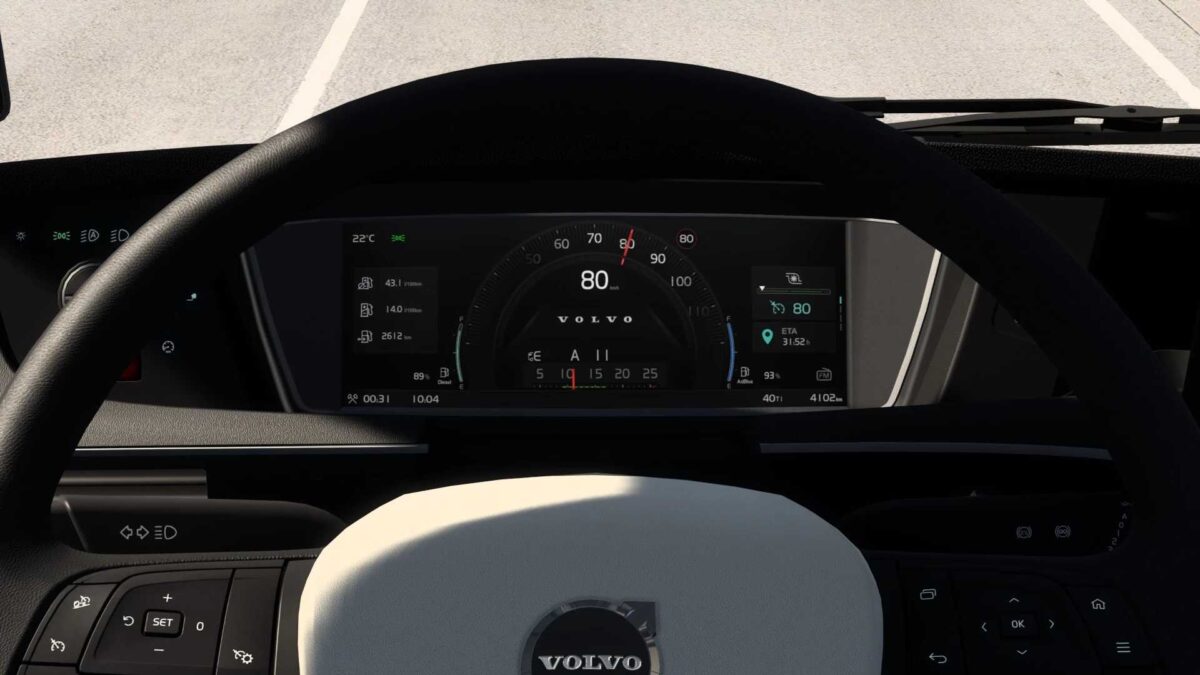
– Current speed shown on all pages;
– “mph” option available for UK interiors;
– Rearranged order of dashboard pages;
– Updated background color for the GPS page;
– Gear indicator issues have been resolved;
– Measurement units fixed for non-Latin alphabets;
– Fully compatible with the SCS Volvo FL6 model.
The infotainment module has been overhauled;
– A second version of the passenger mirror camera page added to the GPS module;
– Additional fixes and enhancements.
Compatible with the SCS Volvo FL6.
Credits: KnightRider
Installation Guide for ETS2 or ATS Mods
To install mods for Euro Truck Simulator 2, download the mod and copy/unzip the files into: “My Documents\Euro Truck Simulator 2\mod” folder. For American Truck Simulator, place mods in: “My Documents\American Truck Simulator\mod” folder. To unzip files, you can use software like WinRAR or 7zip. After installation, remember to activate the mods you wish to use.