Spring v6.1 ETS2
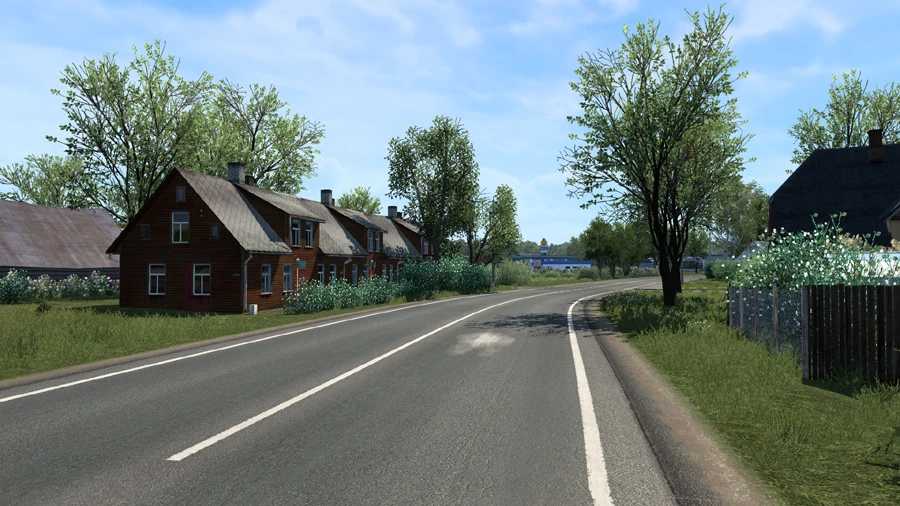
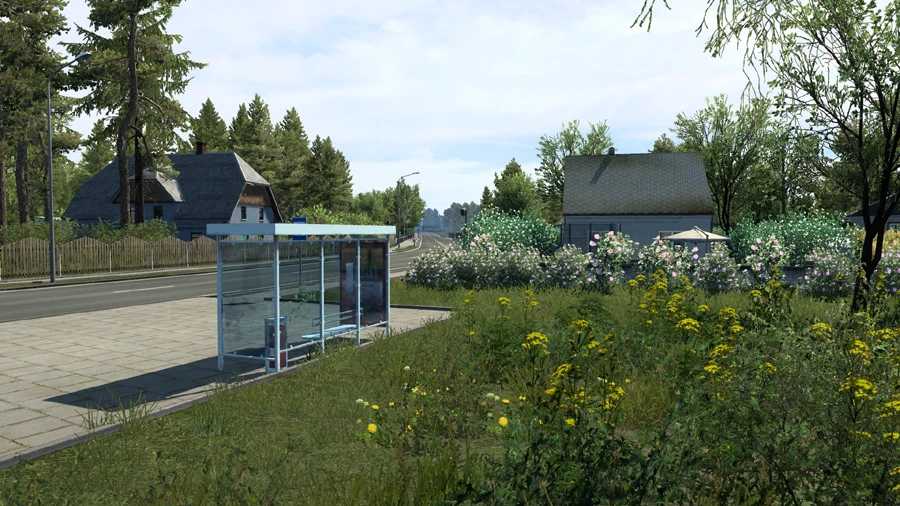
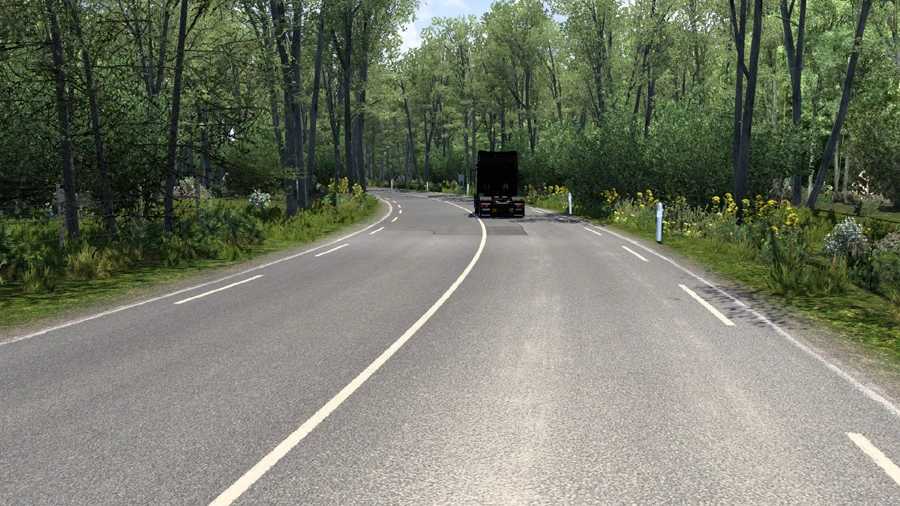
This mod enhances graphics and weather to create a vibrant spring atmosphere, along with upgrading older map sections to high-resolution visuals.
Features
– Upgraded textures for roads, fields, grass, terrain, sidewalks, curbs, hedges, railings, tree walls, and other elements
– Transition from low-resolution to high-resolution tree models throughout the maps
– Enhanced grass textures
– Increased grass density
– Realistic spring weather and environment
– Seasonal vegetation updates
– Improved color on vegetation
– More flowers introduced
– Extended daylight hours for spring
– Enhanced rain effects
– Accurate temperature readings
Compatibility with the Latest Version: ETS2 1.55
Compatible with ProMods and numerous other maps.
Works with all map DLCs.
Changes in v6.1
Updated for version 1.55
Recommended settings
– Vegetation Detail: High
– Grass Density: High
Important!
Ensure that other weather and graphics mods are disabled to avoid potential conflicts and crashes.
Set Spring Weather to a HIGH priority in the Mod Manager.
Credits: Grimes
How to install ETS2 mods or ATS Mods
Installing mods in Euro Truck Simulator 2 is straightforward. Simply download the mod from here, and copy/unzip the files into the “My Documents\Euro Truck Simulator 2\mod” folder. For American Truck Simulator, use the “My Documents\American Truck Simulator\mod” folder. You can use tools like WinRAR or 7zip for unzipping. After that, activate the mods you wish to use.