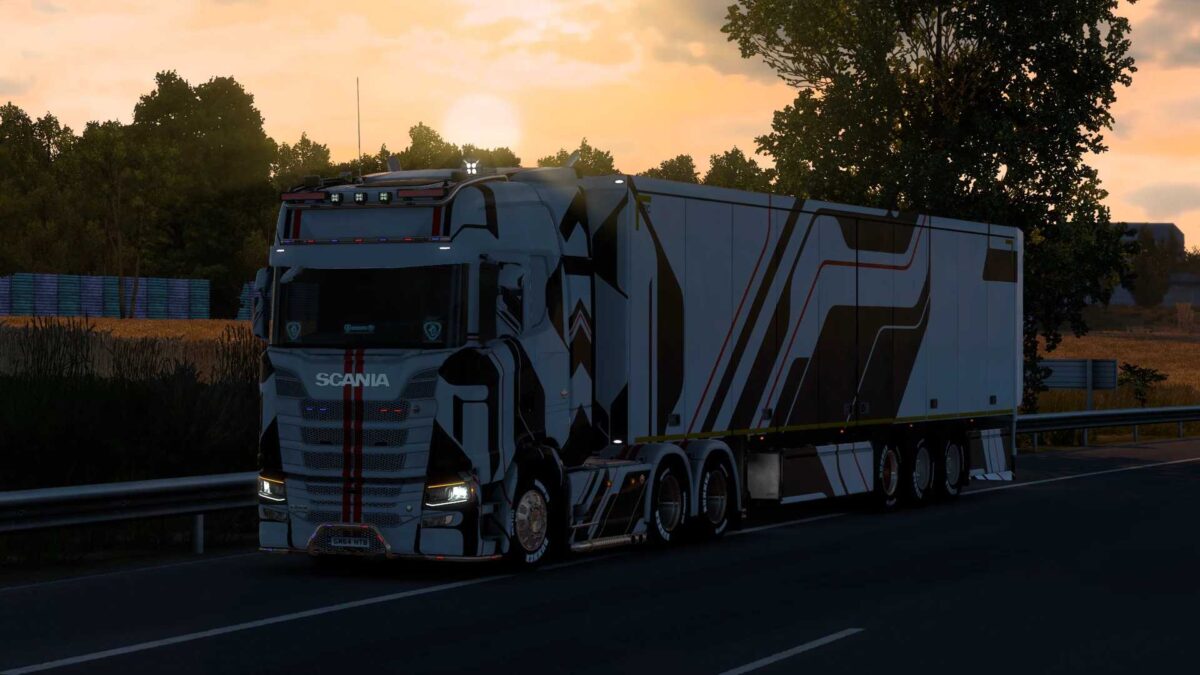
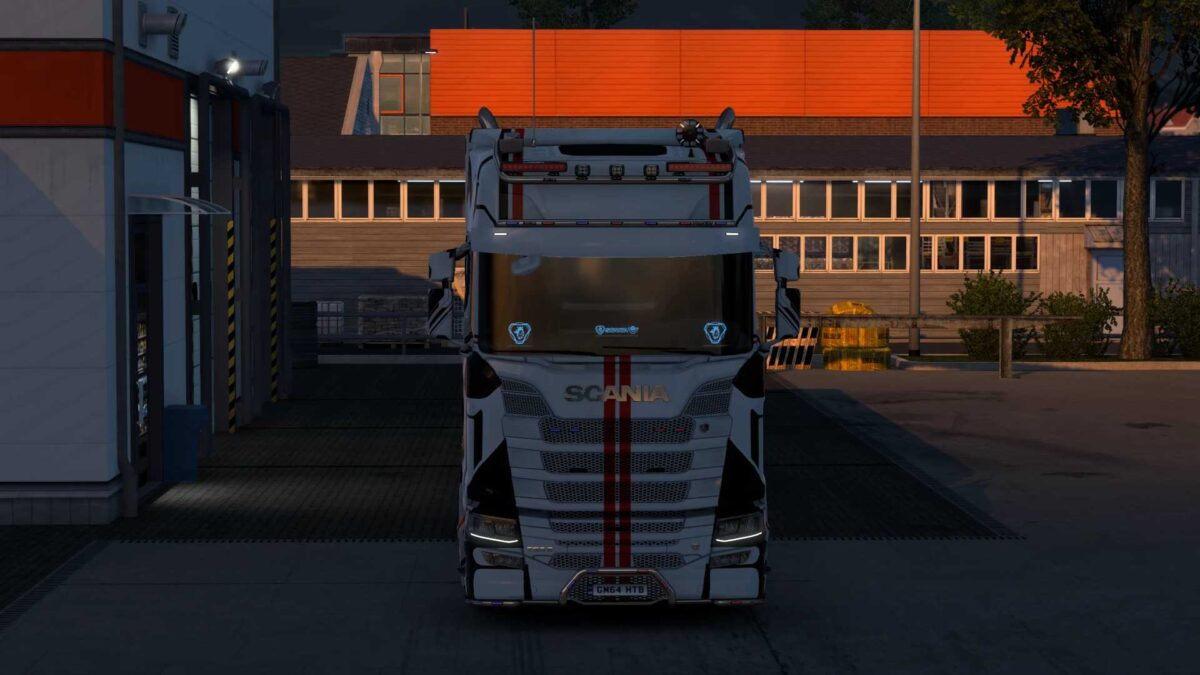
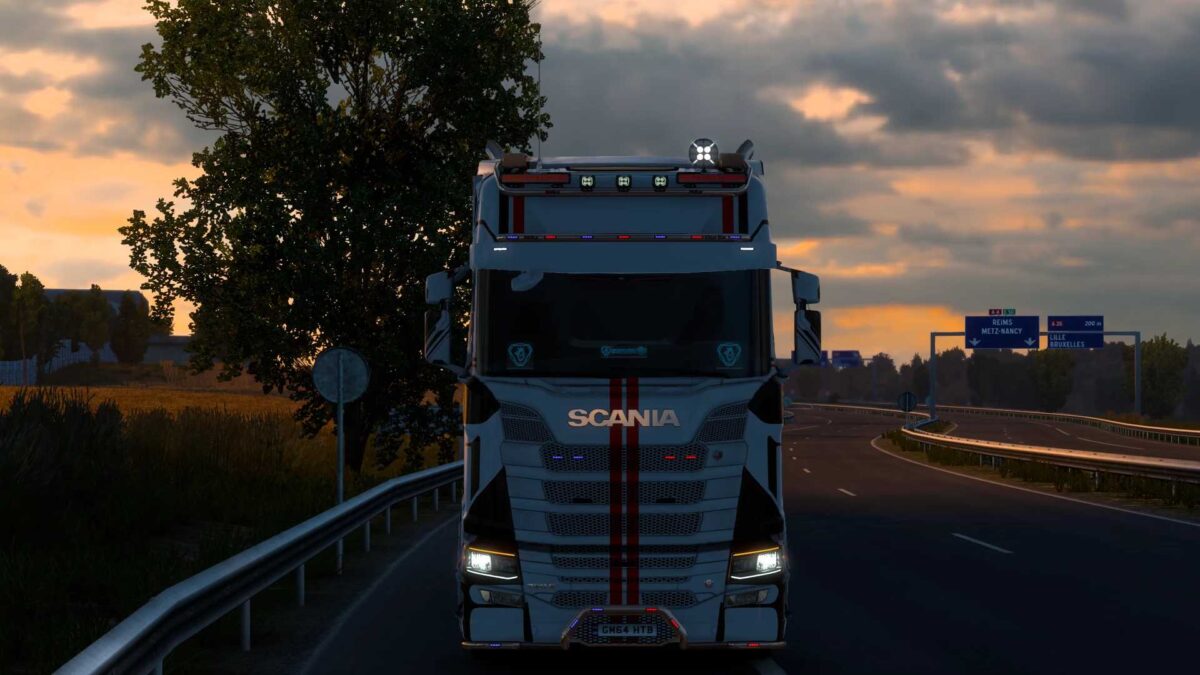
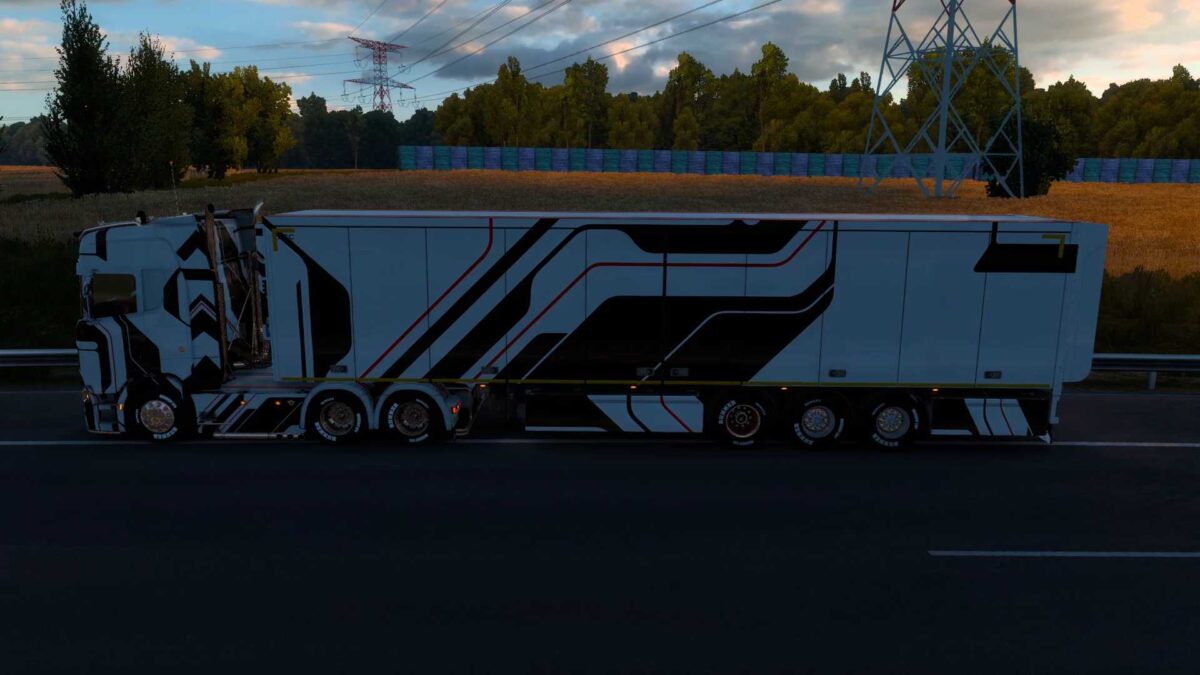
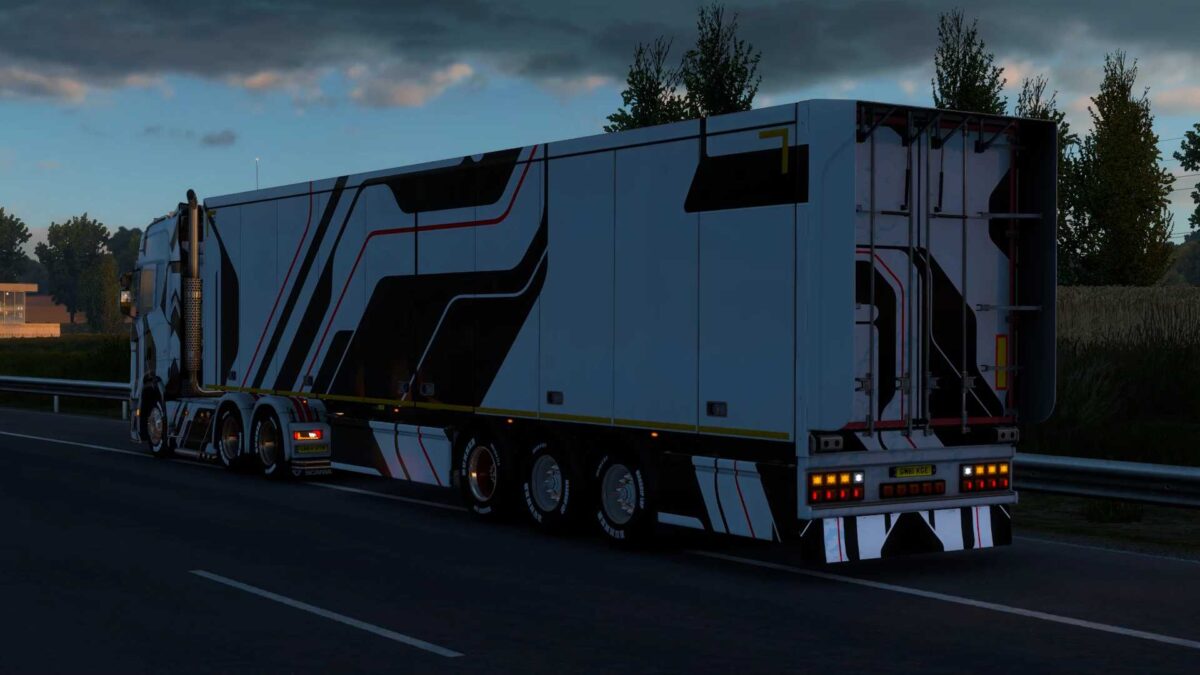
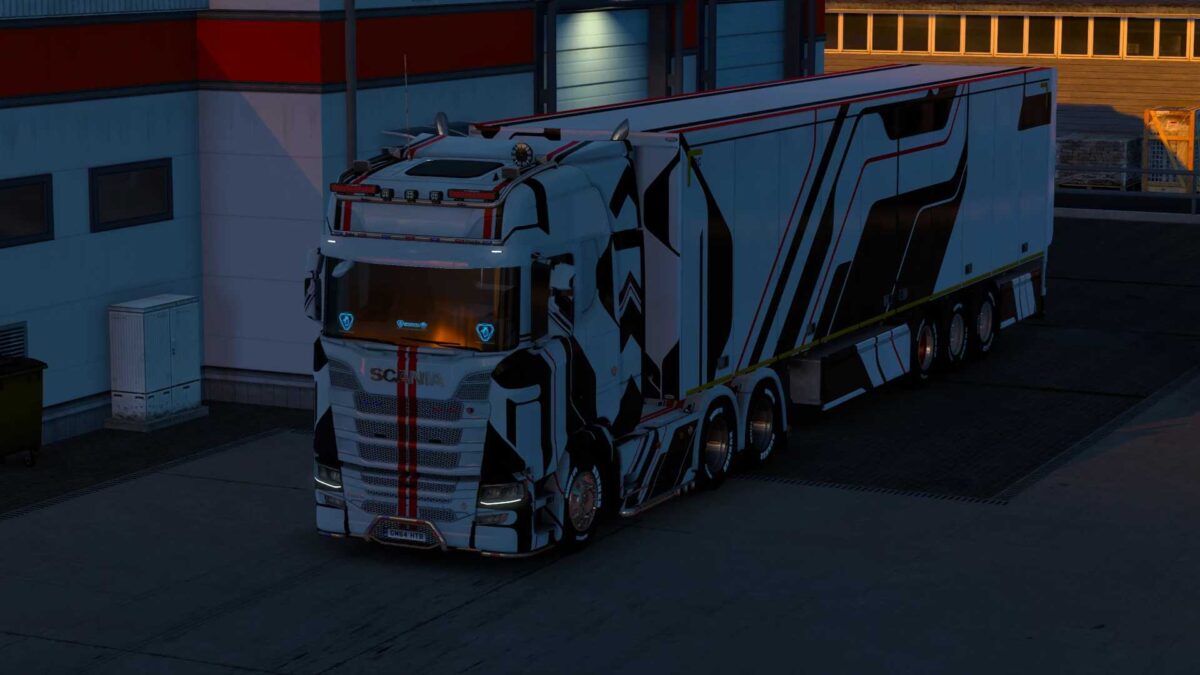
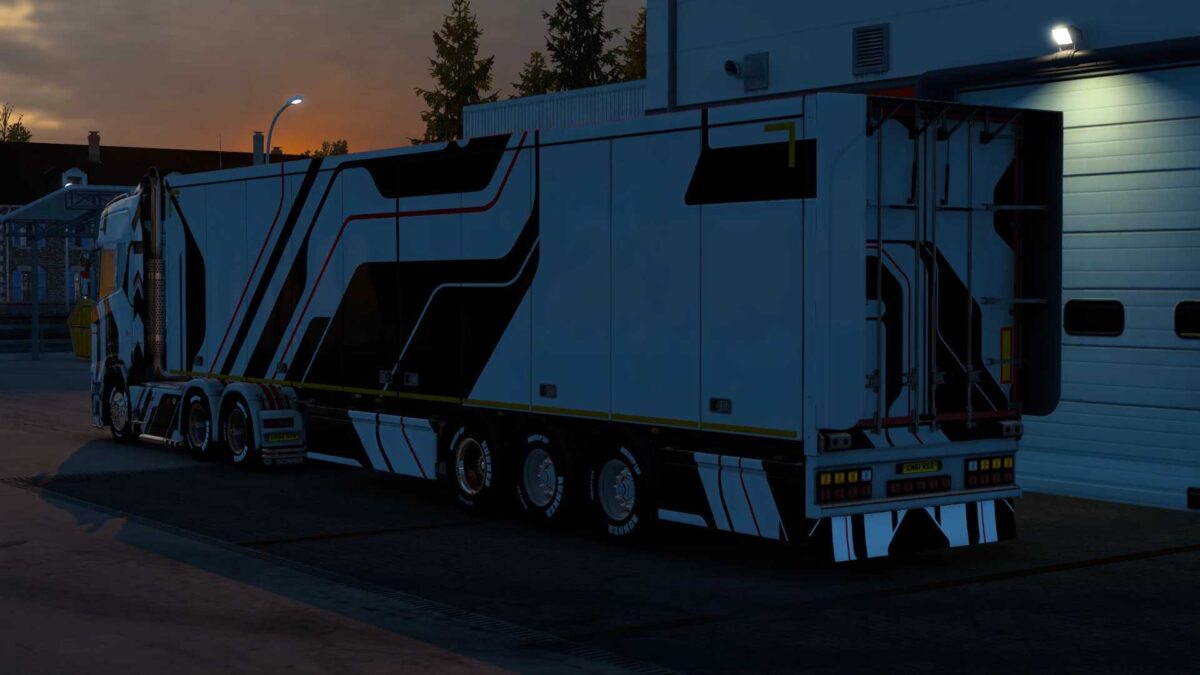
Scania Black Hard Line X Skin v1.0 ETS2
This skin mod is compatible with the Scania S High Roof truck.
It also supports box trailers.
INSTRUCTIONS FOR USING THE SKIN MOD:
01) Copy the SCS file.
02) Paste it into your ETS2 mod folder.
03) Launch ETS2 and activate the mod.
Credits: SL PMD ROX
How to Install ETS2 or ATS Mods
Installing mods in Euro Truck Simulator 2 is straightforward. Just download the mod from the link provided, and copy/unzip the files into: “My Documents\Euro Truck Simulator 2\mod” folder. For American Truck Simulator (ATS), place the mods in: “My Documents\American Truck Simulator\mod” folder. You can use tools like WinRAR or 7zip to unzip the files. After that, remember to activate the mods you want to use.