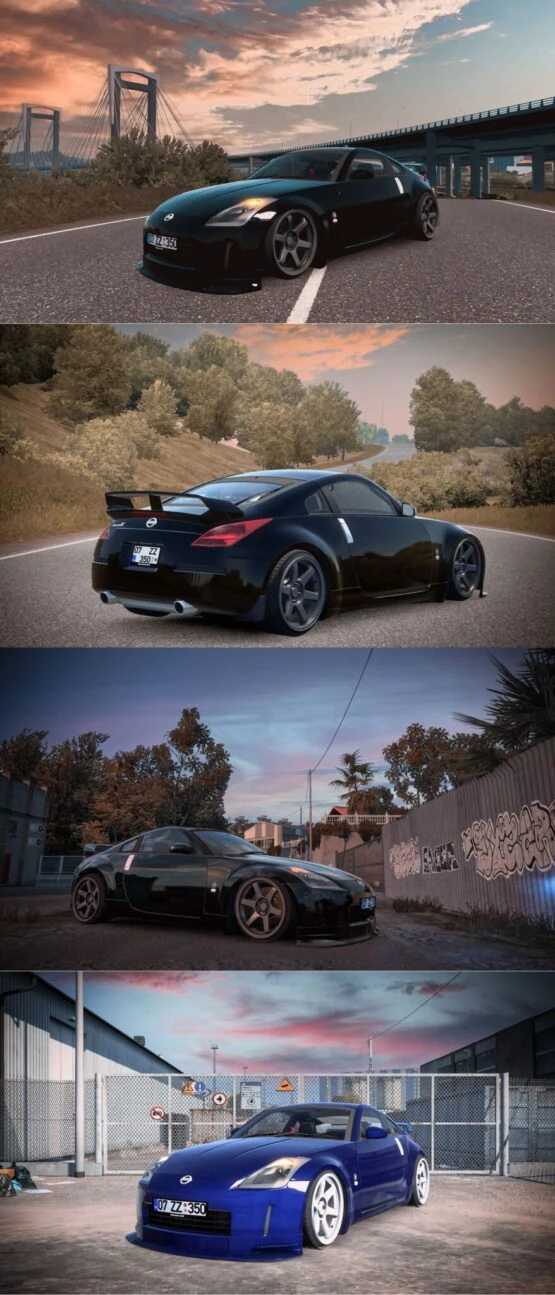
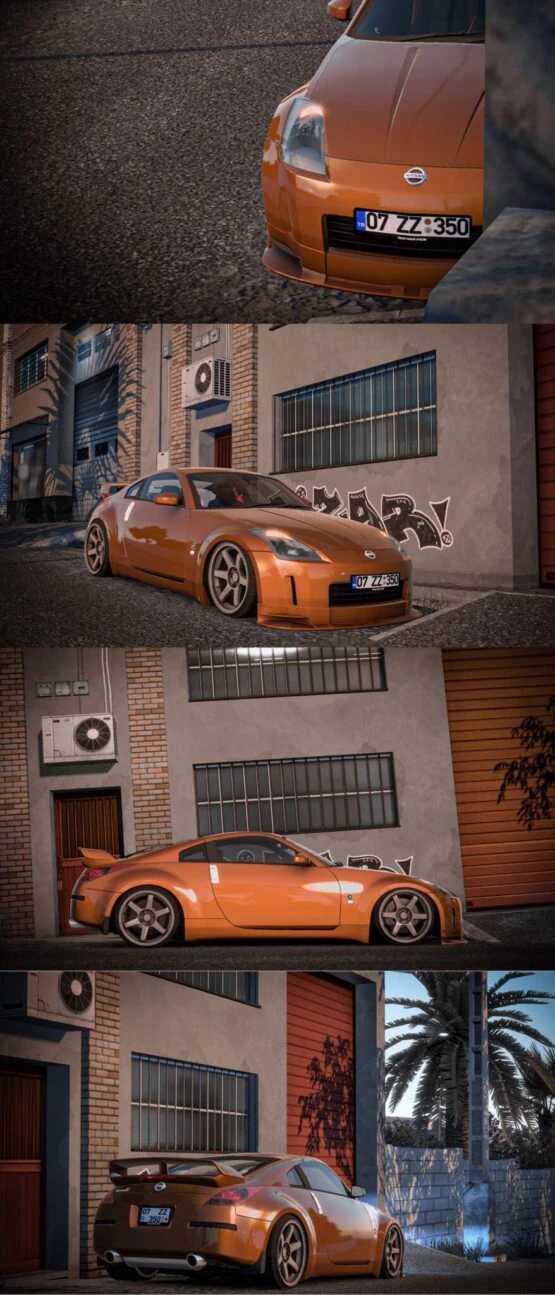
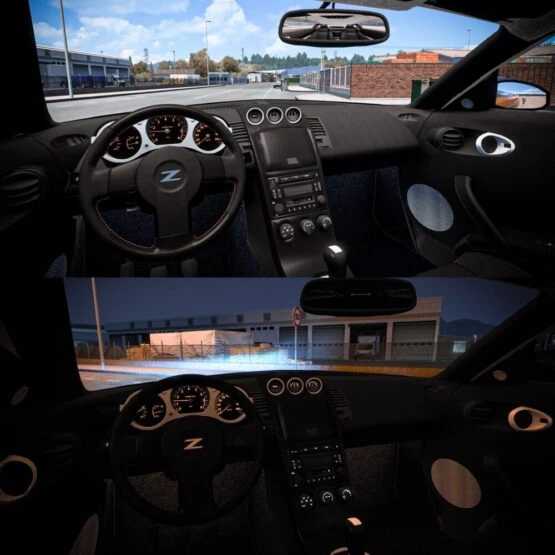
Nissan 350z 1.55 ETS2
Nissan 350z
The vehicle appears as displayed.
All functionalities are operational.
Credits: Faruk Aygun
Instructions for Installing ETS2 or ATS Mods
Installing mods for Euro Truck Simulator 2 is straightforward. Simply download the mod from this source and extract the files into the “My Documents\Euro Truck Simulator 2\mod” folder. For American Truck Simulator, place the files in the “My Documents\American Truck Simulator\mod” directory. You can use WinRAR or 7zip to unzip the files. After extraction, make sure to activate the mods you wish to use.