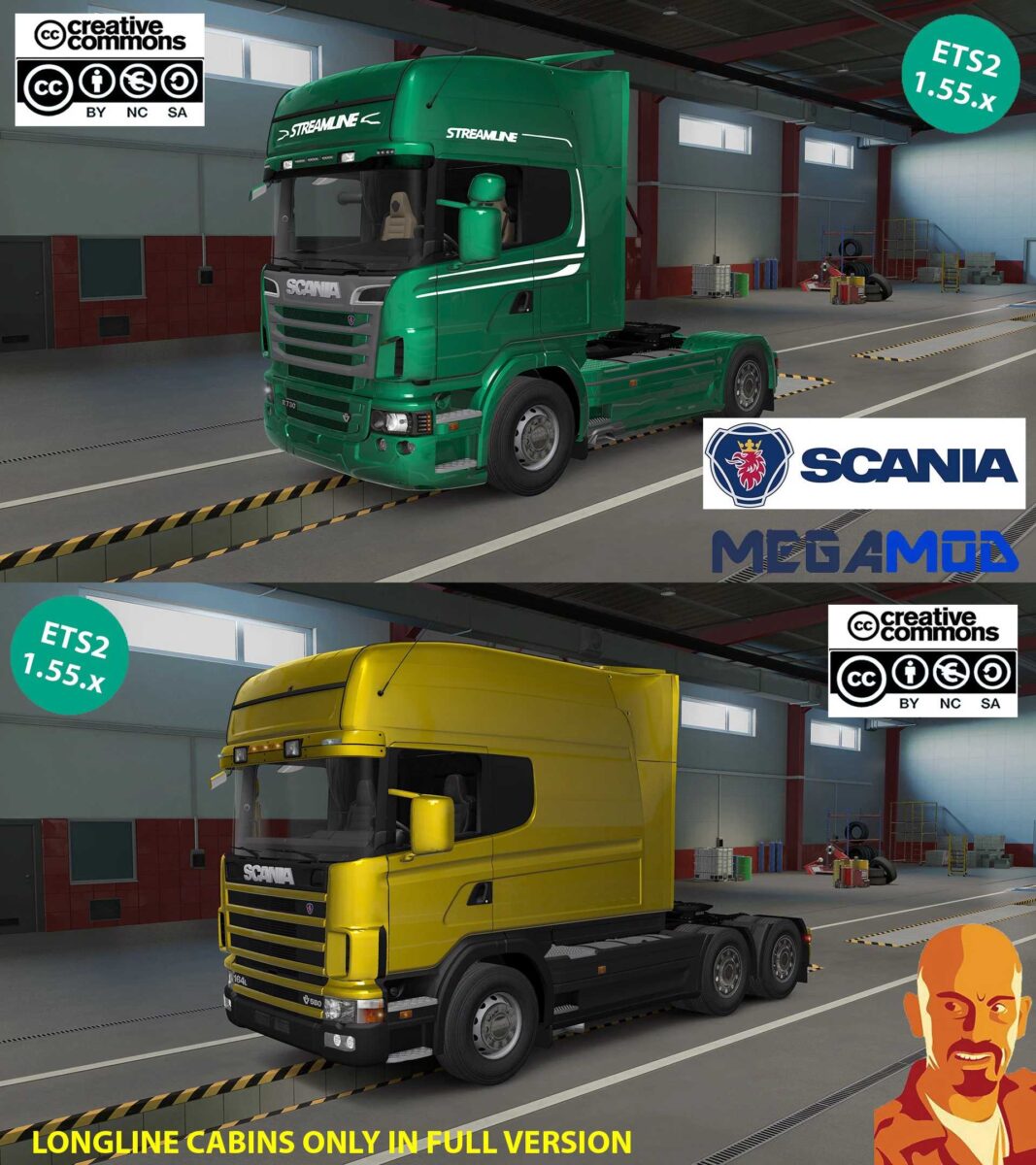
SCANIA MEGAMOD v6.0 1.55.x ETS2
Updates in v6.0:
Now compatible with version 1.55.x.
New cargo system implemented for full version (ONLY IN FULL VERSION).
Enhanced cargo icons for full version (ONLY IN FULL VERSION).
Corrected V8 seats logo.
Fixed issues with roof glass.
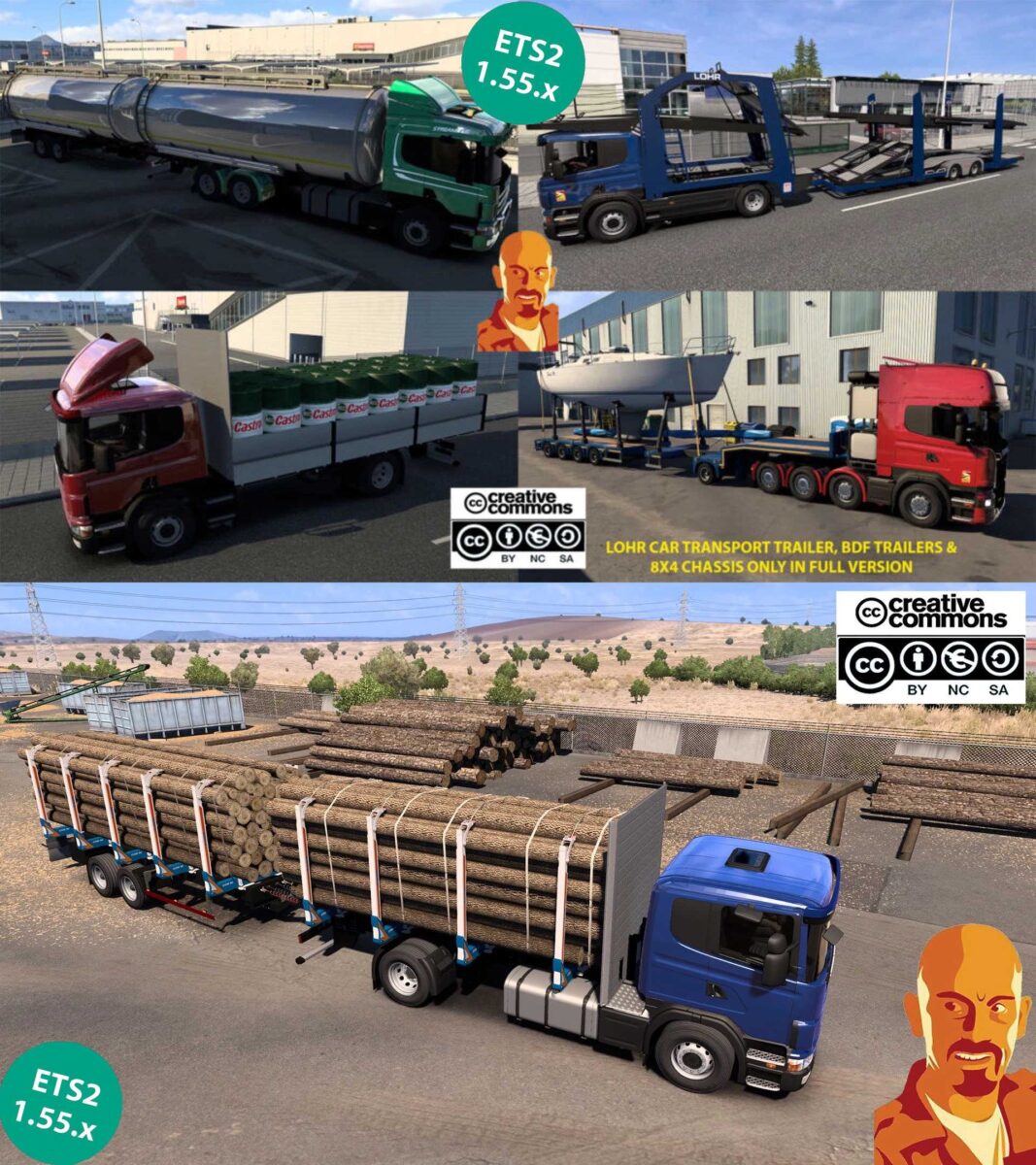
Available trailers in freight market (ONLY IN FULL VERSION).
Included trailers in browsers (ONLY IN FULL VERSION).
Introduced new cargo for John Deere Gators (ONLY IN FULL VERSION).
Added Lamborghini supercar cargo (ONLY IN FULL VERSION).
Featuring new Ford Mustang cargo (ONLY IN FULL VERSION).
Miscellaneous improvements and fixes.
Adjusted for latest DLC compatibility (ONLY IN FULL VERSION).
Other minor updates.
A variety of chassis options (some restricted to particular cabins/engines).
Multiple cabin choices (some linked to specific chassis).
Certain variants like the auto transporter or 8×4 chassis are only available with select engines/cabin setups.
Better integration with other mods.
Removed unnecessary files.
SiS’L megapack is required for full cabin accessory access.
Credits: Cyrus, Playtruckcool, TheGreatJoe, Matgamer Chudy, Ahaneim, Fenix, Kosolap, VINZEL, RusPowErs, DankeHuj.
Instructions for Installing ETS2 or ATS Mods
Installing mods in Euro Truck Simulator 2 is straightforward. Download the mod from this source and place/unzip the files into: “My Documents\Euro Truck Simulator 2\mod” folder. If you’re using ATS, place the mods in: “My Documents\American Truck Simulator\mod” folder. For extraction, you can utilize WinRAR or 7zip. After that, activate the mods you wish to use.