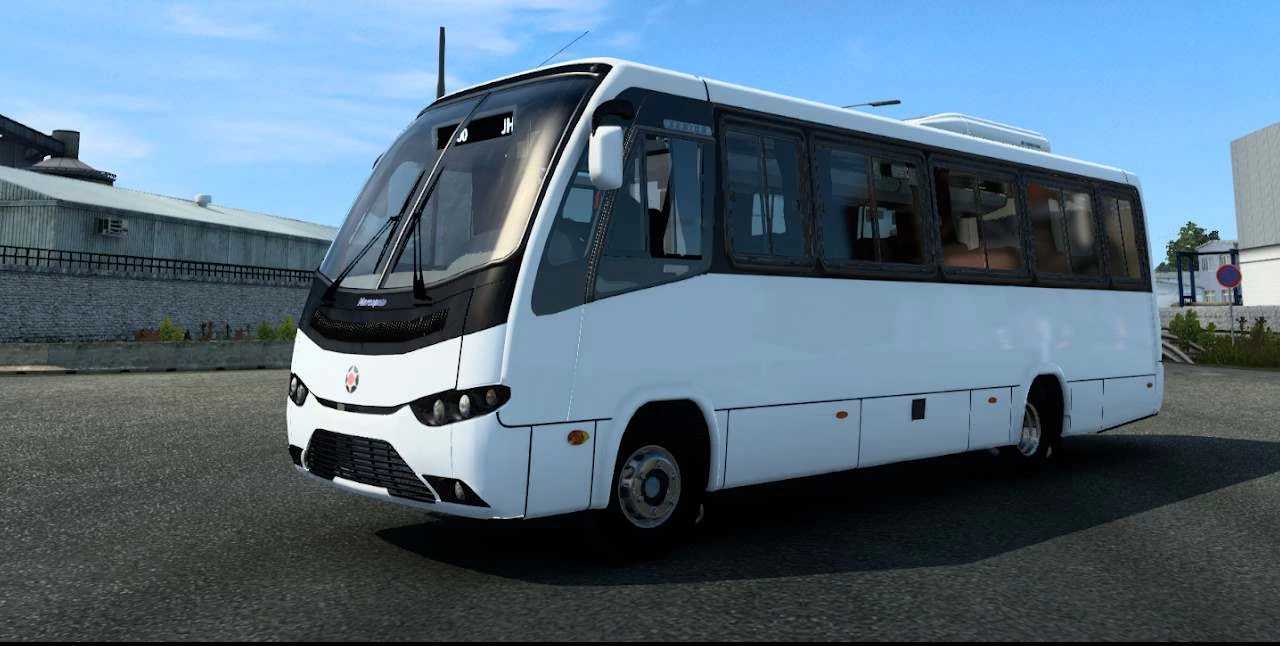
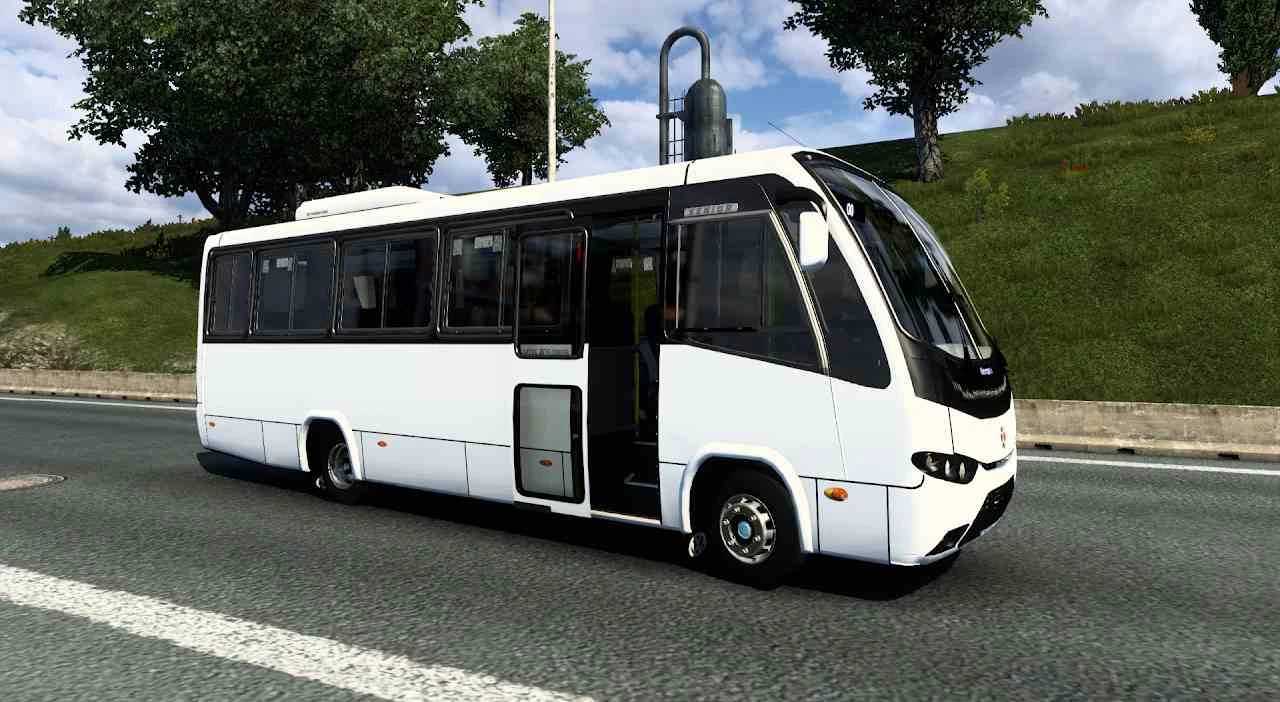
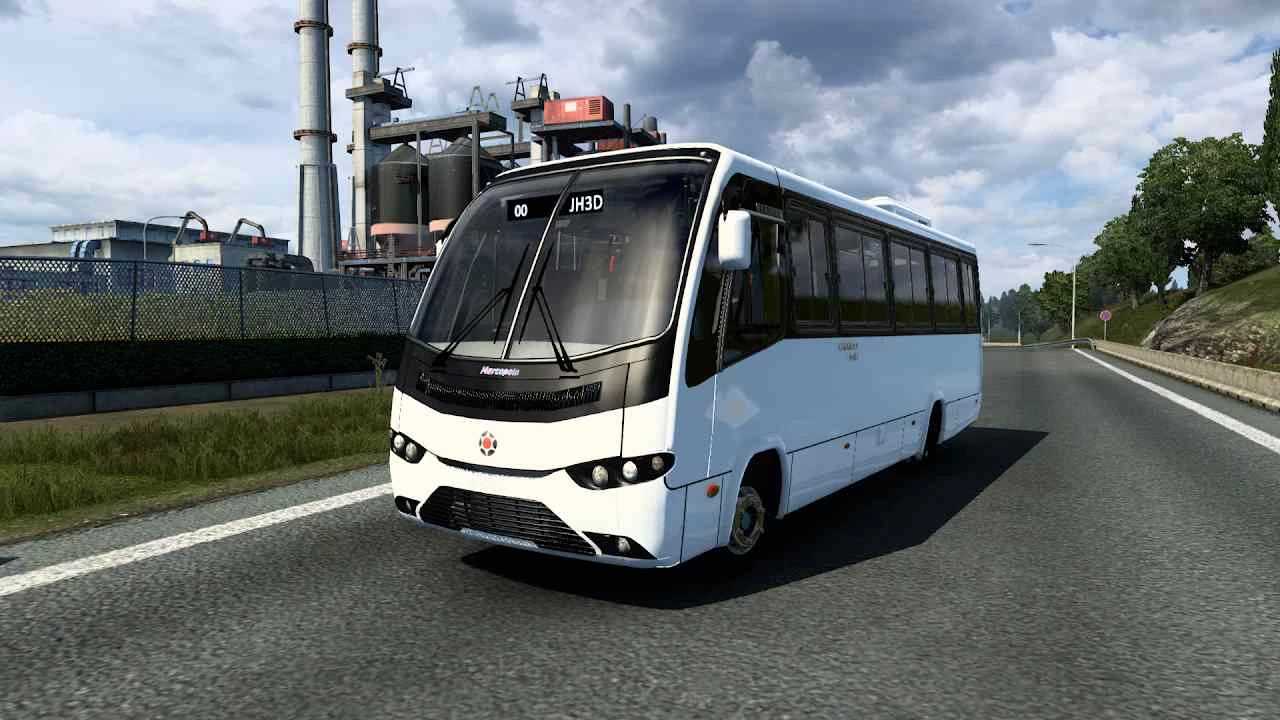
Marcopolo Senior v1.3 -1.55 ETS2
Change Log:
– Updated for version 1.55
Features:
– Chassis Type: 4 x 2
– Ten editable skin options
– Animated doors
Accessories Available:
– Customizable options
– Movitec
– Curtains
– Seating options
Credits: JH3D
Installation Guide for ETS2 or ATS Mods
Installing mods in Euro Truck Simulator 2 is straightforward. Download the mod from this site and copy/unzip the files into: “My Documents\Euro Truck Simulator 2\mod” folder. For American Truck Simulator, place mods into: “My Documents\American Truck Simulator\mod” folder. You can use applications like WinRAR or 7zip for unzipping. Lastly, activate the mods you’d like to use.