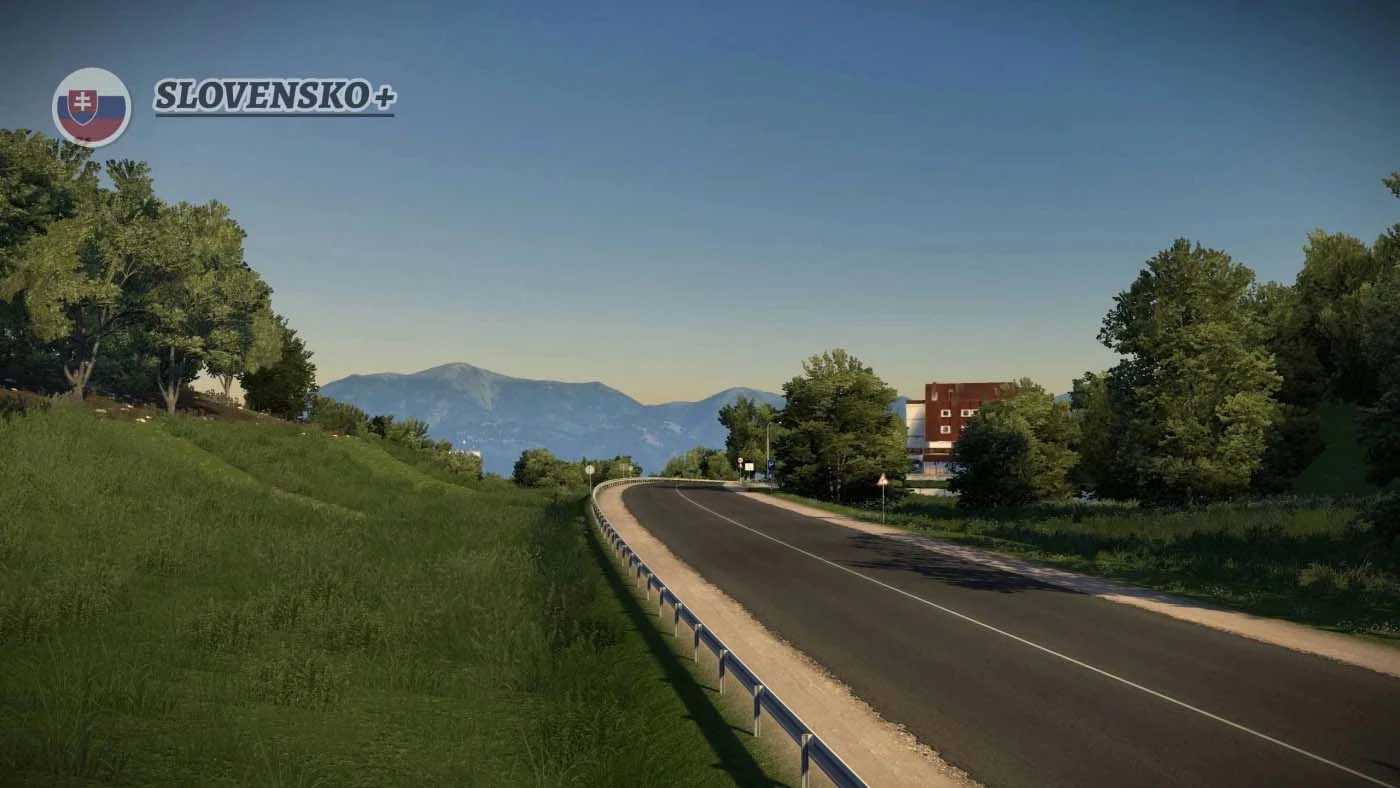
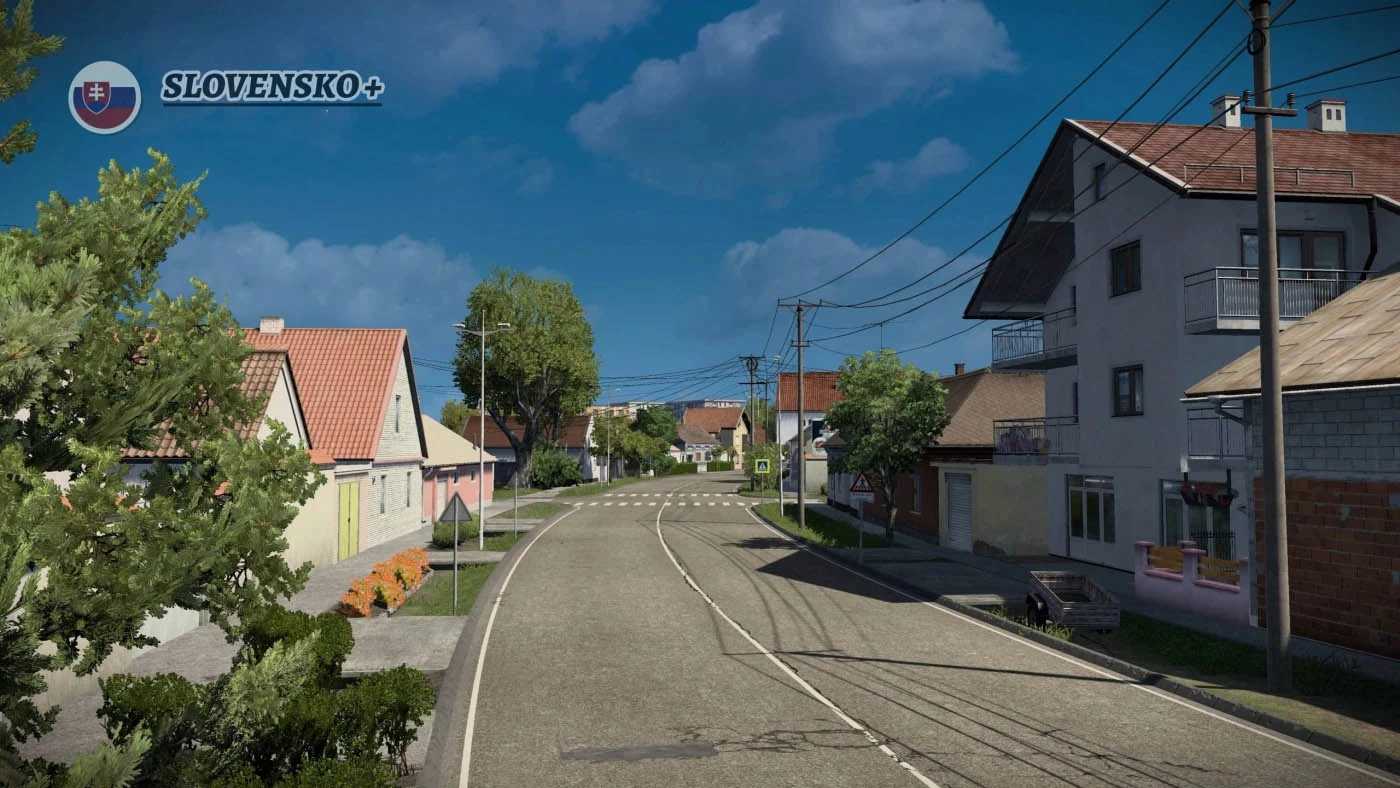
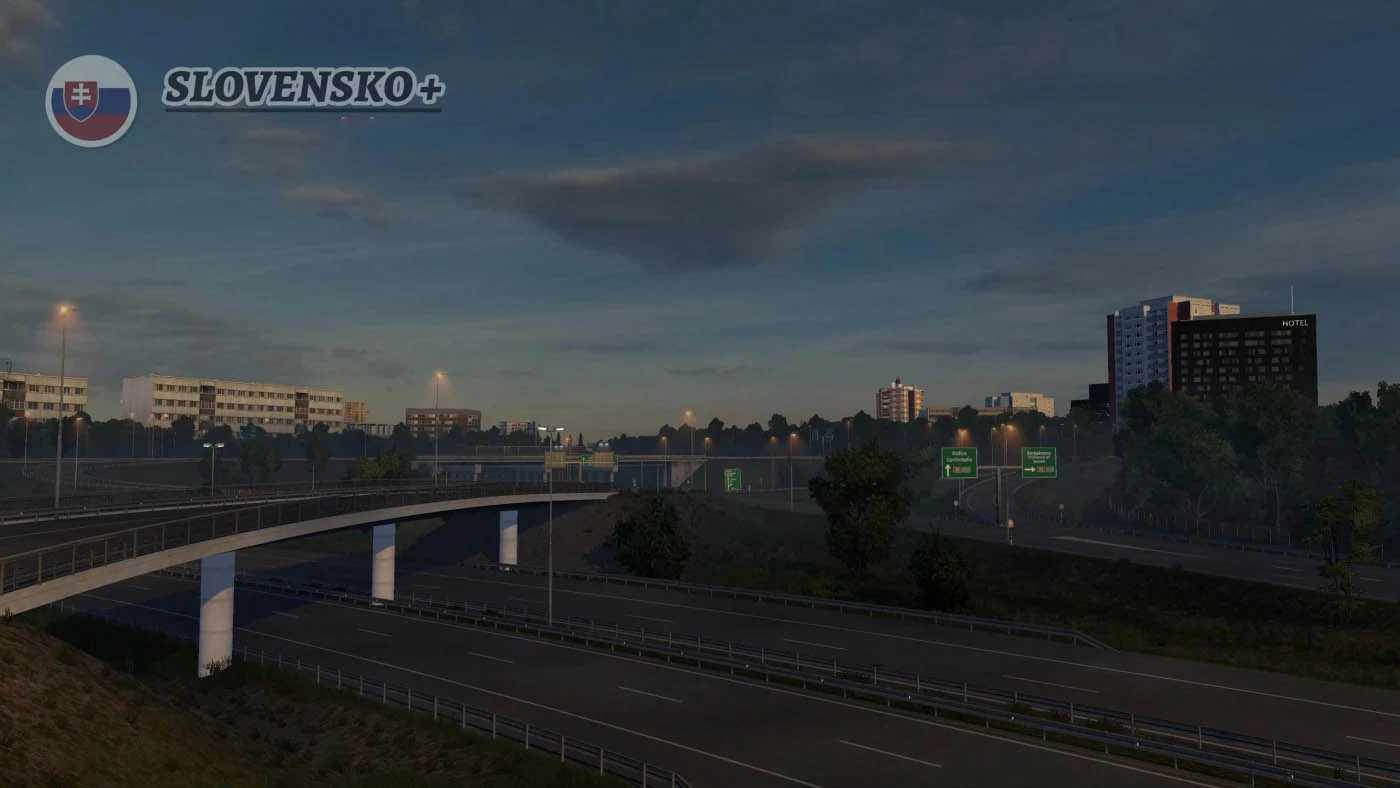
Slovensko+ v3.2 1.55 ETS2
Changelog V3.2 :
– Compatibility for version 1.55
– Resolved traffic issues in Kúty
– Addressed floating models in Veľký Krtíš
– Fixed various bugs in Čáry
– Quality of life enhancements in Lovinobaňa
– Quality of life enhancements in Plášťovce
Description:
This map revitalizes and enhances many of the older regions of Slovakia.
Cities:
– Lovinobaňa
– Hrhov (definition only)
– Kolárovice (definition only)
– Banská Bystrica (slight refresh)
– Ružomberok
– Čáry
– Kúty
– Veľký Krtís
– Pôtor
– Plášťovce (definition only)
Roads:
– Reworked I-66 (E77) (Zvolen – Hungarian Border)
– Updated R3 (E77) (Ruzomberok – Polish Border)
– Entirely revamped I-16 (E58) (Zvolen – Lovinobana – Hrhov – Kosice)
– Improved D1 highway (E50) – (Ružomberok – Kosice)
– Refreshed I-17 (Hungarian Border – Kosice)
– Updated I-18 / I-21 (E371) (D1 motorway – Polish Border)
– Enhanced R1 (E77) (Banska Bystrica – Ruzomberok)
– Updated I-18 (E50) (Ruzomberok – Kolarovice)
– Revamped Slovak E442 (Kolarovice – Czech Border)
– Completely reworked I-51 / I-2 ( Trnava – Caty – Kuty – Czechia / Bratislava)
– Enhanced Kosice
– Updated E58 (R1) expressway between Zvolen – Trnava
– Introduced a section of road I-75
Game version: 1.55
Credits: AndrewS_
How to install ETS2 mods or ATS Mods
Installing mods in Euro Truck Simulator 2 is straightforward. Simply download the mod from here and copy/unzip the files into the “My Documents\Euro Truck Simulator 2\mod” folder. For ATS, place the mods in the “My Documents\American Truck Simulator\mod” folder. Use tools like WinRAR or 7zip to unzip files. After that, remember to activate the mods you wish to use.