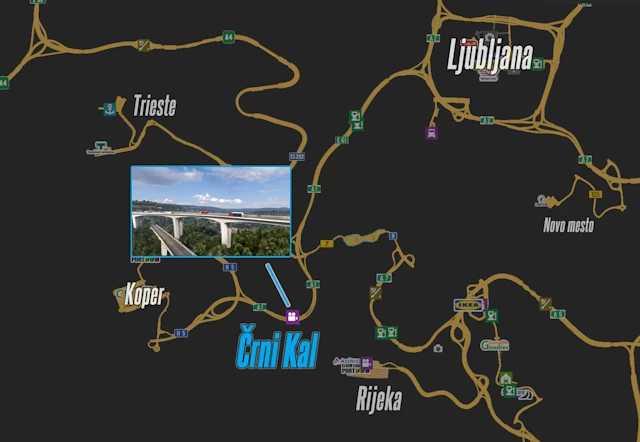
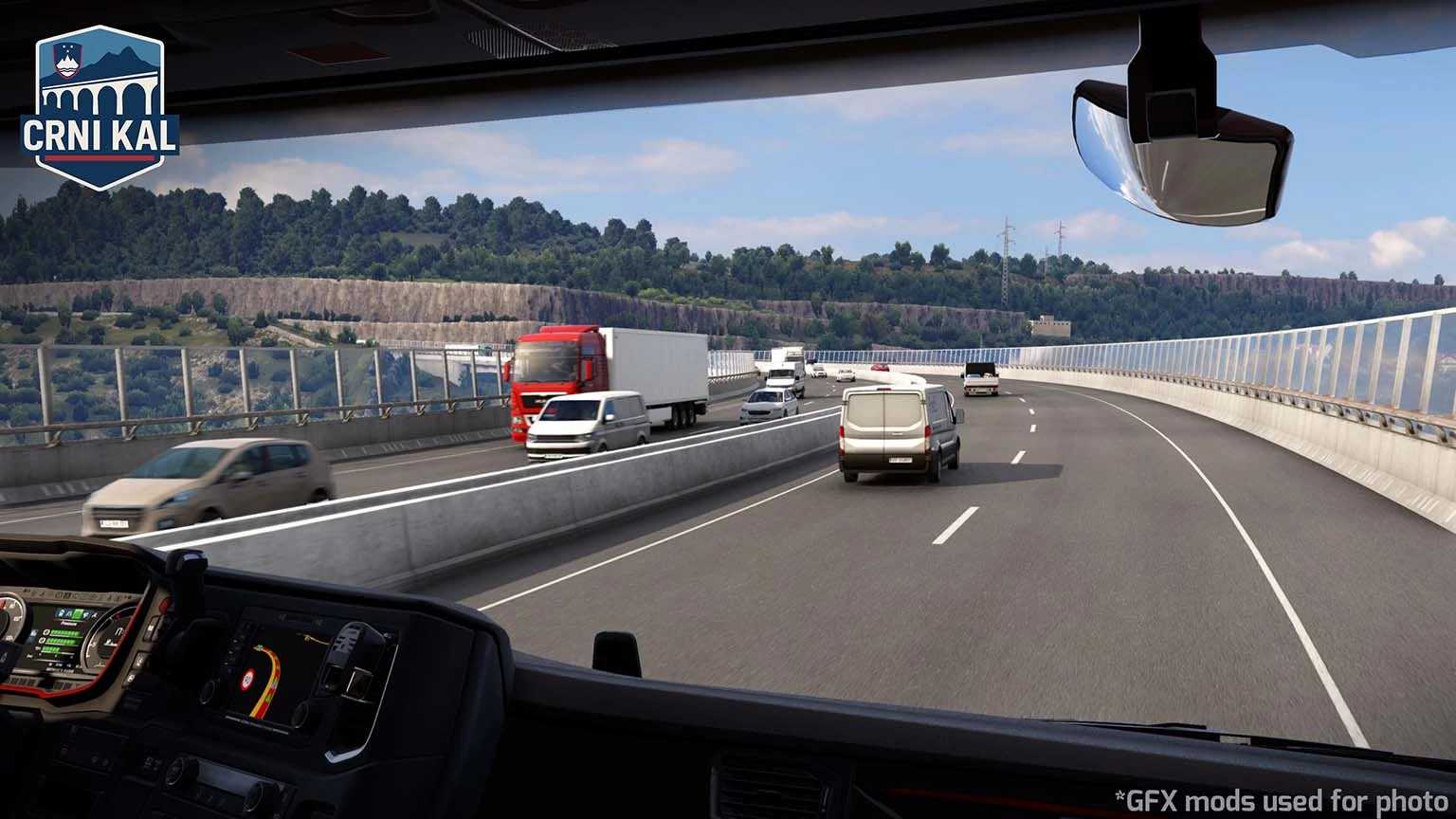
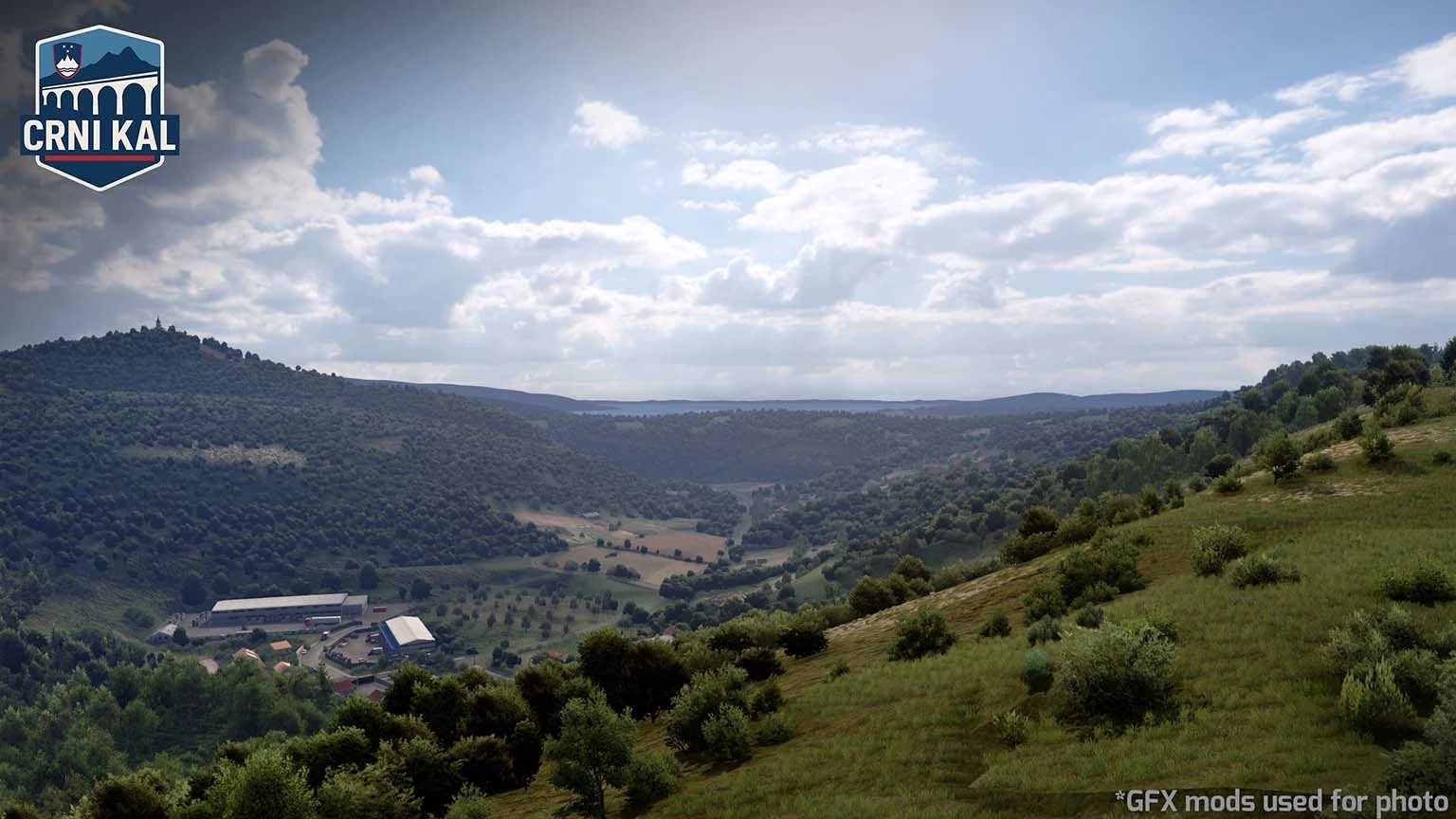
Črni Kal (Koper + A1 Rework) v1.1 ETS2
1.55 Release (PM 2.75)
– New realistic pillars for the Črni Kal Viaduct, thanks to Indian56
– Reskin of A1 Highway and Koper (by Me)
– New area and garage introduced in Koper (by Grega)
– Various reworked sections of Koper (by Grega)
– Enhanced interchanges on A1 (by Grega)
– Several bug fixes
Credits: Kispál Marcell
Installation Guide for ETS2 or ATS Mods
Installing mods in Euro Truck Simulator 2 is simple. Download the mod from here and copy/unzip the files into: “My Documents\Euro Truck Simulator 2\mod” folder, or for ATS, place them in: “My Documents\American Truck Simulator\mod” folder. Use tools like WinRAR or 7zip to unzip files. After this, you will need to activate the mods you wish to use.