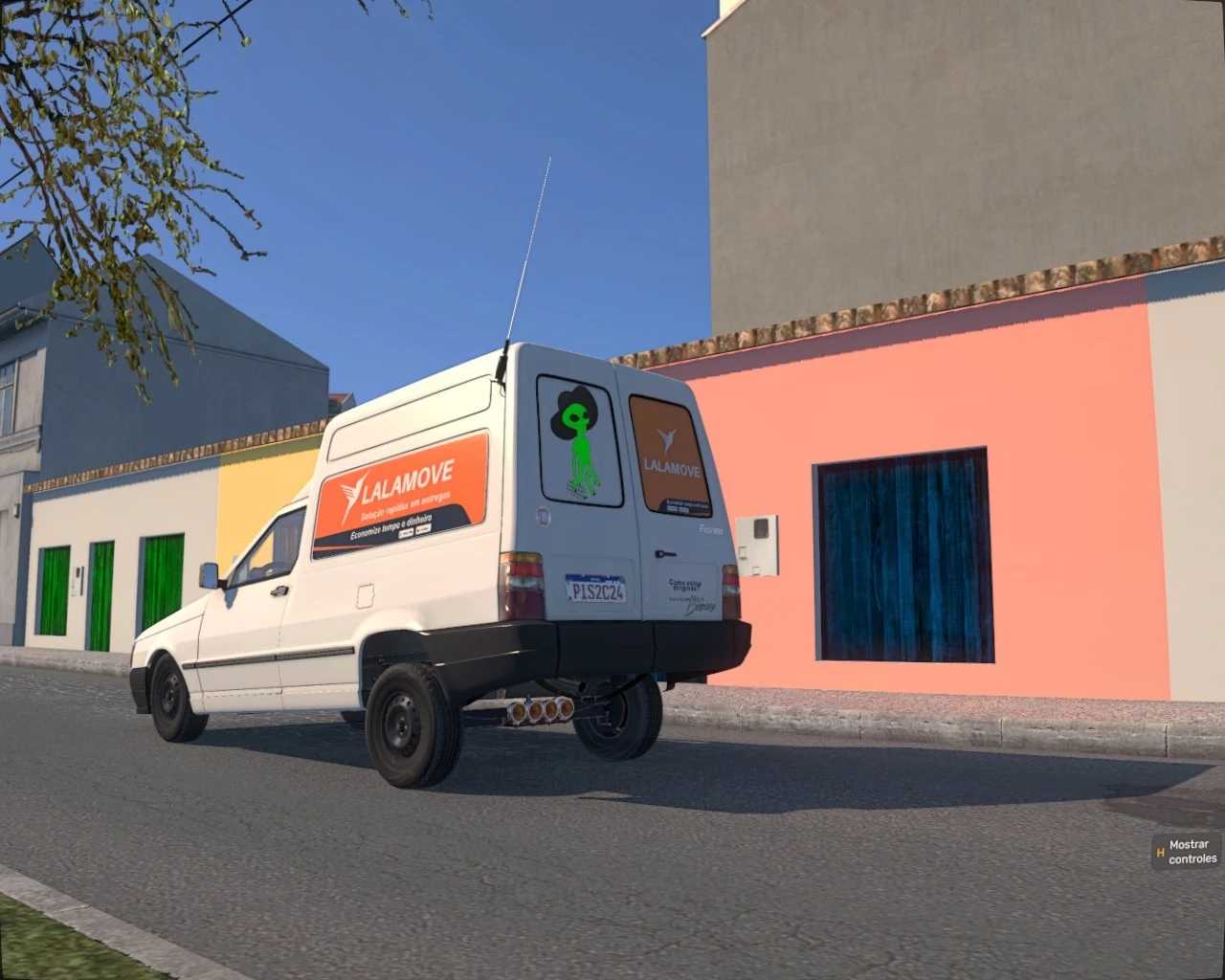
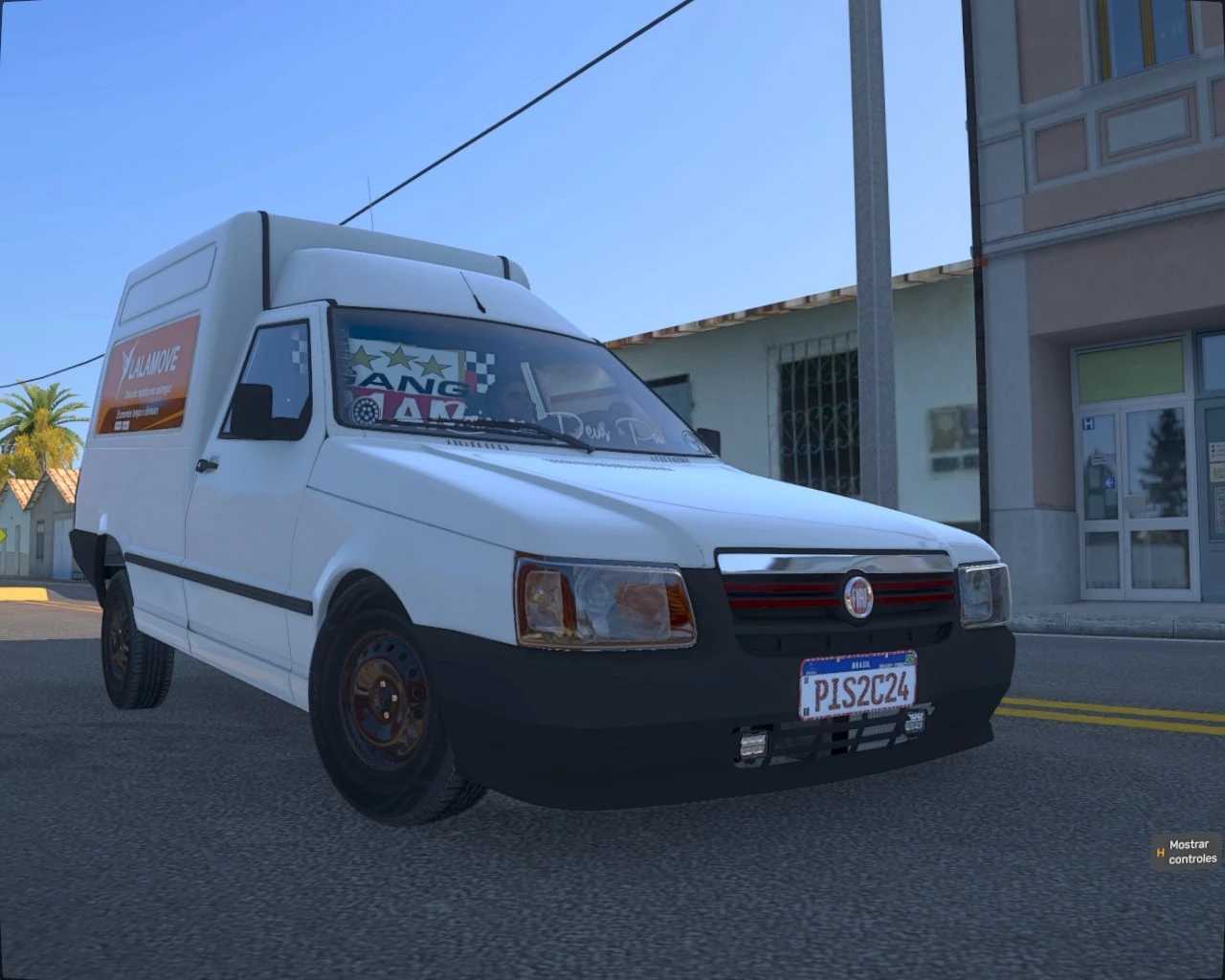
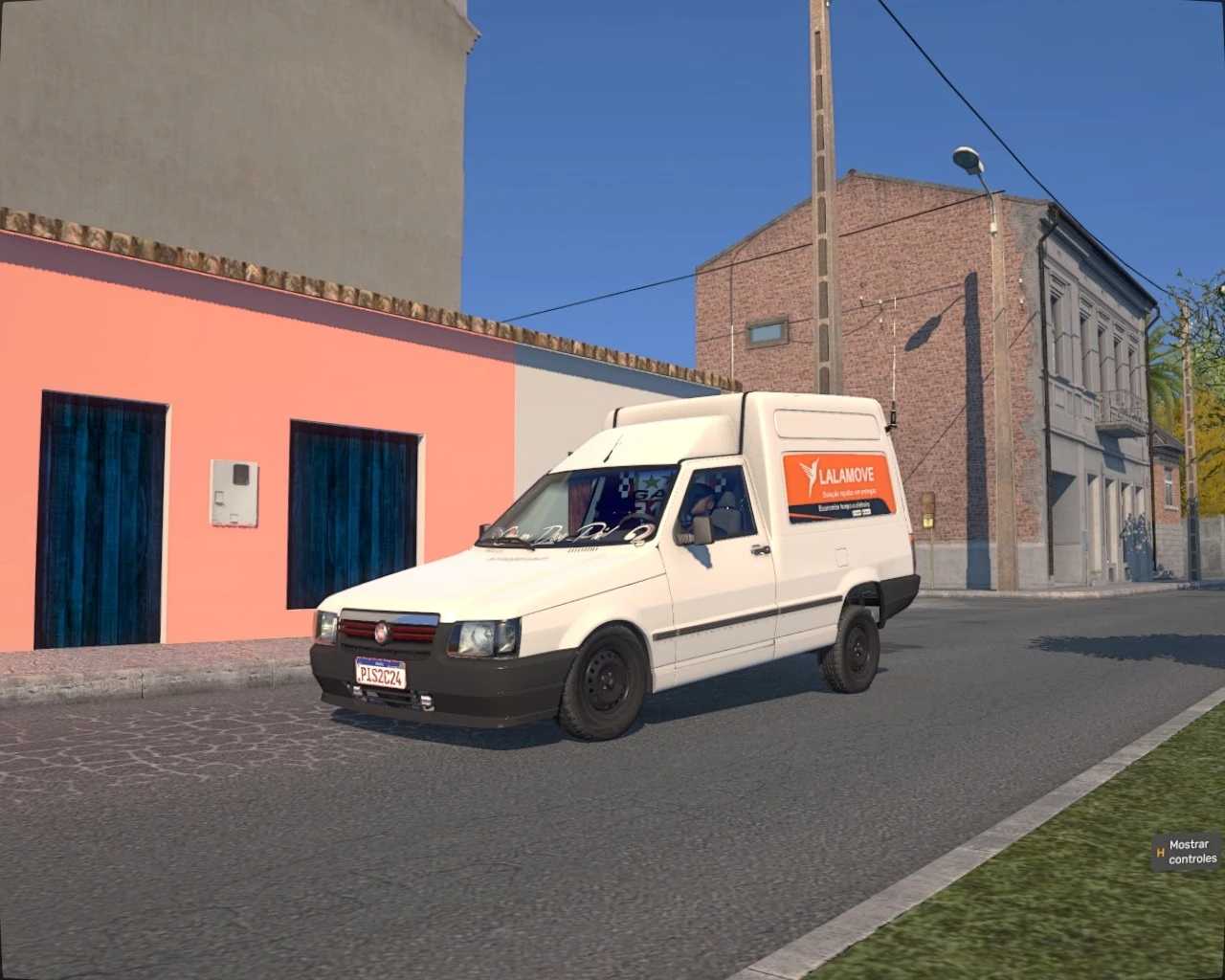
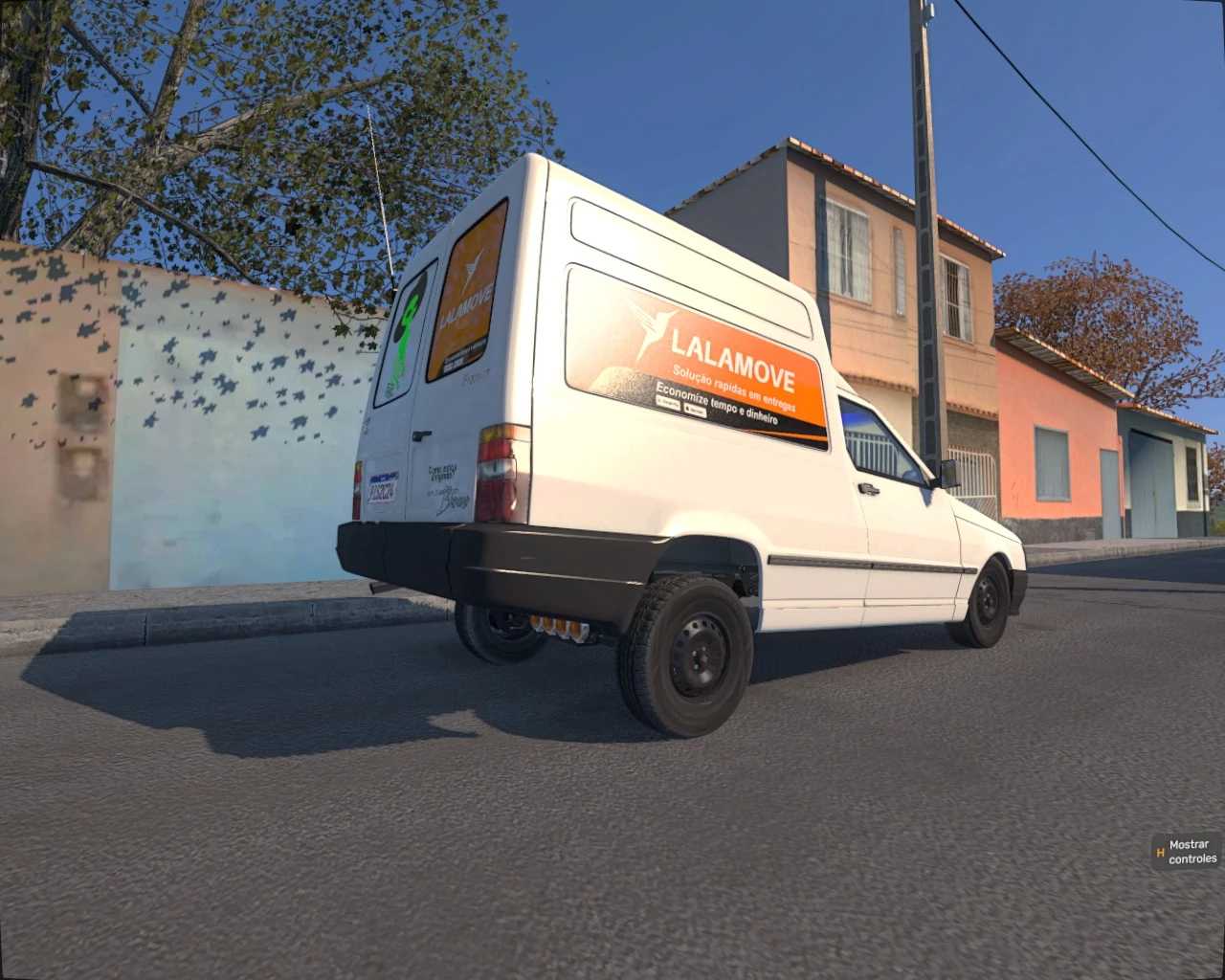
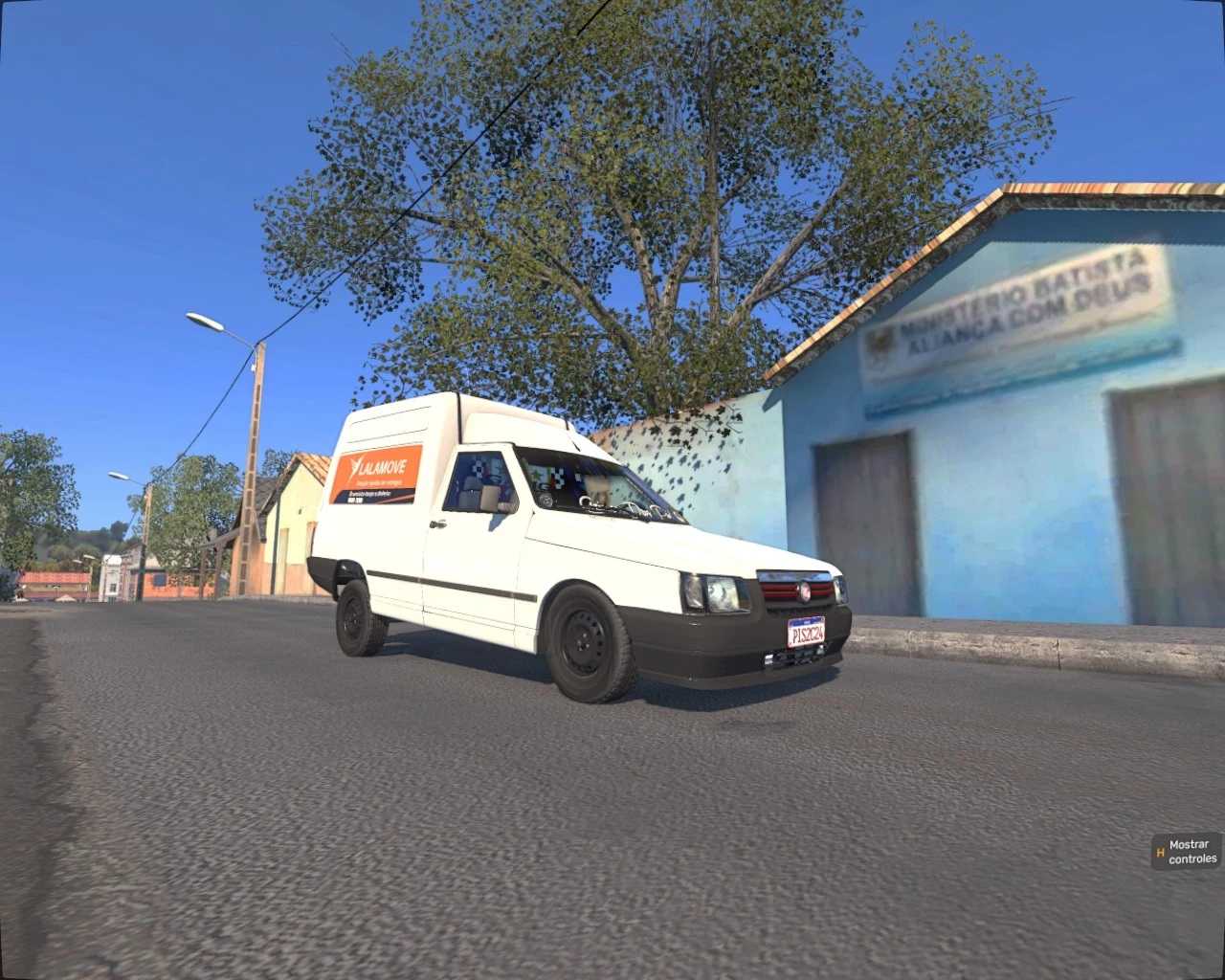
Fiat Fiorino RLG3D 1.55 ETS2
Moreover, this mod features various customization options specific to Brazilian styles, giving you the ability to personalize your Fiat Fiorino to match your tastes and gameplay. From front decals to varied bumpers and interior accessories, you have the freedom to express yourself!
Experience a new level of immersion as you drive through Euro Truck Simulator 2. Whether transporting goods through the stunning landscapes of Brazil or navigating towards new European destinations, the updated Fiat mod with Brazilian enhancements is sure to elevate your gaming adventure.
Credits: RLG3D & PISC
How to install ETS2 mods or ATS Mods
Installing mods in Euro Truck Simulator 2 is straightforward. Simply download the mod from this source, then copy/unzip the files into the “My Documents\Euro Truck Simulator 2\mod” folder. For American Truck Simulator (ATS) users, place the mods in “My Documents\American Truck Simulator\mod” folder. You can use tools like WinRAR or 7zip for unzipping. After that, remember to activate the desired mods for use.