Volvo FH 2012 Realistic Dashboard Computer v1.50 – 1.55+ ETS2
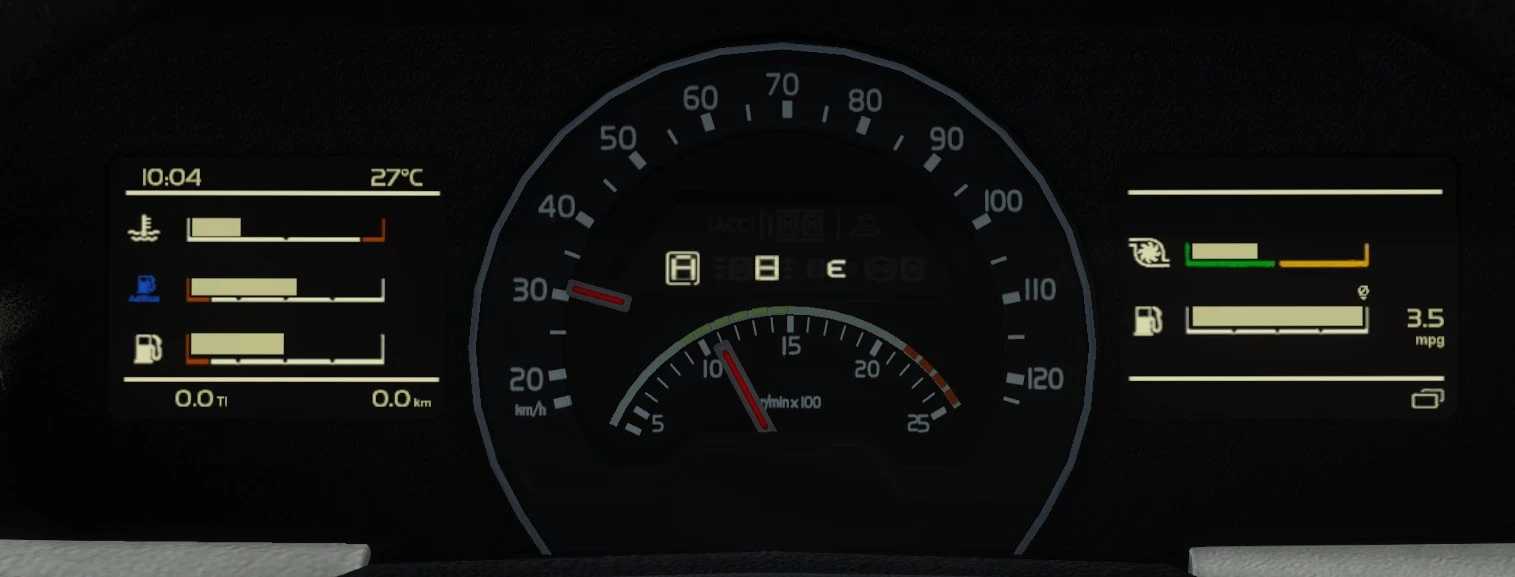
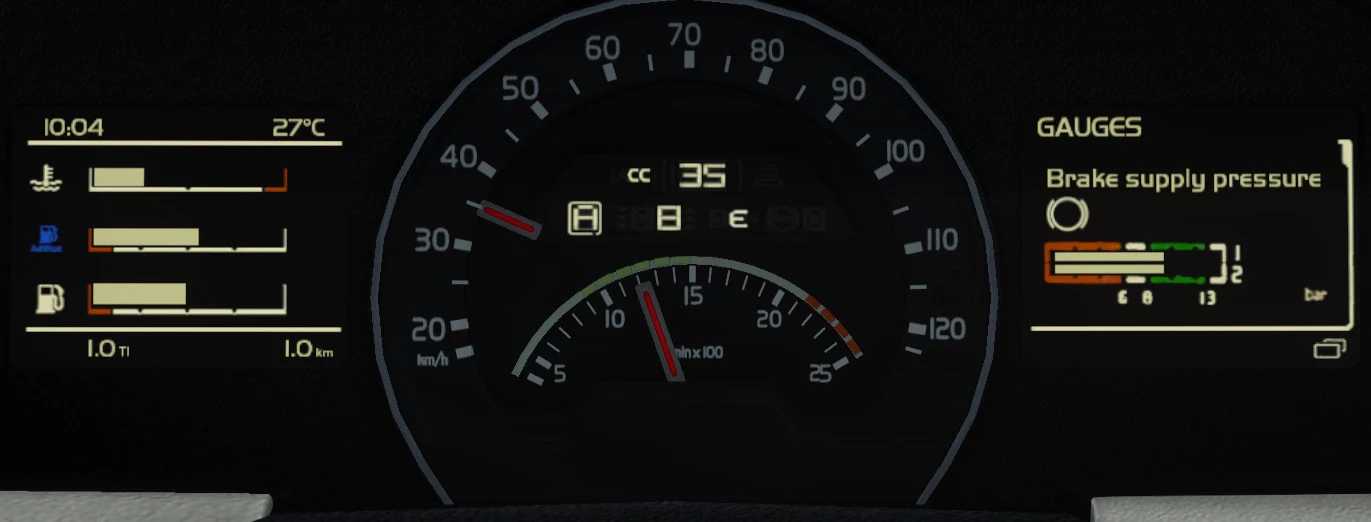
This mod enhances the dashboard computer to closely resemble the one in the new Volvo FH.
Features:
– Accurate background design
– Authentic Volvo typography
– Redesigned center display with correct layout and background
– Functional Cruise Control with memory option
– Instantaneous Fuel Consumption
– Average Fuel Consumption
– Instant Fuel Consumption graphical representation
– Average Fuel Consumption indicator
– Trip Average Speed
– Turbo boost meter
– Brake pressure reading
– Digital Speedometer
– Battery Voltage display
– Engine oil pressure reading
– Remaining fuel amount
– Distance to empty fuel indicator
– Resized stock SCS gauges on the left display
Credits: nfshp253
Guide to Installing ETS2 or ATS Mods
Adding mods in Euro Truck Simulator 2 is straightforward. Simply download the mod from here, and copy/unzip the files into the “My Documents\Euro Truck Simulator 2\mod” folder. For American Truck Simulator, place the mods in the “My Documents\American Truck Simulator\mod” folder. You can use WinRAR or 7zip to extract files. Finally, activate the mods you wish to use.