Next-Gen Graphics v1.0 for ETS2: Hyper Realism
IMPORTANT: The images displayed here have been resized, resulting in reduced quality. However, rest assured, the game’s visuals will be significantly enhanced, dear friends.
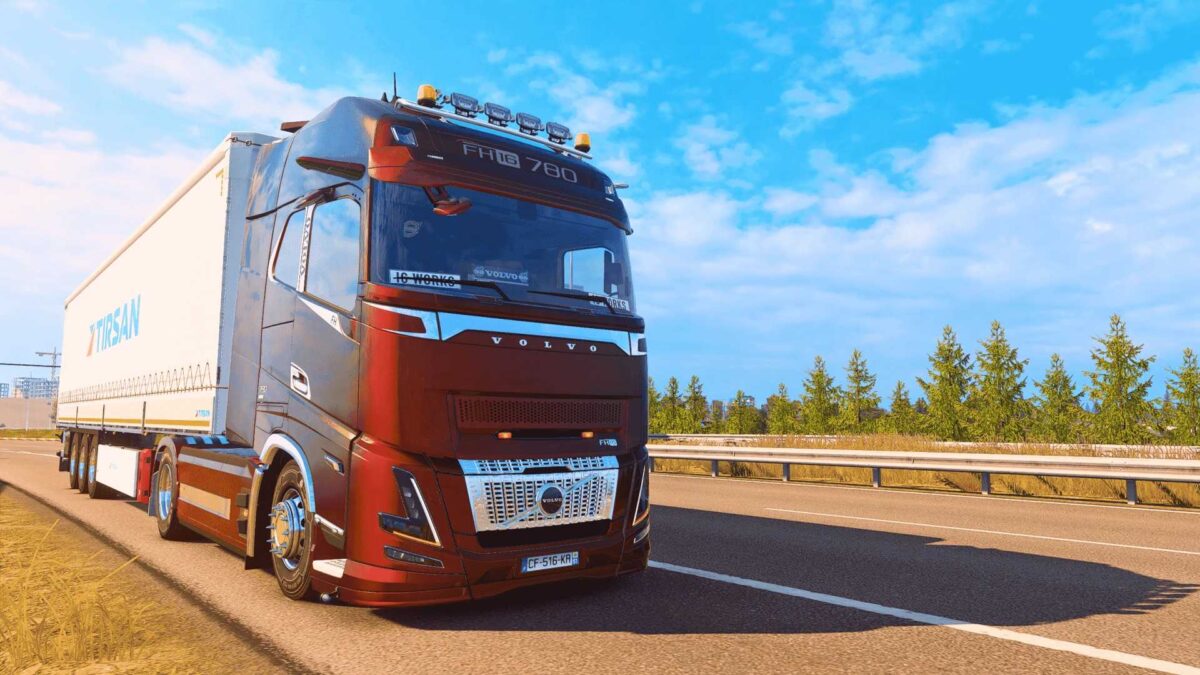
To my cherished community… I’ve crafted a ReShade that nearly redefines the visual identity of ETS2!
Words may fall short, but let me elaborate.
Imagine the dawn breaking over the horizon, a gentle mist enveloping the fields, and luminous headlights cutting through the haze with soft, lifelike beams… That ambience, that essence — I CREATED IT. This isn’t merely a preset, it’s visual alchemy.
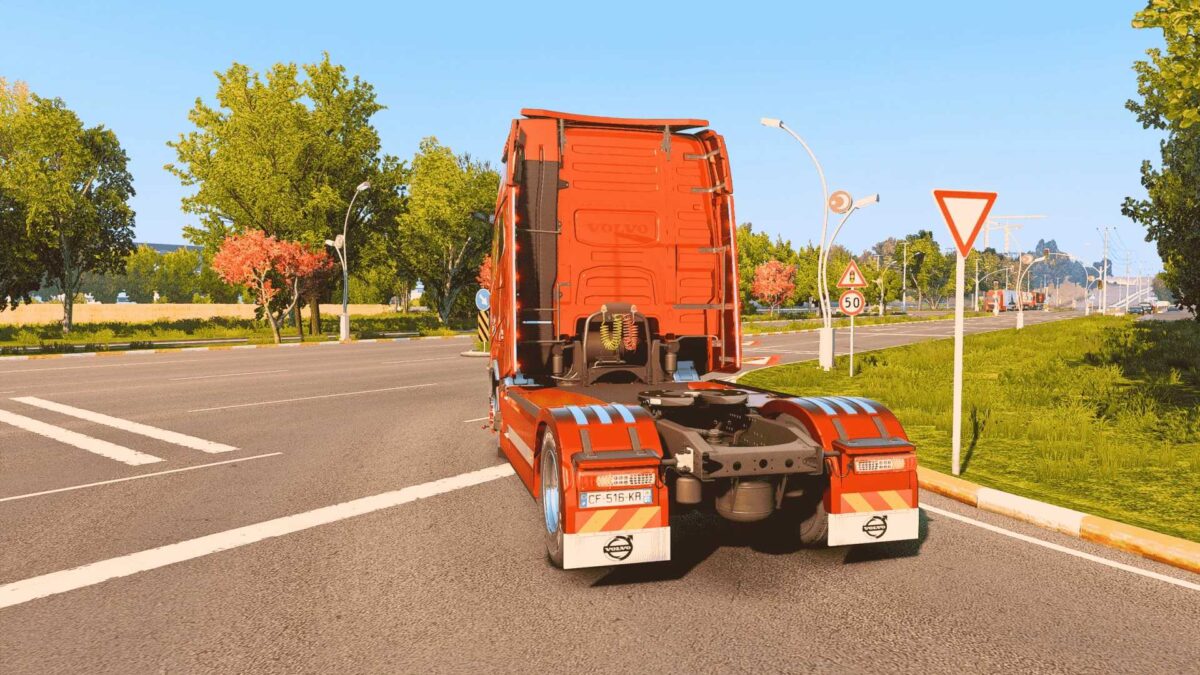
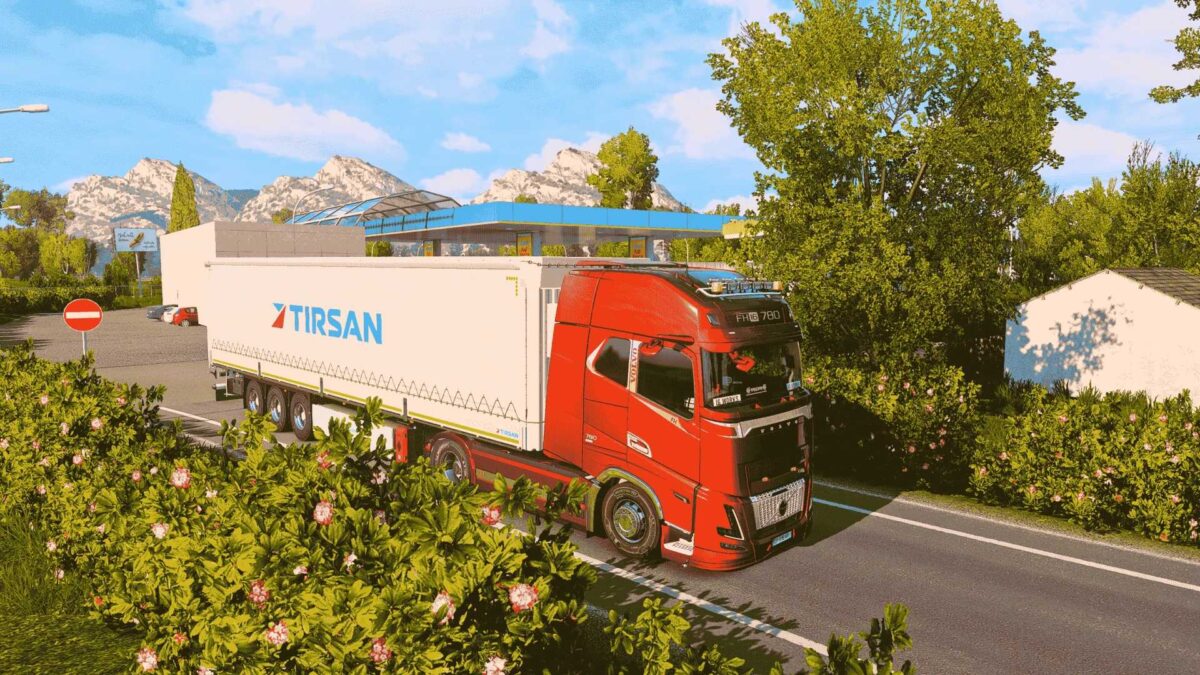
Every detail has been meticulously designed: contrast finely tuned, colors saturated just right, ambient light adding depth, with a subtle bloom and a touch of film grain. It’s cinematic by night and artwork by day. This is more than an upgrade — it’s a metamorphosis.
And the cherry on top? It doesn’t compromise the spirit of ETS2 — it enhances it. The driving experience is now more immersive than ever. Every trip feels like being in photo mode, and each rest stop resembles a serene movie scene. This isn’t just a mod — it’s artistry.
Bid farewell to those bland, lifeless visuals. With this ReShade, ETS2 is entering a new golden age. Give it a shot — and you’ll see exactly what I mean.
Wishing you safe travels, truckers.
Credits: IG WORKS @2025-2026
How to Install ETS2 or ATS Mods
Installing mods in Euro Truck Simulator 2 is straightforward. Download your mod from here, then copy or unzip the files into the “My Documents\Euro Truck Simulator 2\mod” folder. If you are playing ATS, place the mods in the “My Documents\American Truck Simulator\mod” folder. You can use WinRAR or 7zip for extraction. After that, activate the mods you wish to use.