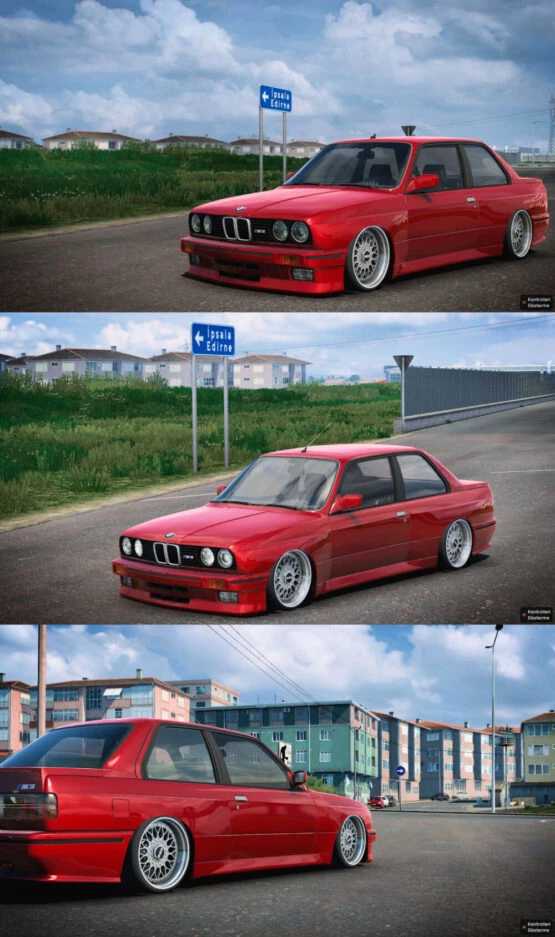
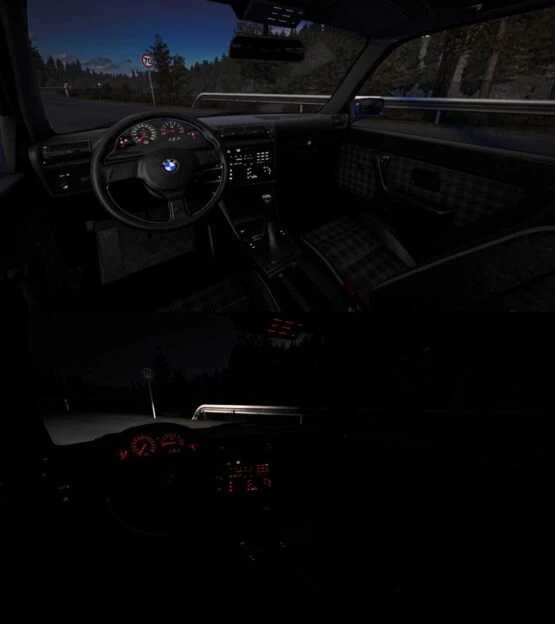
BMW M3 E30 1.54-1.55 ETS2
CHANGELOG:
Updated for game versions 1.54-1.55
– High-Quality Model
– Ambient Occlusion (Ao)
– Sound Enhancements
– Two Distinct Wheel Options
Credits: Mert İrşi, Sound by Nimit-Slav Jerry
Installation Instructions for ETS2 or ATS Mods
Installing mods in Euro Truck Simulator 2 is straightforward. Simply download the mod from here and place the files in the “My Documents\Euro Truck Simulator 2\mod” directory. For American Truck Simulator, use the “My Documents\American Truck Simulator\mod” folder. You can use WinRAR or 7zip to extract files. After placing the files, activate the mods you wish to use.